Skip to content
  • Facebook
  • X (Twitter)
  • Instagram
  • YouTube
  • TikTok
  • LINE

Workshop Course "Hands-on Crypto Transfer" 2026 registration is now open. Click here!

  • Shop
  • Learn
  • Product
  • Compare
  • Collection
  • Contact Us
Login
  • Facebook
  • X (Twitter)
  • Instagram
  • YouTube
  • TikTok
  • LINE
  • English English
Search
BitcastBitcast Black LogoBitcast Mobile LogoBitcast White LogoBitcast White Logo
  • ShopShop
  • LearnLearn
  • ProductProduct
  • CompareCompare
    • Safe 3 vs Safe 5

  • CollectionCollection
  • Contact UsContact Us
    • Leave Message

    • Claim product

  • English English
Search Login Cart 0
Cart

Your cart is currently empty.

Not sure where to start?
Try these collections:

  • Continue shopping
Spend 1,000.00 ฿ more to reach free shipping!
    Order special instructions
    Estimate shipping
    Discount
      Tax included. Shipping calculated at checkout.
      Subtotal
      0.00 ฿ THB
      Recently viewed
      Search

      We use cookies.

      This website uses cookies to ensure you get the best experience and to analyze data.

      Home Shop 0 Cart
      Account
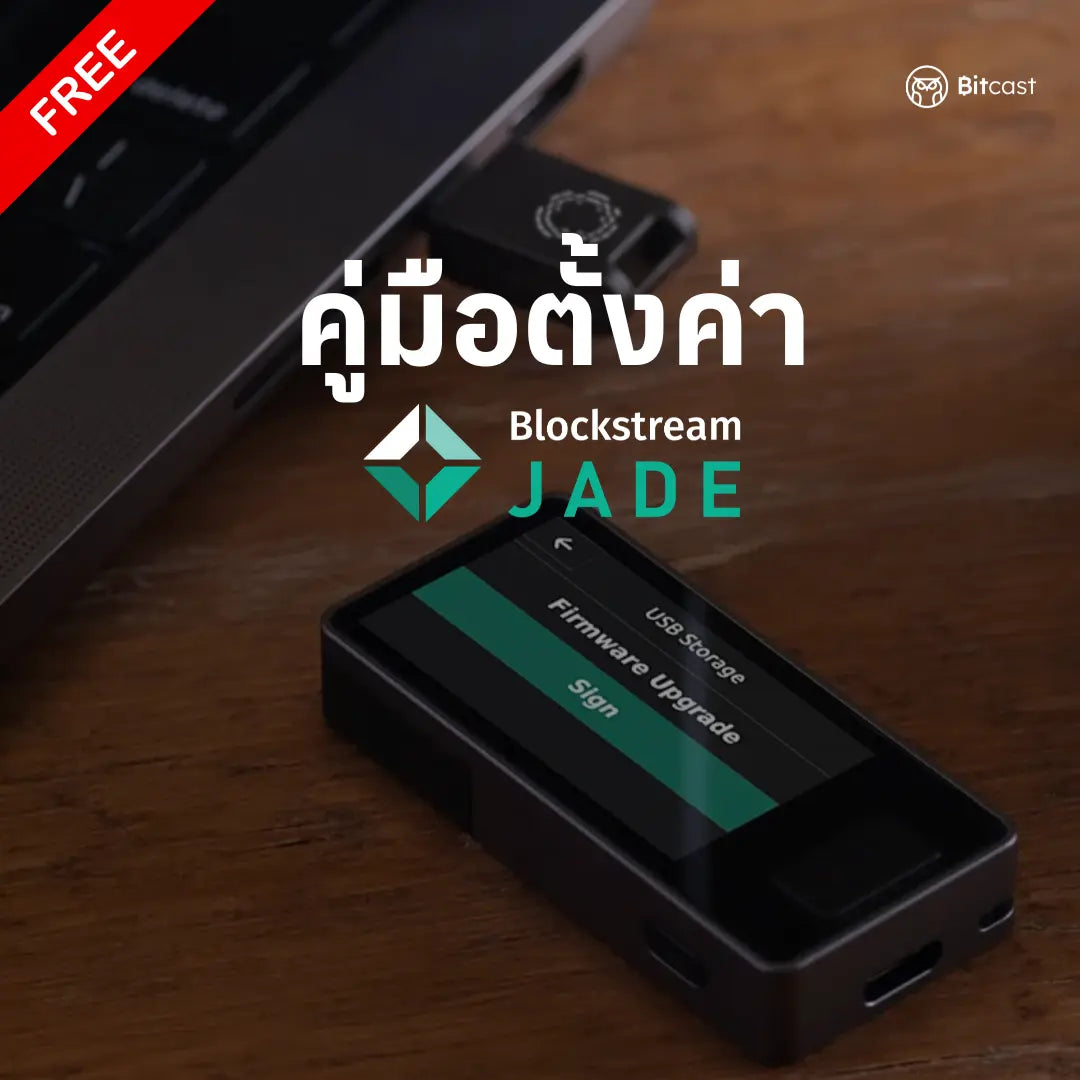
      คู่มือการตั้งค่า Blockstream Jade ฉบับบภาษาไทย - Bitcast
      คู่มือการตั้งค่า Blockstream Jade ฉบับบภาษาไทย - Bitcast

      Vendor:Bitcast

      Blockstream Jade Setup Guide in Thai

      0.00 ฿
      4.0

      1 review 1 total reviews

      เข้ากันได้ดีกับ

      1-year warranty

      Genuine product from the manufacturer

      Free express delivery on all orders. Cut-off time is noon.

      If defective within 7 days, we will replace it immediately.


      แชร์:

      • Share on Facebook
      • Share on X
      • Share by Email
      แชร์
      แชร์
      • Facebook Share on Facebook
      • X (Twitter) Share on X
      • E-mail Share by Email
      People often buy with

        Blockstream Jade Setup Guide

        Part 1: Initial Setup

        • Required Devices
        • Included Components
        • Button Usage
        • Screen Status (Uninitialized/Initialized/Active)

        Part 2: Setting up Jade

        • Powering on and Charging the Battery
        • Select Setup Type (Begin Setup/Advanced Setup)
        • Create Seed Phrase (12 or 24 words)
        • Record and Confirm Seed Phrase
        • PIN Setup

        Part 3: Connecting to the Application

        • Download Blockstream BTC Wallet (Green)
        • Connect via Bluetooth
        • Device Pairing
        • Genuine Check

        Part 4: Unlocking Jade

        • 3 Unlock Methods:
          • USB
          • Bluetooth
          • QR Code (Air-gapped)

        Part 5: Bitcoin Transfer Guide

        • Step 1: Prepare Hardware Wallet
          • Create an Address to Receive Coins
        • Step 2: Transfer from Binance
          • On-Chain Withdrawal
          • Fill in Details and Confirm Transfer
        • Step 3: Check Transaction
          • Track Transfer Status
          • Confirm Coin Receipt in Jade
        คู่มือการตั้งค่า Blockstream Jade ฉบับบภาษาไทย - Bitcast

        Blockstream Jade Setup Guide in Thai

        0.00 ฿
        Customer Reviews

        Based on 1 review
        Write a review
        0%
        (0)
        100%
        (1)
        0%
        (0)
        0%
        (0)
        0%
        (0)
        อ
        อภิศาล พรมพิลา

        คู่มือการตั้งค่า Blockstream Jade ฉบับบภาษาไทย

        ติดตามข่าวสาร

        เพื่อให้คุณไม่ต้องพลาดข่าวสารและบทความเกี่ยวกับฮาร์ดแวร์วอลเล็ตและบิทคอยน์

        Free Express Delivery

        We ship with EMS by Thailand Post every parcels

        Genuine 100%

        We are authorized reseller in Thailand

        Our staff ready to assist you

        We care you before and after purchase

        BitcastBitcast White Logo

        Quick Links
        • Home
        • Article
        • Products
        • Review
        • Course
        • Manual
        • Beginner
        • E-book
        Brand
        • Trezor
        • OneKey
        • Blockstream
        • Foundation
        • Coinkite
        • Bitcast
        Inquiries

        +66(0)811622847

        sale@thaibitcast.com

        Line: @bitcast

        Stay updated with Bitcast.

        • Facebook
        • X (Twitter)
        • Instagram
        • YouTube
        • TikTok
        • LINE
        © 2026 Bitcast. Powered by Shopify
        • Refund policy
        • Privacy policy
        • Terms of service
        • Shipping policy
        • Contact information
        • Choosing a selection results in a full page refresh.
        • Opens in a new window.
        ★ Reviews

        Let customers speak for us

        193 reviews
        Write a review
        92%
        (177)
        6%
        (12)
        1%
        (1)
        1%
        (2)
        1%
        (1)
        173
        19
        m
        Trezor Safe 3 แท้ ราคา 3,790 บาท | ประกันไทย แถมกระเป๋า Bitcast
        mw
        เรียบง่าย สะดวก ไม่ต้องชาร์จแบต

        basic and simple มาก
        อาจจะไม่สะดวกเท่ารุ่นใหม่ๆ (ที่เป็นแบบ touch screen) แต่ก็ไม่ต้องชาร์จแบตให้ยุ่งยาก ราคาไม่เท่ากันแต่ก็ตอบวัตถุประสงค์เดียวกัน

        m
        Mini Workshop: จับมือตั้งค่า Hardware Wallet + โอนเหรียญ (4 ชั่วโมงจบ)
        mw
        ง่าย สะดวก พาหัดทำ กันพลาด

        ดีมาก เข้าใจ ทำเองได้ง่ายๆ มีคู่มือให้อยู่แล้วเพื่อกันลืมเวลาไปทำเอง
        เหมาะสำหรับมือใหม่ อ่านคู่มือแล้วไม่มั่นใจว่าจะทำยังไง กลัวพลาด อยากได้คนตอบคำถามและไกด์ให้ตอนทำ
        แค่เสียดายที่เวลาพูดคุยกันน้อยไปนิด

        W
        Trezor Safe 3 แท้ ราคา 3,790 บาท | ประกันไทย แถมกระเป๋า Bitcast
        Wudthichai Wongkumnon

        Trezor Safe 3 แท้ ราคา 3,790 บาท | ประกันไทย แถมกระเป๋า Bitcast

        ว
        Trezor Safe 5 กระเป๋าฮาร์ดแวร์หน้าจอสัมผัสของแท้ ประกันศูนย์ไทย แถมกระเป๋า Bitcast
        วชิระ สุขเกษม
        จัดส่งเร็ว บริการหลังการขายดีเยี่ยม

        จัดส่งเร็ว บริการหลังการขายดีเยี่ยม

        อ
        Blockstream Jade Core — ฮาร์ดแวร์วอลเล็ต Bitcoin Only สำหรับผู้เริ่มต้น
        อาฬสา หุตะเจริญ

        ใช้งานง่ายค่ะ ไม่มีความรู้เยอะ ก็ใช้งานได้สะดวก

        123
        Review picture
        ไม่ระบุชื่อ
        ใช้งานง่ายและปลอดภัย

        เพียงแค่เสียบอุปกรณ์เปิดการเชื่อมต่ออัตโนมัติ หาก DCA Bitcoin ทำเดือนละครั้งเป็นเรื่องง่ายที่ทุกคนจำได้และเพียงพอต่อการใช้งาน ลองโอน lightning เก็บเข้ากระเป๋า เมื่อลองเปิดกับเครื่องอื่นๆ เหรียญติดตามไปกับ hardware ที่เราใช้เปิดกับ
        เครื่องนั้นๆครับ

        OneKey Mini
        Review picture
        ศิริวรรณ หิรัญยพิสุทธิกุล
        OneKey Mini

        ได้สั่งซื้อ OneKey Mini มา หลังจากได้รับสินค้า ก้ได้ทดลองใช้พบว่า มีปุ่ม อัพ ^ ที่เหมือนแปลกๆ กดแล้ว มันย้อนกลับ เหมือนกดปุ่ม < เลยได้แจ้งทาง Bitcast ไป ซึ่งทางพี่บิท ก้น่ารักมาก ให้ส่งสินค้ากลับไป และเปลี่ยนตัวใหม่มาให้ทันทีเลยค่ะ (พร้อมทั้งจ่ายค่าส่งสินค้าคืนมาให้ด้วยค่ะ) และได้ทดลองใช้ตัวใหม่เรียบร้อยแล้วค่ะ โอเคเลย ขอบคุณมากค่ะ 😊🙏

        OneKey Mini
        Review picture
        ศ.ม.
        ONEKEY CLASSIC

        ของส่งถึงเร็วครับ คืนเดียวถึงพิษณุโลก​ได้รับของตอนเย็น
        ใช้งานง่ายครับ ง่ายกว่าledgerเยอะเลย

        OneKey Classic 1S — ราคาดี มีแบตเตอรี่ ต่อมือถือได้ (แถมซองหนัง)
        Review picture
        ประธาน สรนันต์ศรี
        OneKey Mini

        สินค้าดี วัสดุดี พอใจมาก
        (ผมมือใหม่ OneKey Mini เป็นตัวแรก กำลังศึกษาการใช้งาน)
        ขอบคุณครับ

        OneKey Mini
        Review picture
        seedawz phonin
        กุญแจกรักษาความปลอดภัย

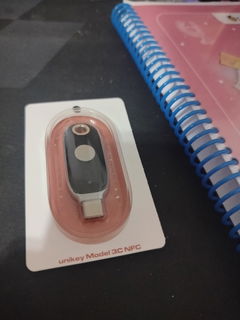
        ใช้งานได้ง่ายมากครับถ้าใช้บนมือถือแค่เสียบเข้าไปแล้วเปิด OTG ก็สามารถใช้ได้เลยและยังใช้ได้กับหลากหลายแอปพลิเคชันเช่น X, gmail, facebook การจัดส่งรวดเร็วแปปเดวของถึงมือประทับใจมากครับ

        unikey Model 3C -Security Key(USB Type C) ไม่สามารถใช้ NFC ได้