



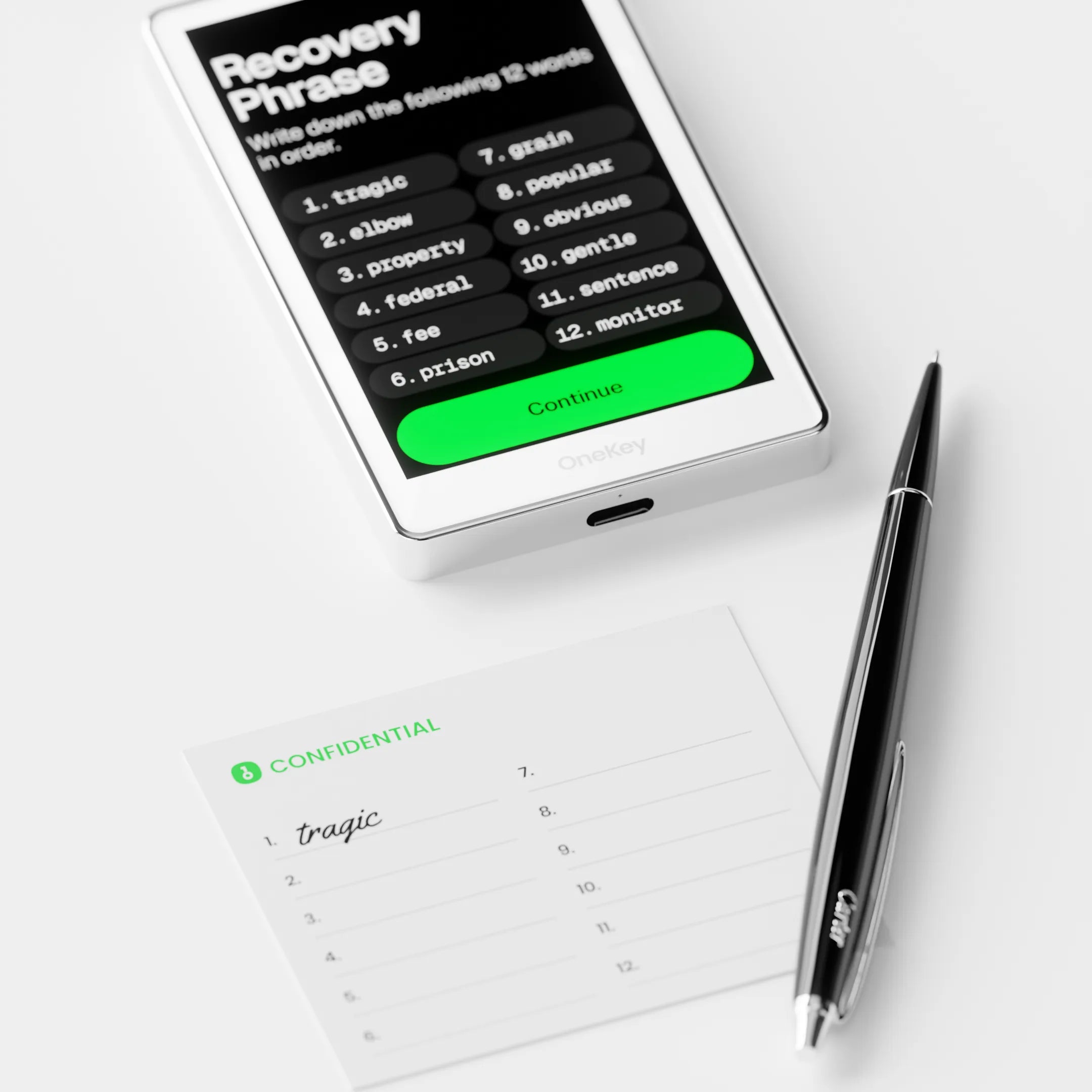
Chapter 2 Fundamental Knowledge
Understand the differences and importance of Private Keys and Seed Phrases, including how to manage your Seed Phrase securely.
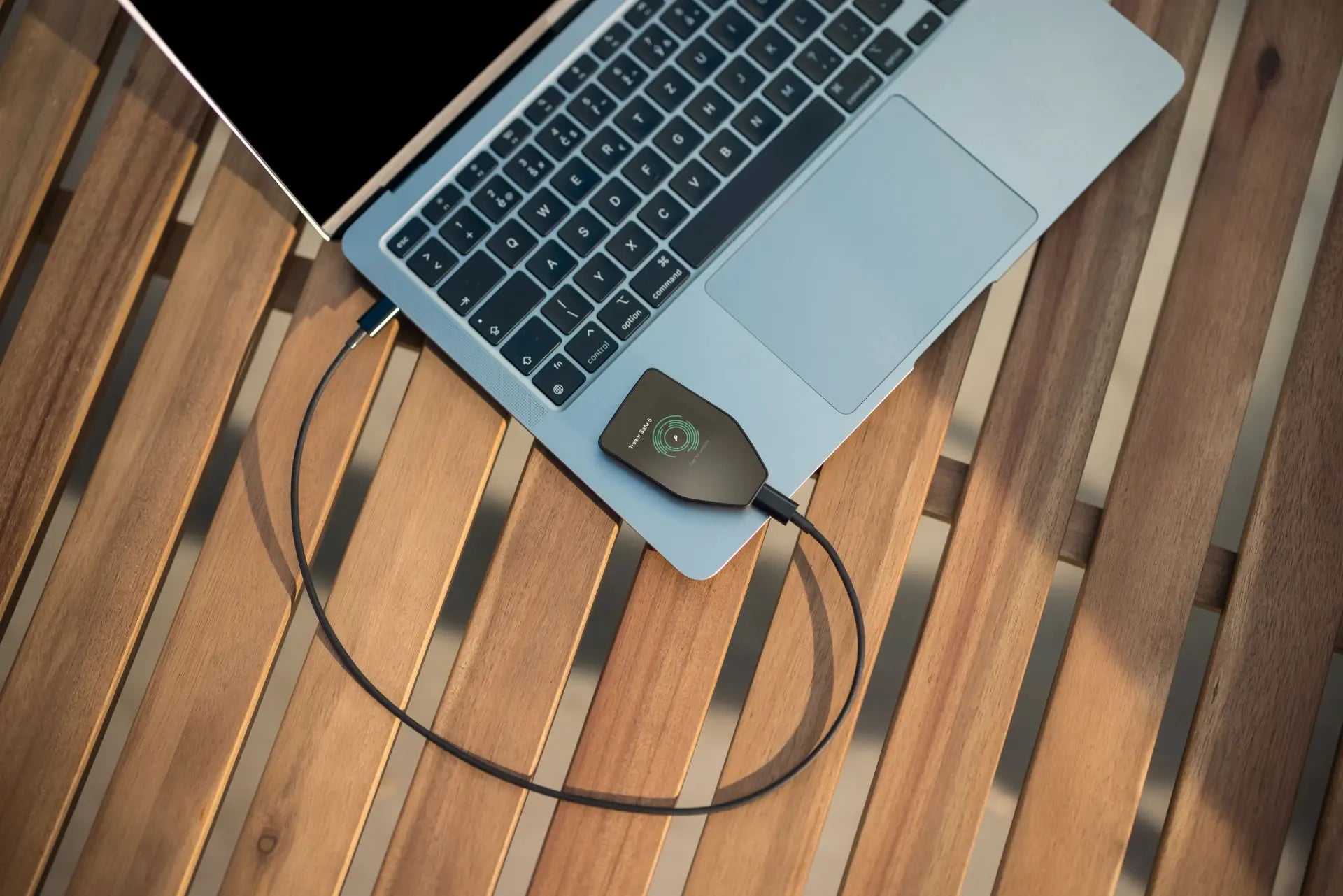
Chapter 3: Getting Started with Hardware Wallets
Guide to setting up a new device (e.g., OneKey, Trezor), including unboxing, verifying authenticity, installing/updating firmware, setting a PIN, and backing up the Seed Phrase.
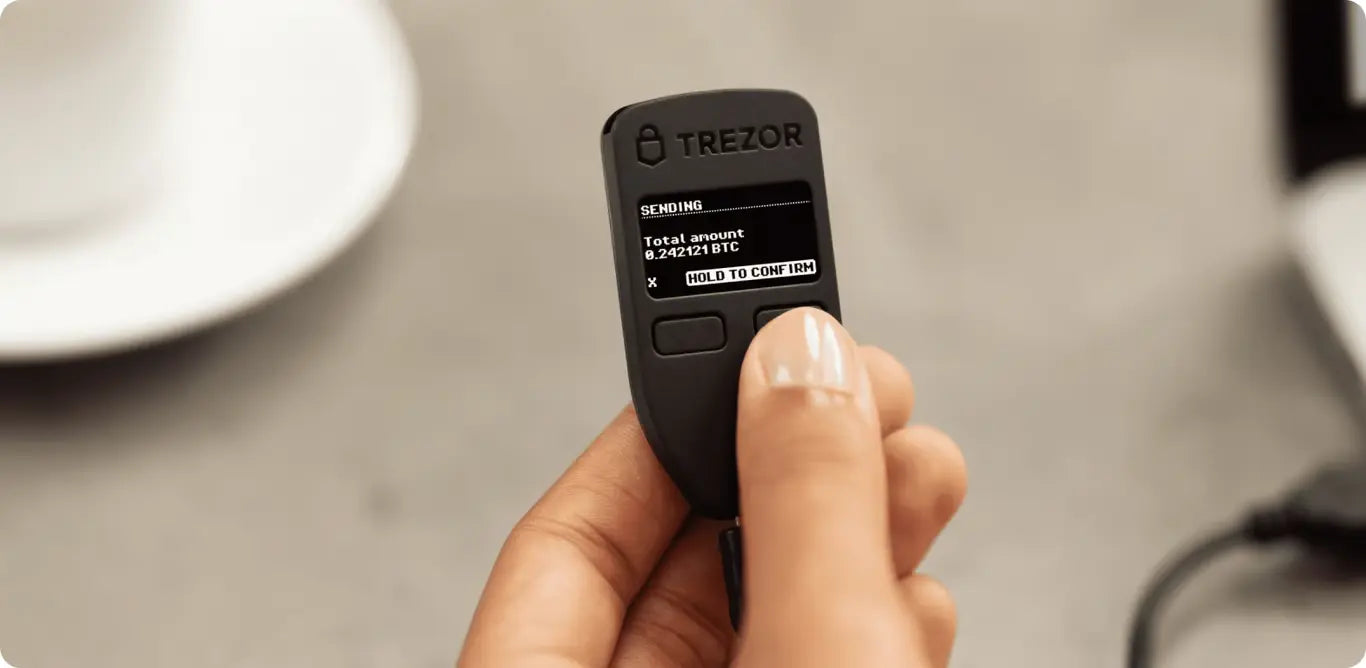
Chapter 4: Token Transfer
Learn how to securely transfer crypto between a hardware wallet and an exchange, covering sending/receiving coins, checking transaction status, transferring Bitcoin (4.1), storing Stablecoins (4.2), and using it with MetaMask (4.3).
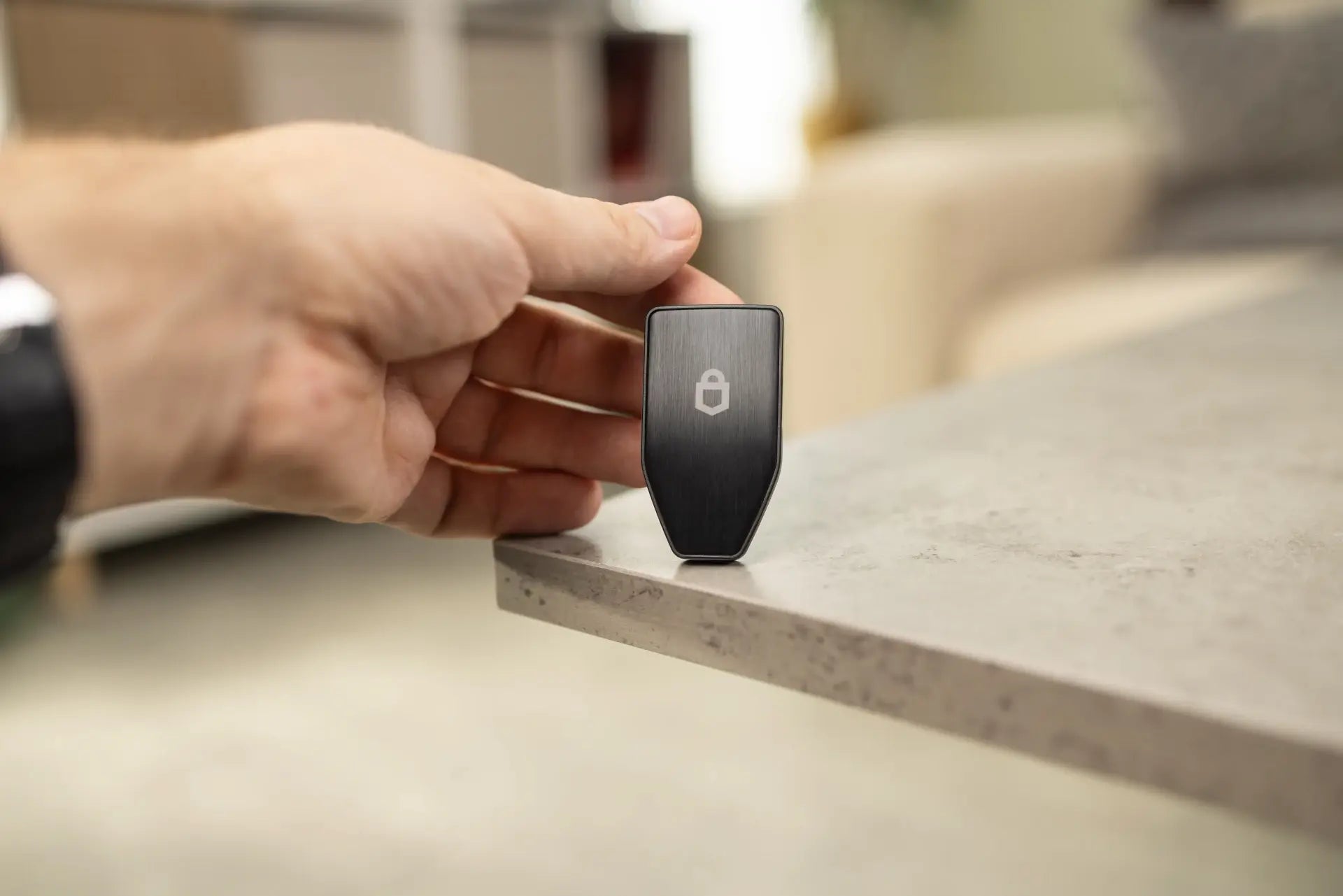
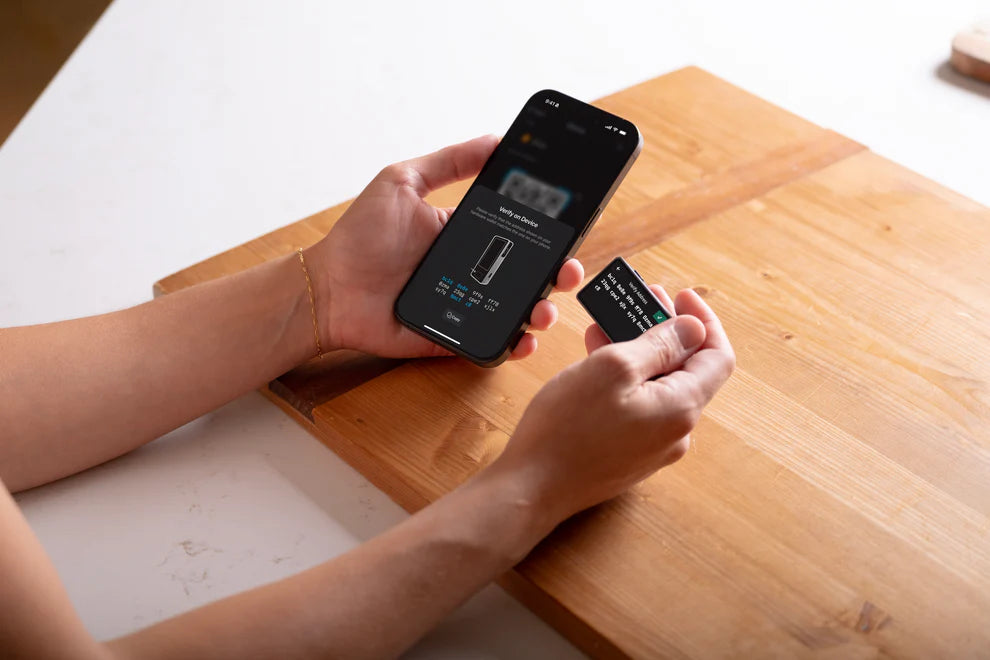
Chapter 4.1 How to transfer Bitcoin to and from an Exchange using OneKey
Learn detailed steps on how to transfer Bitcoin between a OneKey Hardware Wallet and an Exchange, covering how to verify the Bitcoin address on the Exchange, confirm transactions on the Hardware Wallet, check network fees, and track transaction status.
Chapter 4.2 How to Transfer Coins and Store Stablecoins in a Hardware Wallet
Explain the importance of Stablecoins and how to store them in a hardware wallet, focusing on choosing the appropriate network (e.g., ERC-20, TRC-20, BEP-20), fee differences, and the steps to add a token contract to a hardware wallet.
Chapter 4.3 How to Use OneKey with MetaMask
Learn how to connect your OneKey Hardware Wallet to MetaMask to enhance transaction security. This guide covers installing the MetaMask Extension, adding your hardware wallet, creating new addresses, and confirming transactions via your hardware wallet when used with MetaMask.
Free E-Book download
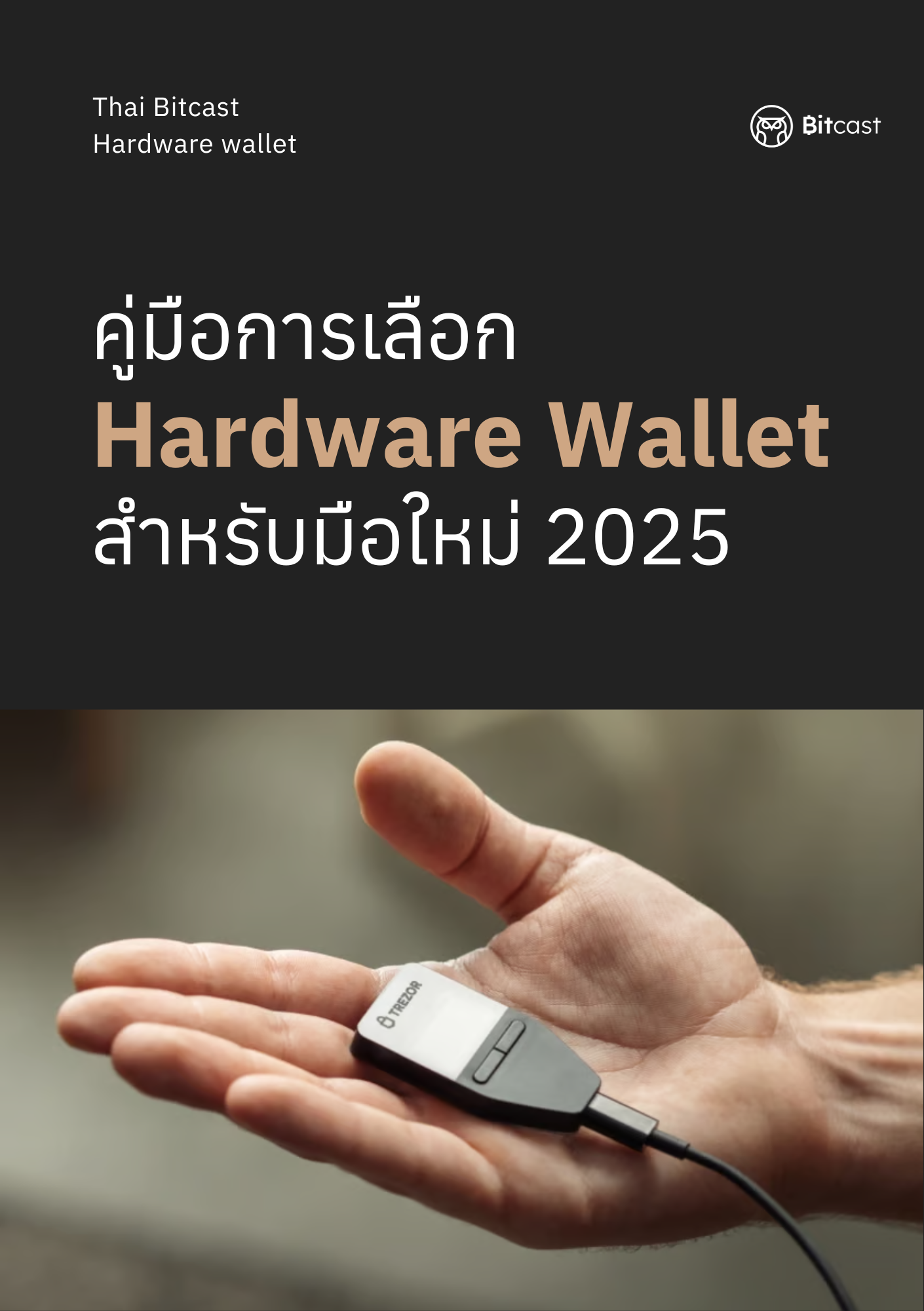
Hardware Wallet Selection Guide for Beginners
🔐 Start protecting your digital assets with confidence
"Not your keys, not your coins" is a timeless phrase for those who truly want to "hold their own."
📘 Contents:
- Explaining the difference between Custodial and Non-Custodial Wallets
- Comparing popular Hardware Wallets with their pros/cons
- Recommendations on how to choose the right Hardware Wallet for your usage style
- Includes a detailed professional comparison table
✨ Suitable for:
- Crypto beginners who want to store assets themselves
- Investors who want to understand technical security
- Anyone buying their first Hardware Wallet
📥 Free digital file (PDF), available for download immediately after purchase
📌 Created by Bitcast — Thailand's leader in digital asset knowledge and security equipment
🔐 Take control of your digital assets — securely and confidently
“Not your keys, not your coins.” This timeless phrase is more than just words — it’s the foundation of financial self-sovereignty in crypto.
📘 What’s Inside:
- Clear explanation of Custodial vs. Non-Custodial wallets
- Easy-to-follow comparison of the top Hardware Wallets
- A step-by-step guide to selecting the right wallet for your needs
- Visual comparison tables for better decision-making
✨ Perfect for:
- Beginners looking to store crypto safely and independently
- Investors curious about private key security
- Anyone buying their first Hardware Wallet
📥 Free digital download (PDF) — available instantly after checkout
🛡️ Created by Bitcast — Thailand’s #1 Hardware Wallet distributor and trusted crypto security educator
FAQs
If a hardware wallet breaks, will the coins be lost?
Coins are not stored in a hardware wallet but are recorded on the blockchain. A hardware wallet only stores the private key used to confirm ownership for moving or transferring coins.
If my hardware wallet is lost, what should I do?
The method is to buy a new hardware wallet of the same model or a different one. If you are in a hurry, you can use the Software OneKey to restore your 12/24 word Seed Phrase to regain access to your wallet, and it is recommended to transfer your assets out. This is because if your hardware wallet is compromised, there is a risk that your Seed could be stolen temporarily, leading to all your assets being stolen.
Can I recover a 12/24-word seed phrase from one brand of hardware wallet on a different brand of hardware wallet?
Yes, you can! If you already have an existing wallet, you can use the 12/24-word Seed Phrase that was previously generated from any Hardware Wallet, whether it's Ledger or Trezor. This is because the wallet address generation process for each brand adheres to the same standard: BIP39 from Bitcoinns.
Why is a Secure Element Chip important?
A Secure Element chip is a component that stores critical information such as the Master Seed and PIN, and most new hardware wallets include a Secure Element chip.
Forgot your Hardware Wallet PIN? Here's what to do:
- Reset the device via the menu or by pressing the button as per the manual.
- Set up the device again.
- Use the Seed Phrase to recover the Wallet.
I've forgotten my device unlock PIN and lost my written-down Seed Phrase. How can I fix this?
- Coins cannot be recovered.
- Coins will be permanently locked.
- Must start over with a new Wallet.