



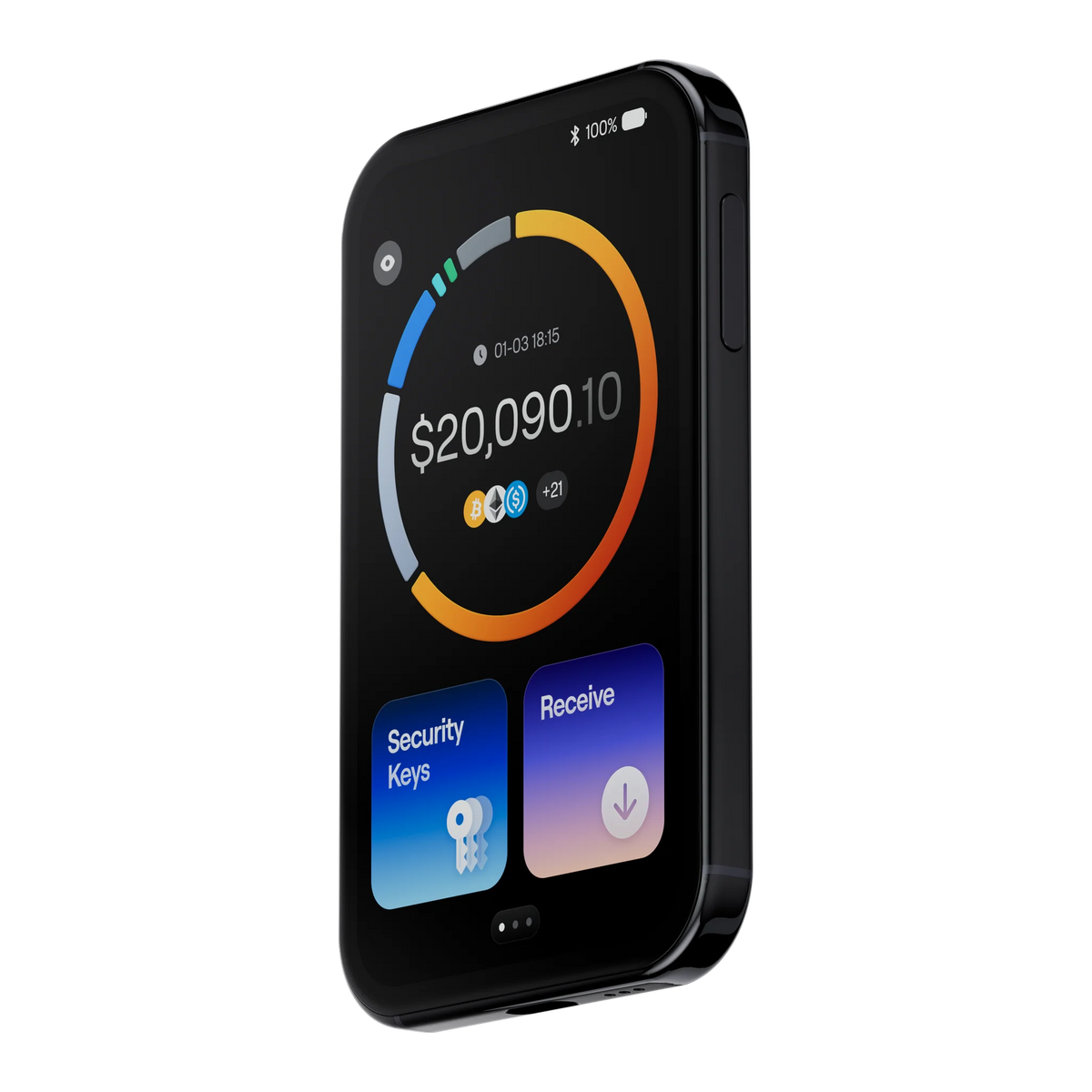
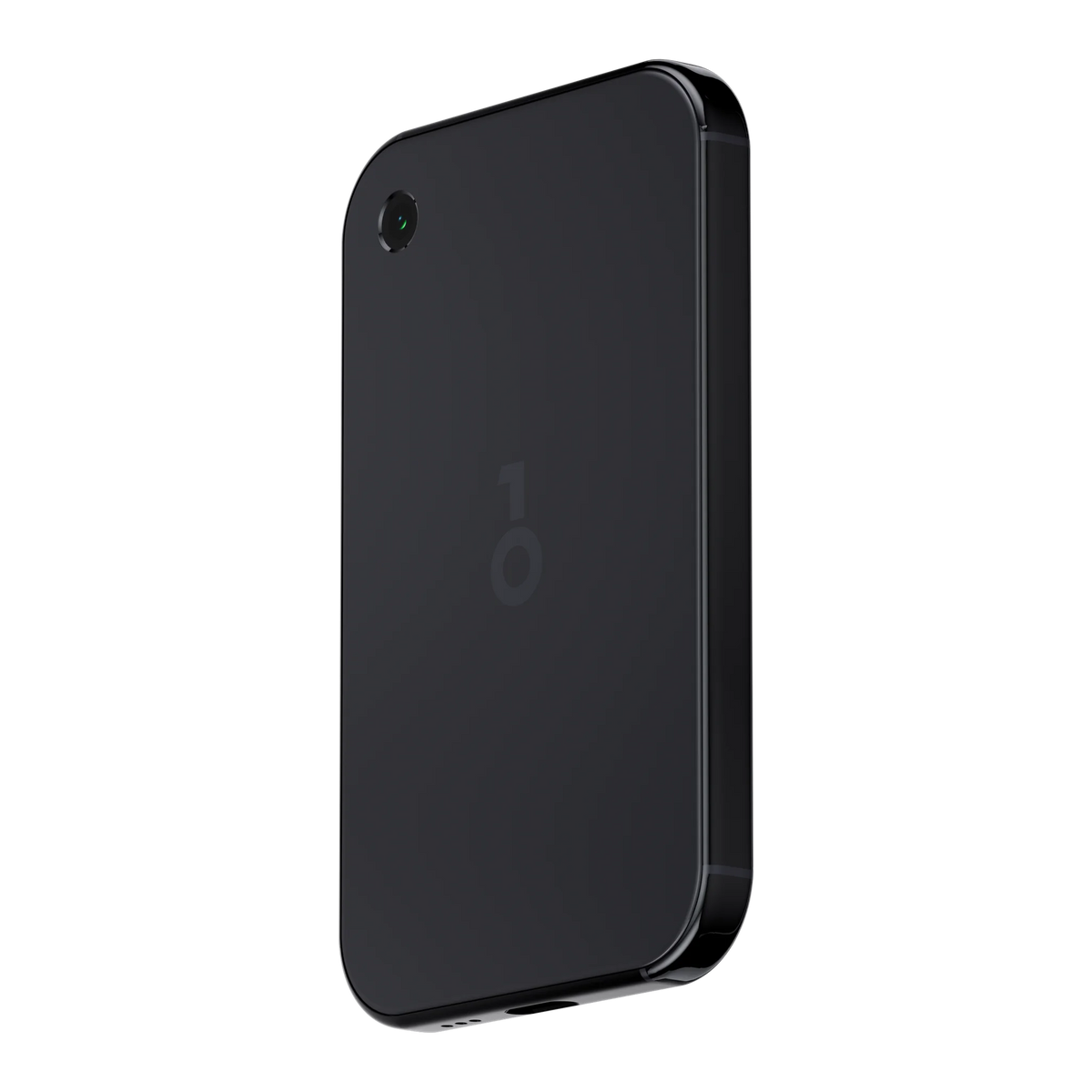
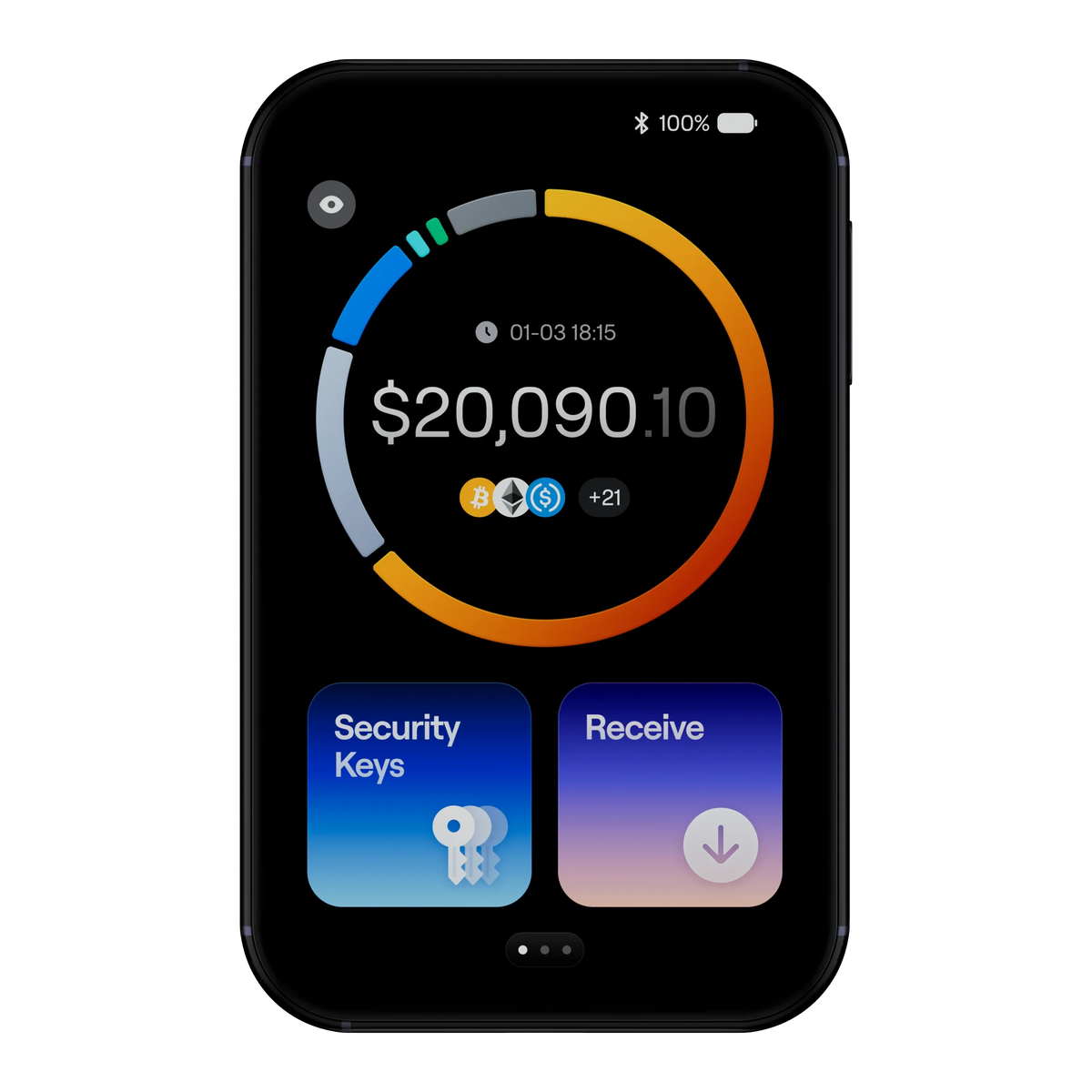

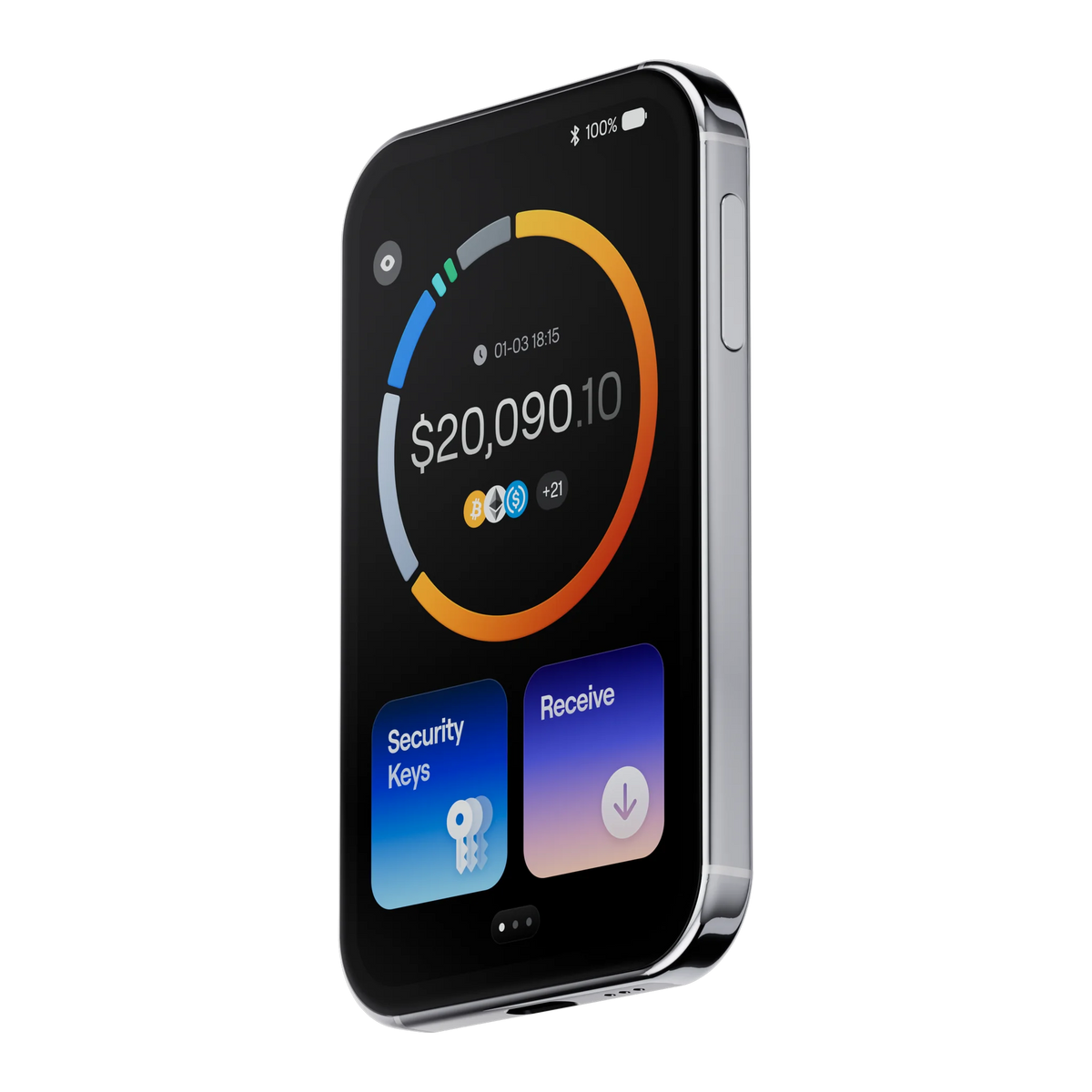
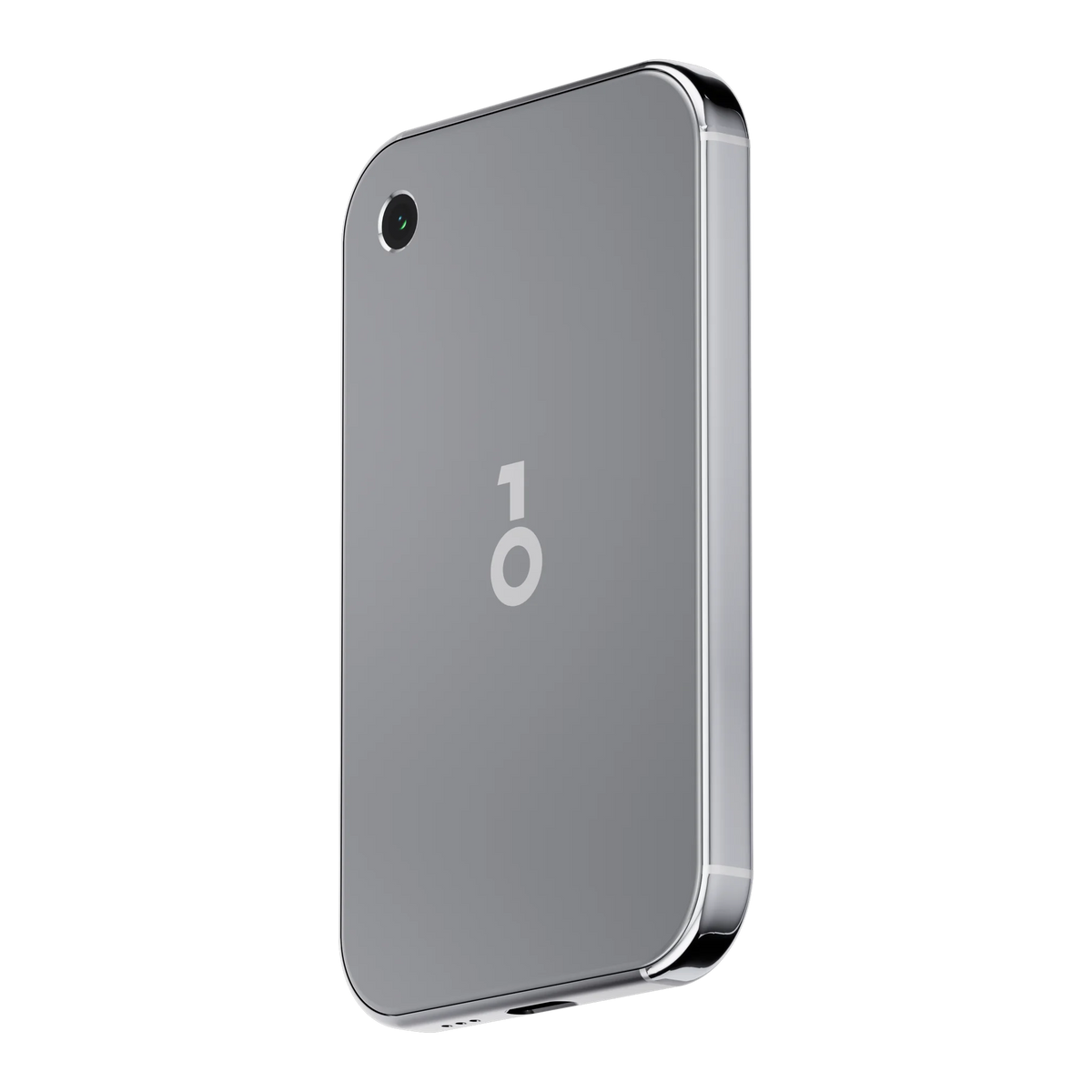

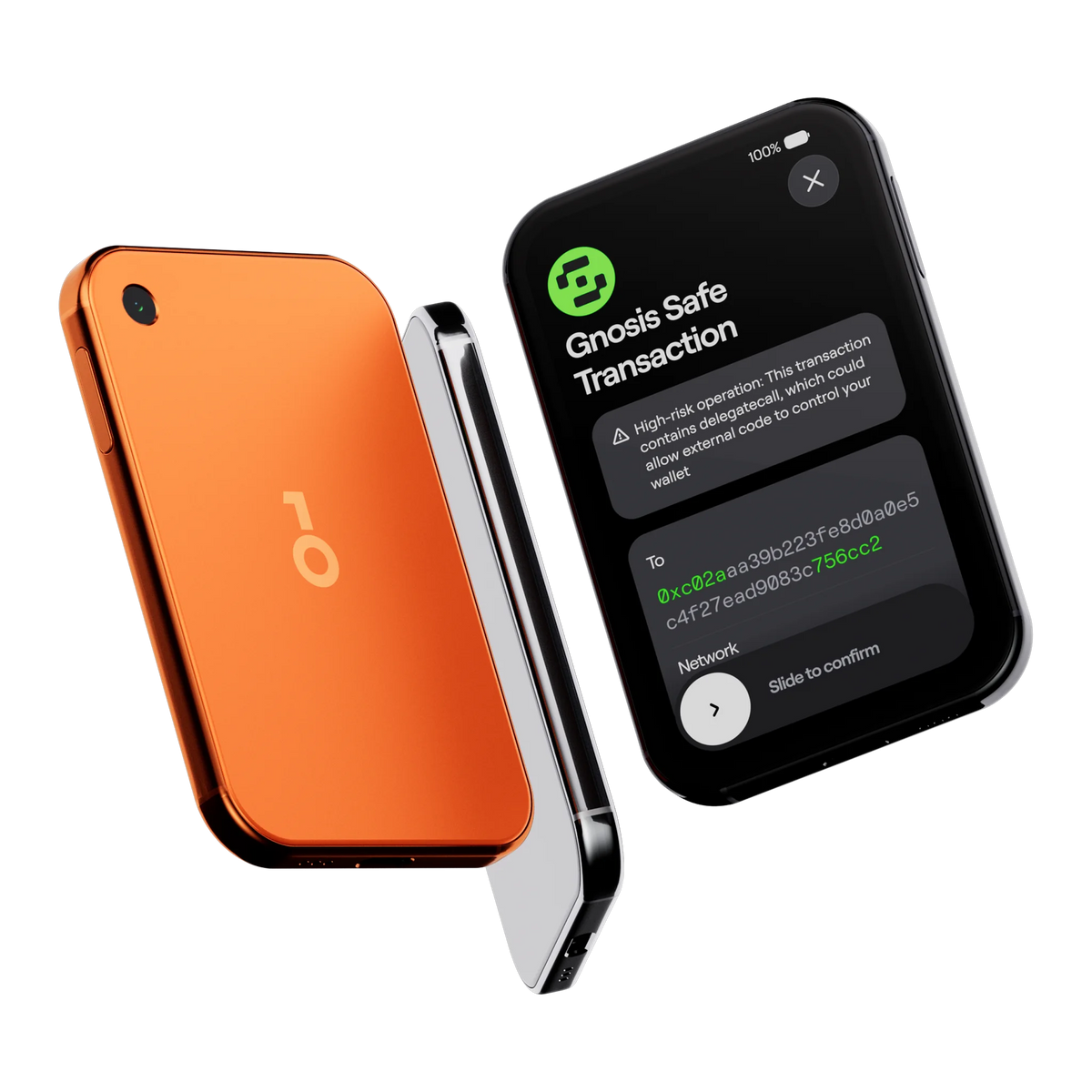
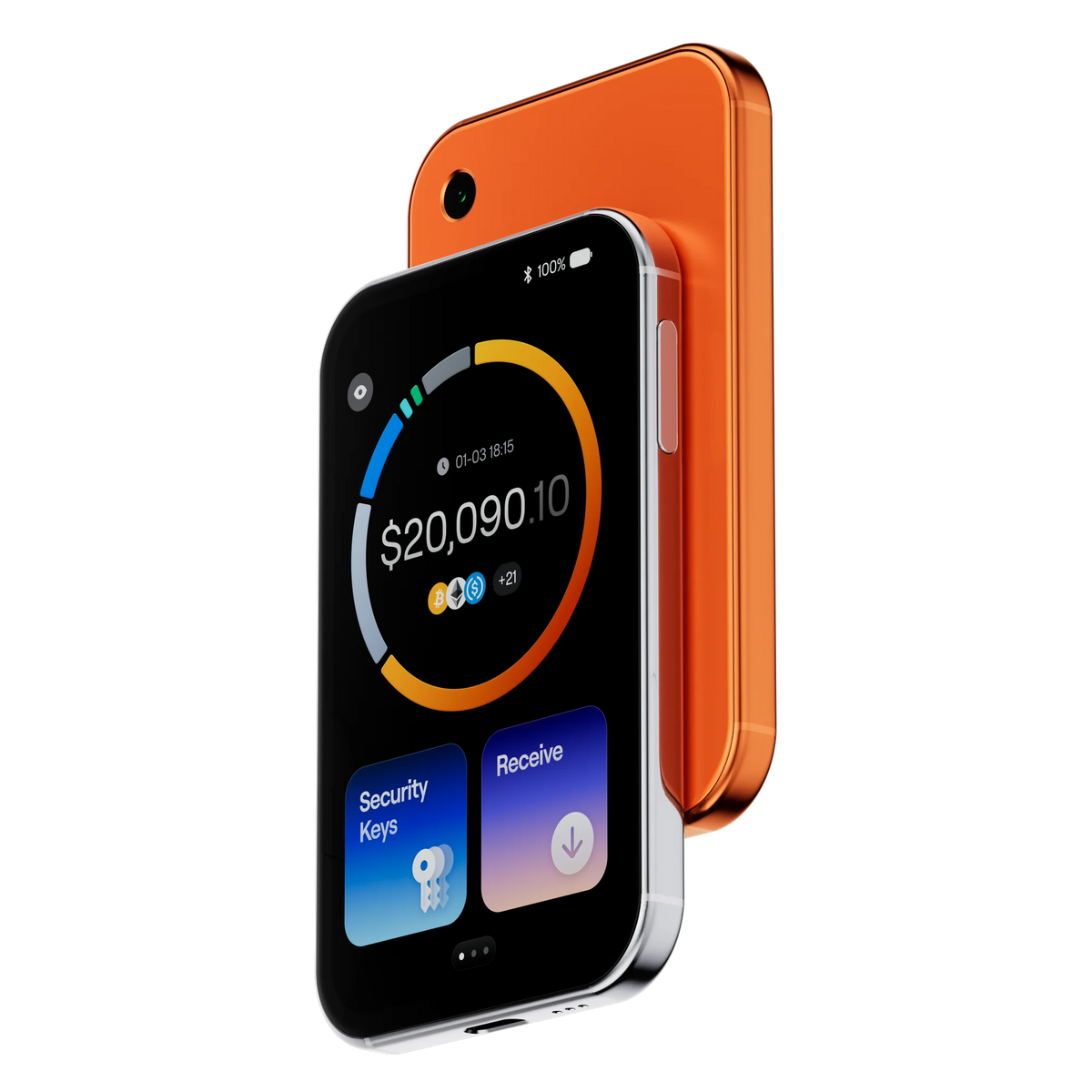
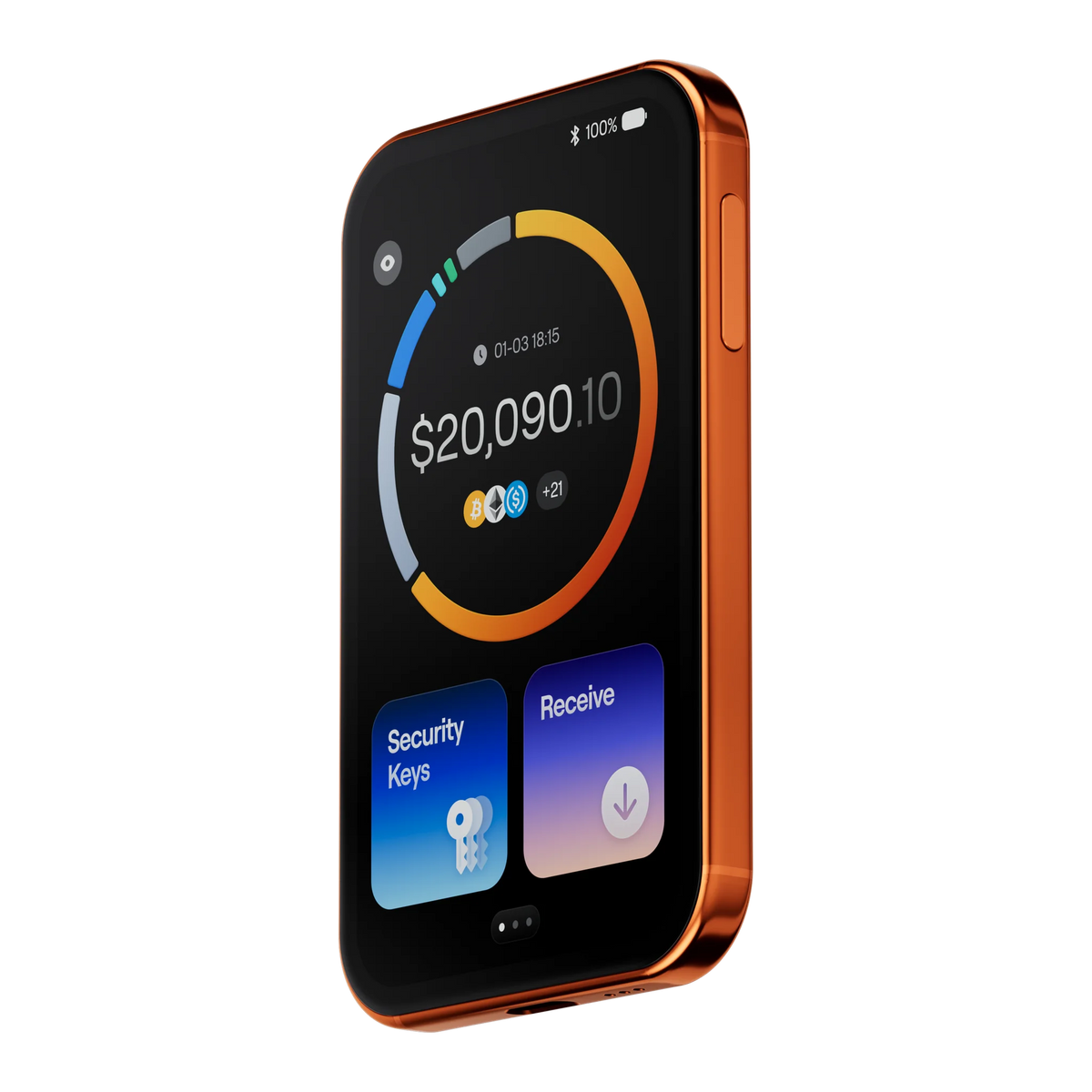
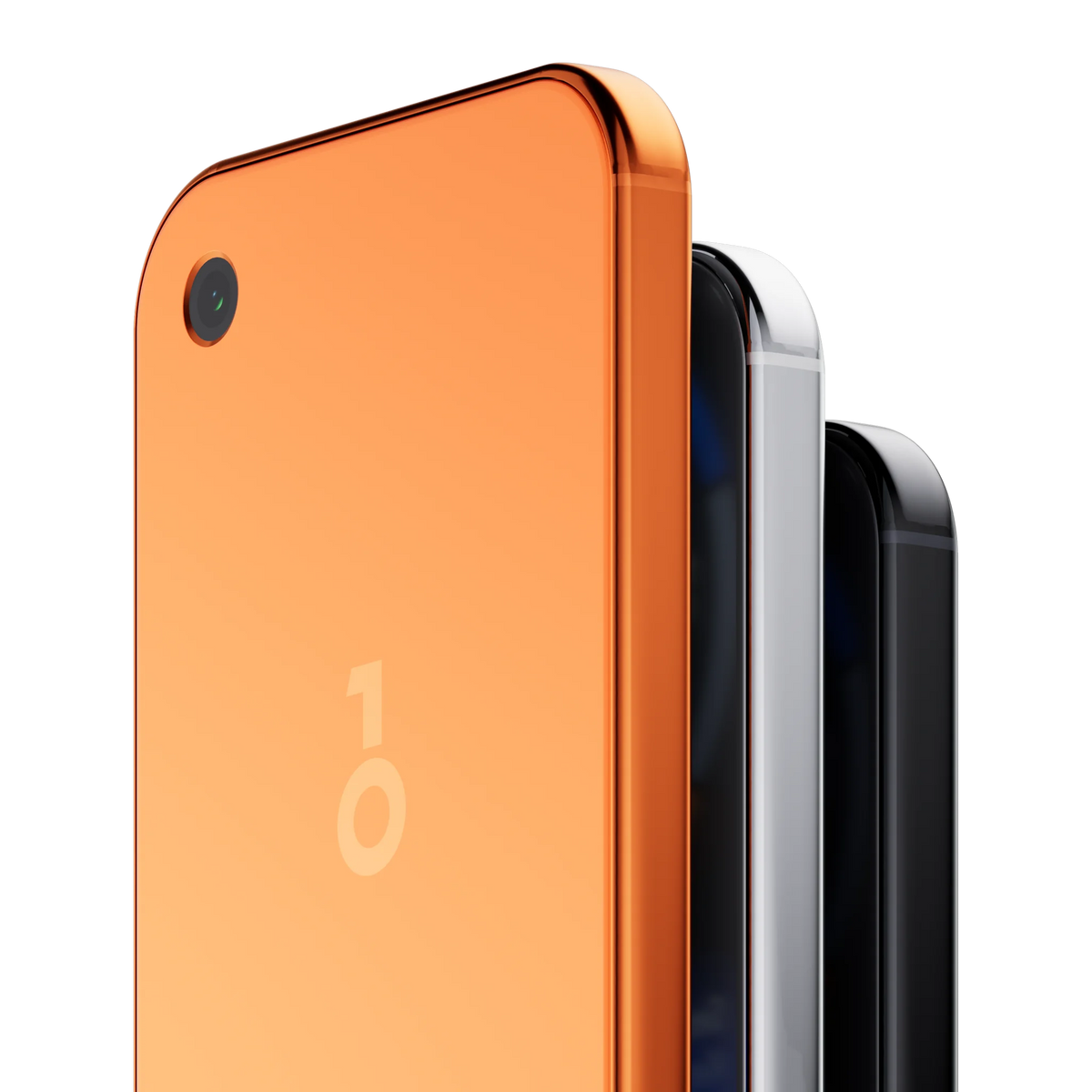
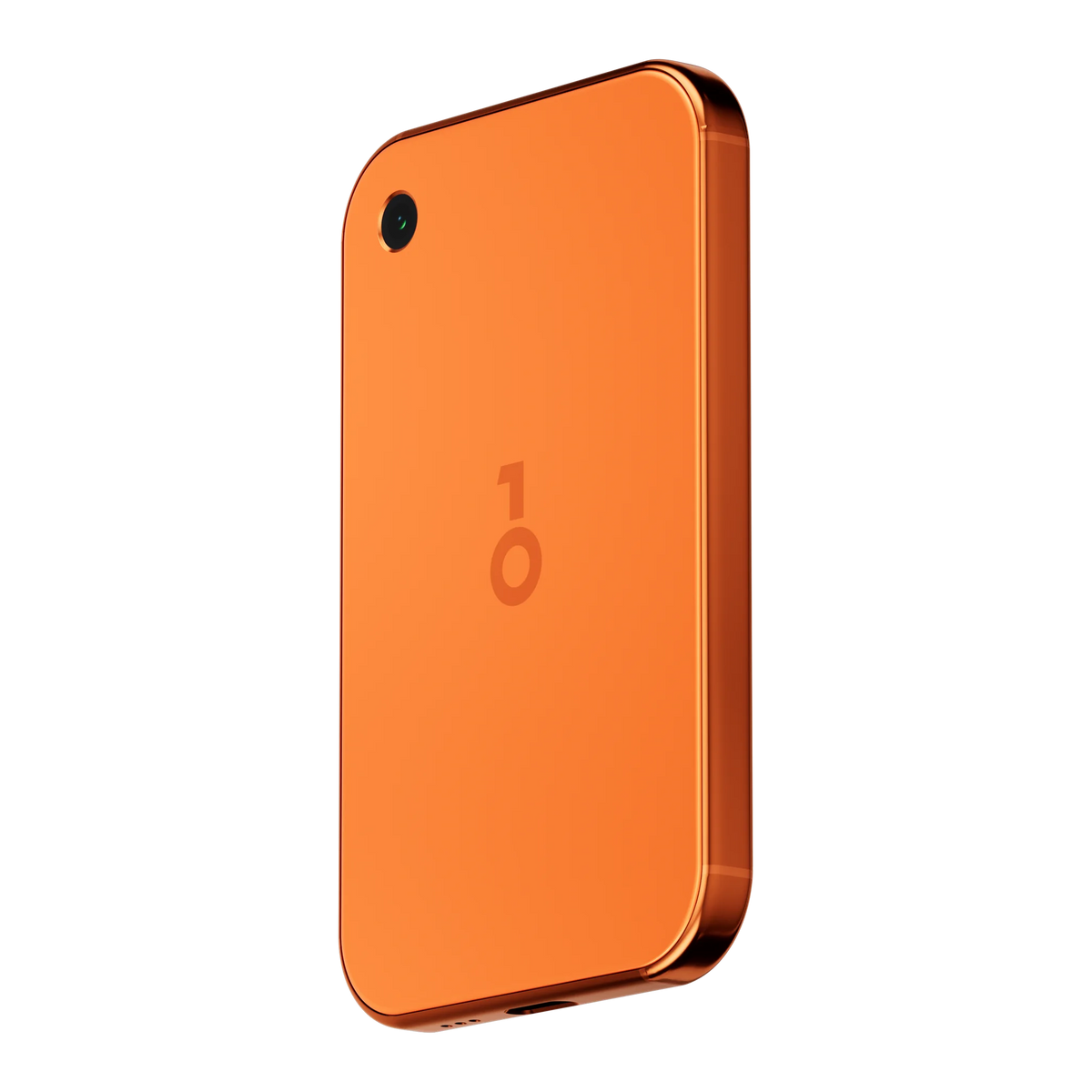
OneKey Pro 2, the new flagship model with a clearer display.
OneKey Pro 2 summary of specifications: how does it differ from the first-generation Pro?
Authentic product from an authorized distributor in Thailand
Bitcast is an official authorized retailer of OneKey. Bitcast has been committed to providing education since 2017
1-year warranty, claimable in Thailand
The product is authentic from the manufacturer and comes with a 1-year warranty. If it is defective within 7 days, a replacement will be provided immediately.
Free express shipping on all orders
All orders are shipped express via Thailand Post. If you require urgent delivery within 2 hours, please contact us via Line @bitcast
Free SeedCard included
Includes free NCF seed backup via Seed Card for easy backup and recovery
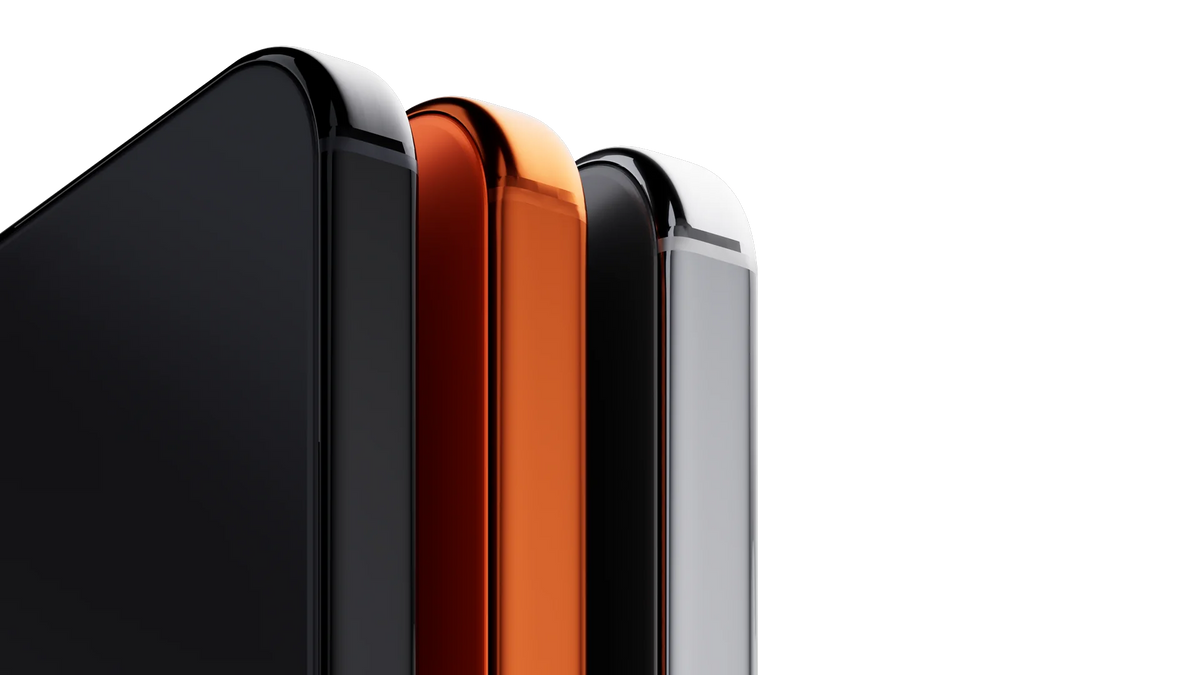
Compare OneKey Pro with Pro 2
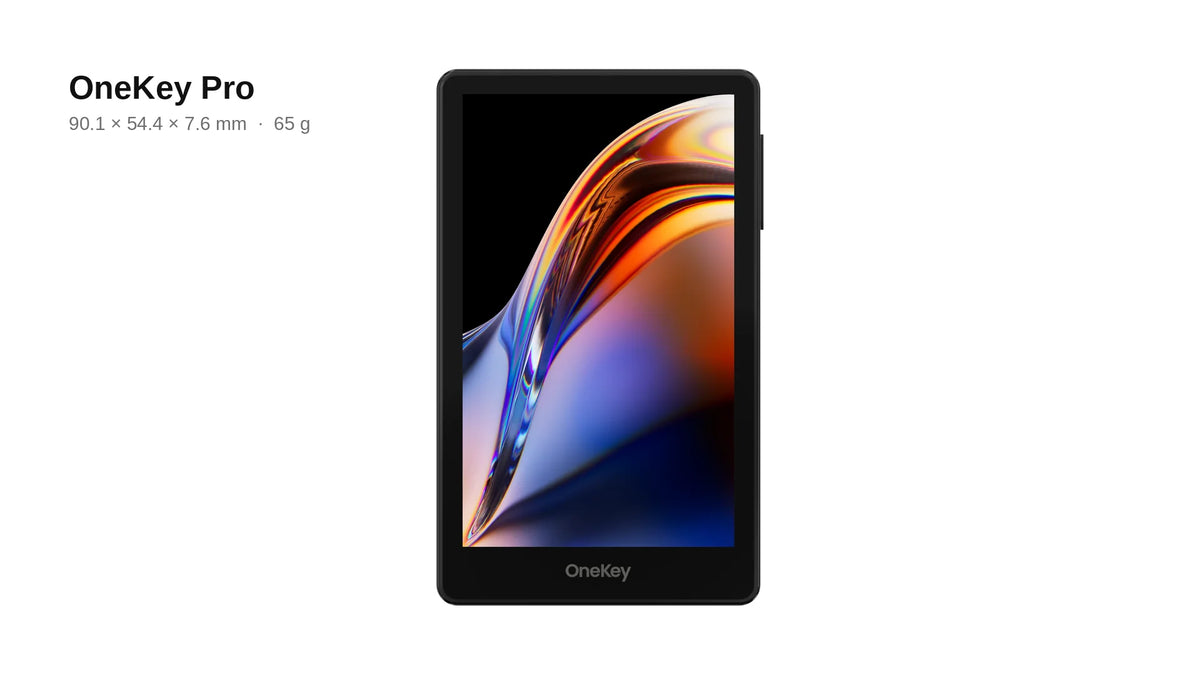
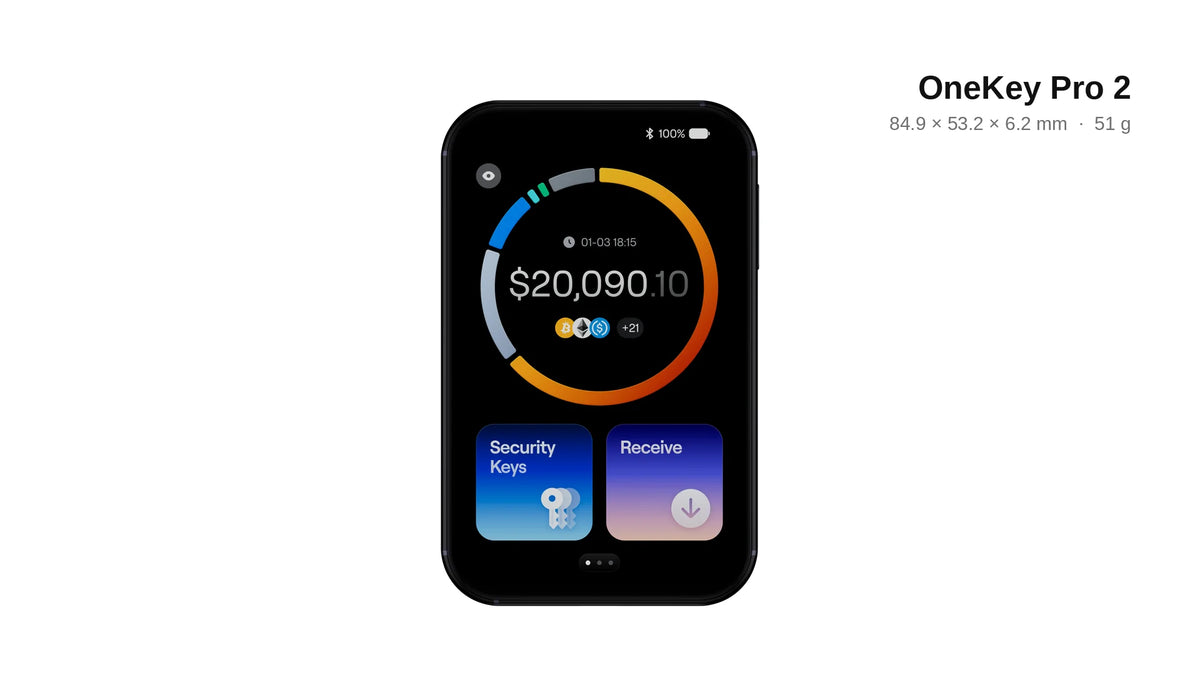
Comparison table
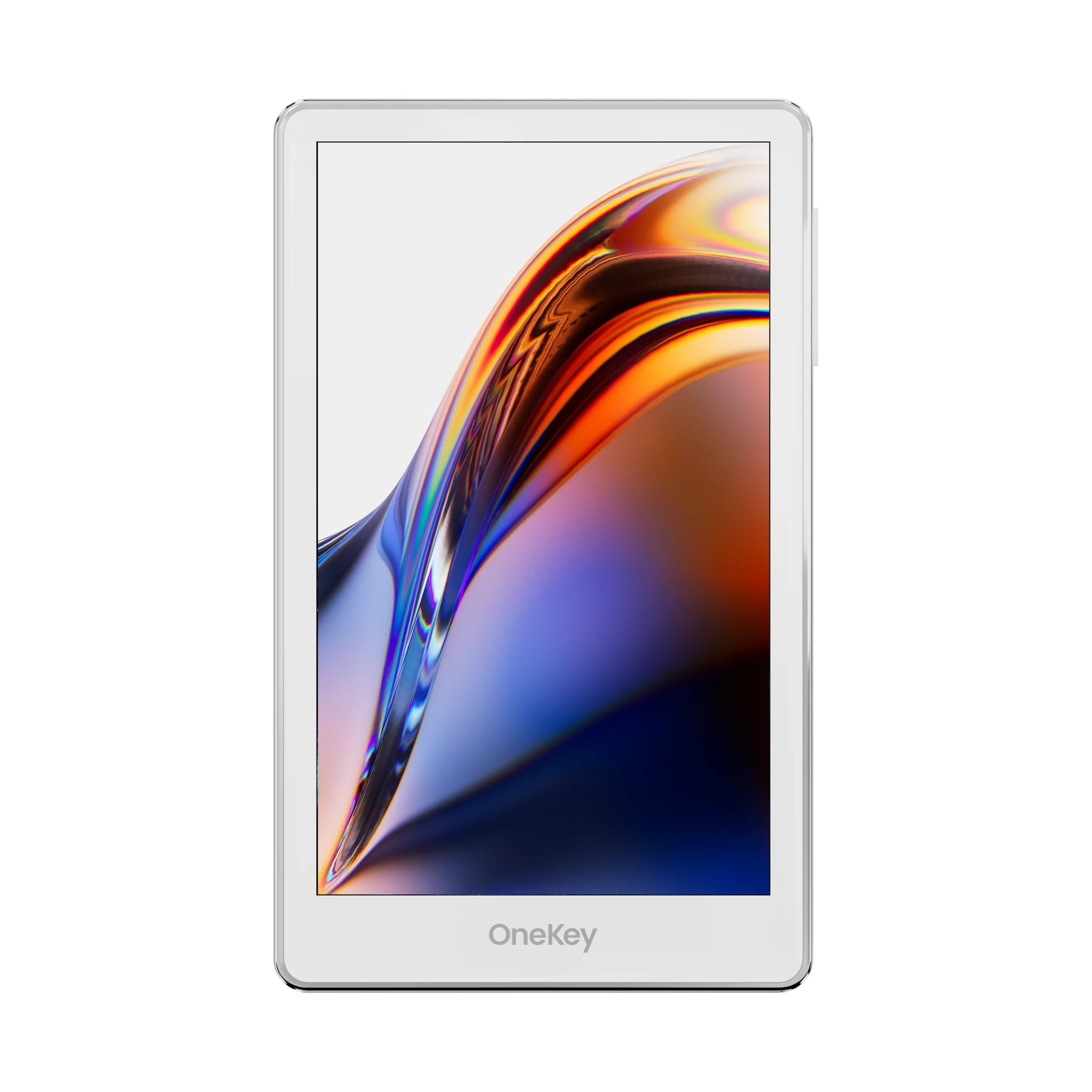
Graphite Black
Graphite Black
3.5″ IPS touch
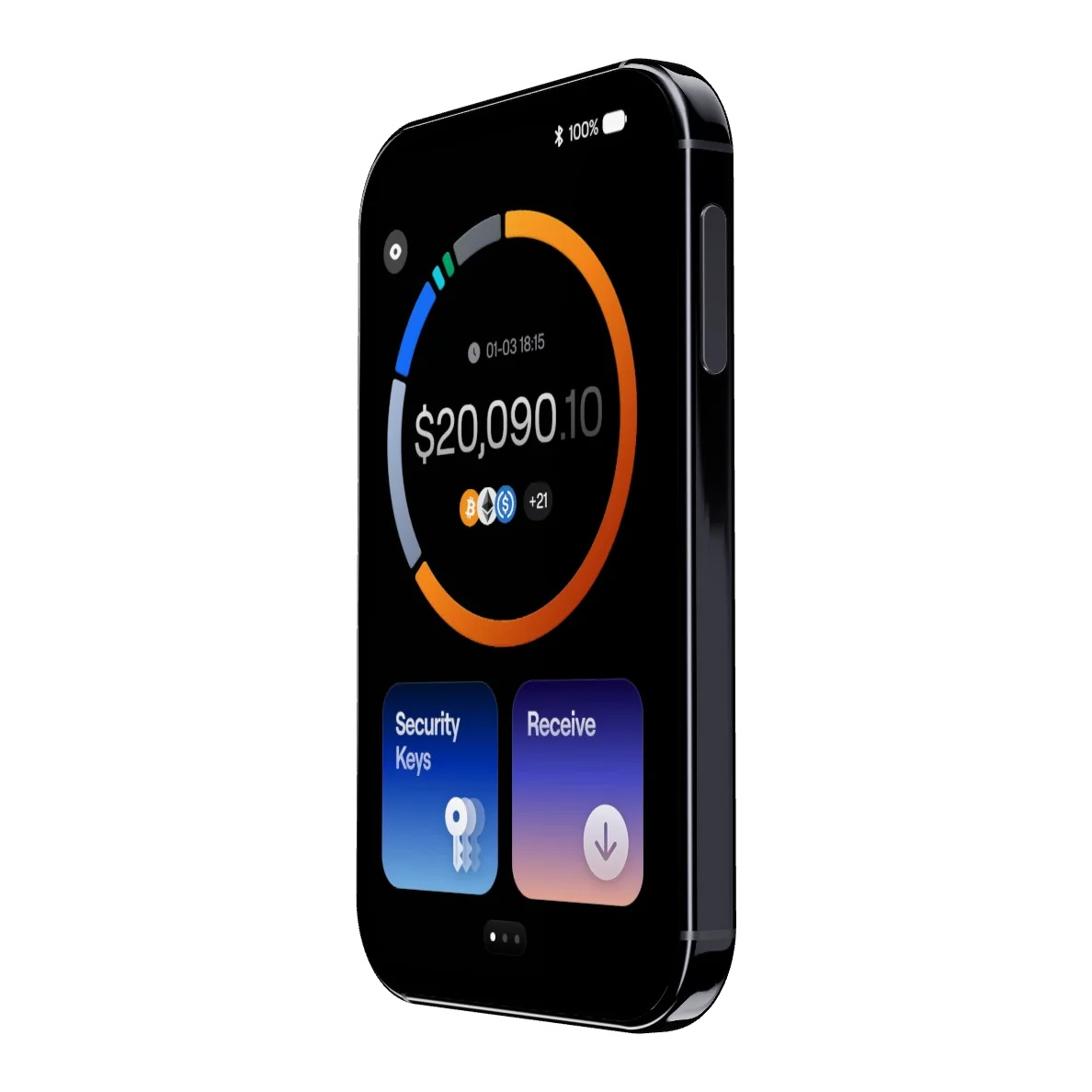
3.54″ 60Hz OLED touch
500 nits
800 nits
7.6 mm
6.2 mm
safeOS
safeOS 2
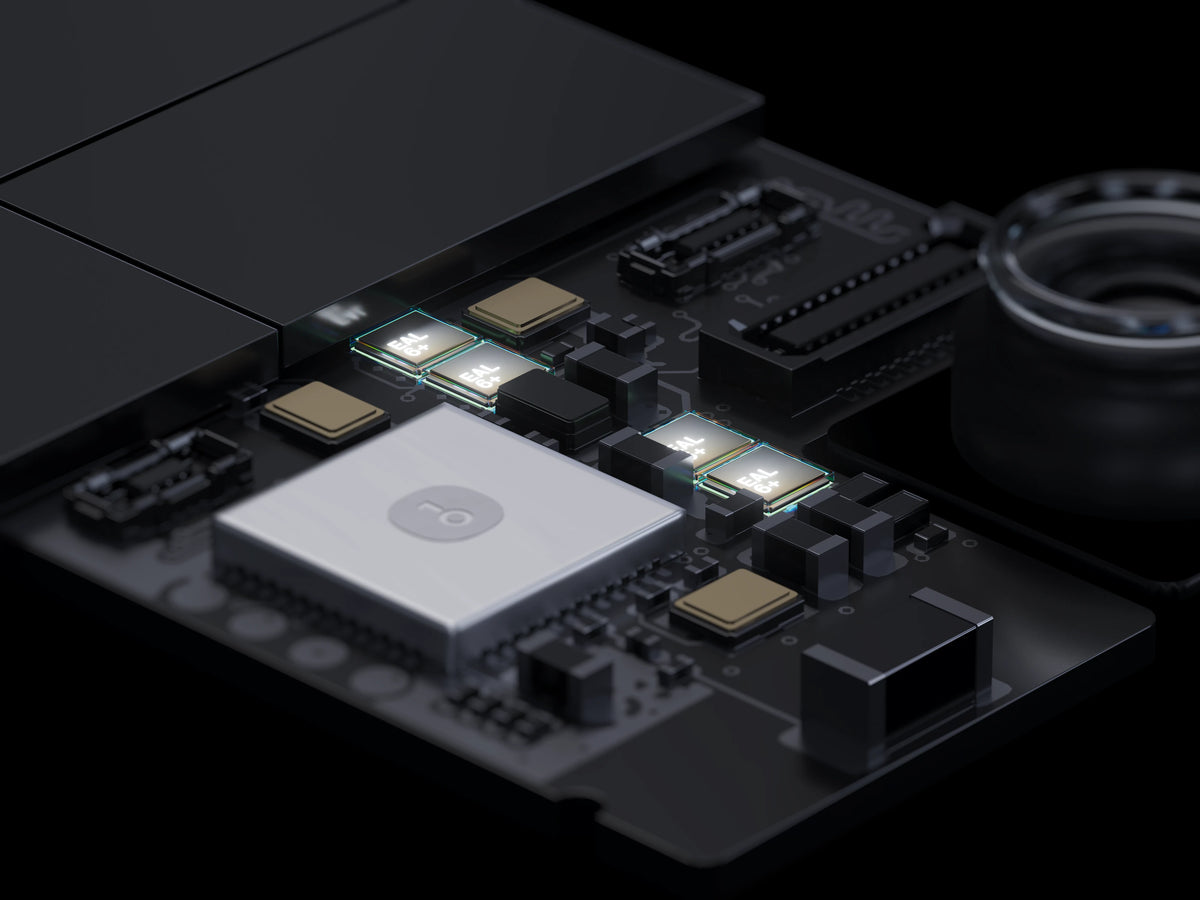
EAL6+ ×4
EAL6+ ×4
PIN / Fingerprint
PIN / Fingerprint
USB-C / Bluetooth / NFC / QR
USB-C / Bluetooth / NFC / QR
530mAh
700mAh
IP56
FIDO2 / Passkey
FIDO2 / Passkey / TOTP
16 million-color OLED touchscreen
Peak brightness (500 nits for the first generation)
High refresh rate for smooth scrolling.
Body thickness (first generation 7.6 mm)
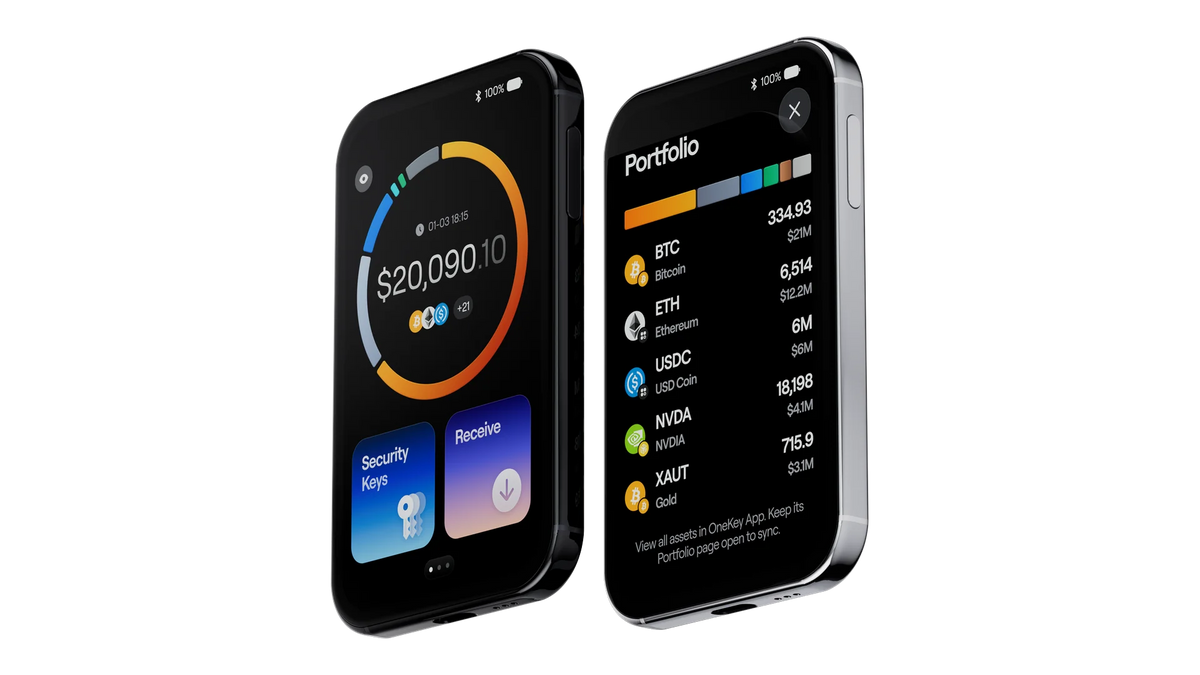
Seeing the full portfolio on the screen.
View asset overview on the device (used in conjunction with the OneKey app)
A new perspective
The user experience has changed; the layout and icons have been completely redesigned for better readability.
You can change the background.
Customize your background to reflect your personality
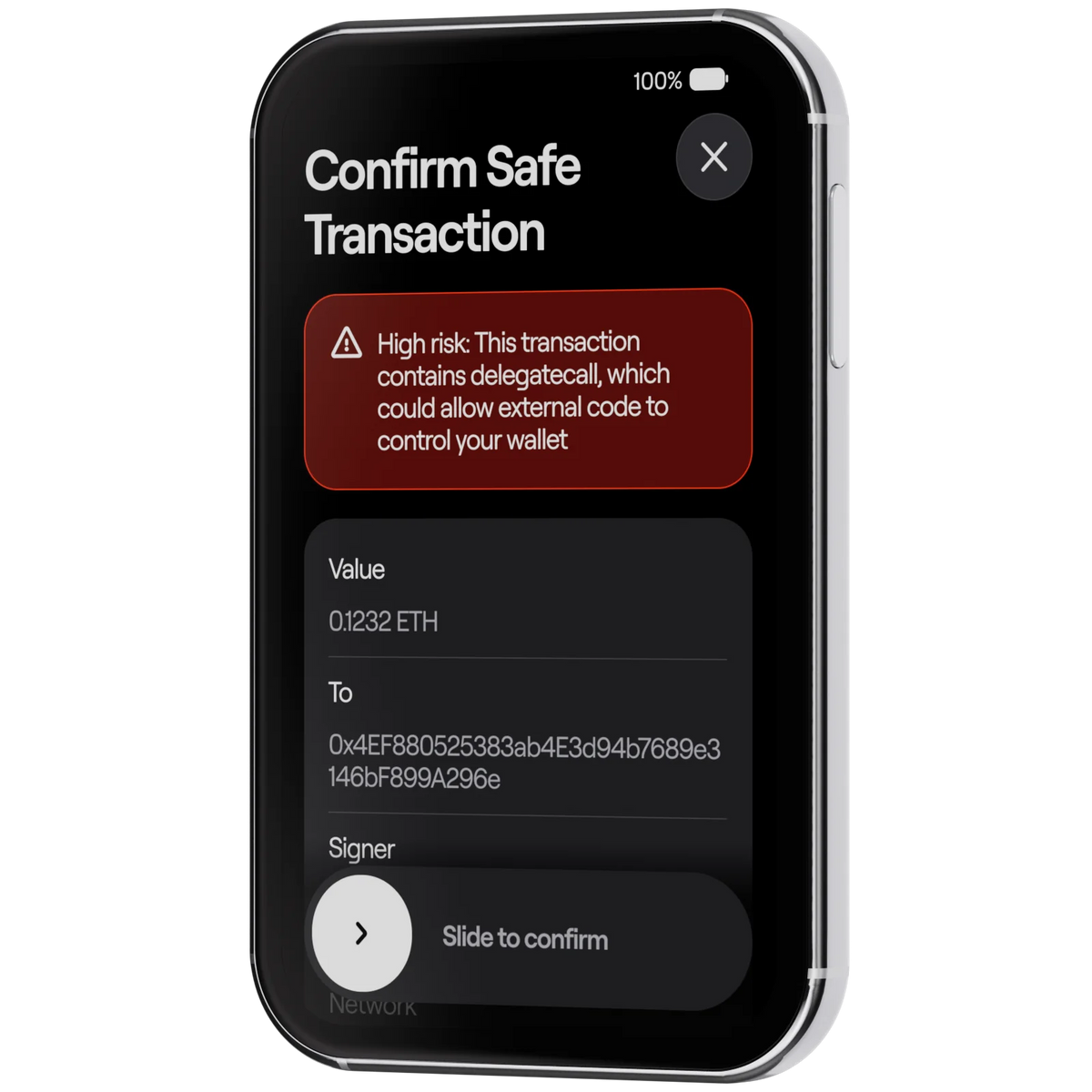
Clear Signing
Transaction security: know what you are transacting and see the risks beforehand
SignGuard — Warn before you confirm
Scan website
Scan for phishing websites and risky dApps
Check for approval
Alert when unlimited permissions, fake tokens, or honeypot tokens are requested.
Simulate transaction
Simulate transactions in advance to see how assets in your wallet will be affected
KYT
Check transaction risks, verify recipients and sources of funds
Open source code available for audit
All software and firmware are open-source, publicly verifiable, and have undergone independent security audits by SlowMist and Keylabs.
The OneKey Pro 2 is also more convenient for daily use.
Do more in one device.
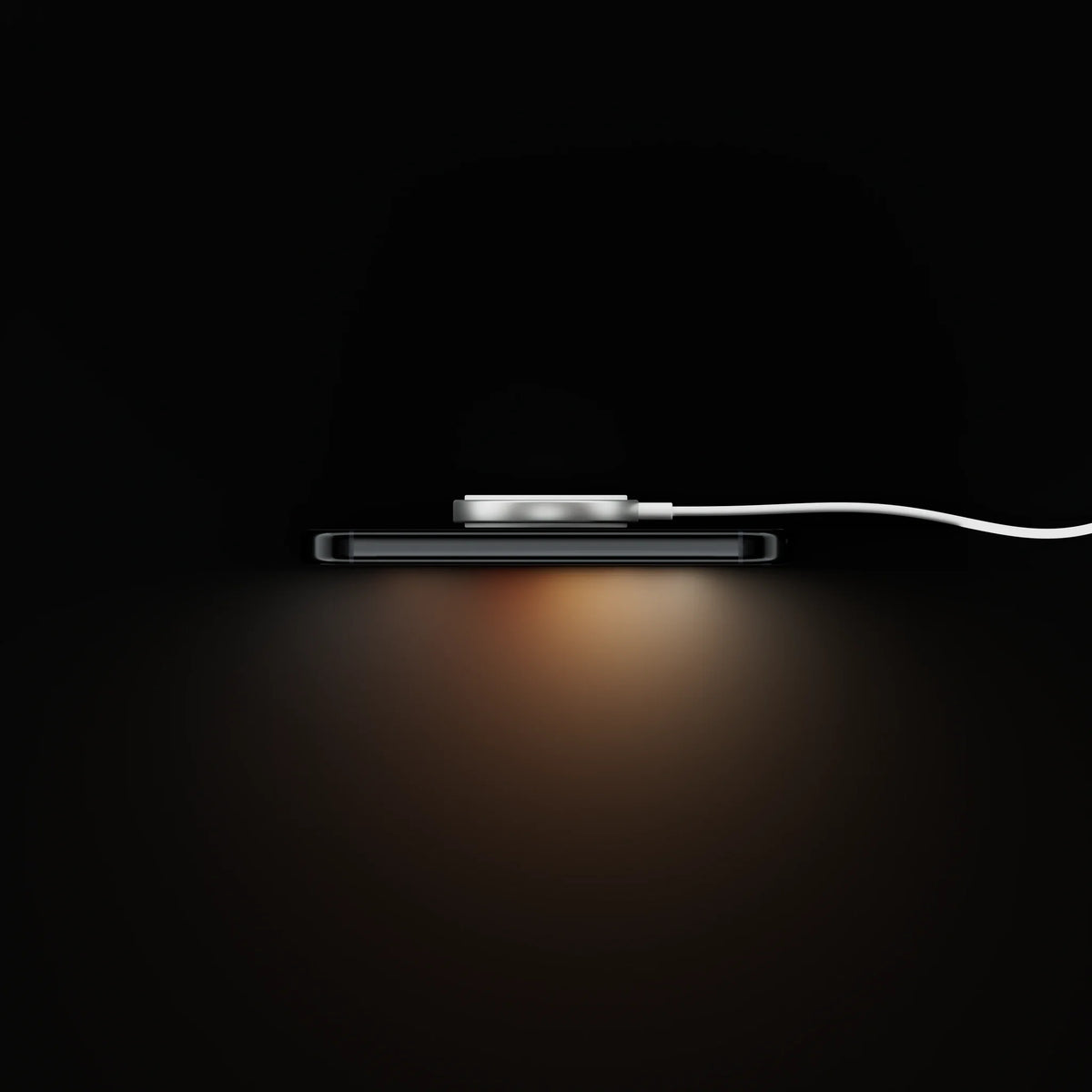
Wireless charging
700mAh battery (530mAh in the first generation), supports wireless charging and fast charging via USB-C
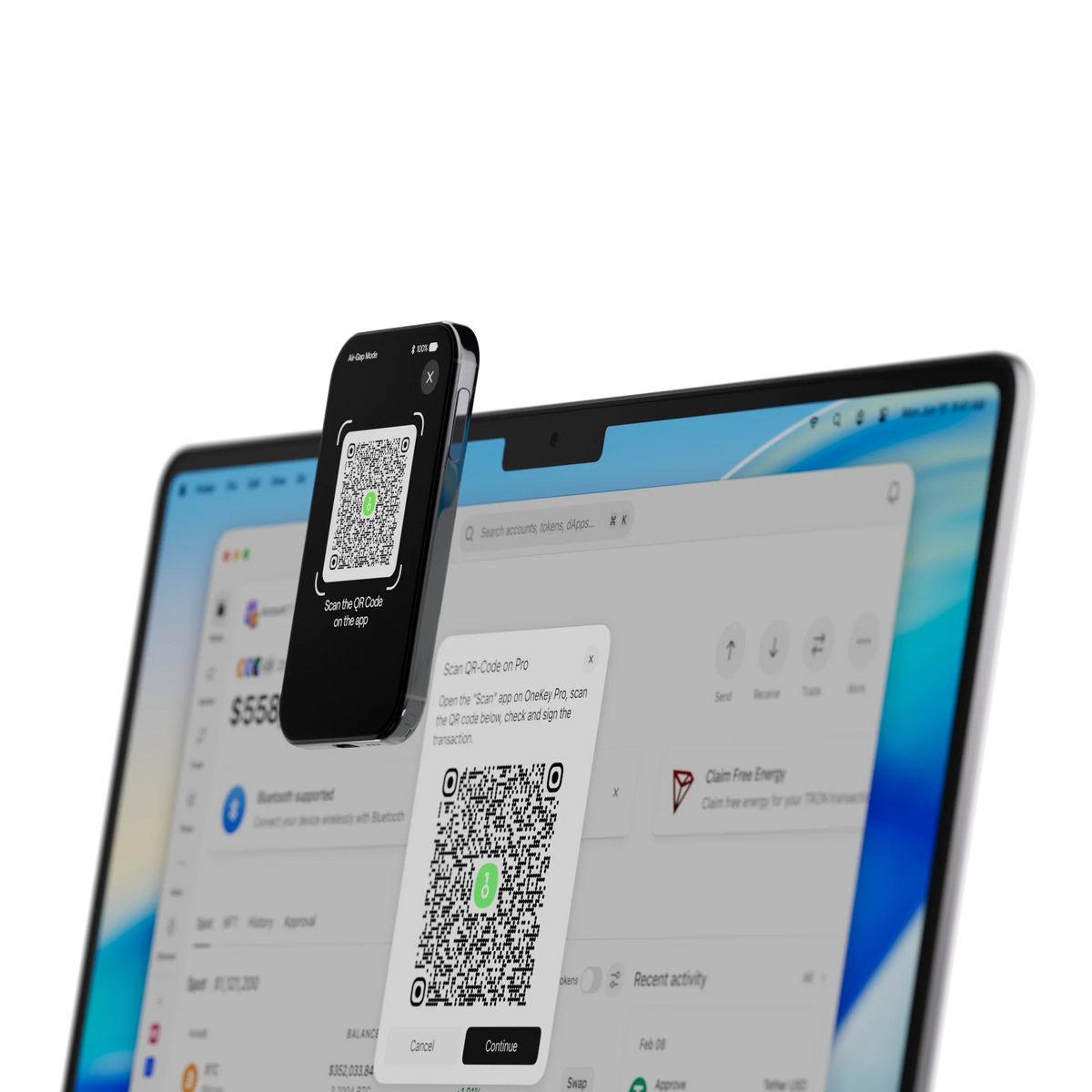
4 connection methods
Air-gap QR code, USB-C, Bluetooth, and NFC, choose based on the situation
IP56 water and dust resistant
More durable for daily use than the first generation, which lacked a water-resistance rating.
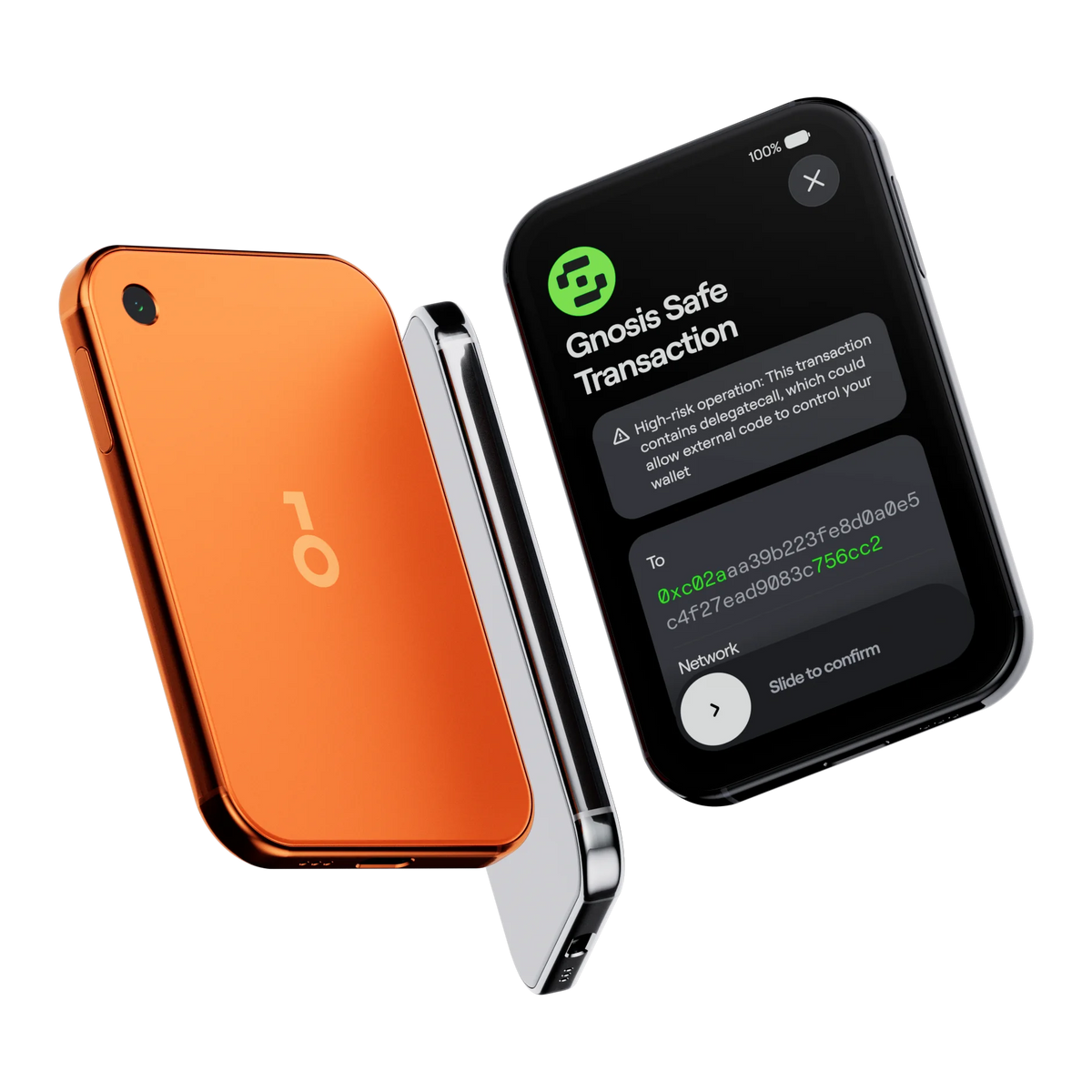
Multisig
Use with Safe, Squads, Sparrow, and Electrum for multi-signature wallets.
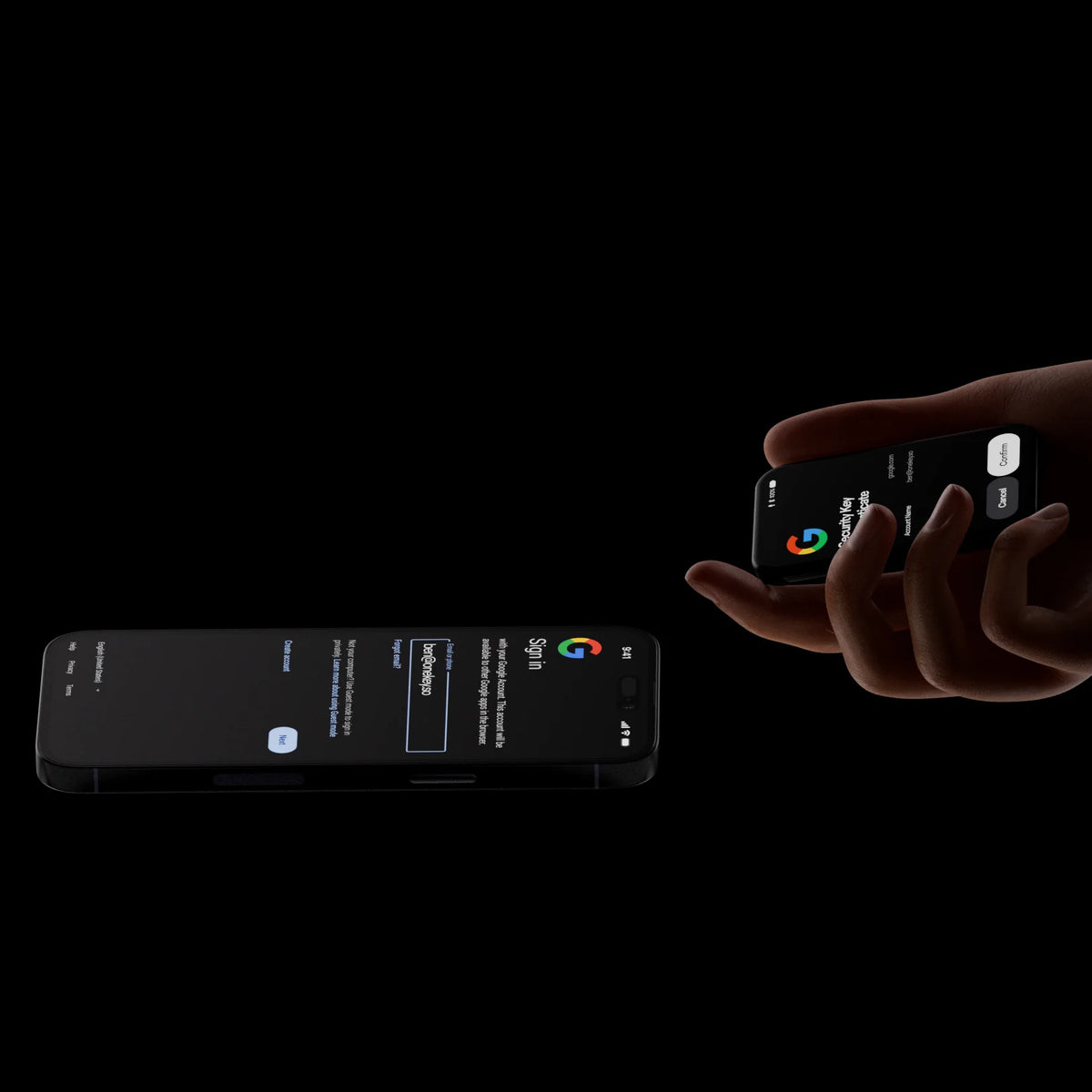
Passkeys and 2FA
Use as a FIDO2 / Passkey login key and TOTP 2FA code for online accounts.
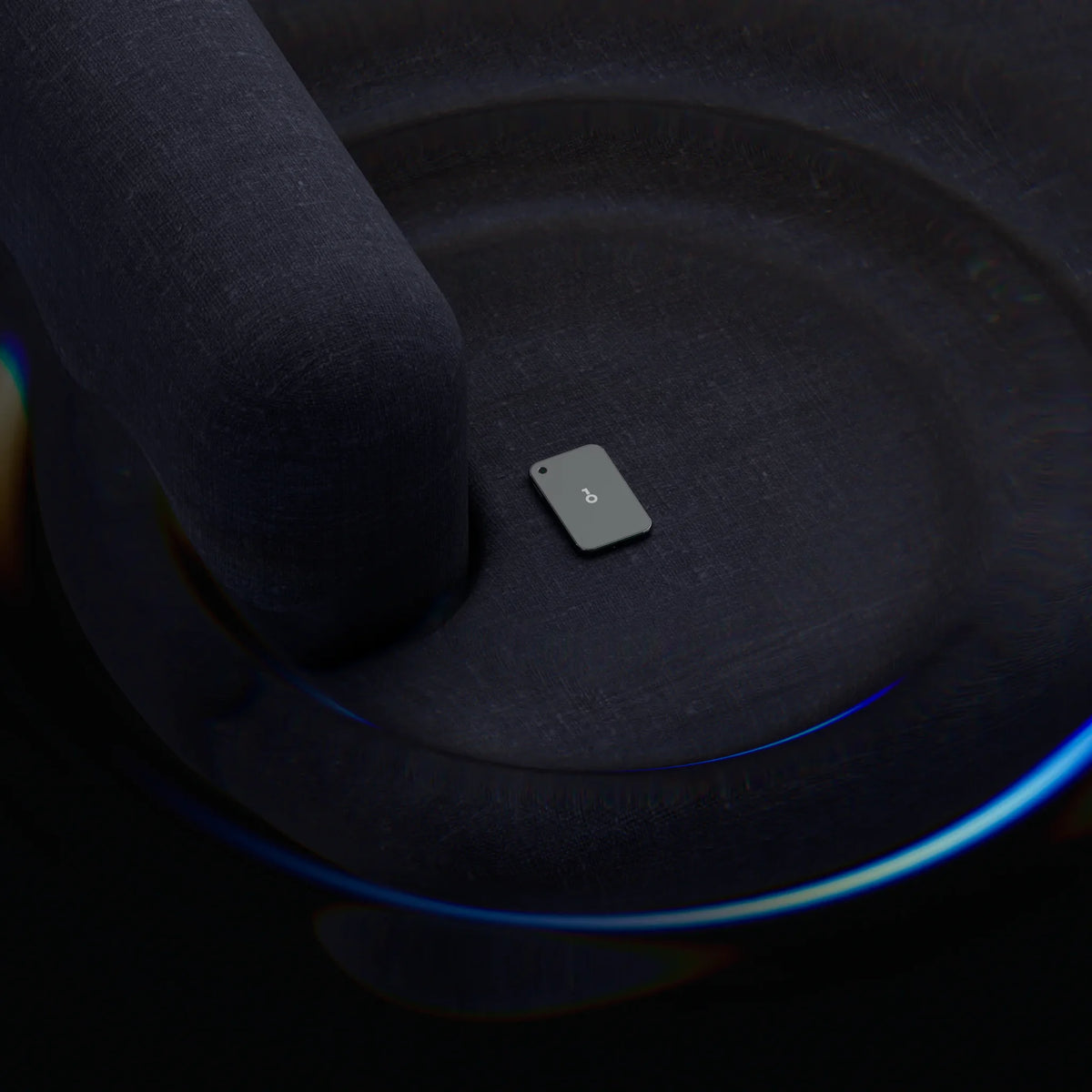
Apple Find My
Pending certification, to be enabled via a future firmware update
Everything you need is in the box.
OneKey Pro 2
x1 unit
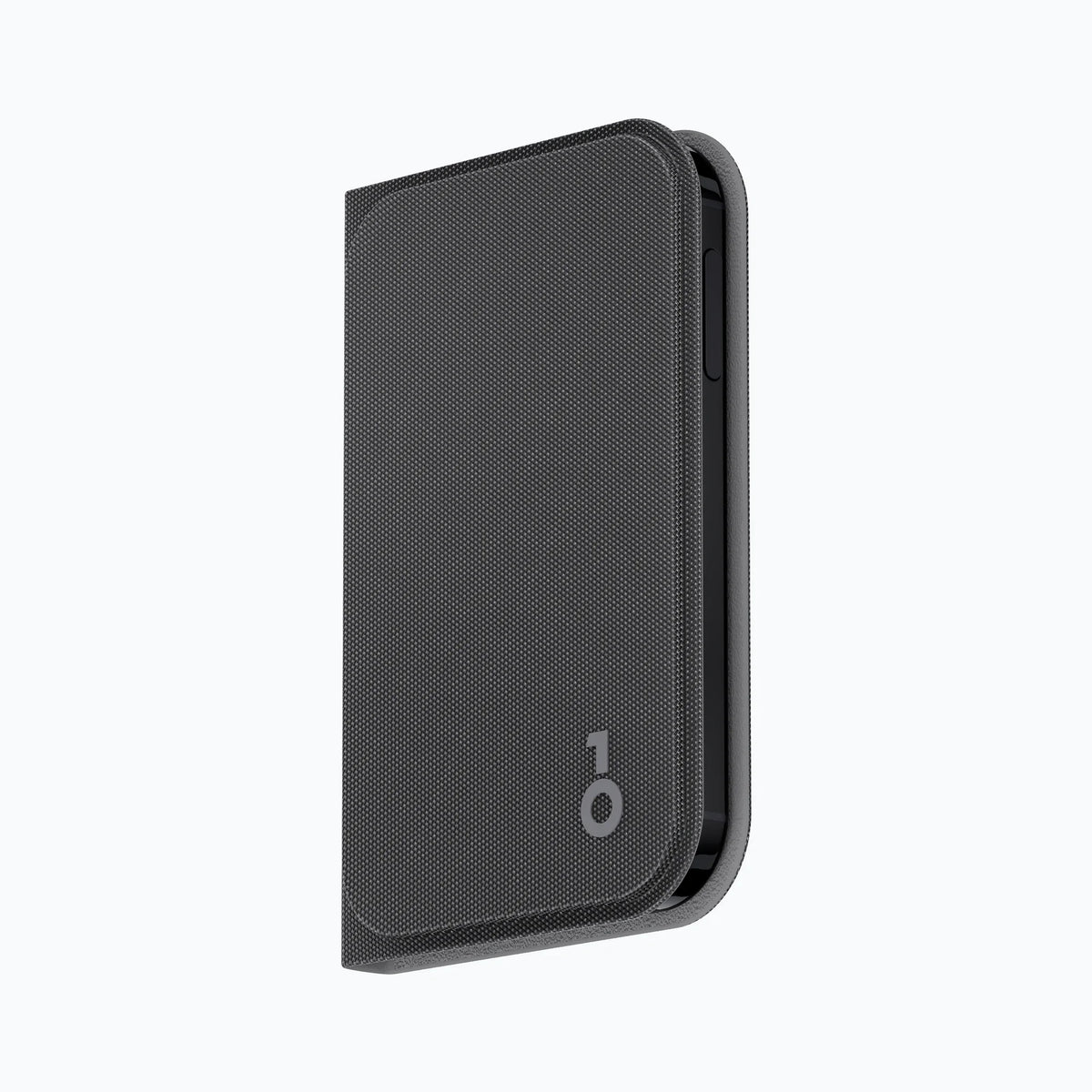
Protective sleeve
x1 piece
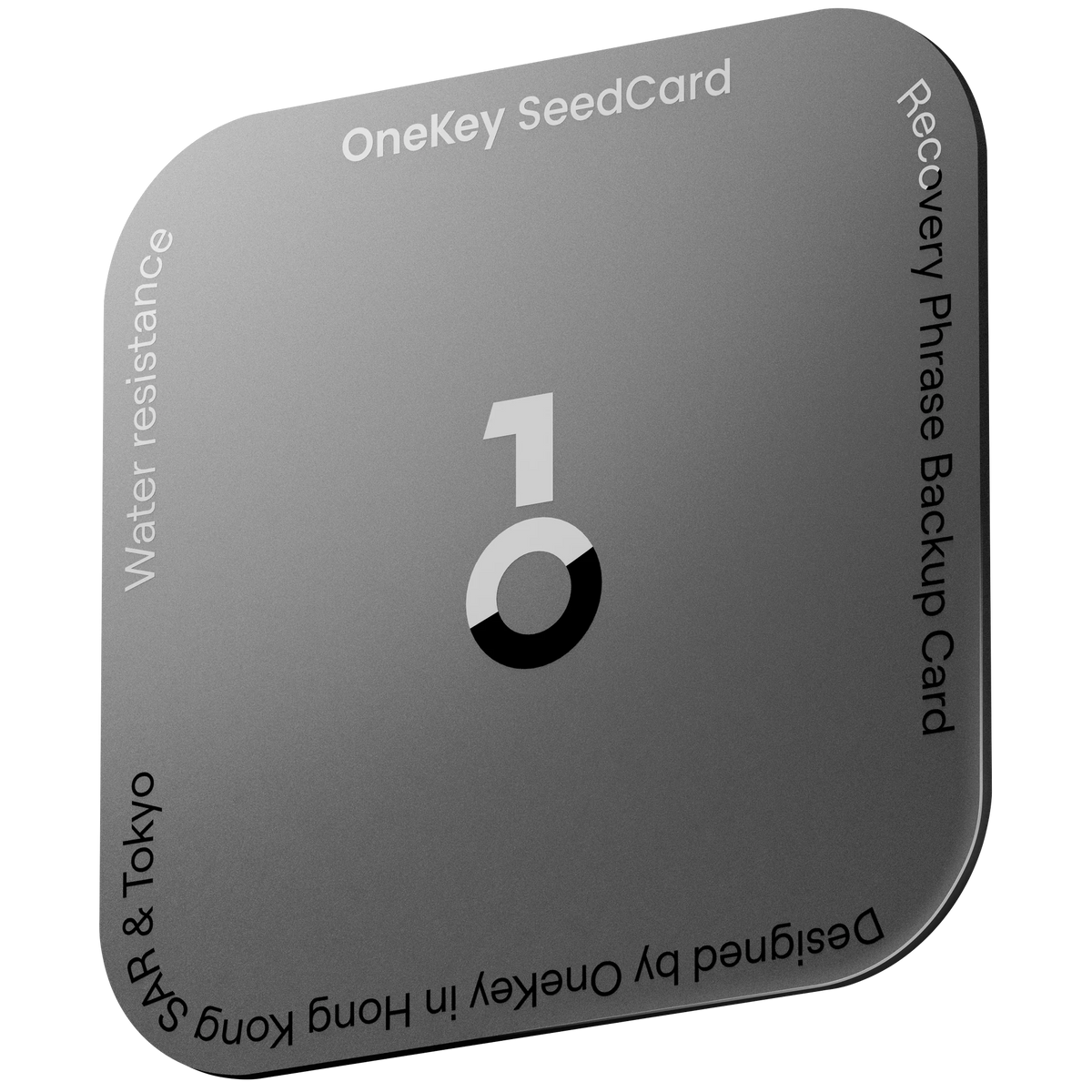
OneKey Seedcard
× 1 Recovery phrase backup card
SeedCard: Tap to back up, tap to restore
Tap the card near the device to write the recovery phrase to the card's chip. To recover, simply tap again. No need to write it down by hand or type in the words.
There is no text printed on the card.
The recovery phrase is encrypted within the chip and is not exported as a readable file.
All offline
No uploading, no syncing, no passing through servers
Erase data after 10 failed PIN attempts
The EAL6+ chip on the NXP P71D600 platform only runs firmware certified by OneKey
Great questions, clear answers.
Frequently Asked Questions
If my device is lost or broken, will I lose my coins?
It's not lost; the coins are on the blockchain, not on your device. As long as you have your recovery phrase or SeedCard, you can restore everything on a new device.
If someone finds my device, can they access my coins?
This is not possible without your PIN or fingerprint, and the device will automatically erase data when it detects abnormal activity, such as multiple incorrect PIN entries.
Is it difficult for beginners to use?
Setup takes about 5–10 minutes. If you get stuck, feel free to message Thai Bitcast; we will teach you until you know how to use it, and we provide a Thai manual to guide you through the process step-by-step.
Buying from Shopee/Lazada is cheaper. Is there a difference?
The difference is that you wouldn't know whose hands the device has passed through. We order directly from the manufacturer and ship to you without any middlemen, and we provide a warranty in Thailand as an authorized distributor.
Can SeedCard be used instead of writing down the 24 words?
It works, but we always recommend keeping a second backup set in a separate location so that a single item does not become a single point of failure.