


Hello, Bitcast followers! Today, the admin has some information about Tapsigner to share. After seeing many people wondering what it is, if it's suitable for beginners, and if it's worth it, I did a thorough research to summarize it in an easy-to-understand way right here.
I must say that I haven't actually used it yet, but I've studied documents and comments from industry experts, as well as real users on Reddit and foreign Telegram groups, so I want to share it with everyone.
What is Tapsigner?
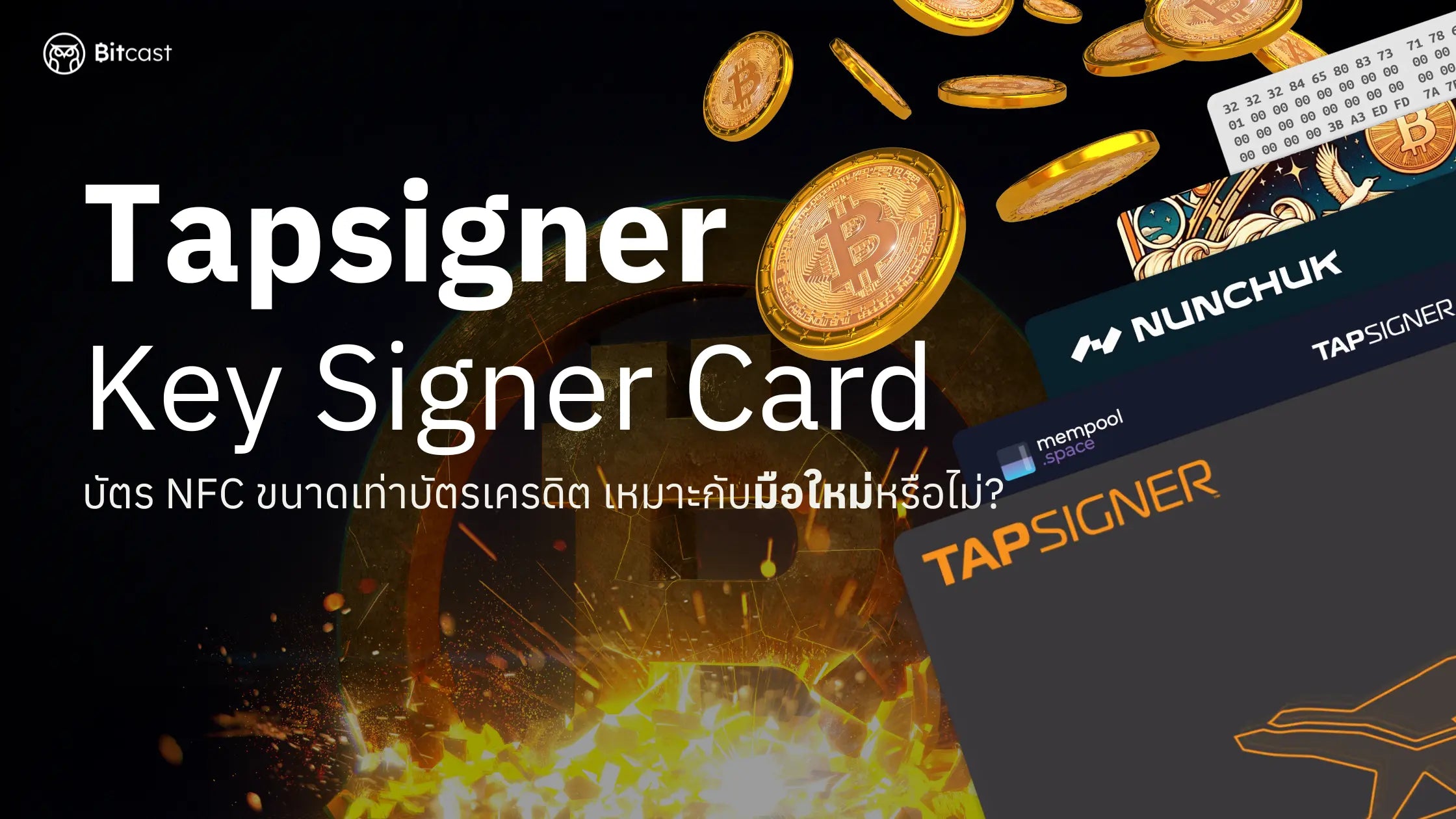
Tapsigner is an NFC card the size of a credit card, manufactured by Coinkite (the creators of Coldcard, which many are likely familiar with). Its primary function is to "sign Bitcoin transactions" via an NFC-enabled mobile phone.
Coinkite officially calls Tapsigner a "Hardware Wallet (Key Signer) on a Card" to convey that it is a hardware wallet specifically for signing transactions, without a display screen.
How many types of Hardware Wallets are there?
Hardware Wallets are divided into 2 main types:
1. Full Hardware Wallet (with screen)
- Has a display screen to show where Bitcoin will be transferred and how much.
- Buttons on the device to confirm transactions.
- No need to trust the app; you can read the information yourself.
- Examples: Trezor, OneKey, Keystone, Foundation Passport, Blockstream Jade, Coldcard
2. Key Signer Hardware Wallet (without screen)
- Internal chip that securely creates and stores private keys.
- Ability to "sign transactions" when the user allows it by entering a code.
- Relies on a mobile app to display all transaction information.
- Examples: Tapsigner, Tangem
Why does Coinkite call Tapsigner a Hardware Wallet?
Technical reasons:
- Stores private keys in a secure element, isolated from the internet.
- Uses the same technology as conventional hardware wallets.
- Provides significantly higher security than software wallets.
Marketing reasons:
- Coinkite's CEO explains that it's called "Tapsigner" because it only signs transactions.
- It only does "message, digest, sign" and doesn't care what kind of transaction it is.
- Uses the term "Hardware Wallet" for easy understanding and "Key Signer" for technical accuracy.
To simplify the comparison:
- Hardware Wallet with a screen = Can view and confirm transactions independently, like being able to review a document before signing.
- Key Signer Hardware Wallet = Only signs transactions; information must be viewed from an app, similar to trusting the person sending the document (app) to you for signing.
How is it used?
You can find detailed instructions on how to use it here. In this article, I will provide an overview of the basic use of Tapsigner.
Getting Started
- Download a compatible app such as Nunchuk, Sparrow Wallet, or others.
- Set up the card by defining a 6-digit auth code (authentication code).
- Tapsigner does not reveal the seed phrase for users to write down, as the key is generated and stored directly within the card.
- Test by sending small amounts to ensure confidence.
Actual Use
- Open the app and create or load a wallet compatible with Tapsigner.
- Choose to perform a transaction, such as sending Bitcoin.
- Tap the Tapsigner to your mobile phone to proceed with transaction confirmation.
- Enter the auth code for the card to sign the transaction.
- Send the transaction.
What makes Tapsigner interesting?
✅ Noteworthy Advantages
- Extremely portable – credit card size, fits right in your wallet.
- No charging needed – uses power only from NFC tap.
- Affordable price – significantly cheaper than many regular hardware wallets.
- Easy to use – just tap with your phone, enter the code, and sign the transaction.
- Protected by an auth code – if lost, others cannot use it.
⚠️ Limitations to be aware of
- No screen – cannot view transaction details independently; must trust the app.
- Supports Bitcoin only – not yet compatible with other coins.
- Requires NFC-enabled mobile phone.
- App-dependent – must choose a trustworthy app, as the card cannot verify itself.
Who is Tapsigner suitable for?
✅ Suitable for:
- Beginners who want to start using a hardware wallet without a high investment.
- People who focus on storing Bitcoin only.
- Those who want a portable device.
- People on a limited budget but want to start managing their private keys themselves.
- Storing small amounts of Bitcoin (e.g., thousands to tens of thousands of baht).
❌ Not suitable for:
- Those holding large amounts of Bitcoin (requiring high-level security).
- Individuals interested in altcoins.
- Users who want to view transaction details before signing.
- People who don't want to trust technology or rely on external apps.
Should beginners buy it?
💡 My personal opinion is: "Yes, but you should understand its limitations."
Buy if:
- You are serious about accumulating Bitcoin but not exceeding 100,000 baht.
- You want to learn how to use a Key Signer Hardware Wallet.
- You understand that Tapsigner is a hardware wallet without a display screen.
- You are comfortable relying on an app to display information.
Do not buy if:
- You have a lot of Bitcoin and require maximum security.
- You are interested in investing in altcoins.
- You want full features like Trezor / Coldcard with a screen.
- You are not confident with self-configuration.
- And is it suitable for long-term storage?
The answer is "suitable to some extent."
For those with a small amount of Bitcoin who want to store it themselves more securely than on an exchange, Tapsigner is a good option.
- No battery to worry about.
- No moving parts, highly durable.
- Easy and convenient to carry.
However, if you are storing large amounts of Bitcoin or believe there might be a high risk, it's recommended to upgrade to a hardware wallet with a screen for more comprehensive transaction verification features.
Precautions
Security aspects
- Never share your auth code with anyone.
- Use apps developed by trusted teams (e.g., Nunchuk).
- Avoid clicking on suspicious links to prevent phishing.
- Always check the URL and app before conducting any transaction.
Device storage
- Avoid extreme heat.
- Avoid water or moisture.
- Be careful not to expose it to strong magnets that could interfere with the internal chip.
Personal Summary
Tapsigner is a very interesting option for:
- Beginners just starting with Bitcoin.
- Those looking to transition from a software wallet.
- Users who want a simple, portable hardware wallet.
- Those on a limited budget.
However, it's important to understand that Tapsigner is a Key Signer Hardware Wallet with limitations regarding transaction verification.
If you plan to hold more Bitcoin in the future or want to use altcoins, you should consider upgrading to a hardware wallet with a display screen later on.
The most important thing is to "understand what we are using." The security of Bitcoin doesn't solely depend on the price of the device but rather on the user's understanding.
If anyone has experience using Tapsigner, feel free to share! Or if you have any questions, leave them below!


แชร์:
5 Advanced to Super Advanced Seed Phrase Storage Techniques
Sparrow Wallet: A Hands-on Guide