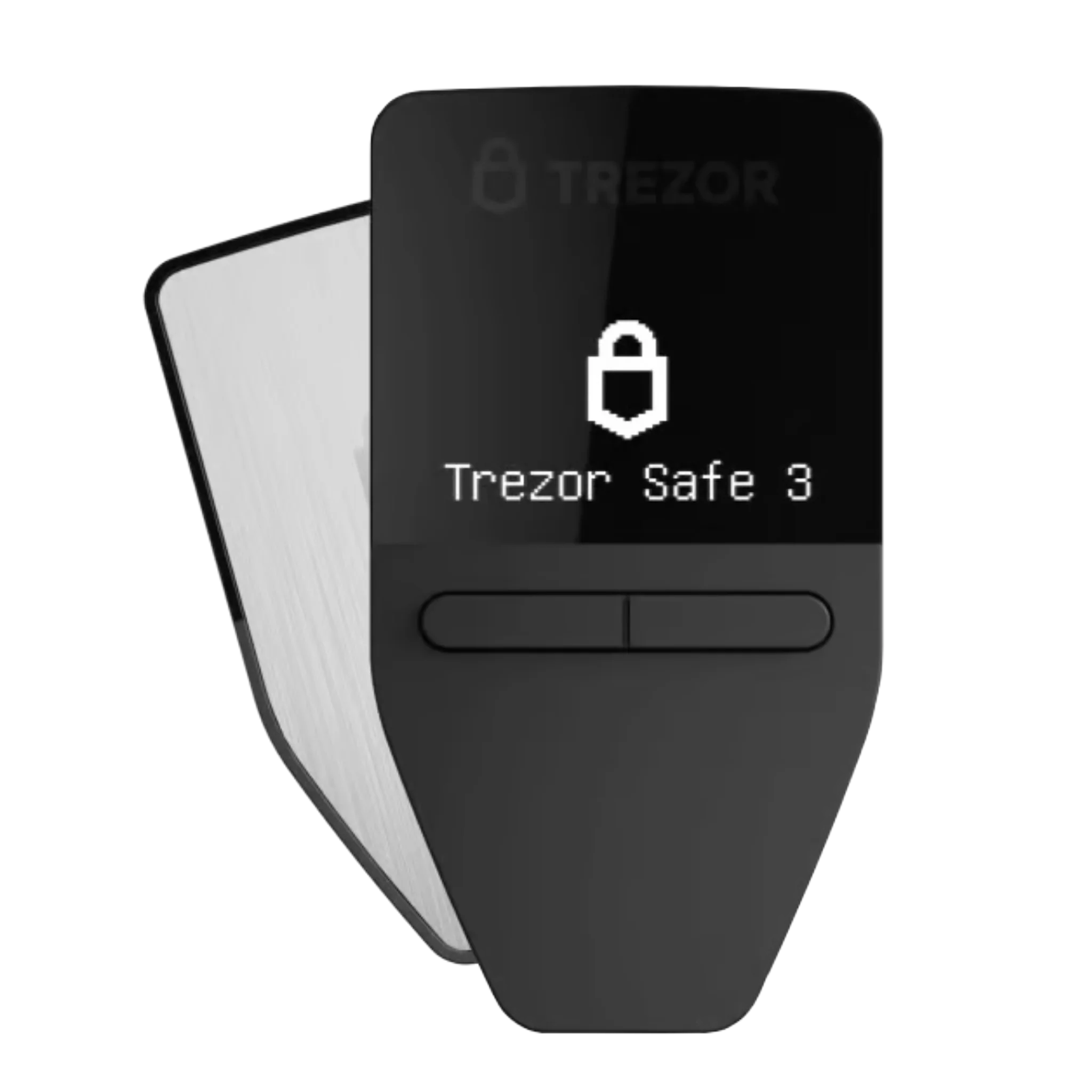
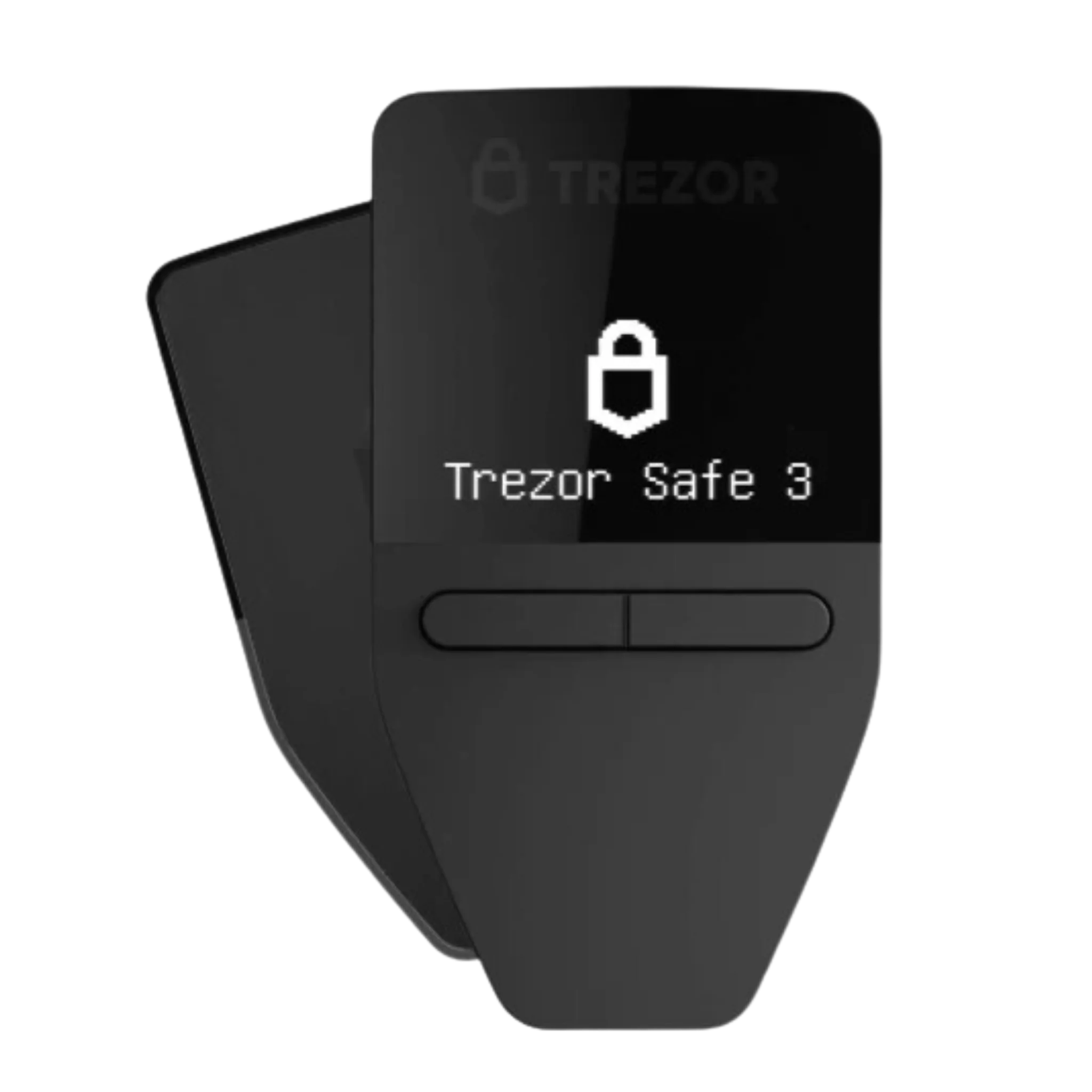
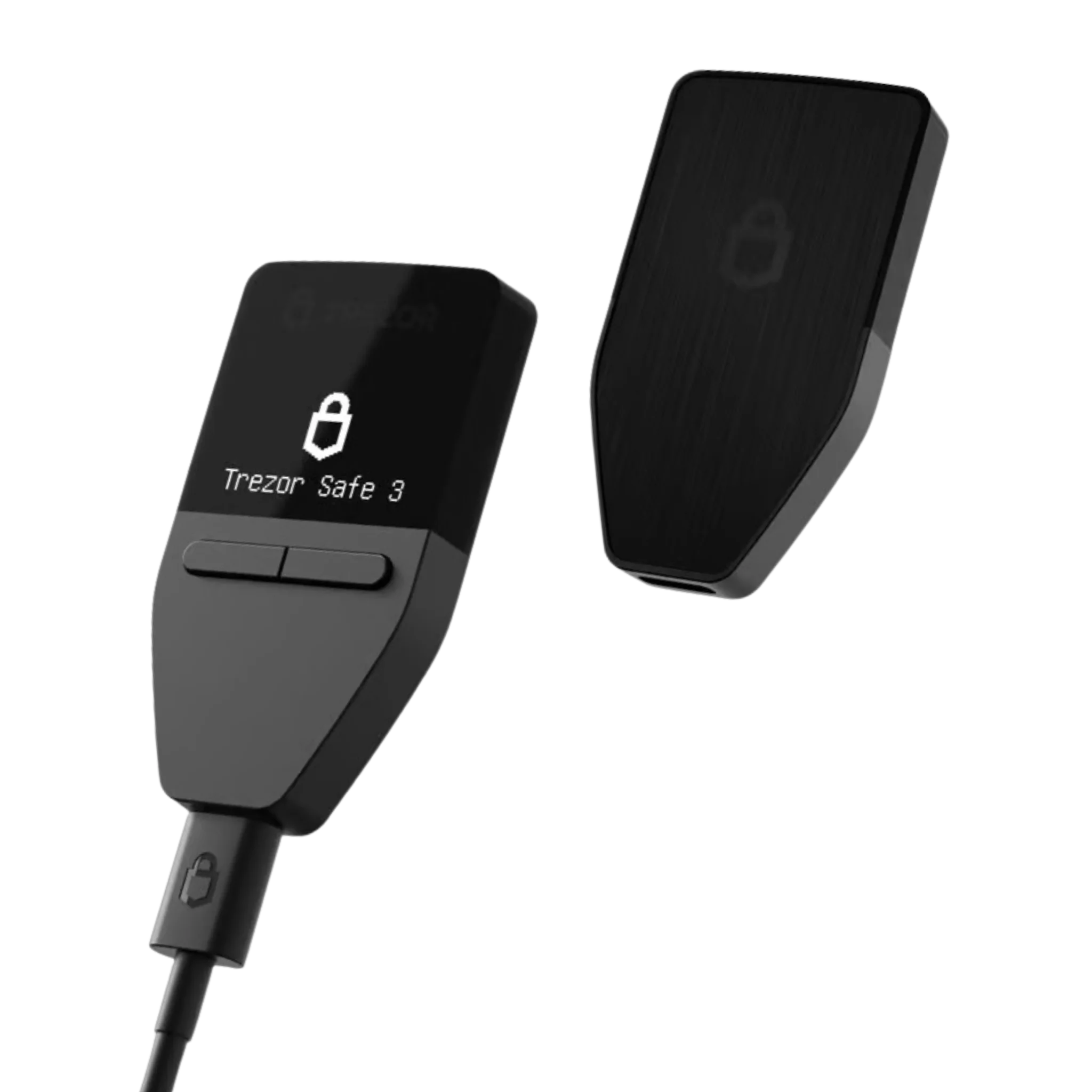
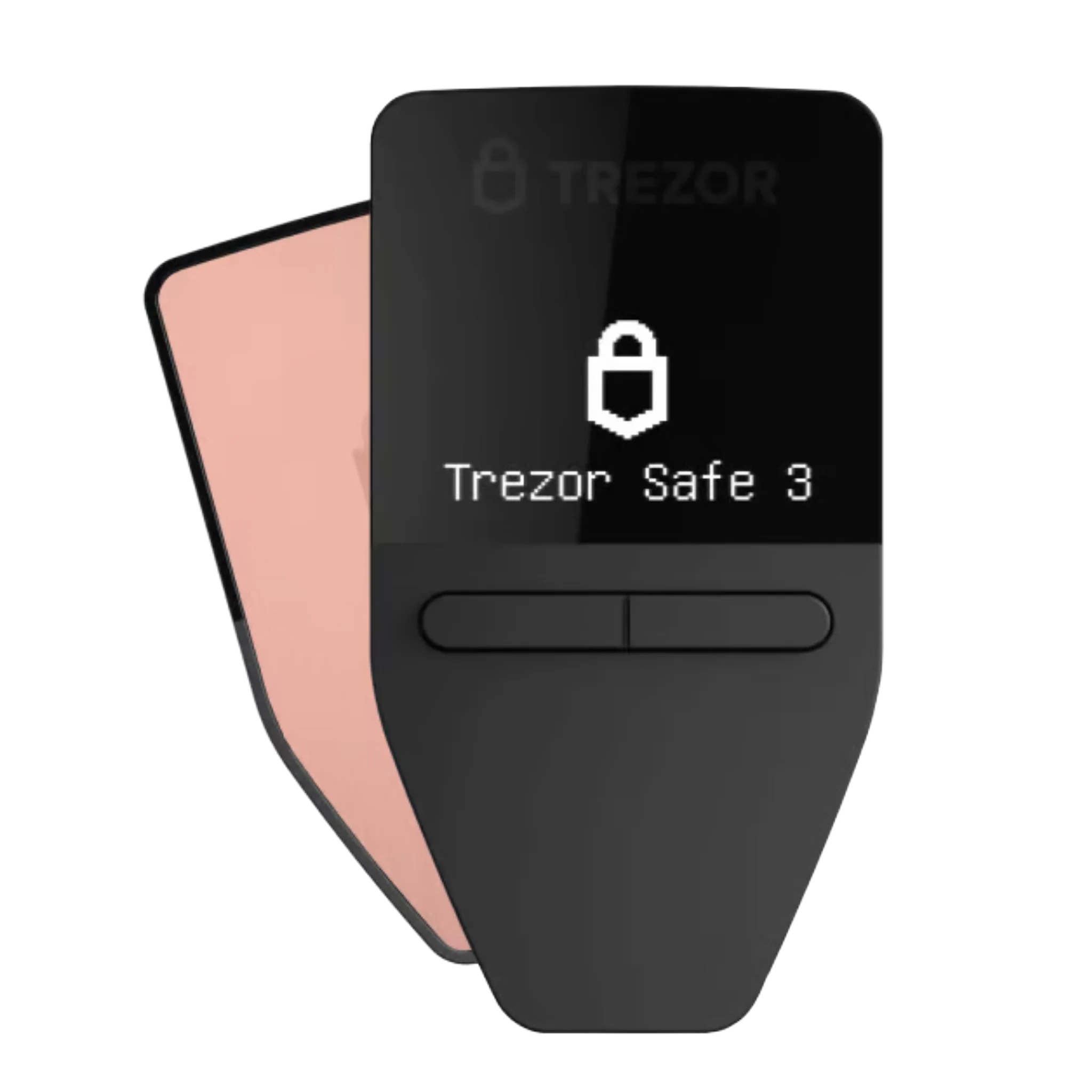
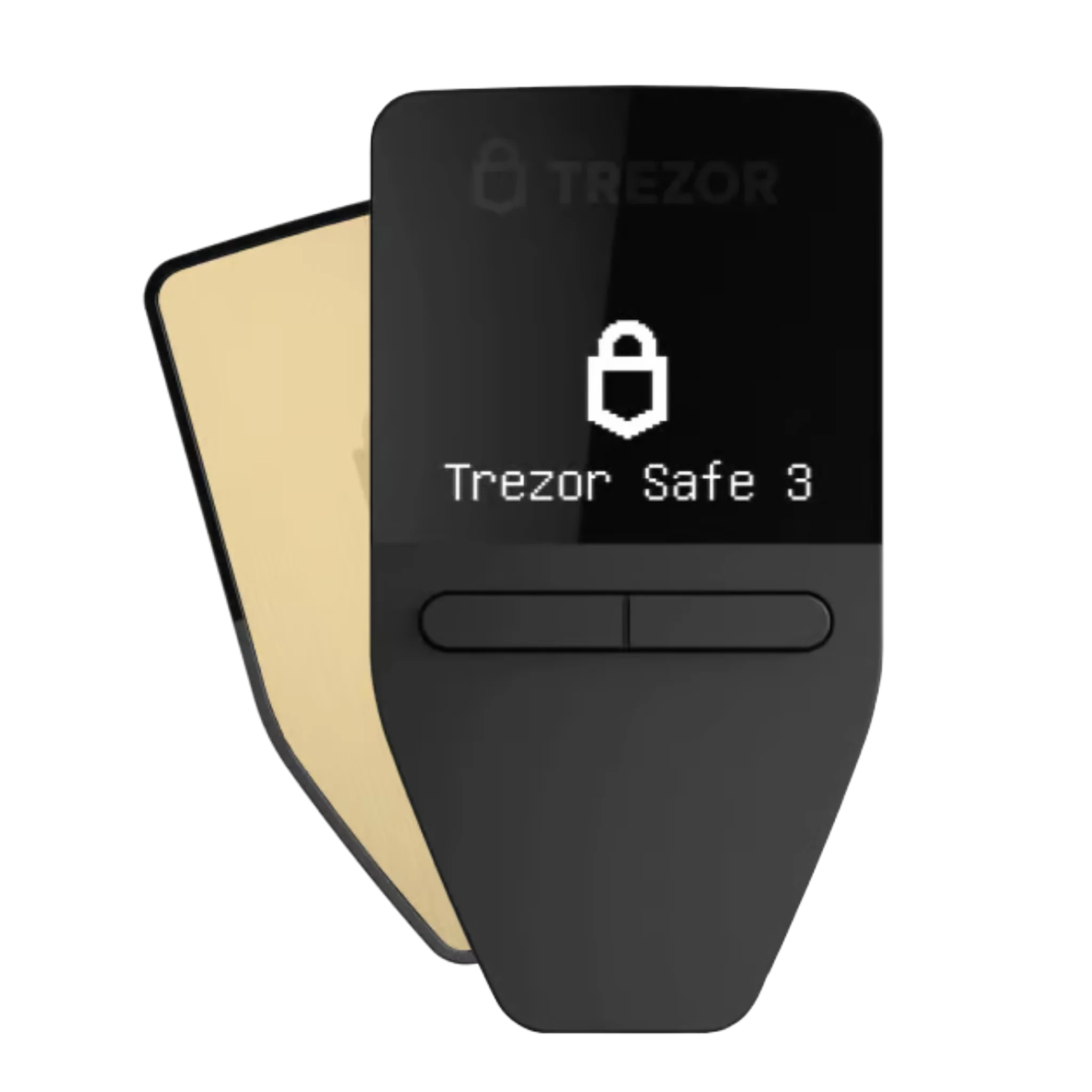
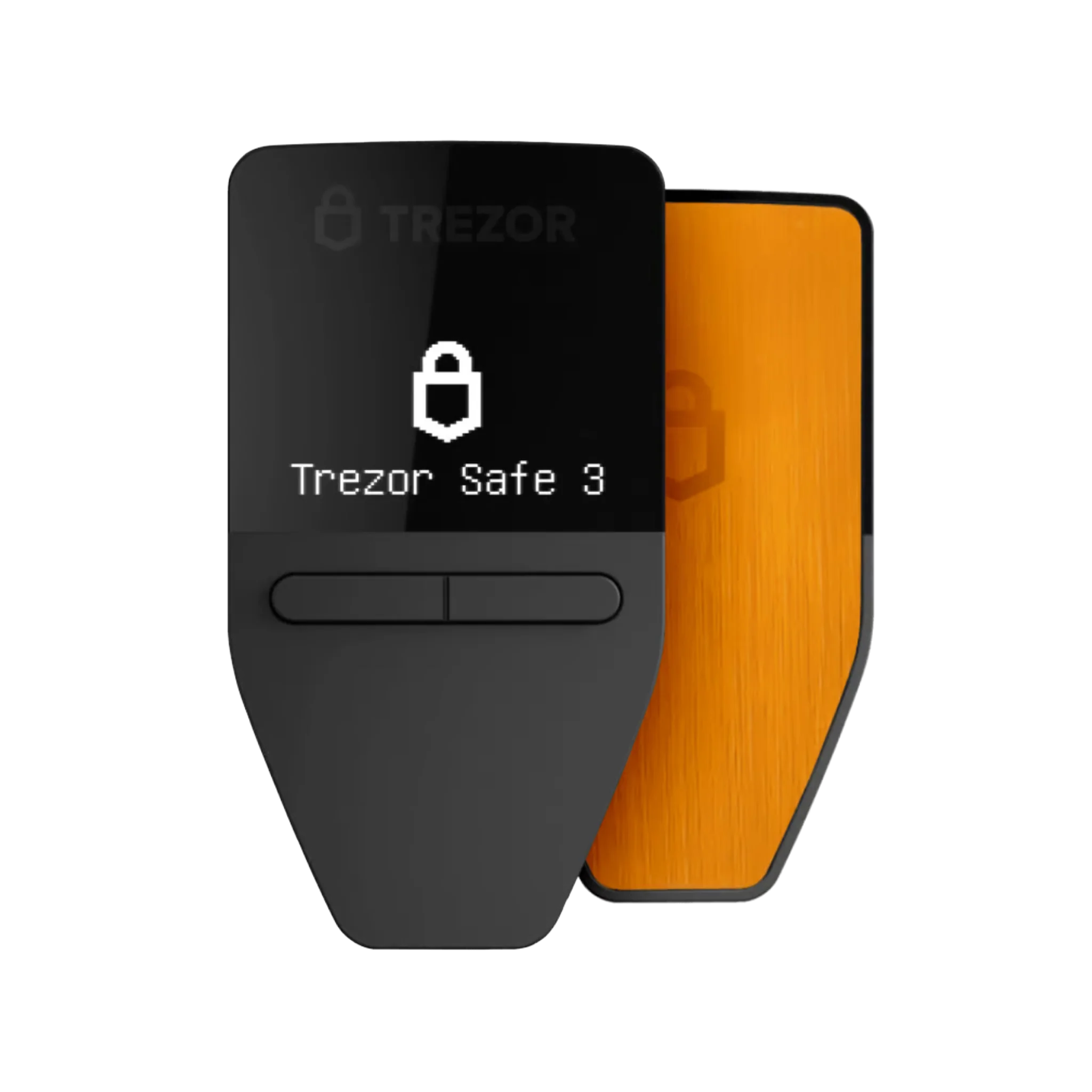
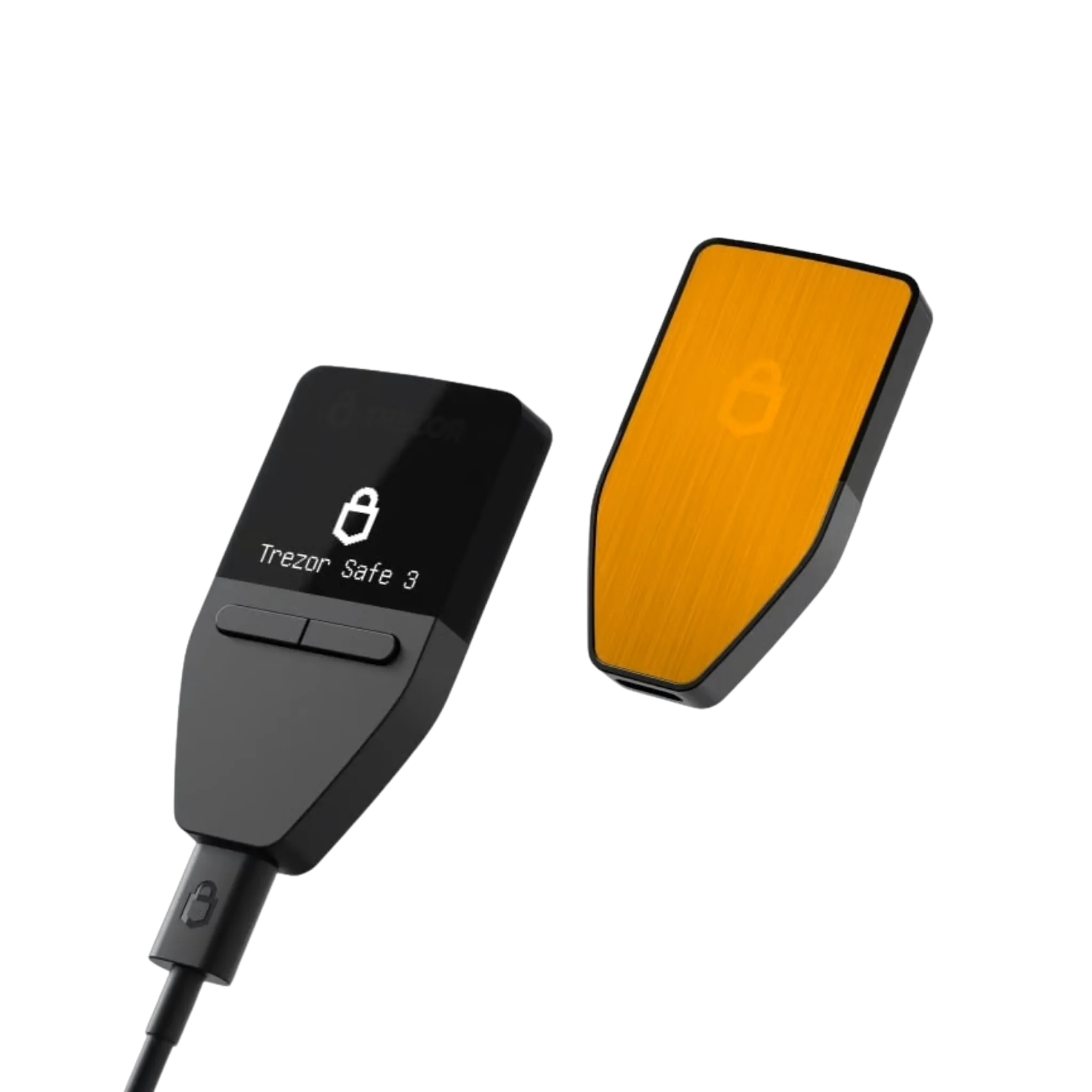
Trezor Safe 3 — Genuine Hardware Wallet, Official Thailand Warranty
เข้ากันได้ดีกับ
1-year warranty
Genuine product from the manufacturer
Free express delivery on all orders. Cut-off time is noon.
If defective within 7 days, we will replace it immediately.
People often buy with
Your first hardware wallet shouldn't feel like a compromise. The Trezor Safe 3 pairs bank-grade protection with the simplicity beginners need — no touchscreen learning curve, just two buttons and a screen that shows exactly what you're signing.
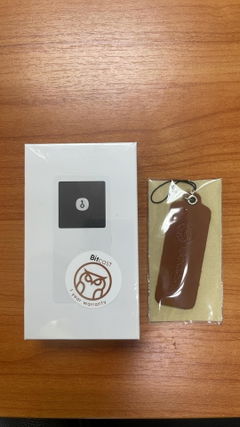
Every Safe 3 sold by Bitcast is inspected before it ships, sealed in tamper-evident packaging, and backed by our full 1-year local warranty — because in a market full of counterfeit wallets, "authentic" should mean something you can verify, not just claim. The price shown already includes VAT — what you see is what you pay, no surprise fees at checkout.
Best for: first-time crypto holders, anyone protecting smaller or mid-sized holdings, and buyers who want Trezor's decade-long open-source security record without paying for touchscreen extras they won't use.
Not sure which model fits you? Compare Safe 3 vs Safe 5 vs Safe 7 →
Tech specs
| Spec | Detail |
|---|---|
| Secure element | EAL6+ certified (Optiga Trust M) |
| Display | 0.96" OLED, monochrome, 2-button navigation |
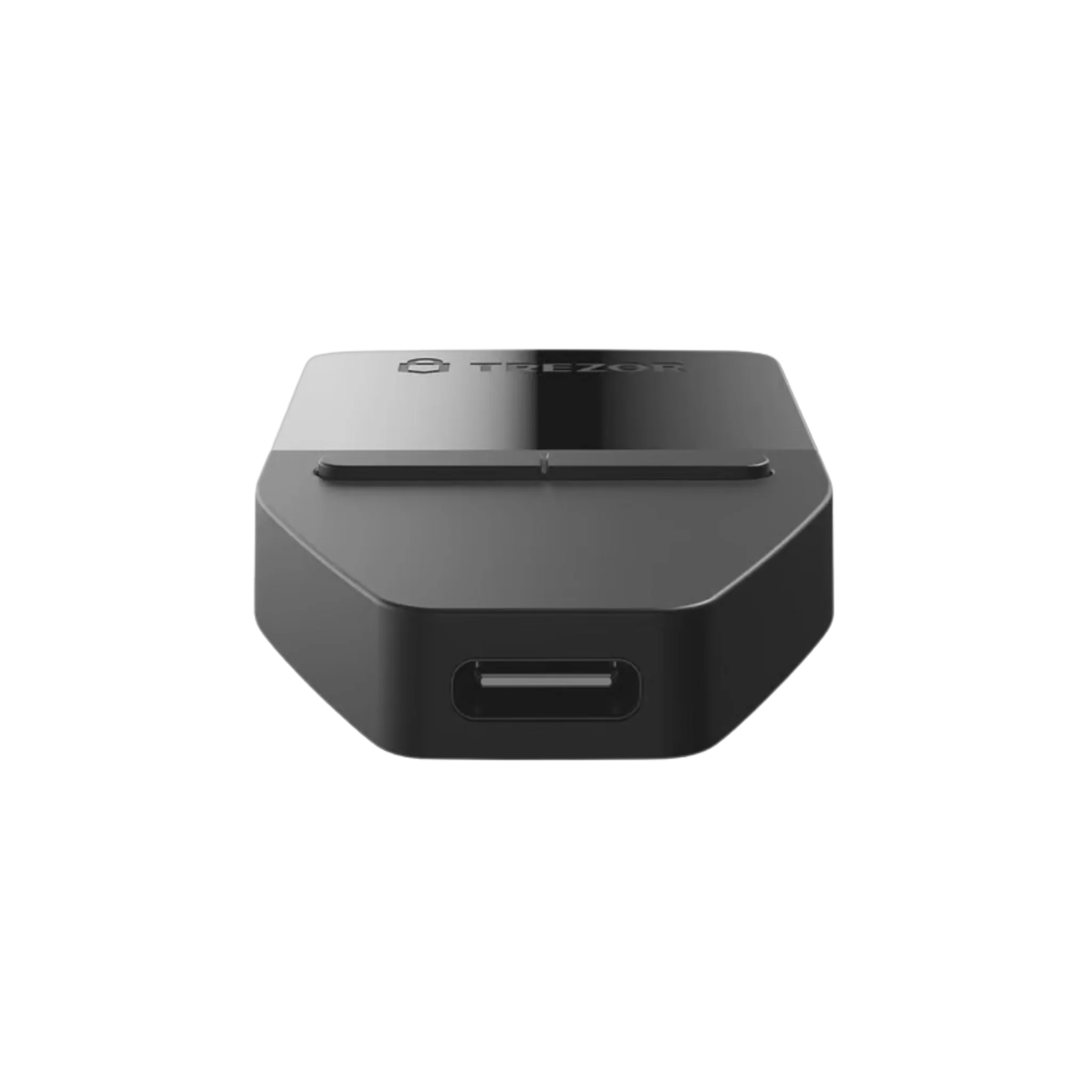
| Connectivity | USB-C |
| Coin support | Bitcoin + 1,000+ other coins/tokens |
| Backup | 12/24-word seed, Shamir Backup |
| Dimensions / weight | 59 × 32 × 7.4 mm / 14 g |
| Operating temp | -20°C to +60°C |
| Warranty | 1 year (Thailand, via Bitcast) |
Q&A
Q: Is this a genuine Trezor Safe 3, not a counterfeit?
A: Yes — every unit Bitcast sells is sourced through an official channel, inspected before shipping, and arrives in Trezor's factory tamper-evident packaging.
Q: What's the difference between the Safe 3 and Safe 5?
A: The Safe 3 uses button navigation and a smaller monochrome screen; the Safe 5 adds a color touchscreen and haptic feedback. Both share the same EAL6+ secure element. Compare Safe 3 vs Safe 5 vs Safe 7 →
Q: Is the Safe 3 difficult to set up if I'm new to crypto?
A: No — it's built for first-time users. Setup takes about 10–15 minutes through the Trezor Suite app, with on-device PIN and seed phrase confirmation at every step.
Q: What happens if I lose my Safe 3 or it's damaged?
A: Your funds are tied to your recovery seed phrase, not the device itself. As long as you've stored your seed phrase safely, you can restore your wallet on a new device.
Q: Does the price include VAT and warranty?
A: Yes — the price includes both import duty and VAT, and every unit comes with a full 1-year warranty from Bitcast.
Q: Is there a setup guide I can follow?
A: Yes — we've written a full step-by-step Thai-language guide covering unboxing through your first transaction. Trezor Safe 3 setup guide →
Q: Where can I learn the more advanced features?
A: We keep Thai-language guides on what buyers ask about next: Trezor Suite feature overview (2026) →, how to verify your seed phrase →, how to enable a passphrase →, and using a watch-only wallet →. Browse everything in our full Trezor guide library →
Trezor Safe 3 — Genuine Hardware Wallet, Official Thailand Warranty