


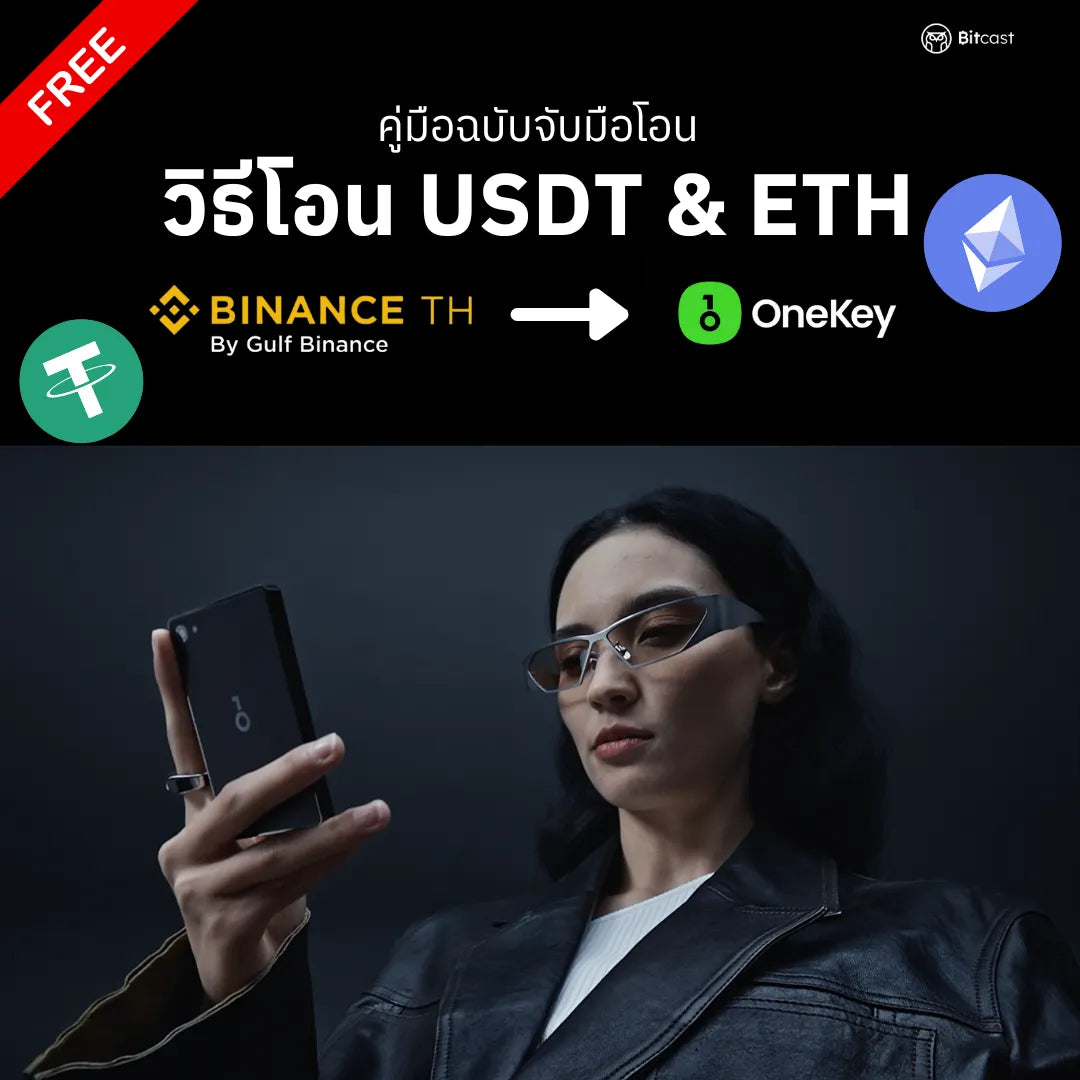
Guide to Transferring ETH & USDT from Binance TH to OneKey
1-year warranty
Genuine product from the manufacturer
Free express delivery on all orders. Cut-off time is noon.
If defective within 7 days, we will replace it immediately.
Guide to Transferring ETH & USDT from Binance to OneKey
Content Overview
A comprehensive guide for those who want to learn how to securely transfer ETH & USDT from Binance TH to a Hardware Wallet (OneKey) 100% independently.
Content is divided into 3 main parts:
Part 1: Preparing Your Hardware Wallet
- Creating an ETH & USDT Address for receiving coins in OneKey
- Verifying the Address on the device
Part 2: Initiating the Transfer from Binance TH
- Steps for On-Chain withdrawal of ETH & USDT
- Entering correct information (Address, Network, Amount)
- How to double-check for accuracy before confirming the transfer
- Identity verification methods (Touch/Face ID, OTP, Google Authenticator)
Part 3: Checking the Transaction
- Tracking the status on Binance TH (Processing → Completed)
- Checking your balance on the OneKey App
Guide Highlights
✓ Step-by-step instructions with clear illustrations
✓ Emphasis on security, such as verifying the Address on the device screen
✓ Error prevention, with warnings for particularly sensitive points
✓ Practical application, using OneKey as an example but applicable to other Hardware Wallets
Suitable for
- Beginners who have purchased a new Hardware Wallet
- Those who want to withdraw coins from an Exchange to self-custody
- Those who believe in the principle of "Not Your Keys, Not Your Coins"
Download for Free - with support from the Bitcast team, the official Hardware Wallet distributor in Thailand 🇹🇭
เข้ากันได้ดีกับ
Guide to Transferring ETH & USDT from Binance TH to OneKey