


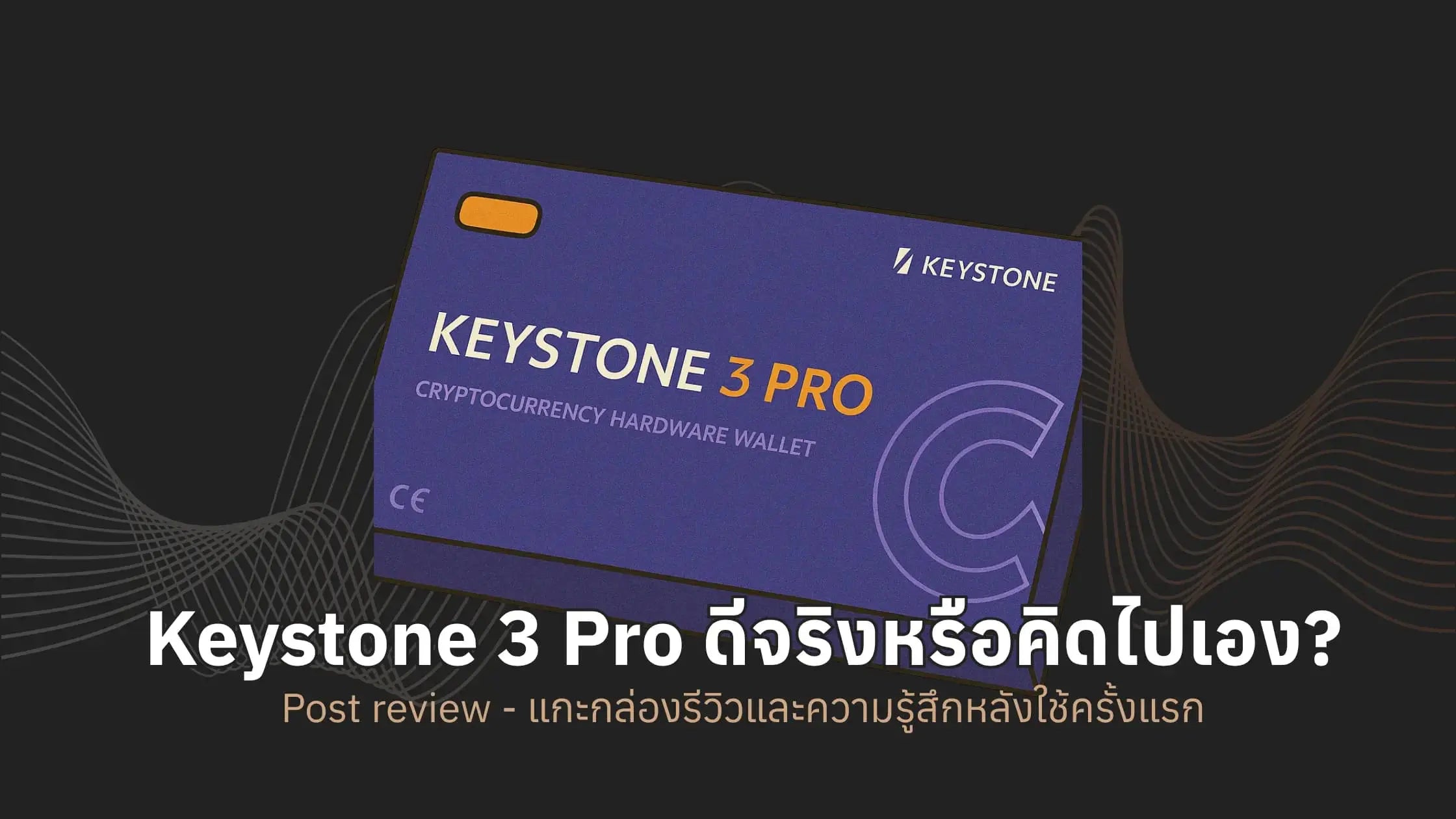
First Impressions with Keystone 3 Pro - Post-Use Review

We'll be reviewing our first impressions after use. I'll start by taking you through an unboxing of the device.
Unboxing the Keystone 3 Pro: What's included?
-
Keystone 3 Pro Device
-
USB-C charging cable
-
User Manual
-
Seed phrase recovery cards

Brief Getting Started Guide for Keystone 3 Pro
First-time setup of Keystone 3 Pro
- Before use, ensure the device is genuine and untampered with by visiting https://keyst.one/authentication

- After verifying the device, the system will lead you to the new wallet creation step. The most crucial step is to manually write down the Seed Phrase on the provided paper.
Connecting to a Software Wallet
- Keystone 3 Pro can connect to multiple wallets such as Rabby, Metamask, OKX Wallet, etc. In this example, I chose Rabby Wallet because it supports a wide range of EVM chains and has a user-friendly UI.
Connection Steps
-
Prepare your Keystone 3 Pro and the device you want to connect to.
-
Open Rabby Wallet (the wallet application we chose), go to address -> hardware wallet -> Keystone, and Rabby will display a QR code for you to scan.

- Keystone will display a confirmation screen, and generate a key for connection.
First Coin Transfer Test
- Go to Rabby Wallet, then to Send -> Select the coin you want to send -> Paste the recipient's address

-
After pasting the destination address, Rabby Wallet will display a screen for you to scan the QR code.

-
Keystone will display transaction details for a final confirmation.

- Once confirmed, a QR Code will be generated for Rabby to scan back to broadcast the transaction.

Post-Use Impressions
-
What I liked
-
100% Air-gapped with no USB/Wi-Fi connection, providing a strong sense of security.
-
Fingerprint scanning available, adding convenience to authentication.
-
Supports various EVM wallets like Rabby, Metamask, OKX, etc.
-
Large screen, easy to use, clear details.
-
-
What I disliked
-
Users accustomed to the smooth screens of smartphones might find the experience slightly jarring. It doesn't feel as fluid to use (which, in my personal opinion, is understandable as it's a hardware wallet, not a smartphone).
-
The exterior casing is made of polycarbonate plastic. The tactile feel might not be as premium as other hardware wallets.
-
Charging time is relatively long.
-
-
Neutral Points
-
Offline firmware updates might seem complicated, but they actually enhance security.
-
The smartphone-like design offers a good user experience, but it also makes the device quite large. It might not be convenient for those who prefer to carry small items.
-
-
I'd rate it 8/10.
Who is the Keystone 3 Pro suitable for?
-
Individuals who want to self-custody their digital assets, suitable for those who don't want to rely on exchanges and truly want to own their private keys.
-
Individuals who need multiple functionalities but only want to carry one hardware wallet.
-
Collectors or investors holding various coins, supporting asset management for Bitcoin, Ethereum, and tokens on over 200+ different blockchains.
-
Users who connect to multiple software wallets, such as Metamask, Rabby, OKX Wallet, or Sparrow Wallet, etc., as Keystone supports standard QR-based connections seamlessly.
-
Those who prioritize security and offline connectivity. The Keystone 3 Pro uses a full air-gapped system, with no USB, Wi-Fi, or Bluetooth connections.
Transactions via QR Code reduce the risk of malware or internet-based attacks. - HODLers and long-term investors.
If you plan to hold digital assets for several years and prioritize security over convenience, Keystone is the ideal choice.
Watch the full review here 👉🏻 Unboxing and How-to Guide
Detailed Keystone 3 Pro setup guide 👉🏻 Getting Started with Keystone 3 Pro
Purchase here 👉🏻 Click here for Keystone 3 Pro



แชร์:
Bitcoin Pizza Day: 2 Pizzas That Changed the World
Let's go to Bitcoin Pizza Day 2025 together! 🍕⚡