


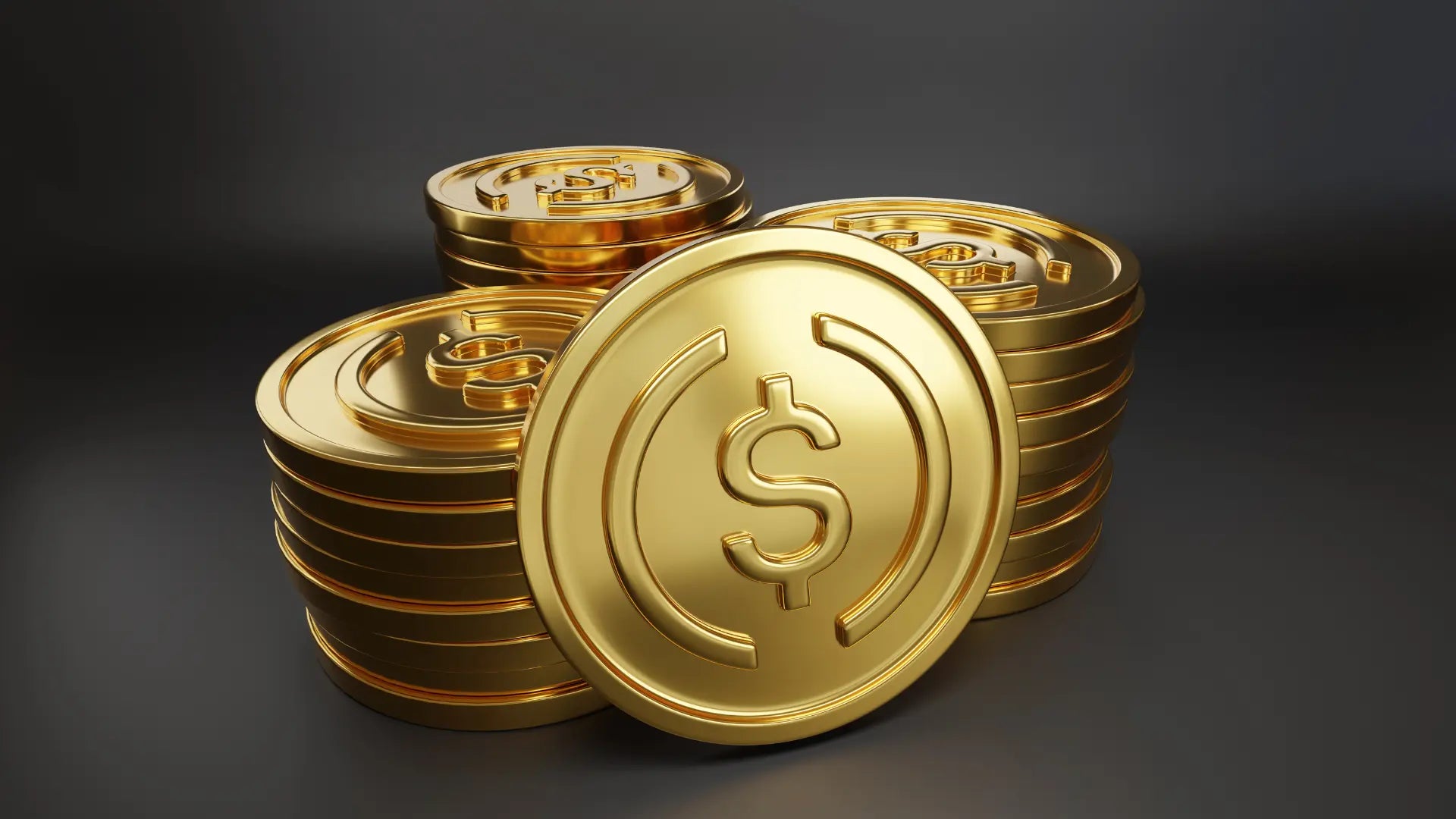
Normally, when we want to transfer ETH from an Exchange to our Wallet Address created from a Hardware Wallet, we can simply select the Ethereum Network. However, many friends have asked: if we want to transfer Stable Coins like USDT or USDC to a Hardware Wallet, which Network should we choose and which Address should we use?
Let's first understand the fees.
Normally, when we perform transactions on the blockchain, there are always fees, also known as gas fees. The coin used to pay for gas depends on which blockchain we are using. For example, if we use the Ethereum Network, we must use ETH, which is the Native Token, to pay for gas.
Normally, if we transfer ETH to a Hardware Wallet, we don't have to worry about whether to transfer gas fees as well, because we can use ETH as gas directly. However, USDT or USDC cannot be used as gas fees because USDT or USDC do not have their own blockchain. They reside on various blockchains such as Ethereum, BNB Smart Chain, or Solana, etc.
Therefore, if you want to transfer USDT or USDC to different blockchains, you must also have the gas fee, which is the Native Token of that blockchain. This is because if you don't have gas when you want to transfer back or perform other transactions, you won't be able to do so.

Many people, if they compare transfer fees, might choose to transfer Native Tokens once and then swap them for USDT or USDC later to only have one transfer. Or, if the transfer fees are low, they can transfer USDT or USDC in the first round and follow up with the gas fees later.
Choosing a Network and Wallet Address
Q: Which Wallet Address should I use to transfer Stable Coins such as USDT or USDC to a Hardware Wallet?
A: It depends on which blockchain you want to transfer to.
- If it's an EVM Address like Ethereum, BNB Smart Chain, Polygon, or Arbitrum, etc., you can use the Ethereum Wallet Address directly, as it will be the same Wallet Address.
- If you want to transfer to Solana or Near, you must also check the Wallet Address for each Network.
See how to transfer Stable coins in this VDO.


Q: Which Network should I choose?
A: You can choose any Network you wish to use, such as Ethereum, BNB Smart Chain, Polygon, Arbitrum, Solana, or Near. All are possible, but most people choose Ethereum, BNB Smart Chain, or Arbitrum because of the lower transfer fees.
Summary
You can store Stable Coins in a Hardware Wallet by selecting the desired Network and ensuring you choose the correct Wallet Address for each blockchain, or you might not be able to find your coins!

แชร์:
Hardware Wallet for Beginners Under 5,000, Transparent with Open Source
Resolving Passkey Activation Issues with Unikey on Bitkub Exchange