


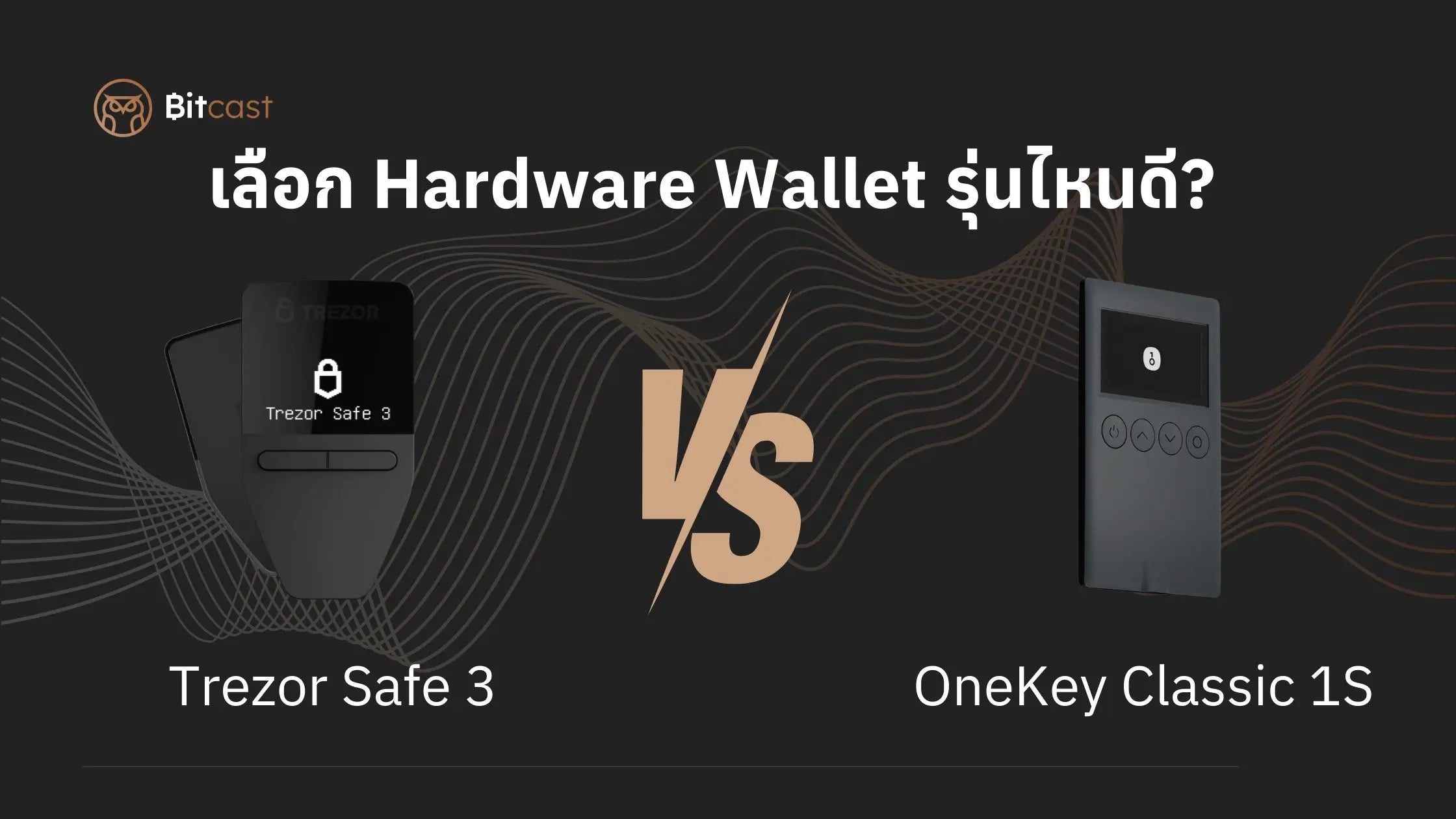
Have you ever bought a crypto wallet and felt like you made the wrong choice?
Many people starting to invest in crypto often face the problem of choosing a Hardware Wallet, especially with so many options available today, but don't know which one is right for them.
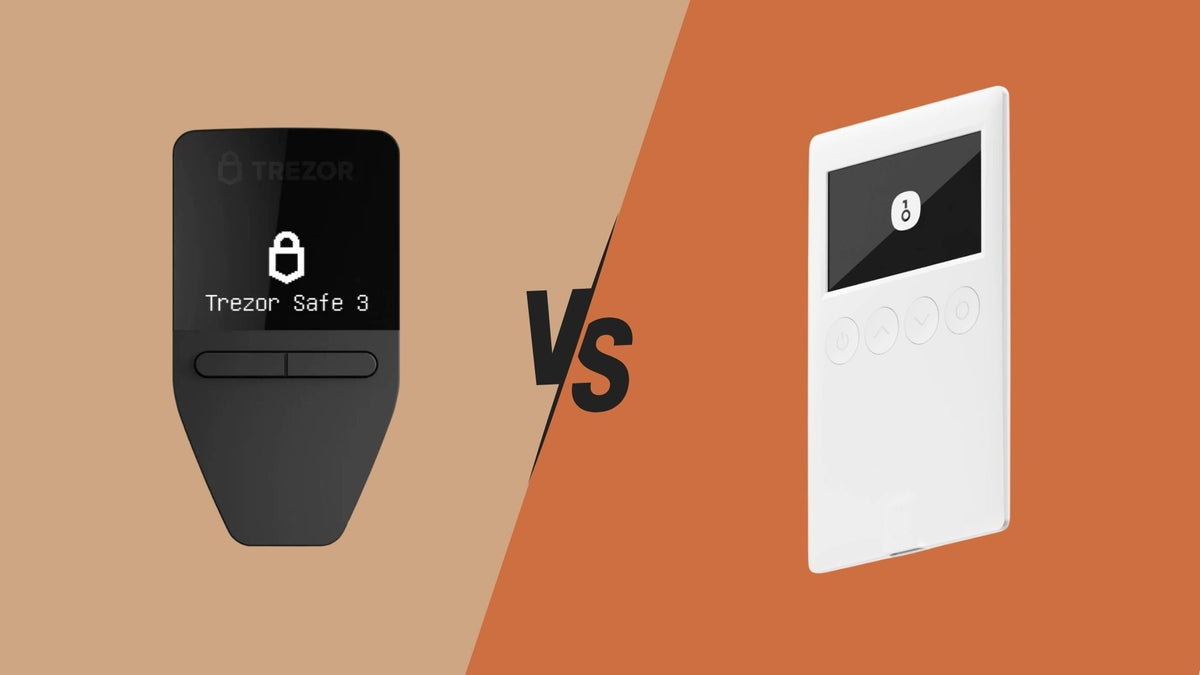
If you're currently hesitating between Trezor Safe 3 and OneKey Classic 1S, this article has the answers you need.
The author has compiled experiences from many customers who made wrong decisions, had to buy new ones, or found them difficult to use because they didn't match their needs. We're sharing these direct experiences so we don't have to spend money twice.
Let's see which of these two truly meets our needs better.
Before deciding, ask yourself these questions:
Before diving into the details of each Hardware Wallet model, let's ask ourselves a few questions.
- What coins do you want to store? Just Bitcoin, or multiple coins and networks?
- Do you primarily want to use it on a smartphone or a desktop?
- What is your budget?
These questions will help us determine which Hardware Wallet model to choose.
Another important point is that when purchasing a Hardware Wallet, you must buy it from a trustworthy source, as there may be counterfeit products designed to deceive you. Bitcast is an official distributor of Hardware Wallets in Thailand, including Trezor, OneKey, Keystone, Foundation Passport, and Tangem. Buying a Hardware Wallet from an officially appointed distributor ensures that you receive a genuine product with a 1-year warranty and after-sales service throughout its use.
Side-by-Side Comparison: Strengths and Weaknesses
Let's start with the basic specifications.
|
Feature |
Trezor Safe 3 |
OneKey Classic 1S |
|
Form Factor |
Compact rectangular box, monochrome screen |
Flat, like a credit card but thicker, monochrome screen |
|
Screen |
0.96-inch monochrome screen, button-operated |
1.57-inch screen, button-operated |
|
Connectivity |
USB-C only |
USB-C, Bluetooth |
|
Management App |
Trezor Suite |
OneKey App |
|
Price |
4,590 Baht |
3,990 Baht |
|
Best for |
Users who primarily work on a desktop Users with Android smartphones for connectivity |
Users who primarily work on smartphones (all models) Users who want to manage multiple coins within a single app |
What people like about Trezor Safe 3
- 👨💼 Reputable, established brand - Trezor (SatoshiLabs) has been in the industry for a long time, being the first brand to create a hardware wallet.
- 👍 Easy-to-use Trezor Suite - The software is convenient and straightforward.
- 🔄 Consistent updates - Regular security patches and new features.
What people complain about with Trezor Safe 3
- 📱 No Bluetooth - Requires a cable connection every time, inconvenient for mobile use, and not compatible with iOS.
- 🔌 Needs other software wallets as a supplement - Many coins like XRP, ADA, SUI cannot be used directly through Trezor Suite; they require connecting through other wallets, which can be complicated for beginners.
What people like about OneKey Classic 1S
- 📱 Multiple connectivity options - Both USB-C and Bluetooth, choose what's convenient.
- 💳 Portable - Thin like a credit card, fits in a wallet.
- 📋 Larger screen - Easier to read.
What people complain about with OneKey Classic 1S
- Newer Brand - OneKey is newer to the market, with less established trust.
- Brand concerns - Some people may have concerns about manufacturing in China and Hong Kong.
- Bluetooth connection - Some are concerned about Bluetooth connection security.
Real user feedback (no holds barred)
Trezor Safe 3 users say:
- 👉 Unsupported coins in Trezor Suite - Many don't realize this beforehand, and after purchasing, they have to find ways to use other wallets as a supplement for coins like ADA, XRP, SUI, which can be complicated, especially for beginners who haven't used software wallets before.
- 👉 Confusing for beginners - Many are puzzled why they bought a hardware wallet only to then need other wallets to use with it.
- 👉 But safe and good value - Despite the limitations, many agree that the security and brand trust are worth the price paid.
OneKey Classic 1S users say:
- 👉 Love Bluetooth - No need to carry cables, easy to connect to a phone, very convenient.
- 👉 Easier to use than expected - Many are surprised at how much easier the app is to use than they anticipated.
Most customers who bought from Bitcast say that receiving advice before purchase and having someone help with initial setup made starting much easier, especially for beginners who had never used a hardware wallet before.
Simple summary: Which one should you choose?
Choose Trezor Safe 3 if:
- You don't mind connecting via USB cable.
- You're not afraid to learn how to use other wallets.
- You have a slightly higher budget and prefer a long-established brand.
Choose OneKey Classic 1S if:
- You want to save money.
- You prefer wireless connectivity.
- You want portability, like fitting it in your wallet.
- You want to manage multiple coins within a single app.
Ultimately, no matter which one you choose, a hardware wallet is always better than storing your coins in a Centralized Exchange or a software wallet!
And the most important thing is to purchase from a trusted source. Bitcast is the official distributor of Trezor and OneKey in Thailand, guaranteeing 100% genuine products with a 1-year warranty. Our team is available to provide pre-sales and after-sales consultation, helping you get started with confidence, even if you've never used a hardware wallet before.
แชร์:
Hardware Wallet Industry News Update: February 2025
How to Choose a Seed Phrase in Trezor: A Beginner's Guide