


What is Single-share Backup?
Single-share Backup is a new data backup system on Trezor that uses a 20-word passphrase to back up and restore cryptocurrency wallets. It is developed based on the SLIP-39 standard, which is more secure and flexible than the older BIP-39 standard.
Supported Devices
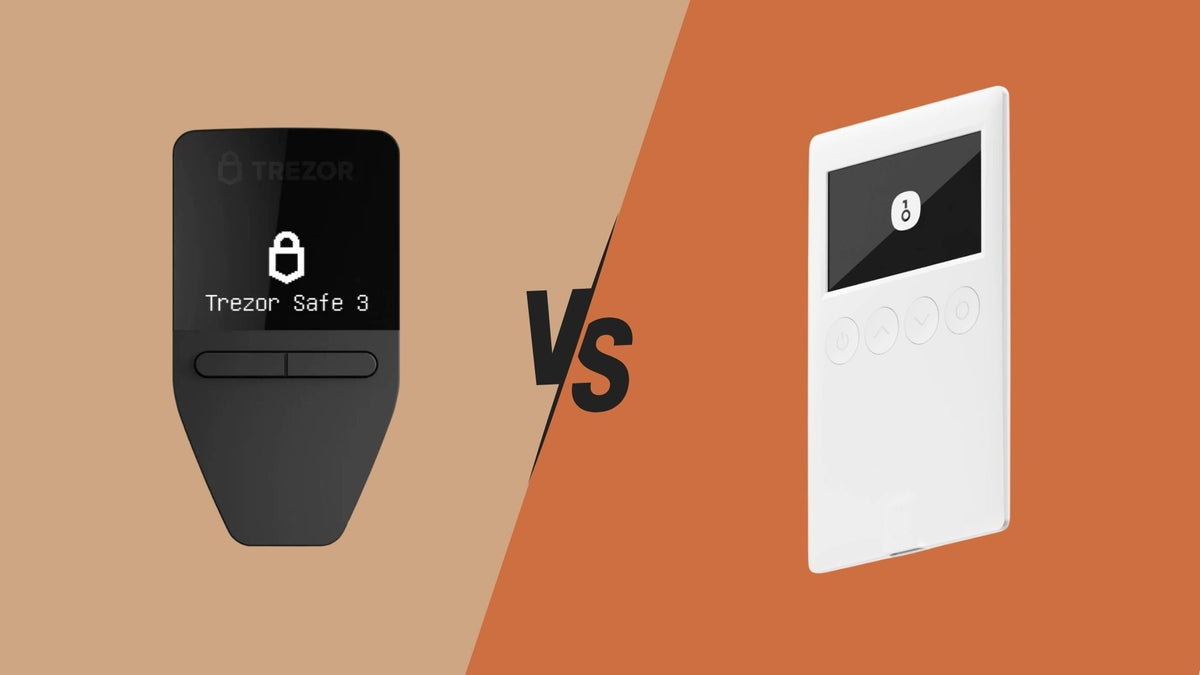
- Trezor Model T
- Trezor Safe 3
- Trezor Safe 5
Background
SLIP-39 was developed in 2019 to improve the data backup process, utilizing the principles of Shamir's Secret Sharing Scheme. This allows for the distribution of data storage among multiple parties, enhancing both security and flexibility of use.
Benefits of Single-share Backup
Improved Word Standard
- Word lists are selected according to special criteria, not words from BIP-39.
- Each word has a unique 4-character prefix, reducing confusion in pronunciation.
Easier Recovery
- Words are designed for easy input on a T9 keyboard.
- Convenient to use on Trezor and touchscreen devices.
Robust Verification System
- Uses the last 3 words as a checksum to detect errors.
- Prevents recovery with incomplete data.
Easy Upgrade
- Can be upgraded to Multi-share later.
- Accounts and addresses remain the same even after upgrading.
Example of Single-share Backup Passphrase
Example of a 20-word passphrase (for educational purposes only, do not use for actual backups):
explain academic academic fishing
boundary education custom adjust
precise anxiety shadow advance
prepare building exact necklace
recover nervous rebuild amazing
Grouping of words by function
1. Words 1-4 identify backup type
- explain: initial word indicating backup type
- academic academic: fixed words indicating Single-share
- fishing: closing word for the type identification section
2. Words 5-17: Wallet Data
- Used to store the actual wallet data
- Each word has a unique 4-character prefix
3. Words 18-20: Checksum
- nervous rebuild amazing: Used to verify the accuracy of the record
Basic Usage
How to Store
- Write down the 20 words obtained during initial setup.
- Store them in a safe place. Do not take photos or store them digitally.
- Make at least two copies and store them in separate locations.
How to Recover
- Recommended Method
-
- Connect to Trezor Suite
- Select "Recover Wallet"
- Enter the 20 words via the Trezor screen
-
Alternative Method (Not Recommended)
-
- Use a SLIP-39 recovery tool
- Convert to a private key and use with other software wallets
- High risk of data leakage
Comparing BIP-39 and SLIP-39 Standards
|
Feature |
BIP-39 |
SLIP-39 |
|
Number of Words |
12/24 words |
20 words |
|
Flexibility |
Cannot split storage |
Can split storage with Multi-share |
|
Security |
Single point of failure |
Stronger verification system |
|
Compatibility |
Works with all wallets |
Only supports Trezor and some brands |
Advanced Feature: Multi-share Backup
How it works
- Divides the passphrase into multiple shares.
- Sets a minimum number of shares required for recovery (threshold).
- How to set up
-
- Go to Trezor Suite > Settings > Backup
- Select "Create Multi-share Backup"
- Define the number of shares and conditions, e.g.
-
-
- For 2-of-3, split into 3 sets, use 2 sets to recover. Thus, all 60 words must be written down (20 words per set).
- For 3-of-5, split into 5 sets, use 3 sets to recover. Thus, all 100 words must be written down (20 words per set).
-
Security Recommendations
- Store backup words in a secure place, inaccessible to others.
- Do not take photos or record them digitally.
- Test the recovery process before storing large amounts of assets.
- Use Multi-share Backup for enhanced security.
- Distribute storage across multiple locations.
- Verify the accuracy of the recorded words using the checksum.
Frequently Asked Questions (FAQ)
Q: Why does Single-share Backup use 20 words?
- To enhance security, words are divided into 3 parts:
- The first 4 words identify the backup type.
- The middle 13 words store wallet data.
- The last 3 words are used for checksum verification.
Q: Is a Trezor device necessary for recovery?
- No, but using a Trezor is recommended for maximum security.
Q: Does SLIP-39 use the same words as BIP-39?
- No, SLIP-39 uses a newly designed wordlist, where each word has a unique 4-character prefix.
Q: Should I use BIP-39 or SLIP-39?
-
It depends on your needs.
- If you prefer ease of use and compatibility with many wallets, choose BIP-39.
- If you prioritize security and split storage, choose SLIP-39.
Q: What are the benefits of Multi-share Backup?
- Increases security by distributing storage.
- Reduces the risk of loss or unauthorized access.
Conclusion
Single-share Backup is a data backup system developed to enhance security and flexibility of use. Users can choose between:
- Basic: Securely store 20 words.
- Advanced: Use Multi-share Backup to mitigate risks.
Strictly following security recommendations is crucial for protecting your digital assets.

แชร์:
Which hardware wallet should I choose for under 5,000 baht? 2025 edition
What is Shamir Backup? Should a beginner use it?