


As we know, a Hardware Wallet is a device for storing and managing our keys. This means that a Hardware Wallet does not store Bitcoin or other cryptocurrencies, but rather stores our Private Key and Public Key.
A Hardware Wallet needs to connect or communicate with a Wallet Application on a computer or a smartphone. There are various connection methods, and each method has different advantages and precautions.
This article will discuss various Hardware Wallet connection methods and analyze the pros and cons of each main type to help with your decision-making.
1. USB Connection

USB connection involves using a USB cable to link a Hardware Wallet with a computer or other device to receive transactions via the USB cable. It then creates a digital signature and sends it back to the device to be recorded on the Blockchain, without ever revealing the Private Key to the connected device.
Advantages:
- High Security: USB connections offer high security because data is transmitted directly via the USB cable, avoiding wireless technologies that are more susceptible to eavesdropping or hacking.
- No Battery Required: Hardware Wallets that use USB connections do not require batteries, reducing the hassle of charging and maintenance.
- Easy to Use: Simply plug the USB into the device, and it's ready to use immediately, without any additional setup.
Limitations:
- Portability Limitations: Since a USB cable is required, it may be inconvenient for portability and use outside.
- Device Compatibility Limitations: Some devices, such as smartphones, may not have an appropriate USB port, making connection difficult.
Hardware Wallet Examples:
- Trezor One
- OneKey mini
- Ledger Nano S
2. Bluetooth Connection

Bluetooth connection uses radio waves to connect a Hardware Wallet with other devices, such as smartphones or computers, without the need for any cables.
Advantages:
- Convenience: No USB cable is needed, making it easy to carry and use on the go.
- Multi-device Support: Bluetooth connection allows easy use with smartphones or tablets.
Limitations:
- Requires Battery: Hardware Wallets connected via Bluetooth require a battery to operate, which means they need charging and maintenance.
- Potentially Reduced Security: Wireless connections may carry a higher risk of data interception or hacking compared to wired USB connections.
Hardware Wallet Examples:
- OneKey Classic 1S
- Ledger Nano X
3. NFC (Near Field Communication) Connection

NFC connection utilizes short-range radio signals to connect a Hardware Wallet with other devices, such as smartphones. The devices must be brought very close to each other for connection.
Advantages:
- Highly Convenient: NFC connection is fast and convenient, requiring no cables.
- Relatively High Security: It offers relatively high security compared to Bluetooth due to its very short connection range.
Limitations:
- Device Modernity: Currently, devices supporting NFC may still be limited, and some devices may not support it, so device compatibility needs to be checked.
- Range Limitation: Devices must be brought very close to each other to connect.
Hardware Wallet Examples:
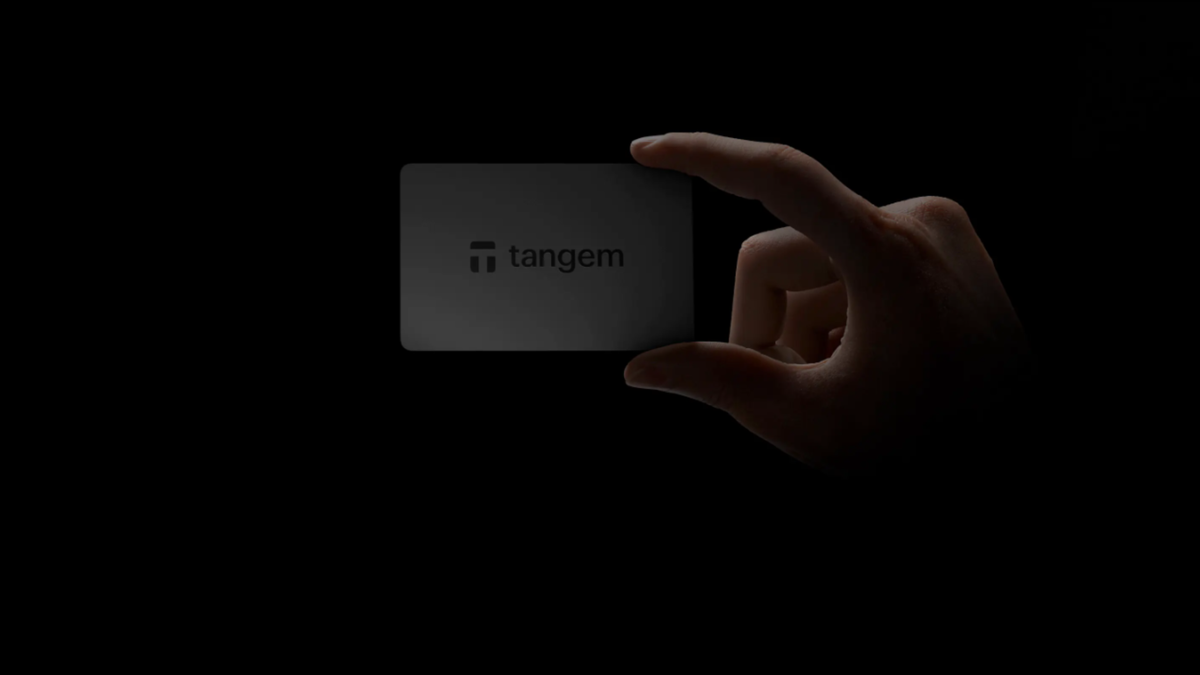
- Tangem
- CoolWallet S
4. Air-gapped Connection

An air-gapped connection is a wireless connection where data is not transmitted between devices through channels that might be vulnerable to eavesdropping. Instead, it uses alternative data transmission methods that are difficult to intercept, such as microSD cards or QR codes.
Advantages:
- Highest Security: As the device is not connected to any network, whether internet or wireless, it significantly reduces the risk of hacking or remote attacks.
- Malware Protection: Since there is no connection to other devices or online networks, the device is less likely to contract malware or viruses.
Limitations:
- Complicated Usage: Performing transactions or accessing data requires complex processes, such as using QR codes, USB drives, or SD cards for data transfer, which can be time-consuming and cumbersome.
- Speed: It is inconvenient for situations requiring speed, such as immediate transactions.
- Update Limitations: Software or firmware updates may require complex and time-consuming processes compared to other connected devices, as firmware needs to be downloaded to an SD card manually.
Hardware Wallet Examples:
- Keystone wallet
- Ellipal Titan
- Coldcard MkIII
Conclusion
Hardware Wallet connections come in many forms, allowing users to choose according to their preferences. Each type has its pros and cons. If a Hardware Wallet is used correctly, such as not storing the Seed Phrase online, not restoring the Seed Phrase on a Software Wallet, and most importantly, exercising caution and awareness before every transaction, then it will provide good security.
Reference


แชร์:
The world's first ring-shaped hardware wallet: the Tangem Ring
You can easily stake ETH through OneKey and Trezor Hardware Wallets.