


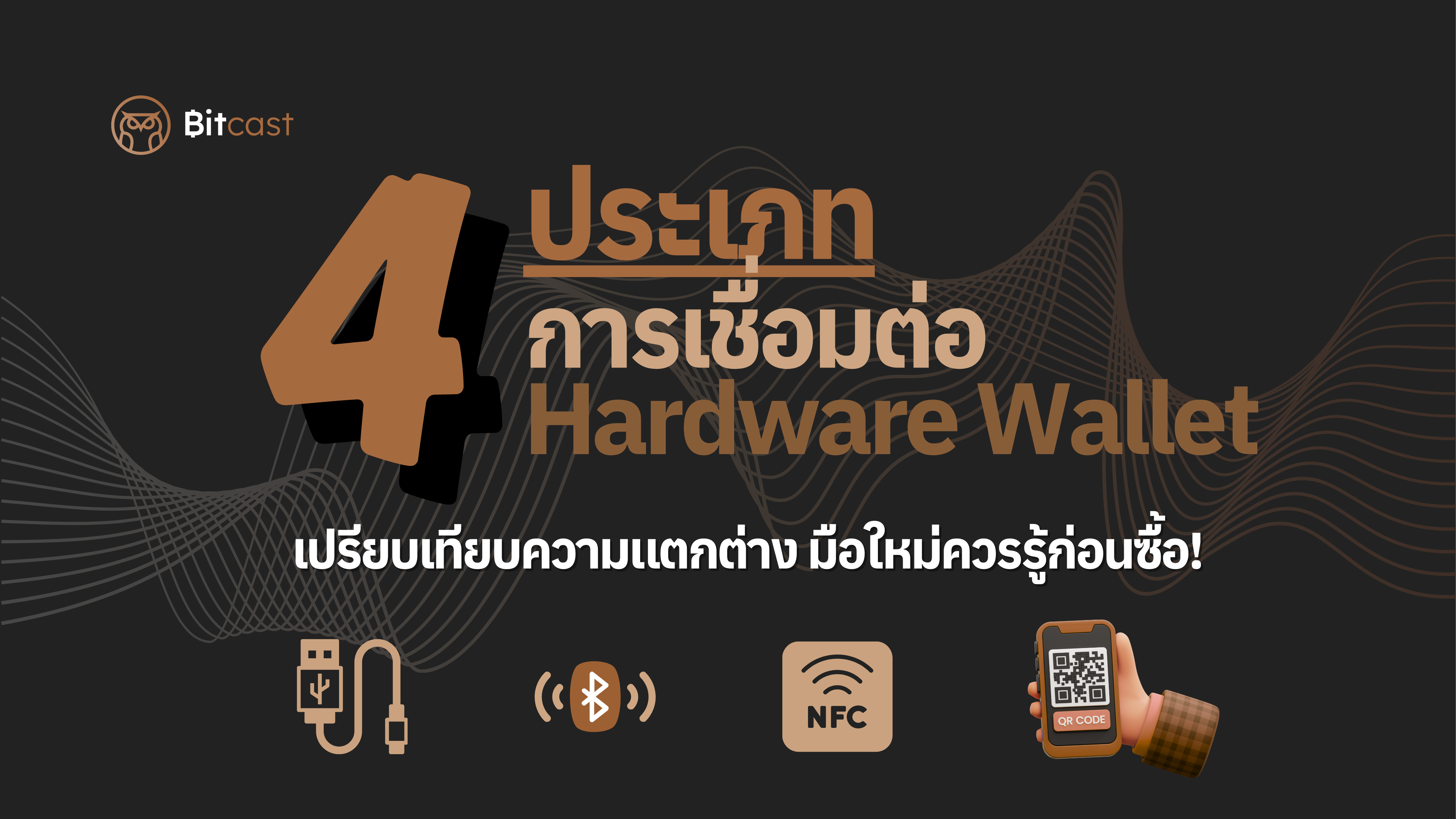
Have you ever wanted to start investing in crypto but were concerned about the security of invisible digital assets? I believe many of you have heard the term Hardware Wallet. This small device is the best answer to security, as it acts as a "personal safe" that stores our essential keys offline, making it difficult for hackers to access them.
But before making a purchase, one thing many beginners wonder is, "How does this connect to a computer or mobile phone?" and "Which connection type is best for me?" In this article, I will take you through an in-depth look at the four main types of Hardware Wallet connections available in the market, along with their pros and cons and examples of supported models, so you can choose with confidence.

1. USB Cable Connection
This is a classic and long-standing standard method for Hardware Wallets, and it remains very popular today.
- How it works: You simply use the USB cable provided with the device to connect it to a computer or mobile phone (for some models only). Then, use the wallet's dedicated application to manage your assets.
- Who it's for: Users who primarily use computers and demand the highest stability.
-
Pros
- High Security: Data is transmitted directly via cable, significantly reducing the risk of interception.
- No Battery Worries: Most USB-connected Hardware Wallets do not require an internal battery.
-
Cons
- Portability Limitations: Less convenient for on-the-go use with smartphones.
- Supported Models: Trezor One, Trezor Safe 3, Trezor Safe 5, OneKey Classic 1S, Blockstream Jade Plus
2. Wireless Connection (Bluetooth)
Many newer Hardware Wallets have incorporated Bluetooth technology to cater to the lifestyle of smartphone-centric users.
- How it works: Turn on Bluetooth on your hardware wallet and pair it with the application on your smartphone or tablet to conduct transactions.
- Who it's for: Users who prioritize flexibility and want to manage their assets anytime, anywhere.
-
Pros
- Convenient: No need to carry cables anymore.
- Easy to use: Suitable for those who travel frequently.
-
Cons
- Battery Powered: Bluetooth connectivity drains the device's battery faster.
- Risk from Careless Use: Although there are sophisticated encryption systems, if the device is not trusted, there may be a slight increase in risk.
-
Supported Models: OneKey Classic 1S, OneKey Pro, Keystone 3 Pro, Blockstream Jade Plus
3. NFC (Near-Field Communication) Connection
A tap-to-use connection, similar to using a contactless credit card or public transport card.
- How it works: Simply tap your Hardware Wallet to the back of your smartphone to connect with the mobile application.
- Who it's for: Users who want speed and primarily use their mobile phones.
-
Pros
- Fast and very easy: Just tap to connect instantly.
- Energy efficient: Uses very little power, or some models don't even need an internal battery.
-
Cons
- Device compatibility: Both the hardware wallet and smartphone must have NFC functionality.
- Limited operating range: Devices must be tapped close together.
- Supported Models: Tangem
4. Air-gapped Connection (via QR Code)
This is the most secure connection because the hardware wallet never connects to an online device.
-
How it works
- You create a transaction on an internet-connected device (e.g., a computer).
- The device generates an encrypted QR Code with the transaction data.
- You use the Hardware Wallet's camera to scan the QR Code to import the data into the device.
- You review and confirm the transaction on the Hardware Wallet's screen.
- The Hardware Wallet generates a new QR Code to send the "digital signature" back to the computer to broadcast the transaction to the blockchain.
- Who it's for: Users who prioritize the highest level of security.
-
Pros
- Ultimate Security: Critical information like your Private Key never touches an internet-connected device, not even for a second.
-
Cons
- Relatively complex steps: Requires understanding the process before use.
- Supported Models: Keystone 3 Pro, Foundation Passport, Blockstream Jade Plus, OneKey Pro
Conclusion
Now that we've explored the four types of Hardware Wallet connections, no matter which model you choose, the most important thing to remember is your Seed Phrase, or the 12-24 word recovery phrase. You must write it down and keep it in the most secure place possible. Do not take photos of it, do not tell anyone, and do not store it on an internet-connected computer or phone!
Because even if you use the best Hardware Wallet in the world, if your Seed Phrase is compromised, all your assets will be immediately at risk.
I hope this article helps you understand how Hardware Wallets work and enables you to confidently choose the right device for you!


แชร์:
Seed Phrase is Financial Sovereignty. Governments and politics may change, but a Seed Phrase (freedom) never does.
Or will seed phrases just be a thing of the past? Are we entering a world where forgetting your seed phrase is no longer a problem???