


When I thought about comparing Hardware Wallets, I pondered how to do it without putting any model at a disadvantage, taking reality into account and eliminating bias as much as possible. From my previous article where I discussed Trezor Safe 3, if you haven't read it, I recommend checking it out. Personally, I was concerned about being biased towards Trezor Safe 3.
User Groups for Hardware Wallet Comparison
I always believe that what's "good" for us might not be as good for others. Therefore, I tried to divide users into three groups. Today, we'll focus on the first group, those who prefer not to carry their Hardware Wallet much and usually connect it to their home computer or a laptop, without emphasizing mobile phone connectivity. I will cover the other two groups in separate articles. For this article, I'll focus on users who connect to a home computer.
Hardware Wallet Models I Compared
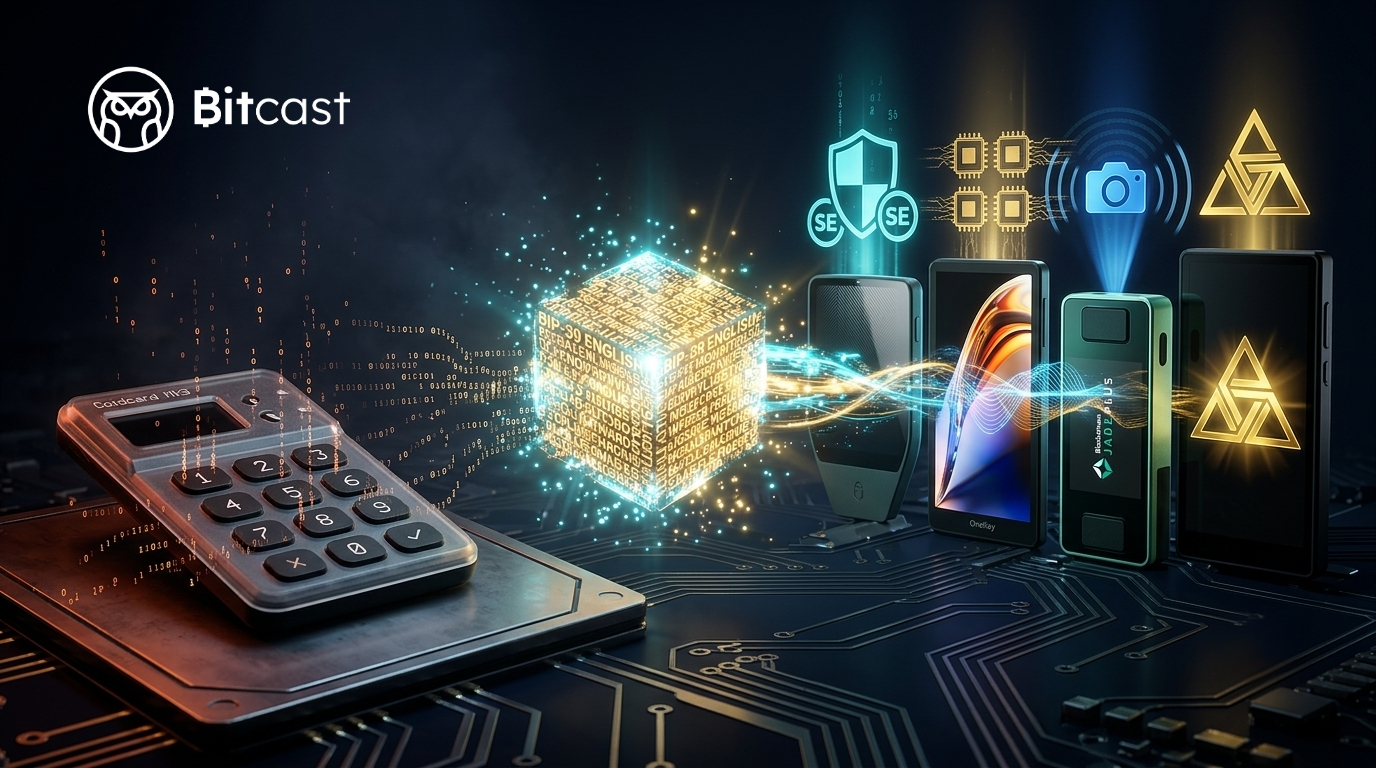
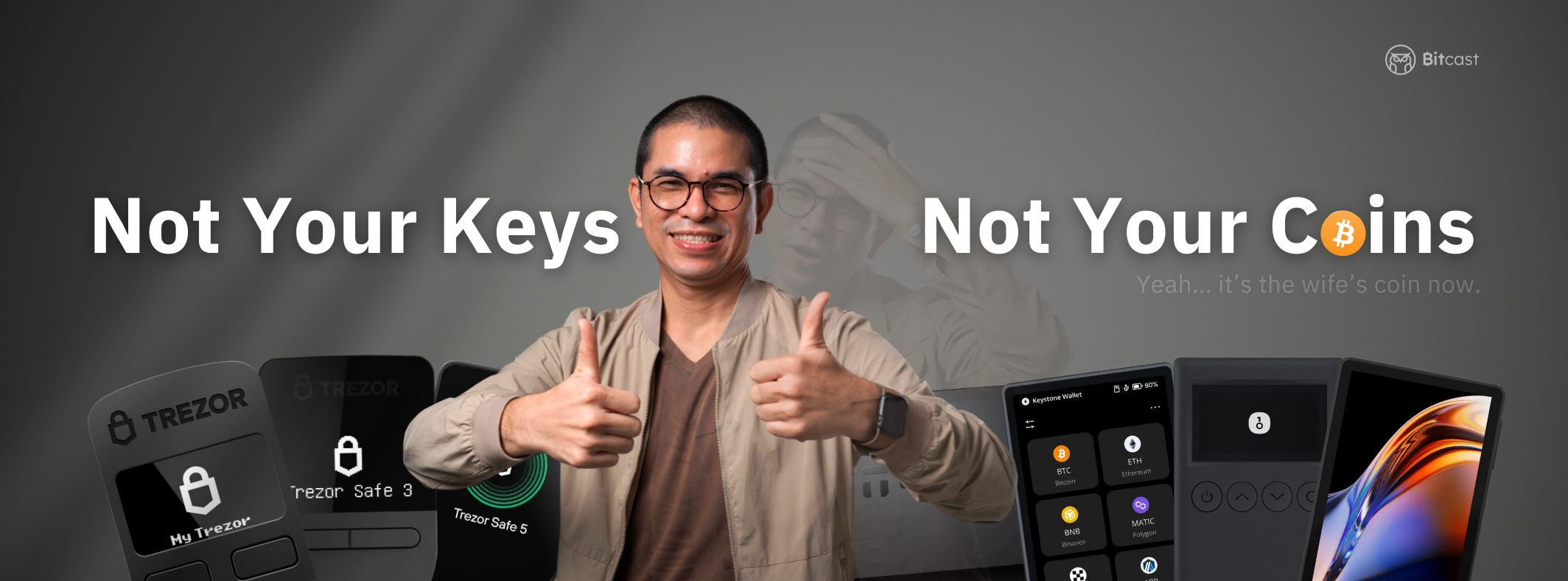
The models competing in this article include all three Trezor models: Trezor One, Trezor Model T, and the latest, Trezor Safe 3. Next up is Trezor's long-standing competitor, Ledger Nano S Plus (Ledger Nano S is no longer available). Another interesting model is the BitBox02, which is small, compact, and fully functional – quite impressive! Finally, there's the newcomer, OneKey Mini, which is based on Trezor's open-source design and fully developed from it. I removed KeepKey from the list because its hardware details are very scarce, and there's no sign of updates or further development. It looks like it won't be continuing, so I cut it out. As for other models, I'll save them for other user groups, as most of them can be used with mobile phones. So, these are the models I'm comparing in this article.
Hardware Wallet Comparison Criteria
The criteria I used for scoring are as follows:
- Price For price, I compared them by ordering from most expensive to least expensive. I didn't use feelings to decide, but rather sorted them from cheapest to most expensive, because value might need to be considered alongside the other features.
- Secure Element Chip This is a design feature that makes hardware wallets more secure. The purpose of a Secure Element Chip is to store highly confidential information, typically the Seed Phrase or Master Private Key.
- Open Source Next is the Source Code used to develop the Hardware Wallet, and whether it's publicly accessible. This indicates transparency and allows everyone to collaboratively review the Hardware Wallet's Source Code.
- Communication The next topic is about connecting the Hardware Wallet device, specifically which method we use to connect between the computer and the Hardware Wallet.
- FIDO U2F This topic is about the Hardware Wallet device being able to be used as a second-factor authentication tool, or what we call 2FA. I will explain this topic again in more detail later.
- Backup This section will discuss the ability to back up and restore or recover our Seed Phrase, with different backup techniques available.
- DApp This topic assesses the needs of those who intend to connect to DApps, such as farmers or stakers. If you are a Bitcoiner, you might want to disregard this topic.
- Support Coin Refers to the Hardware Wallet's ability to support new chain coins. If you're a Bitcoiner, you might want to disregard this topic.
Hardware Wallet Price Comparison
For the first round, I'll compare prices. I must state that these are approximate prices. The factors I considered include a 10% import tax and 7% VAT if a company imports them for sale. However, if you purchase directly from the manufacturer's website, you'll need to account for a 10% import tax plus approximately 600 baht for shipping, unless you order during a period when shipping is free. I can roughly estimate the prices as follows:
|
Model |
Price Range (Approximate Price Only) |
|
Trezor Safe 3 |
3,400-3,700 |
|
Trezor One |
2,700-2,900 |
|
OneKey Mini |
2,700-2,900 |
|
Ledger Nano S Plus |
3,400-3,700 |
|
Trezor Model T |
7,500-8,500 |
|
BitBox02 |
5,500 -6,500 |
In the first round, the models with the lowest prices are Trezor One and OneKey Mini, earning both models full marks. The models that received 4 out of 5 points are Trezor Safe 3 and Ledger Nano S Plus. The model that scored 3 points is the BitBox02, and the model with the lowest score is Trezor Model T, being the most expensive in the group. For those who don't have price concerns, this factor can be excluded from consideration.

Comparing Secure Element Chips in Hardware Wallets
For this round, only two models received 3 points, while the rest, including Trezor Safe 3, OneKey Mini, Ledger Nano S Plus, and BitBox02, scored a perfect 5 points. This is because these models have Secure Element Chips. Only two models, Trezor One and Trezor Model T, lack Secure Element Chips. However, I still gave these two models 3 points because even without a Secure Element Chip, we can still use a Passphrase to protect our hardware. In case of theft or loss, a Passphrase still provides us with time to recover our seed and retrieve all our Bitcoin, unless our Passphrase is very weak and the person who obtained our Hardware Wallet has high cracking skills, allowing them to guess the Passphrase much faster than we can recover the seed.

As for PINs, there's no need to discuss them if they're not stored in a Secure Element Chip; it only takes a moment to guess them. I've included a table showing which Secure Element Chip models each Hardware Wallet uses. The models listed for Trezor One and Trezor Model T are not Secure Element Chip models but rather the MCU models used for processing. (*Credit to Khun Kan for helping me with the Chip Model information)
|
Model |
Chip Model |
|
Trezor Safe 3 |
TRZ32F429IBGA124 |
|
Trezor One |
STM32F205RE (MCU) |
|
OneKey Mini |
ATECC608A |
|
Ledger Nano S Plus |
STM32F042K6U6 |
|
Trezor Model T |
STM32F427VIT6 (MCU) |
|
BitBox02 |
ATECC608B (MCU), ATSAMD51J20A |
Comparing Source Code of Each Hardware Wallet Model
For the third round, I'm talking about the disclosure of the Source Code for each hardware wallet model. It's well-known that Trezor has been open-sourcing since the beginning. I believe no one would doubt my decision to give all three Trezor models—Trezor One, Trezor Model T, and the latest Trezor Safe 3—a perfect score of 5. Following them, with 4 points, are the OneKey Mini and BitBox02. Actually, if you've been following me, you'd know that I'm an official importer of these two. One reason I'm quite comfortable with OneKey is that it's fundamentally developed from Trezor and also open-source like Trezor. However, the level of Source Code disclosure for these two models is not equivalent to Trezor's.
Trezor discloses its Source Code down to the circuit board design. OneKey Mini and BitBox02 do not disclose their circuit board designs. Therefore, I had to deduct points from these two models, leaving them with 4 out of 5 points. As for the last model, Ledger Nano S Plus, there's no need to discuss it. Ledger only discloses the Source Code for Ledger Live, which is the software used to connect to the Ledger Nano S Plus device, but it doesn't disclose the firmware's Source Code. I checked Ledger's GitHub, and they only disclose firmware for older models, specifically Ledger Nano S and Ledger Blue. Thus, in this category, I only give Ledger Nano S Plus a score of 2.

Comparing connectivity of each hardware wallet model
In the fourth round, my initial thought was that comparing wireless and wired models would be very important, but once I divided users into two groups—those primarily using computers and those primarily using mobile devices—the scores for this category didn't differ much. I saw only one model, the Trezor One, where I gave a score of 4 points. The only reason I gave the Trezor a score of 4 points was due to its Mini USB interface.
Currently, other models like the Trezor Safe 3, OneKey Mini, Ledger Nano S Plus, Trezor Model T, and BitBox02 all use USB-C.

Comparing Hardware Wallet Usability
For this fifth round, I'll talk about design and usability, which mainly involves button placement and display. For this topic, I think it's a bit difficult because I'm using my personal feelings to score, so friends might want to set their own criteria. In this category, the highest scores went to
Trezor Safe 3 and BitBox02. The reason I gave these two models a perfect score of 5 is due to the materials used in the Trezor Safe 3 and the button layout that I like on the Trezor One. The screen is also sufficient for use. As for the BitBox02, I actually have a slight reservation, but it's not enough to deduct points: it has to be plugged into a computer. This model doesn't have a cable, which might be difficult for some, but it's not an issue for me. And I gave it a high score because the user experience is exciting. There are no visible buttons; instead, it uses touch gestures for tapping and swiping. It's compact and nice. For Trezor One, OneKey Mini, and Ledger Nano S Plus, the main factor is the materials. Among these three models, the OneKey Mini, which scored 4 points, has a color screen, while the others have monochrome screens. I don't see any other problems. However, the model with the lowest score, the Trezor Model T, has no buttons. It's designed with a touch screen, but its touch screen isn't very large, making it very difficult for my large fingers to use. But I must say, the materials of this model are good.

Comparing FIDO U2F in Hardware Wallets
Before I talk about the scores in the sixth round, I want to explain to everyone what FIDO U2F is.
FIDO is a group of companies that collaborated to develop a second-factor authentication standard, or 2FA (2 Factor Authentication). This standard was named Universal 2nd Factor Authentication (U2F) by the FIDO group. If you've used Google Authentication before, this standard works similarly, except you don't need to check what the changing numbers are. You simply plug in a U2F-compatible device and press a button to confirm your identity using a FIDO-compatible device. You can check which applications support this feature at this link. For those interested in these types of devices, I have a dedicated personal authentication device called unikey, available in two models if anyone is interested.
For the FIDO U2F category, comparison is quite easy because these are primarily hardware wallets that connect via cable. Most FIDO U2F devices also primarily use cable connections. In this category, all models received full scores. Yay!

Comparing Backup in Hardware Wallets
For the seventh round, you might wonder, "Doesn't using a Recovery Seed just end it? Why compare them?" The reason is that the comparison of backup methods involves more details than just the Seed used for backup.
Regarding backup, if you notice, the highest scoring models in this group are almost entirely from the Trezor family. Only the Trezor Safe 3 and Trezor Model T have a "god-tier" backup method called Shamir Backup. What is this? I've explained it in a video before, so you can watch that video. But if I have time, I will explain Shamir Backup again. The principle is that it splits the Seed Phrase into multiple parts, and some parts can be lost. This is suitable for organizations or groups of people who distribute the Seed Phrase among themselves. In case of a problem, a majority of the parts can be used to recover the Seed.
The next tier consists of basic functions, including Trezor One, OneKey Mini, and BitBox02, which all use the Seed for recovery. Actually, the BitBox02 has another option: using an SD card for backup, but I didn't score this part, haha. I have to say, the BitBox02 is quite unfortunate in many ways; it incorporates a lot of technology, but it's in areas I didn't score, haha. If you're interested, you might want to look into it deeper.
Let's look at the last tier. You don't need to be alarmed, but I gave the Ledger Nano S Plus a score of 0. This isn't because it can't recover a Seed, but because it does more than that, to the point where we start to get scared. Ledger launched a service called Ledger Recover, which is a service that helps recover our seed. It divides our crucial information into three parts. Ledger says you can rest assured that they don't store it alone; they have others help store it too, covering and charging a fee for storage. For me personally, this goes against basic principles. The purpose of this technology is to allow us to be self-reliant and take care of ourselves. We try to practice what's called "self-custody," storing our own Seed and relying on ourselves. But this isn't the case with Ledger. I understand that fundamentally, people are different, and everyone's thinking is unique. It's not wrong to use Ledger because that's your choice and your assets. I'm just saying, I warned you, and that's that.

Comparing Hardware Wallets with DApp Connectivity
Round eight, concerning DApp connectivity for users primarily on computers, I believe the Ledger and Trezor families completely dominate the market. This is because they can connect to Metamask, which also benefits OneKey Mini since it's based on Trezor. For this reason, BitBox02 is the only one with a lower score. However, if you're only holding major coins and not planning to farm or stake anywhere, you might consider disregarding this category.

Comparing Hardware Wallet Models with Supported Coins
Round nine, regarding supported coins for each model, I must admit that Ledger is the market leader. They support a vast number of coins and collaborate with coin or chain developers to ensure their project wallets support Ledger's hardware wallets. Another one is the OneKey Mini, which builds upon Trezor's foundation and expands coin support, so I gave it a score of 5. As for the Trezor Safe 3 and Trezor Model T, these models can store more coins than the Trezor One, which is why I ranked them accordingly. The BitBox02 supports the fewest coins.

You can check the supported coins for each model here:
|
Model |
Link to Supported Coins |
|
Trezor Safe 3 |
|
|
Trezor One |
|
|
OneKey Mini |
|
|
Ledger Nano S Plus |
|
|
Trezor Model T |
|
|
BitBox02 |
Conclusion on Hardware Wallet Comparison for Computer-Primary Users
In the highly recommended category, the Trezor Safe 3 scored 95.56%, which I classify as A+. Compared to the OneKey Mini, which scored 91.11% and is classified as A, the Trezor Safe 3 has two main advantages over the OneKey Mini. The first is the disclosure of its circuit board design, and the second is its "god-tier" Seed Phrase backup method called Shamir Backup.


The next models in the Recommended group are all B-grade. These include the Trezor One, scoring 82.22%, the Trezor Model T, also scoring 82.22%, and the BitBox02, scoring 80.00%. Similarly, within this group, the Trezor family (Laser) gets higher scores for its open-source circuit board design, giving it an edge over others. However, the Trezor One and Trezor Model T lack a Secure Element Chip, allowing the BitBox02 to catch up in scores. Each device in this group has its own strengths and weaknesses, but overall, they offer comparable value.


In this group, the lowest score went to the Ledger Nano S Plus, which received 77.78%, placing it in the C+ grade. The main deductions came from its lack of open-source firmware and its backup system, where Ledger stores our Seed with Ledger and its partners.

I hope this article is useful, but I also want to caution my friends that this comparison is my own, so some of my thoughts might include both positive and negative biases. If you read anything that makes you feel that way, I would appreciate it if you commented directly to me so I can improve my considerations for next time. If you think this article is beneficial, please share it with anyone who might find this kind of knowledge useful. Thank you.
แชร์:
How are Coins and Tokens different?
The long-awaited Bitcoin Spot ETF wasn't as sweet as expected.
1 comment
ชอบครับ ถึงจะเป็นยี่ห้อน้องใหม่ ชอบระบบรักษาความปลอดภัย ได้ครบถ้วนการใช้งานได้สะดวกมากยิ่งกว่ายี่ห้อใดๆครับ ขนาดกระทัดรัด ใช้งานง่ายครับ