


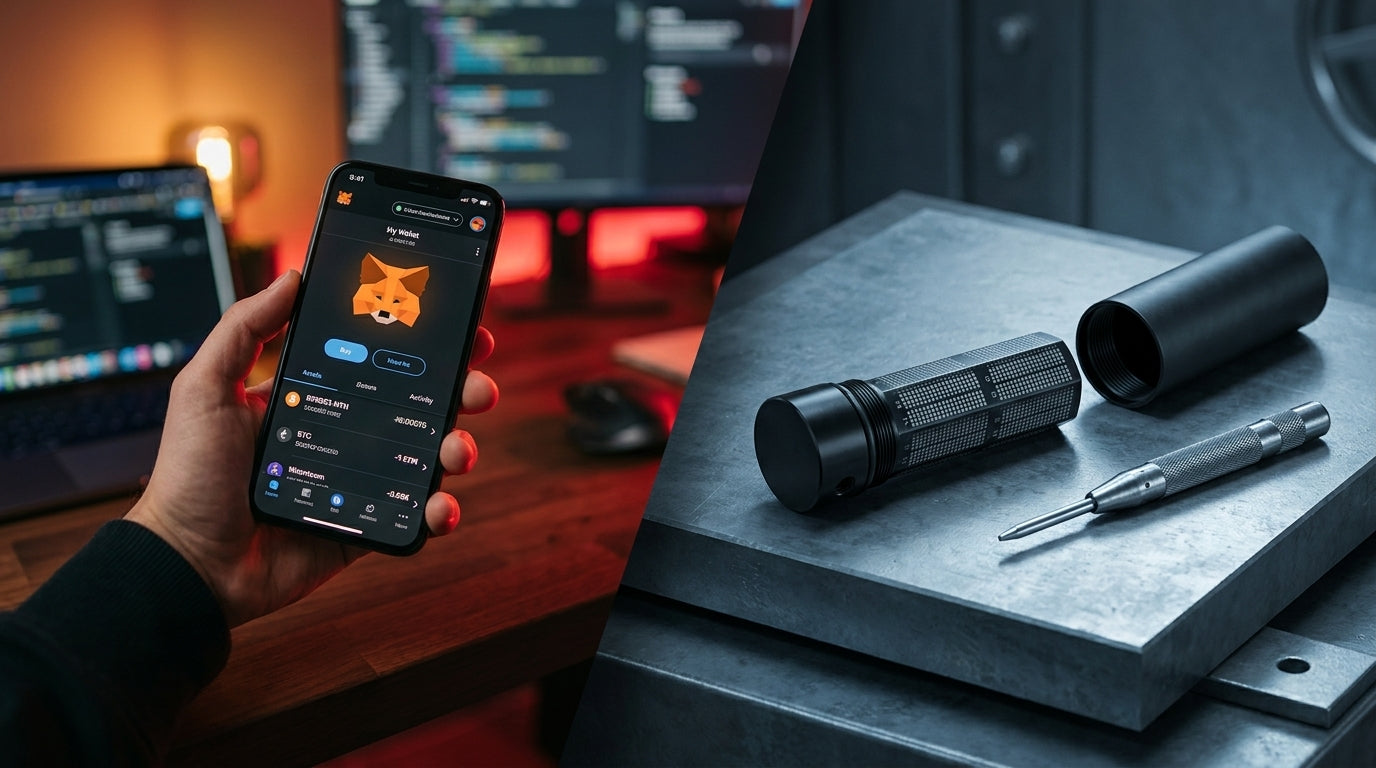
- Understanding the Core of a Wallet: Crypto Wallets Don't Store Coins, They Store Private Keys
- What is a Hot Wallet?
- Common Types of Hot Wallets
- Advantages of Hot Wallets
- Risks and Limitations
- What is a Cold Wallet?
- Offline Security Mechanism of Hardware Wallets
- Comparison Table: Hot Wallet vs. Cold Wallet
- Can We Use a Cold Wallet with a Hot Wallet?
- How It Works: Why Connecting Doesn't Leak Private Keys?
- When You Want to Make a Transaction
- Popular Pairing Examples
- 3 Golden Rules when Using a Hardware Wallet with a Hot Wallet
- Important Warning: Can Money Still Disappear Even with a Hardware Wallet?
- 1) Risk of Signing Malicious Smart Contracts (Blind Signing)
- 2) Digitally Storing Your Cold Wallet's Seed Phrase
- 3) Beware of Fake Applications Requesting Seed Phrases
- 4) Clipboard Hijacker Malware
- 5) Dangers of Buying a Hardware Wallet from Unreliable Sources
- Summary
- Frequently Asked Questions (FAQ)
- Q1: If my Hardware Wallet breaks or gets lost, will my coins disappear too?
- Q2: For beginners who want to start using a Hardware Wallet, which model should they choose?
- Q3: Can coins in a Hardware Wallet be used for staking?
One of the classic questions I often receive from crypto enthusiasts when they first enter the world of Self-Custody is, "What's the difference between a Hot Wallet and a Cold Wallet?" and "Why does everyone say that if you want to keep your coins truly safe, you need to move to a Cold Wallet or Hardware Wallet?"
Moreover, some people invest in a Hardware Wallet but still have misconceptions about connecting and transacting, which can lead to their coins disappearing.
Today, I'll take you through a clear, in-depth look at the differences between Hot Wallets and Cold Wallets, covering everything from security architecture and integrated usage to critical vulnerabilities that even Hardware Wallet users must not overlook.
Understanding the Core of a Wallet: Crypto Wallets Don't Store Coins, They Store Private Keys
Before we dive into the differences between wallet types, we need to understand the basic mechanism of blockchain.
Many people mistakenly believe that Bitcoin or crypto coins are transferred and "stored inside the device or in a mobile app," but in reality,
All crypto coins reside on the Blockchain at all times.
What a Wallet truly stores is the "Private Key" and "Seed Phrase" (a set of 12 or 24 recovery words), which are like a digital signature and a safe deposit box key. Whoever holds this Private Key is the owner of the assets and can transfer coins on the blockchain anywhere.
Therefore, whether it's Hot or Cold doesn't depend on the type of coin, but rather on "whether your Private Key is created and stored in an environment connected to the internet."
What is a Hot Wallet?
A Hot Wallet is a crypto wallet where the Private Key is created and stored on a device that is "directly connected to the internet" constantly or almost constantly.

Common Types of Hot Wallets
- Software Wallets on smartphones / computers: Applications like MetaMask, Phantom, Trust Wallet, Rabby Wallet, or Exodus
- Browser Extensions: Browser extensions for interacting with dApps in the Web3 world
- Exchange Wallets (Wallets on trading platforms): Accounts on digital asset exchanges (which are Custodial Wallets, meaning we don't hold the Private Key ourselves)
Advantages of Hot Wallets
- Easy access and no cost: Free to download and install, no additional hardware needed.
- Convenient for transactions: Quickly switch networks, buy, sell, exchange coins, or connect to DeFi / NFT platforms in a few clicks.
- Suitable for daily use: Holds small amounts of circulating funds for fees or daily transactions.
Risks and Limitations
- Target for online attacks: Since the Private Key resides on the mobile or computer operating system, it is vulnerable to malware, Trojans, keyloggers, or clipboard hijackers.
- Risk of device hacking: If the device is infected with a virus, hackers may instantly extract Keystore files or capture passwords to steal the Private Key.
What is a Cold Wallet?
A Cold Wallet is a crypto wallet where the Private Key is created, stored, and used in an environment that is "completely disconnected from the internet" (Completely Offline).

The most standardized and widely used form of Cold Wallet today is the Hardware Wallet, a small electronic device specifically designed for the security of digital assets.
Offline Security Mechanism of Hardware Wallets
When you want to transfer coins, the software on your computer or mobile device only sends "raw transaction data" to the Hardware Wallet, allowing the chip inside to sign the transaction offline. Then, only the "completed digital signature" is sent back to be broadcast on the blockchain.
This ensures that the Private Key never leaves the device to interact with the internet, computer, or mobile system, not even for a second.
Furthermore, leading brands currently embed international-grade security chips like Secure Element (EAL6+) to protect against physical attacks. If you're interested in more details, you can read our article What is a Hardware Wallet / Why Everyone Needs One.
Comparison Table: Hot Wallet vs. Cold Wallet
To provide the clearest picture, I've summarized the key features of both wallet types below:
| Feature | Hot Wallet | Cold Wallet / Hardware Wallet |
|---|---|---|
| Internet Connection | Always connected (Online) | 100% offline (Offline Isolated Environment) |
| Private Key Security | Medium (Vulnerable to malware and hackers on the device) | Highest (Key never touches the internet) |
| Transaction Confirmation | Confirm via mobile/computer screen | Must press confirmation button on the physical device screen |
| Phishing & Malware Protection | Low (If the device is infected, data can leak immediately) | Very High (Malware on the computer cannot steal the Key from the device) |
| Portability/Ease of Use | Very convenient, open the app and use it instantly | Requires carrying and connecting the device to sign transactions |
| Cost | Free | Hardware device purchase cost |
| Suitability for Use | Small circulating funds, DeFi farming, daily trading | Main savings, long-term investment portfolios, retirement funds |
Can We Use a Cold Wallet with a Hot Wallet?
One of the most common questions and concerns among many new users is:
"If we connect a Hardware Wallet to a Hot Wallet like MetaMask, Rabby, Phantom, or Sparrow, will the private key leak onto the internet? And will it become an insecure Hot Wallet?"
The short answer is: "It does not become a Hot Wallet, and it is 100% secure if used correctly."
In fact, this type of usage is the "standard and best practice" most favored by Web3 and DeFi enthusiasts. It combines the strengths of both sides, offering convenient dApp connectivity and the highest level of Cold Storage security simultaneously.
How It Works: Why Connecting Doesn't Leak Private Keys?
To make it easier to understand, imagine the division of labor as follows:
- Hot Wallet (Frontend / Interface) acts as the "administrative officer" or front-desk, checking balances, creating transaction forms, connecting to dApps, or filling in details about where and how much coin we want to transfer.
- Hardware Wallet (Signer / Vault) acts as the "safe and personal stamp" that securely stores the private key and seed phrase in a chip, completely isolated from the internet.
[ Web3 dApp ]
↕
[ Hot Wallet App / Extension ] ; Acts as the frontend UI / Creates raw transaction slips
↕ (Sends raw transaction draft)
[ Hardware Wallet (Offline) ] ; Verifies data on the physical device screen + Presses Sign button
When You Want to Make a Transaction
- Hot Wallet software like MetaMask or Rabby creates an "unsigned transaction draft" and sends it to the Hardware Wallet via USB, Bluetooth, or an Air-gapped system.
- The Private Key is never transmitted. The private key will never leave the device.
- The Hardware Wallet screen will display the actual transaction details (coin amount, destination address, fees). You will then physically confirm it on the device.
- Once approved, the Hardware Wallet will send only the "Cryptographic Signature" back to the Hot Wallet for broadcast onto the blockchain.
Therefore, even if your computer or mobile phone is infected with malware, or a hacker is peeking at your screen, the hacker cannot steal your coins because no one can press the confirmation button on your Hardware Wallet for you.
Popular Usage Pairings
| Usage Type | Software Hot Wallet (Front-end UI) | Hardware Wallet (Signer holds Private Key) | Highlights |
|---|---|---|---|
| Web3 & DeFi (EVM / Solana) | MetaMask, Rabby Wallet, Phantom | Trezor Safe 3, OneKey Classic 1S | Convenient dApp connection, easy chain switching, automatic protection against phishing websites that drain funds. |
| Bitcoin HODL & Privacy | Sparrow Wallet, Electrum | Blockstream Jade, Trezor, OneKey | Advanced UTXO management, multisig creation, and private Full Node connection. |
| Mobile Portfolio Tracker | OneKey App, Trezor Suite, BlueWallet (Watch-only) |
All Hardware Wallet models | Check coin balances and receive funds anywhere, without carrying or plugging in devices. |
3 Golden Rules for Using Hardware Wallet with Hot Wallet
Although the system is designed to be highly secure, true security also depends on usage habits.
- Never enter the Seed Phrase of your Hardware Wallet into a Hot Wallet software. The correct connection method is to select "Connect Hardware Wallet" on the app only. If a pop-up window asks you to type 12 or 24 words onto your computer keyboard, immediately recognize that it's malware or a fake website.
- Trust the Device Screen: Malware might swap the destination address on your computer screen. Always verify the destination address and coin amount on your Hardware Wallet screen before confirming.
- Separate Accounts for DeFi farming and long-term savings: Designate one address for storing primary coins (true Cold Storage, don't blindly sign contracts) and another address for connecting to dApps to limit the risk of accidentally approving dangerous Smart Contracts.
Important Precautions: Can Money Still Be Lost Even with a Hardware Wallet?
Many people mistakenly believe that "once I buy a Hardware Wallet, I'll be 100% safe, and my money will never be lost."
I must warn you here: This is not true.
Even though Cold Wallets completely prevent private key hacking via the internet, "careless usage habits" can still allow scammers to steal your money. Here are 5 dangerous pitfalls you need to watch out for.
1) Risk of Signing Dangerous Smart Contracts (Blind Signing)
A Hardware Wallet acts like a "smart pen for signing documents." If you connect to a phishing website or a fake dApp and approve/sign a contract designed to drain coins, the device will assume you intend to transfer them and will sign that transaction immediately!
- Prevention: Avoid blind signing, always verify website URLs, and regularly revoke unused Smart Contract permissions.
2) Digitally Storing Your Cold Wallet's Seed Phrase
The most important golden rule for Cold Wallets is: "The 12-24 word Seed Phrase must only be on paper or a metal plate." Taking screenshots, saving photos on your phone, typing it into Notes, Google Drive, LINE, or typing it on a computer keyboard will instantly turn your Cold Wallet into a Hot Wallet, making it vulnerable to hackers at any time.
- Prevention: Write down your recovery words on the paper provided in the box, or store them on a metal seed plate like Trezor Keep Metal or OneKey KeyTag, which are water and fire-resistant. Never type them on any electronic device.
3) Beware of Fake Applications Requesting Your Seed Phrase
Scammers often create fake applications on Google Search Ads or fake App Stores. If you install a fake app, the system will trick you into "entering your Seed Phrase on your mobile/computer screen" to verify your identity.
- Remember: Genuine wallet management apps (e.g., Trezor Suite or OneKey App) will never ask you to type your Seed Phrase on your computer or mobile. Recovery must only be done through the hardware device's screen.
4) Malware that Swaps Wallet Addresses (Clipboard Hijacker)
This type of malware can secretly swap the destination address you just copied with a scammer's address in an instant.
- Prevention: Before pressing the final confirmation button on the device, double-check every character of the address on the Hardware Wallet screen against the intended destination address to ensure they match exactly.
5) Danger of Buying Hardware Wallets from Unreliable Sources
Buying a used device or ordering from an unauthorized seller carries the risk of hardware modification (Supply Chain Attack) or receiving a fake Seed Phrase in the box.
- Prevention: Only purchase from directly authorized distributors. Learn more in the article Why you shouldn't be afraid to buy a Hardware Wallet through an Authorized Reseller in Thailand.
Q2: For beginners who want to start using a Hardware Wallet, which model should they choose? A: For beginners, I recommend models that are cost-effective, easy to use, and have international standard security chips:
- Trezor Safe 3: A popular entry-level model from an industry pioneer, featuring a 2-button system, durable, and secured with a Secure Element chip.
- OneKey Classic 1S: Slim design, supports Bluetooth connection to smartphones for quick and convenient use.
Summary
Choosing a crypto wallet isn't a matter of absolute right or wrong; it depends on your "purpose and the size of the funds" you want to protect. If it's a significant amount of savings, investing in a standard Hardware Wallet is the most worthwhile insurance in the world of digital assets.
And what about you? How do you currently divide your coin storage between Hot Wallets and Cold Wallets? Are there any models you particularly like to use? Come chat and exchange ideas with me in the comments.
If you need further advice on choosing a wallet suitable for your portfolio or want to inquire about security settings, you can chat directly with our team on LINE Official Account: @bitcast (Click to add LINE) anytime.
See you in the next article!
Frequently Asked Questions (FAQ)
Q1: If my Hardware Wallet breaks or gets lost, will the coins inside be lost too?
No, they won't. As long as you keep your Seed Phrase (12 or 24 words) safe, you can use that set of words to restore your wallet on a new Hardware Wallet (or another brand that supports the BIP-39 standard) and access all your coins as before. The person who finds your old device cannot access your coins without your device's PIN code.
Q2: For beginners who want to start using a Hardware Wallet, which model should they choose?
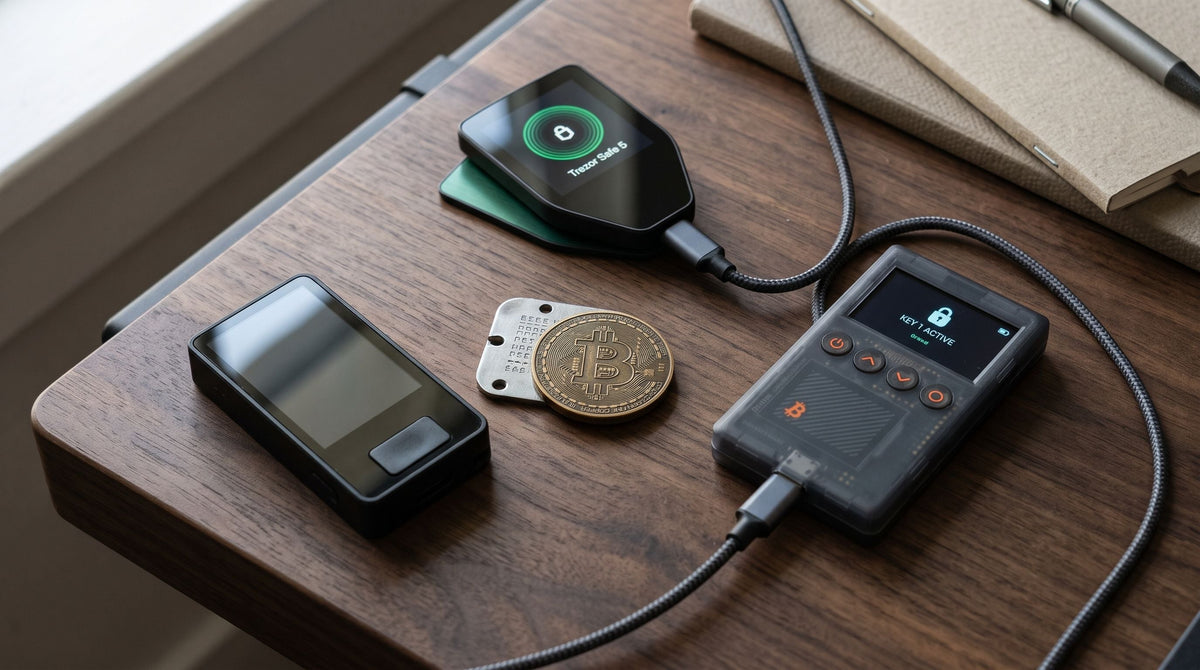
For beginners, I recommend models that are cost-effective, easy to use, and have international standard security chips. If you want a larger touchscreen and top-tier features, you can also consider models like Trezor Safe 5 or OneKey Pro. You can view all models on the Hardware Wallet collection page.
Q3: Can coins in a Hardware Wallet be used for staking to earn returns?
Yes, they can. Modern Hardware Wallets support staking leading Proof-of-Stake blockchains like ETH, SOL, ADA, DOT directly through wallet management applications. This allows you to earn returns while your Private Key remains securely stored offline 100%. However, you should understand how it works before using it.

แชร์:
When is a good time to buy a hardware wallet? How much money makes it worth using?
10 Checklists: When Should You Move Crypto from an Exchange to a Hardware Wallet? Plus Pros and Cons