


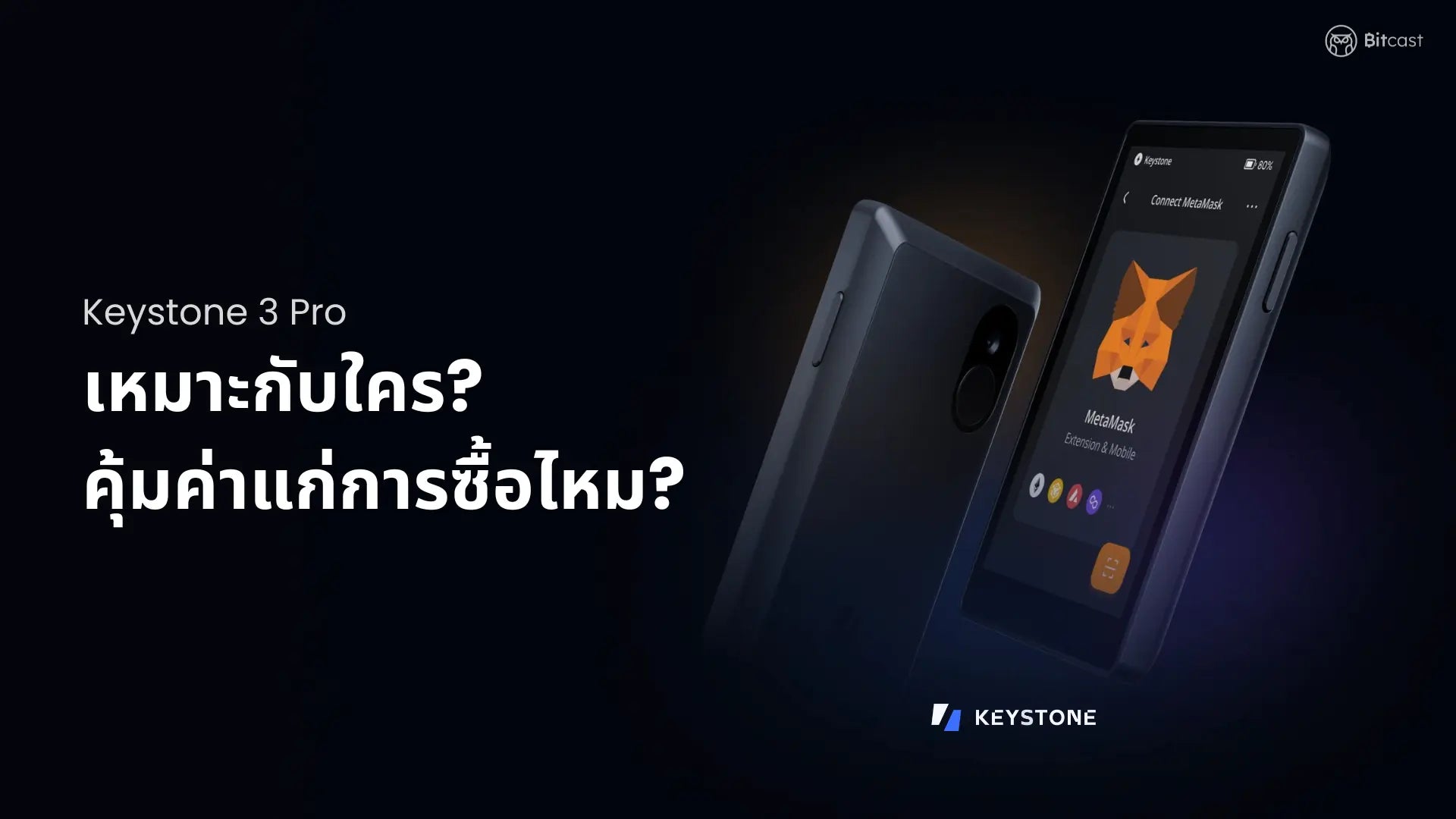
Many friends have asked, “Should I buy a Keystone 3 Pro Hardware Wallet?” This article will highlight the outstanding features of the Keystone 3 Pro Hardware Wallet to help you decide before purchasing, ensuring value for money and suitability for your needs.
Or you can watch the full review first.
Topics
- What does the Keystone 3 Pro Hardware Wallet support?
- What features does the Keystone 3 Pro Hardware Wallet have, and is it worth it?
- Who is the Keystone 3 Pro Hardware Wallet suitable for?
- Summary
What does the Keystone 3 Pro Hardware Wallet support?
Supports over 5,500 cryptocurrencies
The Keystone 3 Pro Hardware Wallet supports over 5,500 cryptocurrencies, which is a considerable number compared to other models. This is because the Keystone 3 Pro Hardware Wallet doesn't have its own application; instead, it operates through supported Software Wallets, numbering over 20, such as MetaMask, OKX wallet, or BlueWallet. This allows it to support BTC and all ERC-20 standard tokens.
Many people wonder, "Why does the Keystone 3 Pro Hardware Wallet need to be used with Software Wallets, and is it safe?" "Is the Keystone 3 Pro Hardware Wallet a Cold Wallet?"
Q: Is it safe to use the Keystone 3 Pro Hardware Wallet with Software Wallets?
A: Yes, it is safe. The connection between the Keystone 3 Pro Hardware Wallet and a Software Wallet is similar to other hardware wallets, where an extended public key is sent to the Software Wallet. This QR code-based connection cannot be reversed to derive the private key, making it more secure than directly importing a seed into Software Wallets.
Q: Is the Keystone 3 Pro Hardware Wallet a Cold Wallet?
A: Yes, it is a Cold Wallet. Simply put, a Cold Wallet is a wallet that is not constantly connected to the internet, offering high security, and typically comes in the form of a hardware wallet. If you haven't read about what a Cold Wallet is, you can read more here.
In summary, the Keystone 3 Pro Hardware Wallet is a Cold Wallet.
Supports over 200 blockchains
According to the official website, it supports over 200 blockchains. When using Software Wallets, expanding blockchain support to over 200 blockchains is possible simply by adding the network to the Software Wallet. Please be careful not to interact with unknown blockchains.
We also need to distinguish between Mainnet and Testnet. There have been many cases of people being scammed by transferring tokens via Testnet. Simply put, Testnets are parallel blockchains that are almost identical to Mainnet, but unlike Mainnet, users do not trade tokens with real value as they do on Mainnet.
Supports over 25 Software Wallets
The Keystone 3 Pro Hardware Wallet supports over 25 Software Wallets, including both EVM and Bitcoin platforms, such as MetaMask, Rabby, OKX, BlueWallet, Keplr, or Nunchuk, among others.
Supports MetaMask Mobile

The Keystone 3 Pro Hardware Wallet supports MetaMask Mobile via Air-gapped QR code scanning. This allows for convenient and secure use of MetaMask Mobile on a smartphone, making it safer than using cables or Bluetooth connections.
What features does the Keystone 3 Pro Hardware Wallet have, and is it worth it?
Open source code firmware

Open-source code firmware refers to the publicly accessible source code of the hardware wallet's firmware. This demonstrates transparency and allows everyone to collaboratively review the hardware wallet's source code.
Supports Multi Seed Phrase

The Keystone 3 Pro Hardware Wallet supports up to 3 Seed Phrases. The advantage of supporting multiple Seed Phrases is the ability to separate assets into multiple wallets. For example, Seed Phrase 1 for Bitcoin, Seed Phrase 2 for Ethereum and ERC20 tokens, and Seed Phrase 3 for NFTs. If one set of Seed Phrases is compromised, the remaining sets remain secure.
Fingerprint scanning enabled
You can use fingerprint scanning to unlock the device or sign transactions, enhancing security.
Self-Destruct Mechanism
The Self-Destruct Mechanism is the ability of the device to self-destruct if it is lost or tampered with. This involves two connected parts: the screen and the circuit board. If an attempt to separate these two parts is detected, the Self-Destruct Mechanism will activate immediately, deleting all data stored within to protect privacy.
Micro SD card for firmware updates
Using a Micro SD card for offline firmware updates is a deliberate choice by Keystone because they believe online firmware updates carry a risk of cyberattacks. Therefore, they opted for a method where firmware is downloaded to an SD card and then transferred to the hardware wallet. This approach allows for firmware updates without an internet connection, reducing potential risks.
Supports Shamir Backup
Shamir backup support means you can split your seed phrase into multiple parts, as you define. For example, if you split the seed into 5 parts, you only need 3 parts to recover your seed.
Transaction Decoding
Transaction Decoding will help us read smart contracts more easily (basic knowledge may be required).
Supports MultiSig Wallet
A Multisig Wallet is a digital wallet that requires approval from two or more individuals to access it for transactions. This means more than one private key is needed to authorize crypto transactions, enhancing the security of digital asset storage.
The Keystone 3 Pro Hardware Wallet supports Multi-signature for both Bitcoin and Ethereum users.
Supply chain attack protection

Protection against supply chain attacks: We can verify its authenticity directly via web authentication.
Large 4-inch screen
The large screen gives users a mobile-like experience and allows for touch screen interaction. This large screen size provides an advantage when signing contracts, allowing for detailed viewing.
Who is the Keystone 3 Pro Hardware Wallet suitable for?
Based on the features mentioned above, I personally recommend the Keystone 3 Pro Hardware Wallet for the following users:
Suitable for regular Software Wallet users
Since the Keystone 3 Pro Hardware Wallet does not have its own application, those unfamiliar with Software Wallets might need some time to understand it. Additionally, to view assets or the portfolio on the Keystone 3 Pro Hardware Wallet, Software Wallets are required. This might not be convenient for beginners who want to store assets and use them directly through an application.
Suitable for those who want to use MetaMask mobile
For those who want to use MetaMask on their mobile, the Keystone 3 Pro Hardware Wallet is an excellent choice. It is easy to use, with convenient QR code scanning for seamless interaction with your phone. The Keystone 3 Pro Hardware Wallet can do this for under ten thousand baht.
Suitable for those who need Multi Seed Phrase
The Keystone 3 Pro Hardware Wallet supports up to 3 Seed Phrases in one device. Normally, if you need to use multiple Seed Phrases, you might need several hardware wallets or constantly restore them. However, the Keystone 3 Pro Hardware Wallet allows you to manage multiple Seed Phrases within a single device.
Brief summary of the Keystone 3 Pro Hardware Wallet
The features of the Keystone 3 Pro Hardware Wallet mentioned above might help you decide whether to buy it. To give you a clear picture, for example, for an admin who regularly uses MetaMask or other Software Wallets, this device is very suitable and worth it. However, for a friend who prefers long-term storage and doesn't use their wallet frequently, I would recommend the OneKey mini or OneKey Classic 1S instead.
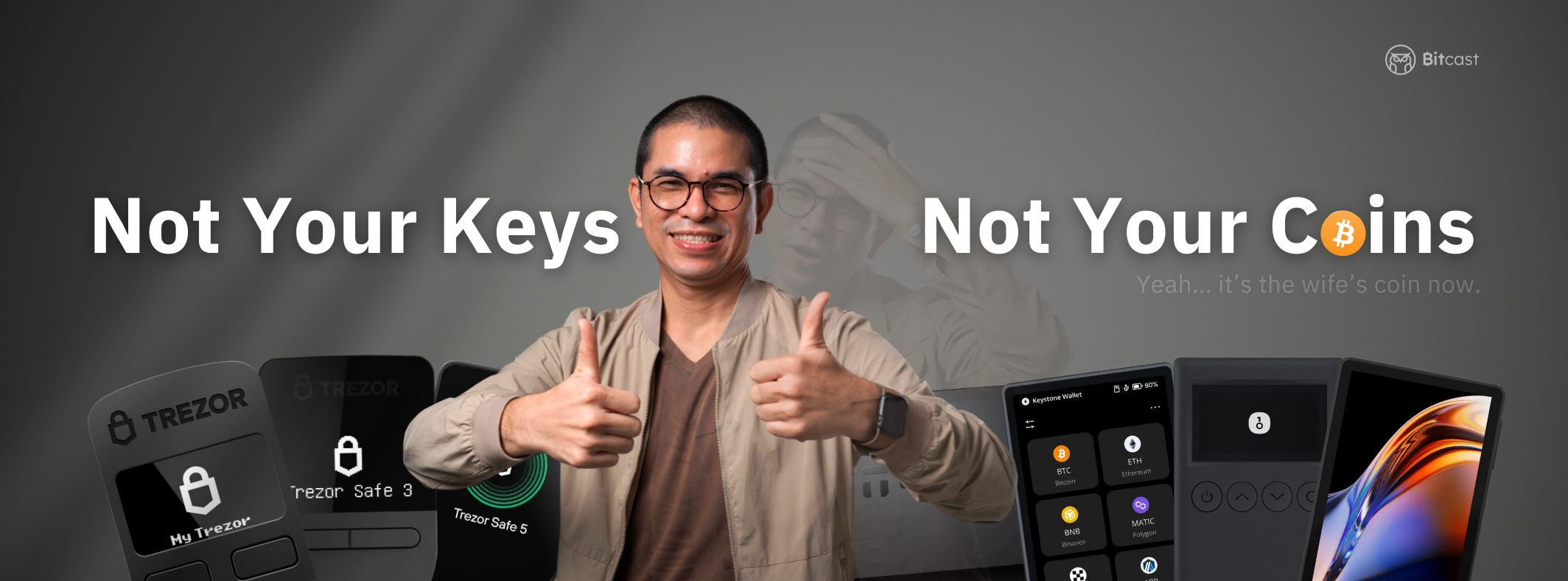
Finally, if you still can't decide which one to use, try reading the "Beginner's Guide to Choosing a Hardware Wallet? 2024 Edition" blog. It will help you narrow down your needs until you find the perfect fit for your usage. See you in the next blog!

แชร์:
What's interesting about this year's Bitcoin Pizza Day 2024 event?
Hardware Wallet for Beginners Under 5,000, Transparent with Open Source