


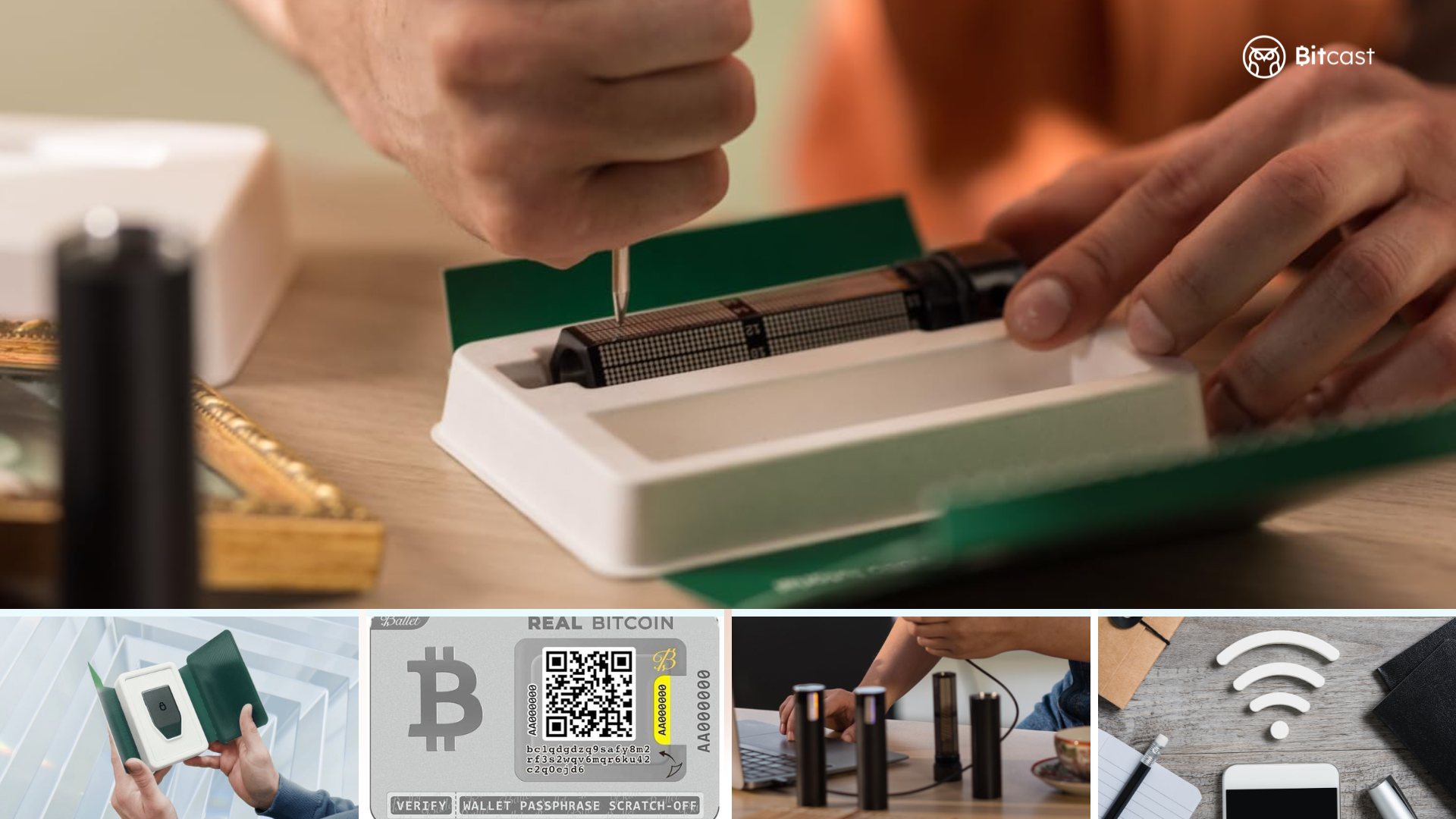
If you're new to holding crypto, the immediate question that often arises is: "Where should I keep my coins to ensure their safety?"
The answer most long-term investors give is Cold Wallet — a tool that allows you to truly own your crypto and significantly reduce the risk of hacking.
This article is written specifically for beginners, explaining everything from the basics to actual usage, along with common mistakes to avoid.
What is a Cold Wallet?
Cold Wallet (or Cold Storage) is a cryptocurrency wallet that stores your Private Key in an offline environment, meaning it is not constantly connected to the internet.
A key point many people misunderstand:
Your crypto is not stored within the crypto wallet itself. All coins are always on the blockchain. What the wallet stores is the "key" used to prove ownership and approve transfers.
When the key is offline, it is very difficult for internet hackers to access. This is why a Cold Wallet is considered the safest way to store crypto today.
What are a Private Key and Seed Phrase? (Very Important)
Before understanding Cold Wallet, you must understand these two things, as they are the core of all security.
What is a Private Key?
A Private Key is a secret code used to prove ownership of crypto at a specific address and to approve transfers.
Analogy: Think of an Address (wallet address) as a "house number," and a Private Key as a "house key." Whoever has the house key can enter the house.
What is a Seed Phrase?
A Seed Phrase (or Recovery Phrase) is a series of 12 or 24 English words (or depending on the standard) that can be used to restore an entire wallet, even if the wallet is lost or broken.
Analogy: A Seed Phrase is like a "master backup key" that can generate all new house keys.
Golden rules to remember:
Whoever gets your Seed Phrase = gets all your money.
No company can help you recover your Seed Phrase.
Never take photos, store it on your phone, send it via chat, or upload it to any cloud service.
Cold Wallet vs. Hot Wallet
The table below clearly shows the differences:
Feature |
Hot Wallet |
Cold Wallet |
|---|---|---|
Connectivity |
Always connected | Offline (connects only when in use) |
Security |
Medium (risk of hacking) | Very High |
Convenience |
High (easy, fast) | Medium-Low |
Suitable for |
Daily trading / Small amounts | Long-term holding / Large amounts |
Price |
Mostly free | From thousands to tens of thousands (Baht/USD) |
Main risks |
Malware, Phishing, Hacking | Physical loss, losing Seed Phrase |
In short
Hot Wallet is like a wallet you carry daily—convenient for spending but at risk of theft.
Cold Wallet is like a safe at home—much safer, but harder to access.
How does storing in an Exchange differ from a Cold Wallet?
Many people are still confused about this. Let's clarify:
1) Storing in an Exchange (e.g., Binance, Bitkub)
The company holds your keys (Custodial). If the Exchange is hacked or goes bankrupt, you might lose your money. Therefore, convenience comes with the risk of relying on a centralized platform.
2) Storing in a Cold Wallet
You hold all the keys yourself (Self-custody). No one can move your money unless they have your Seed Phrase.
The principle often heard in the crypto world is:
"Not your keys, not your coins" — If you don't hold your own keys, then those coins are not truly yours.
Main Types of Cold Wallets
1. Hardware Wallet (Most recommended for beginners)
This is a physical device that you can hold, available with buttons or touchscreens. The Private Key is generated and stored within the device's secure chip. Even when plugged into a computer, the Private Key never leaves the device.
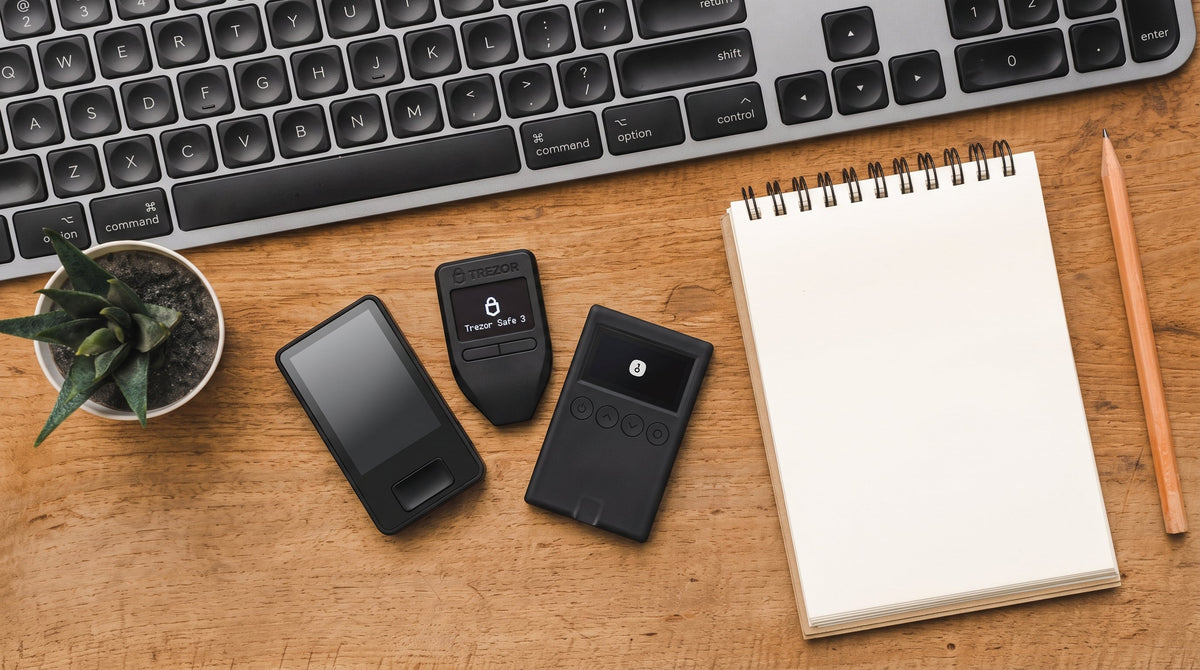
Popular brands: Trezor, OneKey, Ledger, Tangem, SafePal, Coldcard
2. Paper Wallet
This is writing or printing your Private Key / Seed Phrase on paper. It offers high security if stored properly, but risks damage from water, fire, or easy loss. Currently, it's not highly recommended for beginners.
3. Metal Backup (Metal Plate Backup)
This is a metal plate or etched device for your Seed Phrase, resistant to fire, water, and rust. It is primarily used as a Seed Phrase backup rather than a primary wallet.
4. Air-gapped Wallet
A device that has no internet connection whatsoever (some models use QR codes for transaction signing). Suitable for those who demand the highest level of security.
Recommended models for beginners
For beginners, I recommend choosing from reputable and easy-to-use brands. Personally, I recommend the Trezor brand. Here are some models:
Trezor Safe 3 / Trezor Safe 5 / Trezor Safe 7
- Pros: Open-source software, transparent, new models have touchscreens.
- Suitable for: Those who value transparency and want a clear display.
- What I like: Highly reliable brand, as Trezor is the original manufacturer of Hardware Wallets (digital currency hardware wallets) the first brand in the world
Important advice: Only purchase from official websites or authorized brand resellers. Do not buy from the second-hand market, as there is a high risk of tampering.
How to receive crypto into a Cold Wallet
Many people wonder, "How do I transfer coins to a Cold Wallet?" Here are the general steps for a Hardware Wallet:
- Set up your wallet and record your Seed Phrase first (usually a one-time process).
- Open the wallet's application (e.g., Trezor Suite).
- Select the coin you wish to receive and click "Receive".
- The system will display your Address (wallet address).
- Verify the Address on the Hardware Wallet's screen again for certainty.
- Copy the Address and paste it into the sending platform (Exchange or another wallet).
- Transfer a small amount as a test first, then transfer the actual amount.
Tip: Always ensure the correct network (e.g., USDT on TRC20, ERC20, or other networks). Transferring to the wrong network can result in permanent loss of funds.
Common mistakes beginners make (and how to avoid them)
- Buying a Hardware Wallet from an untrustworthy source
→ Purchase only from official websites.
- Taking photos or storing Seed Phrases on phones/clouds
→ Write it down on paper or a metal plate manually and store it in a safe place.
- Transferring a large amount of coins the first time without testing
→ Always transfer a small amount to test first.
- Transferring to the wrong network (e.g., sending USDT on the wrong network)
→ Verify that the networks match on both the sending and receiving ends.
- Trusting someone who asks for your Seed Phrase or offers to help recover your wallet
→ No legitimate staff member will ever ask you for your Seed Phrase.
- Storing your Seed Phrase in only one place
→ You should have at least two backups in separate locations (e.g., home + safe deposit box) in case of an emergency at one location.
Pros and Cons of Cold Wallets
Pros
- Best protection against internet hacking.
- You own your keys completely (Self-custody).
- Suitable for long-term holding and large amounts of money.
Cons
- Less convenient to use than a Hot Wallet.
- If you lose your Seed Phrase and have no backup, you will permanently lose your funds.
- Must be careful about physical loss or theft.
Frequently Asked Questions (FAQ)
Q: If my Hardware Wallet is lost or broken, will I lose my money?
A: No, you won't. If you still have your Seed Phrase, you can buy a new device and recover your entire old wallet.
Q: Do I need to keep my Cold Wallet turned on all the time?
A: No, you don't. Only turn it on when you need to make transactions. Otherwise, keep it in a safe place.
Q: What coins does a Cold Wallet support?
A: It depends on the model. Most support Bitcoin, Ethereum, and many popular coins. You should check if the coins you hold are supported before purchasing.
Q: Which model should a beginner start with?
A: Trezor Safe 3 is a good starting point because it's easy to use and has a large user community.
Q: Do I need a Cold Wallet if I don't hold much?
A: If the amount is not much and you trade frequently, a good Hot Wallet is sufficient. But when the amount starts to grow, moving to a Cold Wallet will provide more peace of mind.
Summary
A Cold Wallet is an essential tool that allows you to hold crypto with peace of mind in the long term, especially as your holdings grow.
The most important thing is not having an expensive device, but rather:
1. Understanding what a Private Key and Seed Phrase are
2. Storing your Seed Phrase securely
3. Not disclosing sensitive information to anyone
If you're just starting out, I recommend beginning with an easy-to-use Hardware Wallet like Trezor or OneKey, and then learning more step-by-step. Keeping your crypto safe isn't complicated; just understand the principles and follow the steps carefully.


แชร์:
7 Misconceptions About Hardware Wallets That Beginners Often Miss
How to tell a genuine OneKey from a fake: What to look for before actual use