


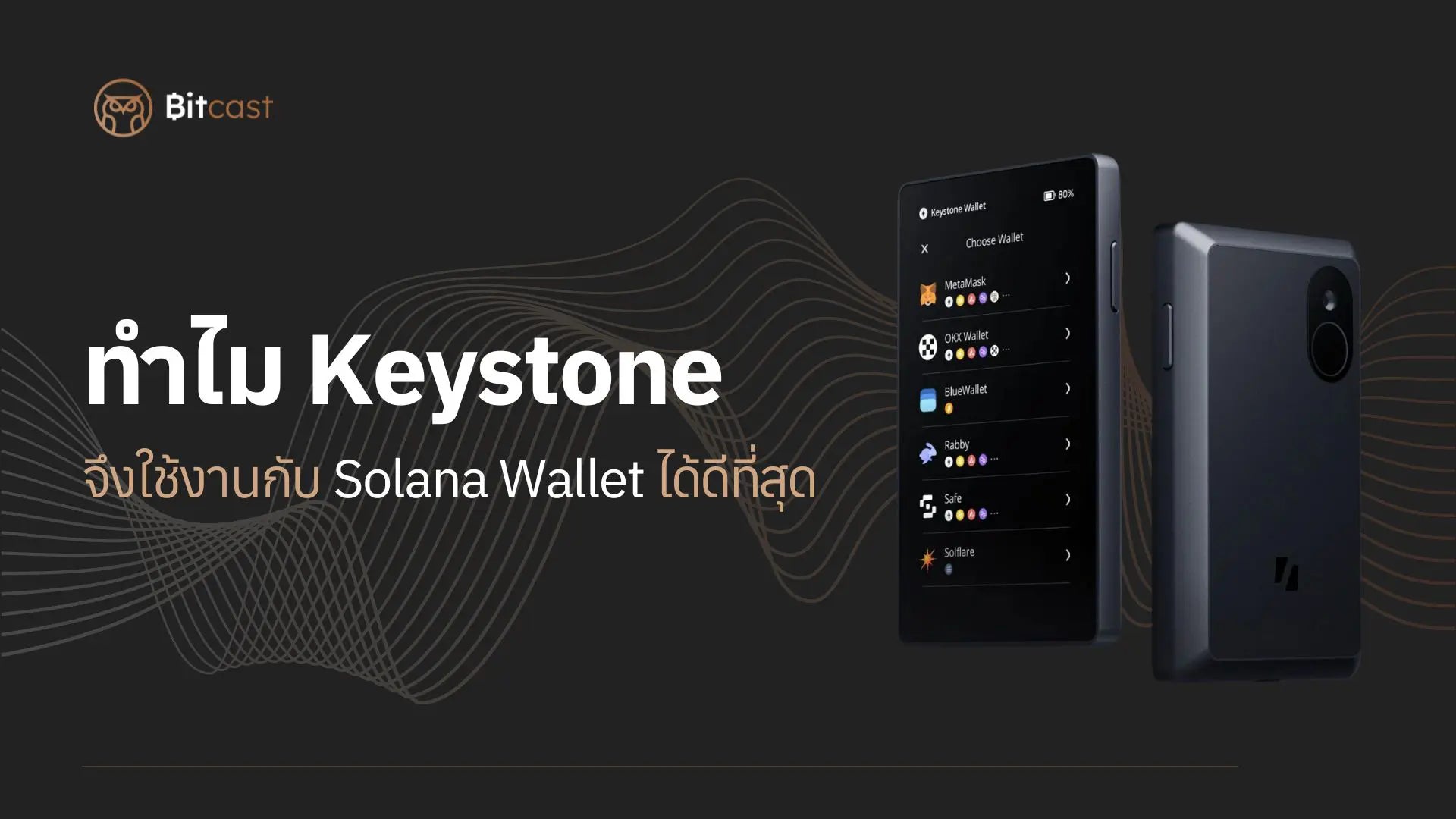
The Solana Blockchain has seen significant growth. Currently, the SOL coin is among the top 10 coins with the highest market cap. Many users looking to use a Solana Wallet on the Solana Blockchain are searching for compatible hardware wallets. However, there are currently relatively few hardware wallets available, such as Keystone, Ledger Nano X, SafePal X1, and Tangem, among others.
In this article, we will explore why Keystone 3 Pro is considered one of the best hardware wallets for use with Solana Wallet.
The Problem of Blind Signing

Source: Blindfolded elegant man
Let's start with a crucial issue: Blind Signing, or confirming transactions without knowing the full details. This refers to signing a Smart Contract transaction without seeing all the specifics. This problem has become common as many users prioritize speed in transactions and don't review all details before confirming.
This poses a significant security risk, as we are essentially granting permission to our Hardware Wallet by trusting external software to be secure. Not knowing the details before confirming is extremely dangerous. Using a Hardware Wallet doesn't help if we don't always check carefully and avoid rushing.
One of the most fundamental security practices for using a Hardware Wallet is not to trust external software. We should always verify the details of the Smart Contract or transactions displayed on the Hardware Wallet ourselves before confirming, to ensure the security of our wallet.
Keystone's Approach for Solana Users
The Keystone 3 Pro Hardware Wallet works seamlessly with Solflare Wallet, thanks to development by the Solflare Wallet team. Solflare Wallet is a software wallet available as both an application and a browser extension, and it integrates well with Solana Wallet.
Solflare Wallet offers functionalities similar to Phantom, such as swapping coins, sending and receiving coins, staking, and swapping on DApps.
Risks of Blind Signing
If our computer or software is infected with malware, a hacker could easily change the "Recipient Address" to their own and steal our funds. This entire process might go unnoticed if we have Blind Signing enabled on our Hardware Wallet.
For example:


We would only see a Message Hash (unreadable characters) displayed on the Hardware Wallet. We wouldn't know the details of the transaction we are approving, which creates a significant security risk.
Keystone's Method


The Keystone Hardware Wallet translates the transaction's Message Hash into a readable format. It displays all information, such as the sender's Wallet Address, the recipient's Wallet Address, and the amount of coins, clearly on its spacious 4-inch screen. It also prompts users to verify the details before confirming. Additionally, it translates other Message Hashes, such as those for staking SOL or connecting to Dapps.
If you are interested in the Keystone 3 Pro, you can select the product here or watch additional reviews first.
How to use Keystone 3 Pro Hardware wallet
Therefore, before confirming any transaction, always review all details, as a confirmed transaction cannot be reversed.
Reference
What Makes Keystone One of The Best Hardware Wallet on The Solana Blockchain?

แชร์:
What's new in OneKey Hardware Wallet application version 5.0?
Square Announces Bitcoin Hardware Wallet