


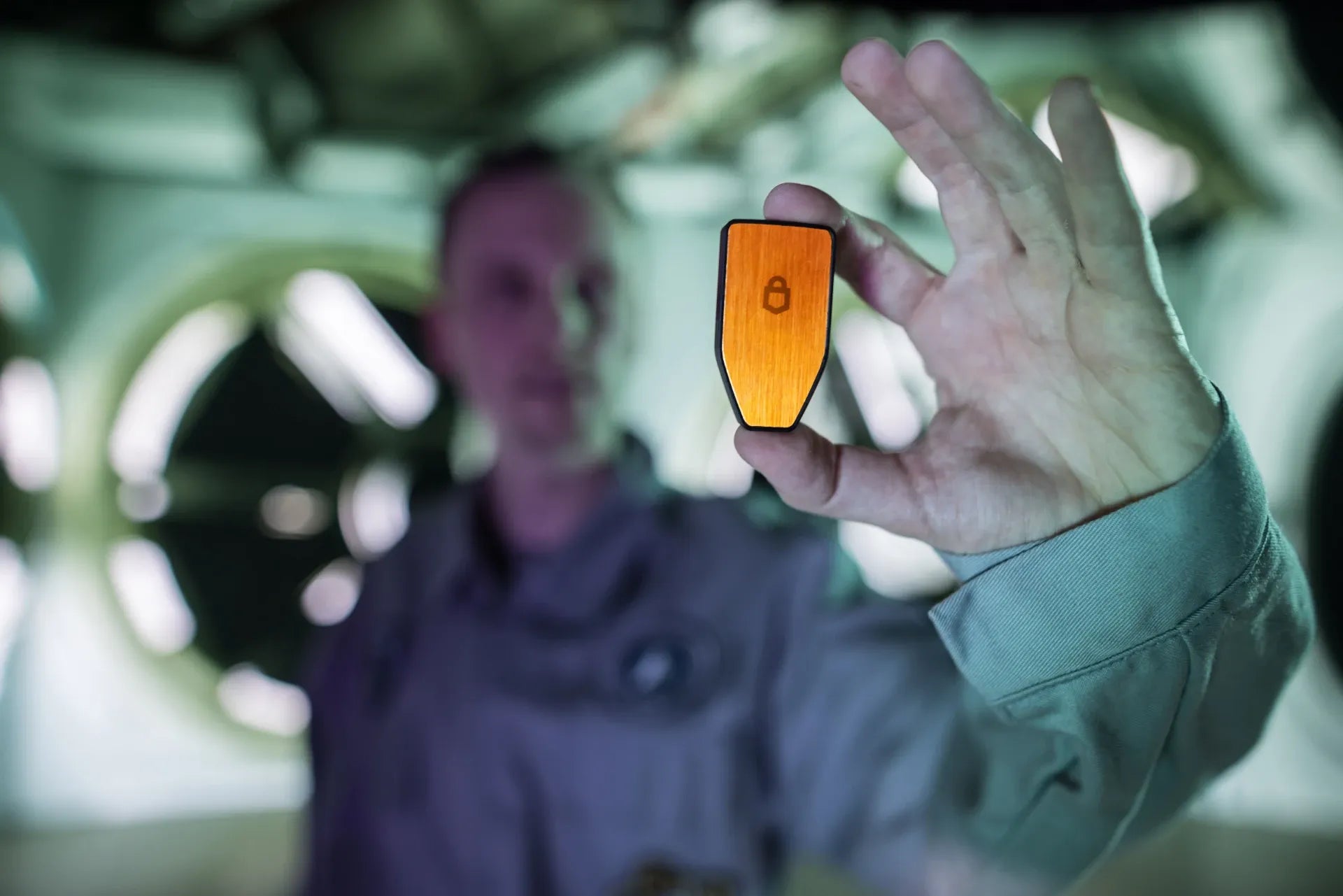
Trezor is one of the Hardware Wallets that allows us to choose the Firmware according to our needs, both Universal Firmware (supports multiple coins/Altcoins) and Bitcoin-only Firmware (focuses on security and supports only Bitcoin).
But many of you may have questions like, "If we switch to Bitcoin-only, will we be able to switch back to Universal in the future?"
Today, we're here to find the answer and guide you through the process.
How to switch from Universal Firmware to Bitcoin-only Firmware
Important warning before starting
During the Firmware change process, the system will wipe the device's data. Therefore, you must ensure that you have backed up (backed up Seed Phrase / Recovery Seed) your wallet correctly and completely before proceeding.
Steps to perform on Trezor Suite and Trezor device
- Open Trezor Suite and go to Settings.
- Select Device and scroll to the Firmware section.
- Then click Switch to Bitcoin-only; you can check the current Firmware version in this section.

- A warning window will appear with information and precautions. Please read the details thoroughly and then click Continue.
- The system will ask to confirm if you have backed up your wallet. Once you have verified that you have the complete Seed Phrase, select Wipe device & reinstall.

- The system will send a command to your Trezor device.
- The Trezor screen will ask if you want to Restart in Bootloader Mode. Select Restart.
- Once the device enters Bootloader Mode, the computer system will ask if you want to install new Firmware. Select Install FW.
- The system will display the Firmware information you want to change for verification on the device screen. Select Install.

- The system will download and install the Bitcoin-only Firmware onto the Trezor device (wait until the process is complete).

- Once the installation is complete, the screen will notify you that your Trezor device is ready to use.

How to check Firmware status after switching to Bitcoin-only
After you have successfully switched to Bitcoin-only Firmware, you can verify the status as follows:
- Go to Settings in Trezor Suite.
- Select Device and look at the Firmware section.
- In the Firmware status display, it will show as Bitcoin-only, and the command button will change from Switch to Bitcoin-only to Switch to Universal (if you want to switch back to other coins in the future, you can click this button to switch back).
Note: After switching to Bitcoin-only Firmware, the system and network on Trezor Suite will only display and allow the use of Bitcoin (BTC). Other Altcoins cannot be selected or used.





แชร์:
How to change OneKey Firmware from Universal to Bitcoin-Only (Step-by-step)
Step-by-Step Guide to Wiping Your Trezor Safe 3 (PIN Forgotten)