


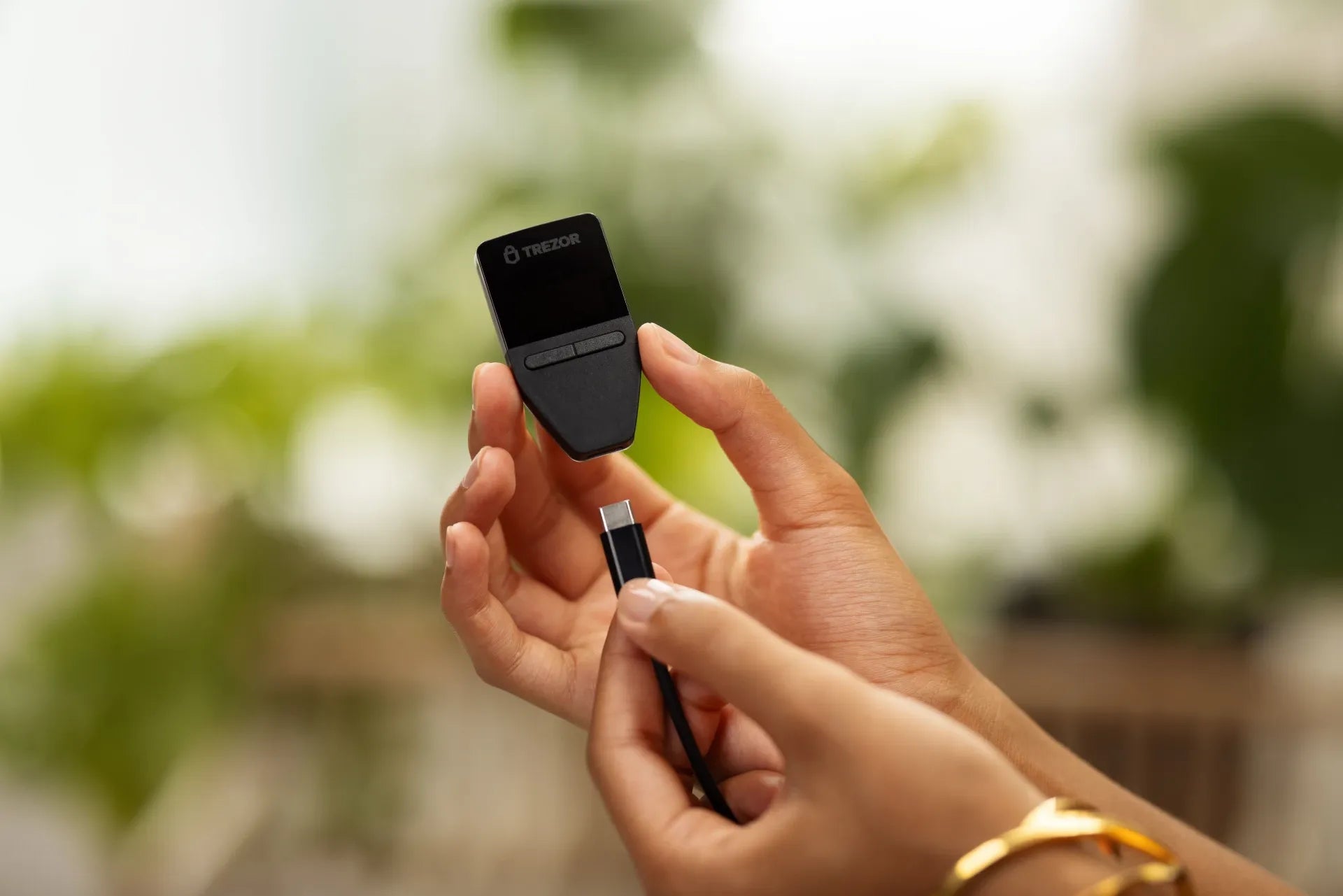
Hello Trezor and Self-Custody friends!
Have you ever encountered this situation? You can't remember your PIN for Trezor. What should you do?
For those using the popular Trezor Safe 3 model with a built-in Secure Element chip, the device supports direct Factory Reset via the Bootloader system, even if you forget your PIN. Today, the admin has summarized the easy step-by-step process for you.
Most Important Warning Before Performing a Factory Reset!
🚨 WARNING: Performing a Factory Reset will erase all data from the device, including the Seed Phrase, PIN, and installed Firmware.
If you still have assets in this wallet, please ensure you have correctly backed up your Seed Phrase (12 or 24 words). Without a backup Seed Phrase, assets in the wallet will be permanently lost and cannot be recovered!
.
🛠️ Steps to Reset Trezor Safe 3 via Bootloader Mode
Performing a Factory Reset on Trezor Safe 3 can be done directly on the device using the following method:
[Step 1] Press and hold the left button + plug in the USB cable (to enter Bootloader)
↓
[Step 2] Screen shows BOOTLOADER → Click to select MENU
↓
[Step 3] Scroll to select Factory reset → Press SELECT
↓
[Step 4] Read the warning screen → Click RESET to confirm
↓
[Step 5] Wait for the system to complete → Screen shows Please reconnect (finished)
1. Press and hold the left button, then plug in the USB cable.
Initially, the USB cable is not connected to your Trezor Safe. The first step is to press and hold the left button, then plug in the USB cable to connect to your computer or power source. This action starts the device in Bootloader Mode.

2. Click to select MENU
When the OLED screen displays BOOTLOADER along with the Firmware version, press the right button to select MENU.

3. Select Factory reset
Use the button to scroll the menu to "Factory reset," then press SELECT to confirm.

4. Confirm the device reset (RESET)
A security warning will appear, stating "Seed and firmware will be erased!" If you have checked and confirmed, press the right button at the "RESET" position to confirm data erasure.

5. Wait for the device to complete the process.
The system will wipe all data from the device. Once complete, the screen will display "Trezor Reset - Please reconnect the device." You can then unplug and replug the USB cable, or open Trezor Suite on your computer to start setting up a new wallet or recovering an existing one.



แชร์:
How to Change Your Trezor Firmware from Universal to Bitcoin-Only (Step-by-Step)
Step-by-Step Guide to Wiping Your Trezor Safe 5 (If You Forgot Your PIN)