


Trezor Hardware Wallet User Manual
Trezor Safe 3
A complete and detailed guide to getting started with Trezor Safe 3, from device preparation, installing Trezor Suite, setting up a PIN, to securely creating and recording your Recovery Seed (Wallet Backup) to confidently protect your digital assets.
Trezor Safe 5
A detailed user guide for the Trezor Safe 5, a premium hardware wallet with a color touchscreen. Learn how to prepare, install Trezor Suite, set up a PIN, create a wallet backup, and customize your wallpaper for the easiest and most secure digital asset management.
OneKey Hardware Wallet User Manual
OneKey Classic Pure
A detailed guide to setting up the OneKey Classic Pure Hardware Wallet, from powering it on and selecting a language, to installing and connecting it to the OneKey App on desktop or mobile (via Bluetooth). This includes creating a new wallet, setting a PIN, and recording your Recovery Phrase for secure and easy storage of Bitcoin and other cryptocurrencies.
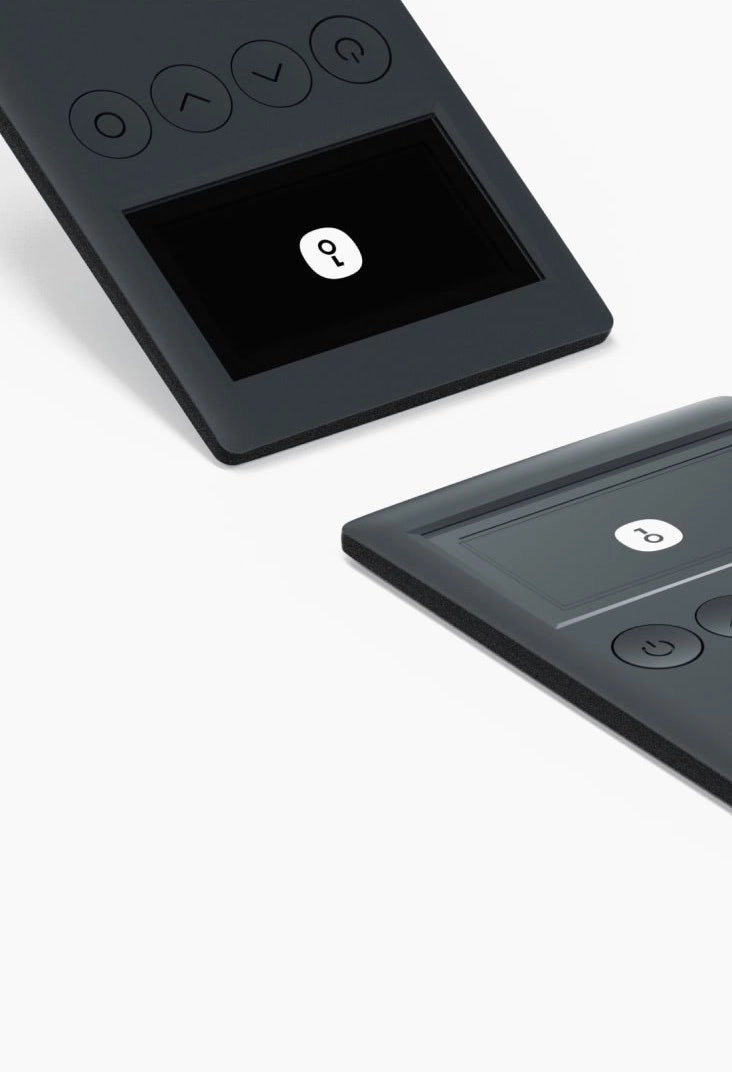
OneKey Classic 1S
Detailed guide for setting up your OneKey Classic 1S Hardware Wallet, from unboxing, language selection, installing and connecting to the OneKey App on desktop or mobile (via Bluetooth), to creating a new wallet, setting up a PIN, and recording your Recovery Phrase for secure and easy storage of Bitcoin and cryptocurrencies.
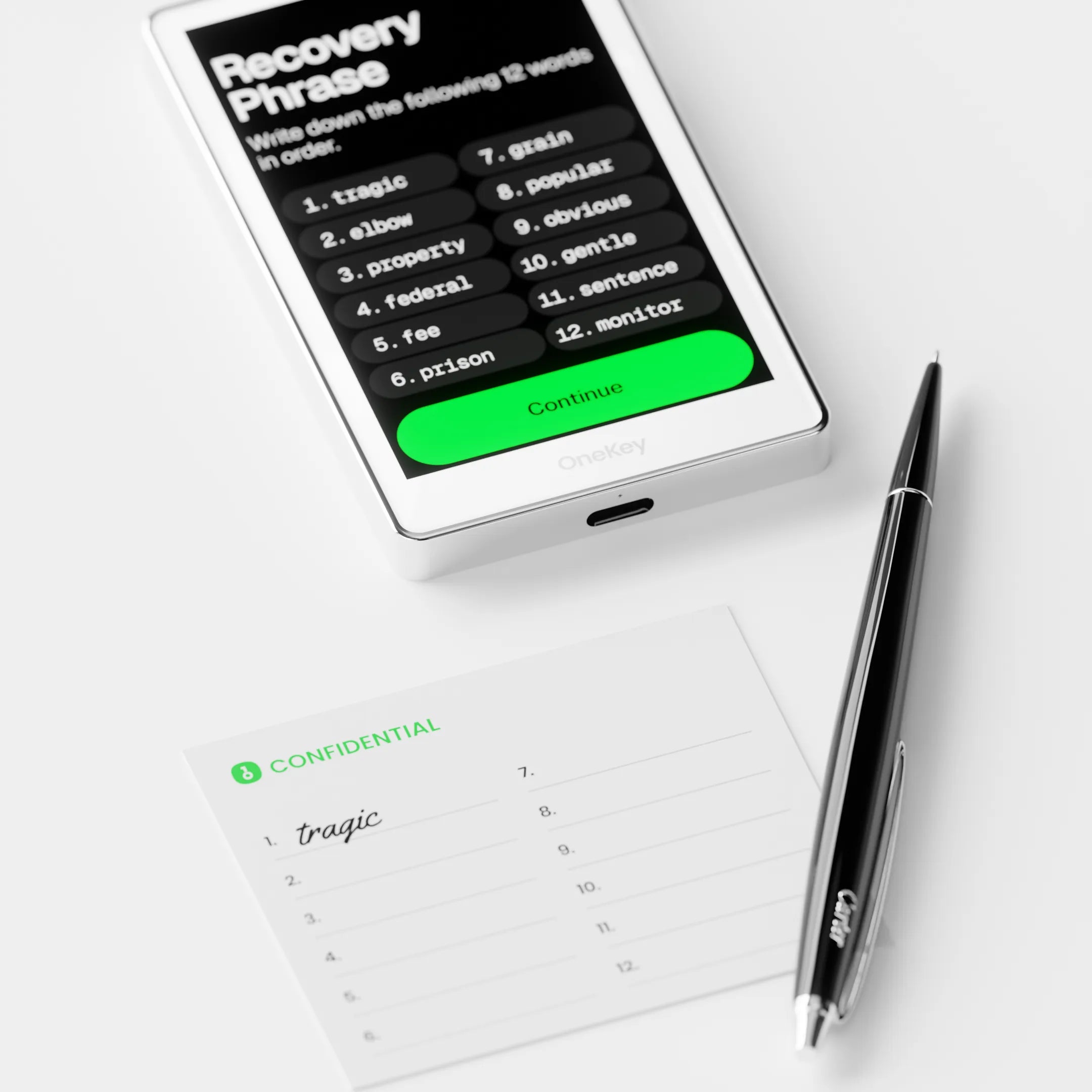
OneKey Pro
OneKey Pro Setup Guide
An advanced hardware wallet
featuring a large touchscreen and fingerprint verification.
Covers power-on steps, firmware installation, PIN setup,
new wallet creation, and secure recovery phrase (seed phrase)
recording.
User Guide for Bitcoin-Only Hardware Wallet
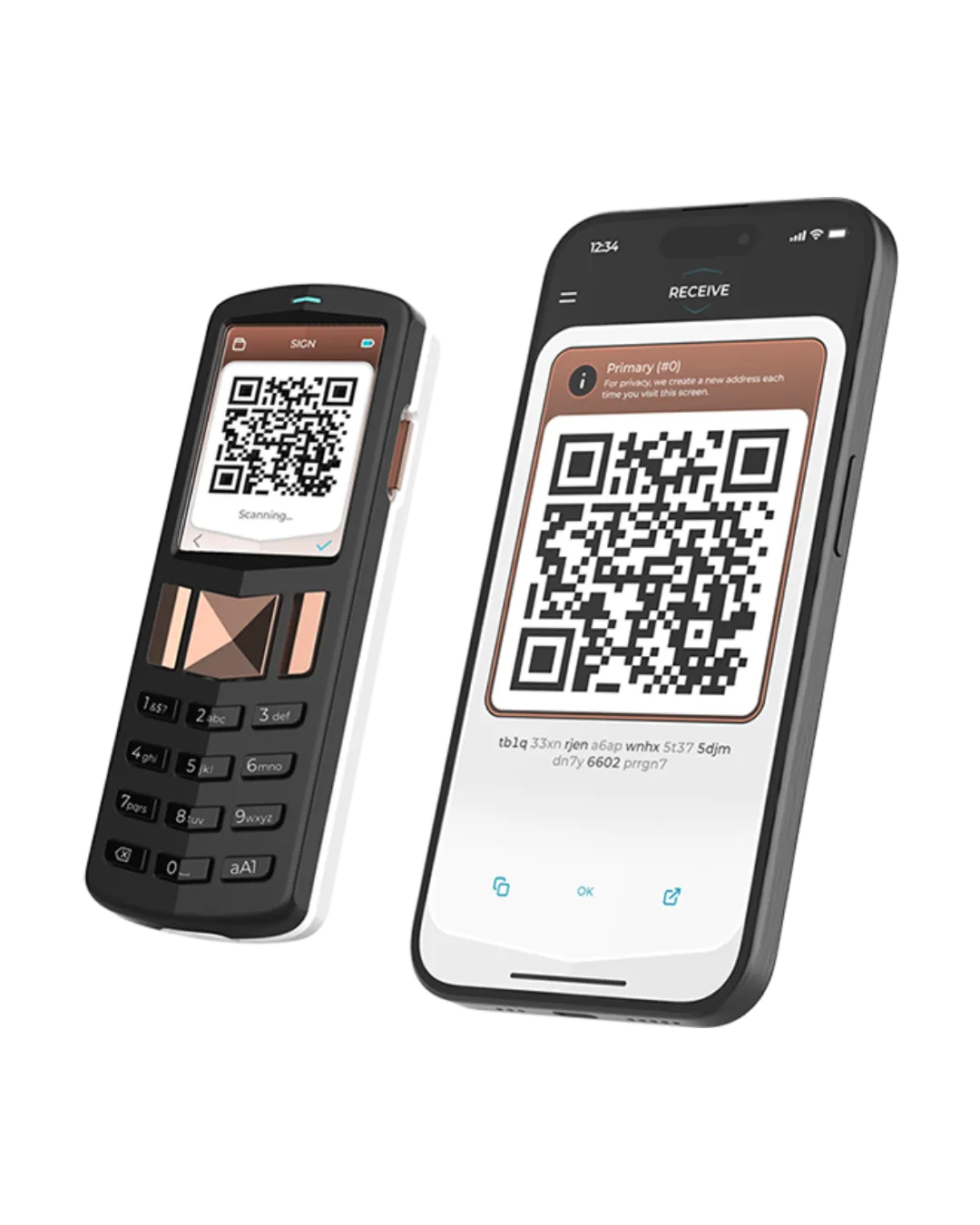
Foundation Passport
A guide to setting up your Foundation Passport Hardware Wallet in an air-gapped (offline, communicating via QR Code) manner, specifically for those looking to securely store Bitcoin. Learn everything from unboxing and setting up your PIN to creating a backup code, and how to connect and manage your Bitcoin securely through the Envoy mobile application.
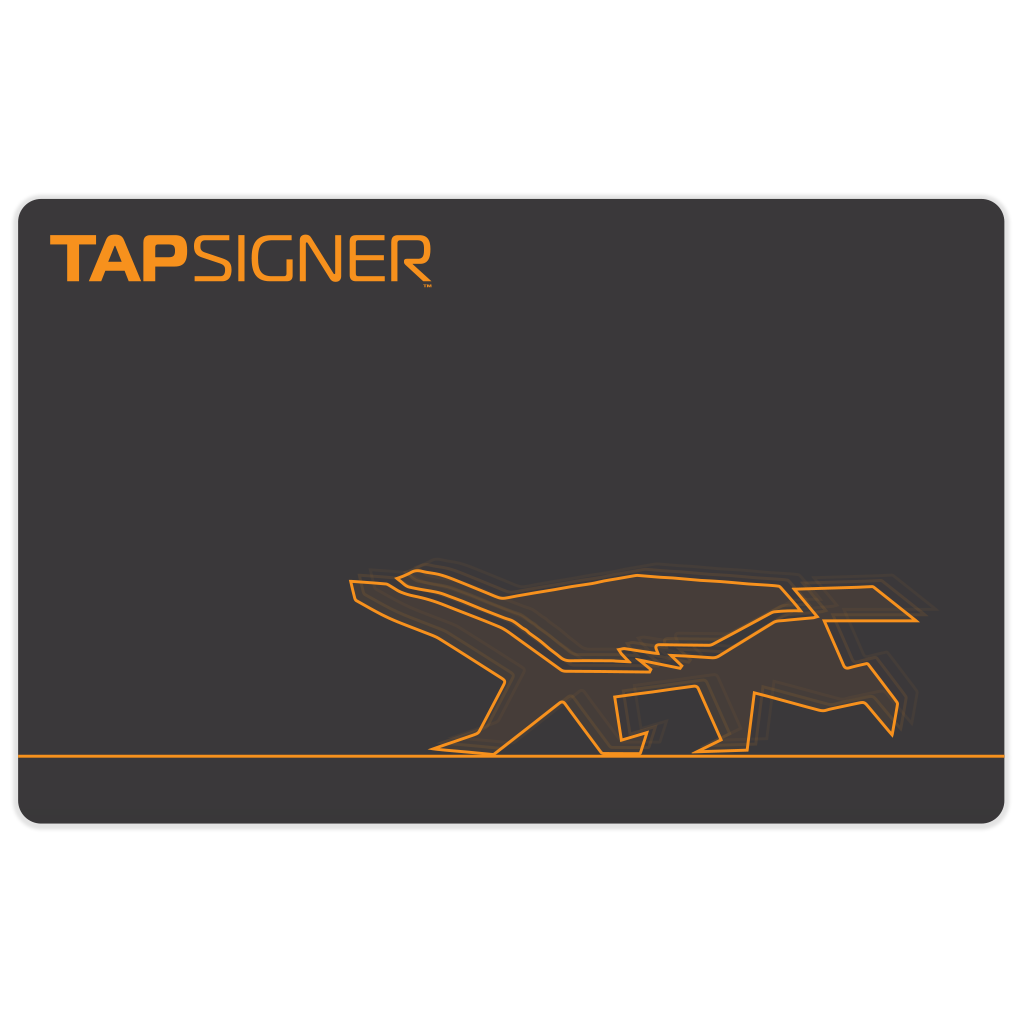
Tapsigner
A guide to using Tapsigner, an NFC hardware wallet card designed specifically for storing Bitcoin and easily used via smartphones (iOS/Android). Learn how to get started, set up your PIN, connect with supported applications like Nunchuk, and tap the card to securely sign and send transactions.
A Bitcoin-Only Hardware Wallet User Guide
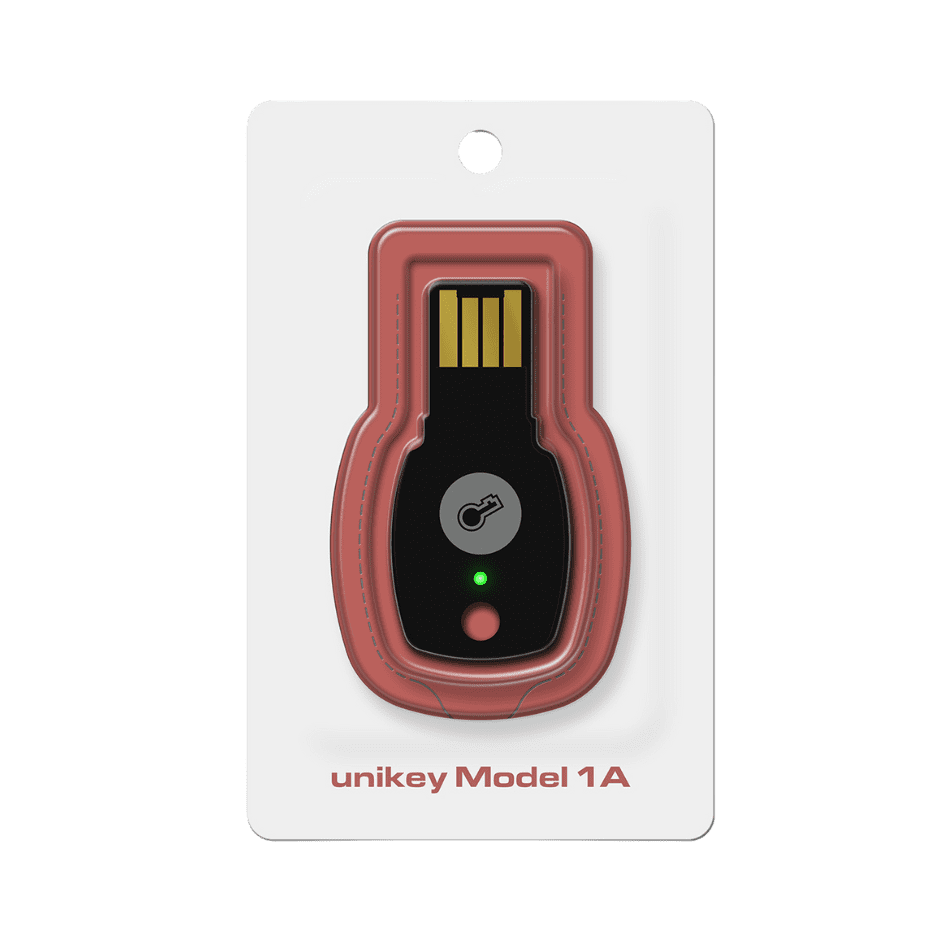
Unikey 1A
Setup and usage guide for Unikey, a Security Key device designed to elevate your online security to the highest level through Passkey and 2FA (Two-Factor Authentication). Learn the steps for plugging/tapping Unikey into your device, setting up a PIN, and creating a Passkey for securely logging into supported services like Gmail, Binance, Bitkub, and GitHub.
Unikey 3C
This guide will show you how to set up and use Unikey, a security key designed to maximize your online security through Passkey and 2FA (Two-Factor Authentication) authentication. You will learn how to connect/tap Unikey to your devices, set up a PIN, and create Passkeys for secure login to supported services such as Gmail, Binance, Bitkub, and GitHub.