


Table of Contents
- Part 1 - Application (Application Software Settings)
- 1. Localization (Regional and Display Customization)
- 2. Labeling (Labeling and Data Synchronization)
- 3. Privacy & Security (Software-level Privacy and Security)
- 4. Application (App Display and Data Management)
- 5. Security (Network Protocol-level Security)
- 6. Trezor Connect (System Integration and Backend)
- 7. Experimental (Innovation and Experimental Features)
- Part 2 - Device (Hardware Device Settings)
- 1. Wallet Backup (Recovery Phrase Verification)
- 2. Passphrase (Hidden Wallet)
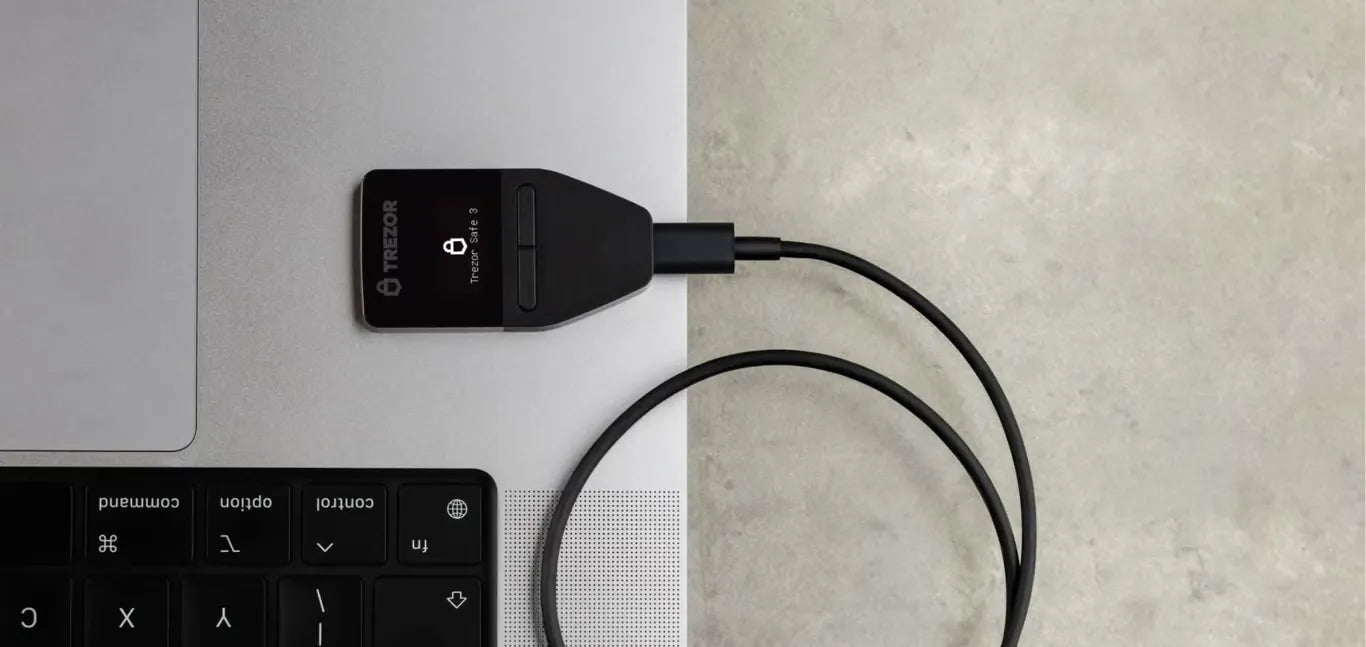
Owning a Trezor is the first step towards financial sovereignty, but correctly configuring Trezor Suite is key to unlocking maximum efficiency, privacy, and security for your assets.
This article will take you through an in-depth look at every feature in the Settings menu.
Featured Products
Loading products...

แชร์:
OneKey Hardware Wallet 2026 Setup Guide
How to check your Seed Phrase on Trezor to ensure it can actually be recovered!