


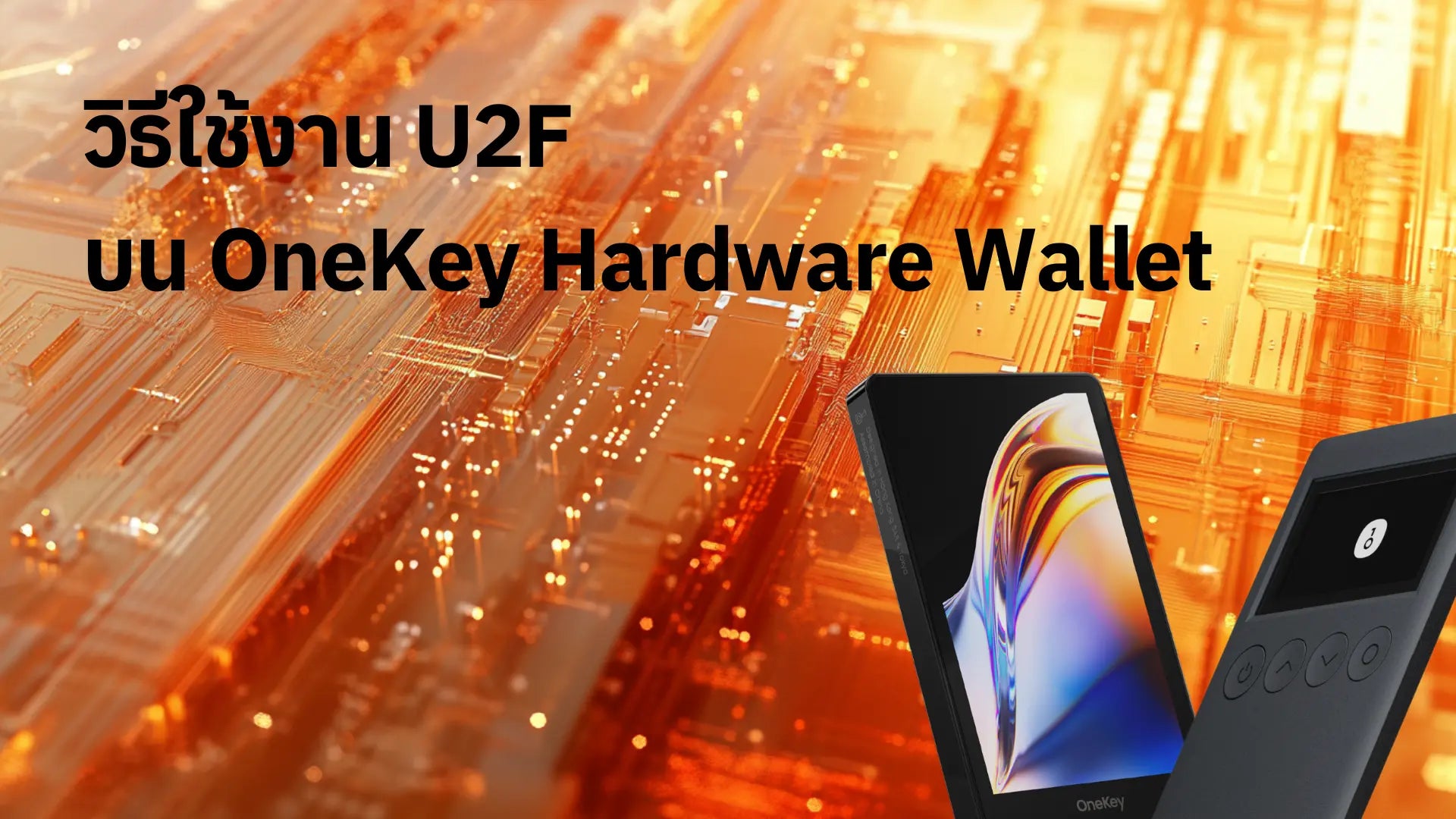
In an age where personal data is increasingly valuable, securing online accounts is non-negotiable. Two-Factor Authentication (2FA) has become a familiar security standard, but not all 2FA methods offer equal levels of security.
OneKey Hardware Wallet not only serves as a hardware wallet for storing and managing digital currencies but can also function as an authentication device supporting the U2F (Universal 2nd Factor) standard, which is one of the most secure authentication methods available today.
Understanding U2F (Universal 2nd Factor)

U2F, or Universal 2nd Factor, is an open authentication standard developed by the FIDO Alliance in collaboration with Google. Its purpose is to enhance the security of online account access by using dedicated hardware devices.
Advantages of U2F compared to other 2FA methods:
- Effectively protects against phishing attacks.
- Easy to use; just plug in the device and press a button.
- Compatible with various websites and services.
OneKey Hardware Wallet as an authentication device

The OneKey Hardware Wallet has several key features:
- Stores and manages various types of digital currencies.
- OLED color screen for displaying information and confirming transactions.
- Supports USB-C and NFC connectivity.
- Functions as a U2F device for identity verification.
Its compatibility with the U2F standard allows OneKey to act as a security key for various online accounts, in addition to managing digital assets.
How to use OneKey as a U2F device
Using the OneKey Hardware Wallet as a U2F device is quite straightforward and requires no additional setup. If you already use a Hardware Wallet, you can simply plug it in or connect it to the device you want to use for authentication. The steps are as follows:
Example of how to use U2F with Google:
User Manual
Log in to a U2F-supported website (e.g., Google, GitHub, Dropbox) andgo to “Manage your Google Account”

Go to the “Security” tab, scroll down to the bottom, and select Passkeys and Security keys.

Select Create a passkey

Select Use another device

When the screen displays the QR code, plug the OneKey into the device and enter the correct OneKey PIN.

You can rename the device.

Security and Protection
The OneKey Hardware Wallet incorporates multiple layers of security:
- Phishing attack prevention
- OneKey verifies the URL of the website requesting authentication.
- If the website does not match the registered one, OneKey will deny authentication.
- Data encryption and protection
- Critical data is stored in a separate secure chip.
- Access to data requires a PIN.
- Features tamper-resistant protection.
Advantages of using OneKey as a U2F device
- Ease of Use
- No need to type OTP codes.
- Works with both computers and smartphones (via NFC in OneKey Pro models).
- Support for Multiple Standards
- In addition to U2F, it supports FIDO2 and WebAuthn.
- Device Security
- Authentication is performed via a separate device, reducing the risk from computer malware.
Comparison with other U2F devices on the market
OneKey stands out compared to typical U2F devices:
- Versatile functionality: Besides being a U2F device, it also functions as a crypto wallet.
- OLED screen: Allows users to clearly view transaction information.
- Firmware updates: Can be updated to support new features.
The Future of Authentication and OneKey's Role
Trends in authentication technology
- Rise of passwordless authentication.
- Integration of authentication and digital asset management.
Future developments for OneKey
- Support for new standards, such as FIDO3 (upon release).
- Addition of more diverse security and usability features.
Conclusion
The OneKey Hardware Wallet is not just a hardware wallet for storing private keys; it is also an efficient U2F authentication device. With its ability to protect against phishing attacks and ease of use, the OneKey Hardware Wallet is an attractive option for those looking to enhance the security of their online accounts.
In an era of increasingly sophisticated cyber threats, using 2FA, especially with the OneKey Hardware Wallet, is an effective way to protect personal data and digital assets. Invest in a device that can be used for U2F and also serve as a Hardware Wallet.

แชร์:
Comparing OneKey Classic 1S vs. Ledger Nano X Hardware Wallet in 2024
How can Bitcoin be lost?