



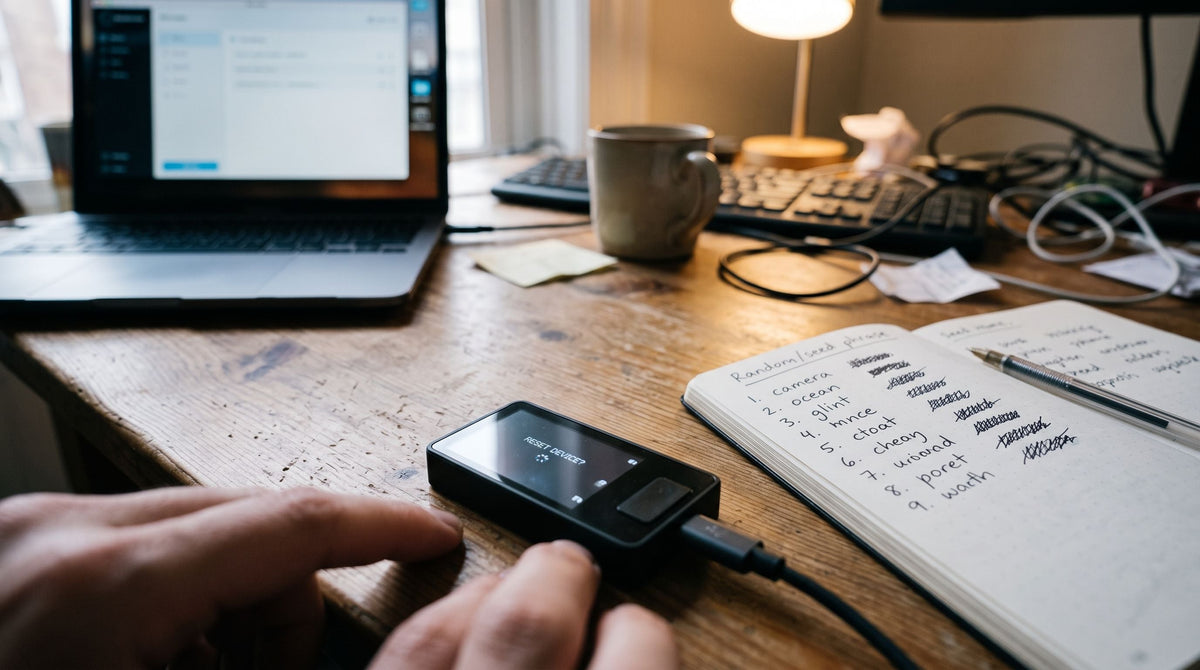
Summary : If you forget the PIN on a Blockstream Jade, your Bitcoin is not lost because the PIN is only a screen-level security measure for the device. We can restore the wallet using the Seed Phrase after performing a Factory Reset.
Hello, Bitcast friends and everyone in the self-custody community.
What if you suddenly take out your favorite hardware wallet, the Blockstream Jade, intending to transfer Bitcoin, but when the screen asks for the 6-digit PIN, your fingers freeze? No matter how hard you try to remember it, you can't. After trying a random guess the first time, you get a wrong PIN warning, and more questions immediately flash through your mind.
"If I forget the PIN, will the Bitcoin I've accumulated my whole life be lost?"
"If I enter it wrong again, will the device lock permanently and break?"
I want you to take a deep breath, relax your muscles, and put the device down first. The first reassuring fact I want to tell you is "As long as you still have your Recovery Phrase (12 or 24 words) with you, our Bitcoin is 100% safe and will definitely never be lost."
In this guide, I will take everyone through the detailed, step-by-step process of troubleshooting a forgotten PIN on the Blockstream Jade device itself. It's easy to follow, safe, and carries no risk of losing your data.
⚠️ Most Important Warning Before Starting a Factory Reset
WARNING: Troubleshooting a forgotten PIN must be done through the "Factory Reset" process, which will delete all data stored on the device.
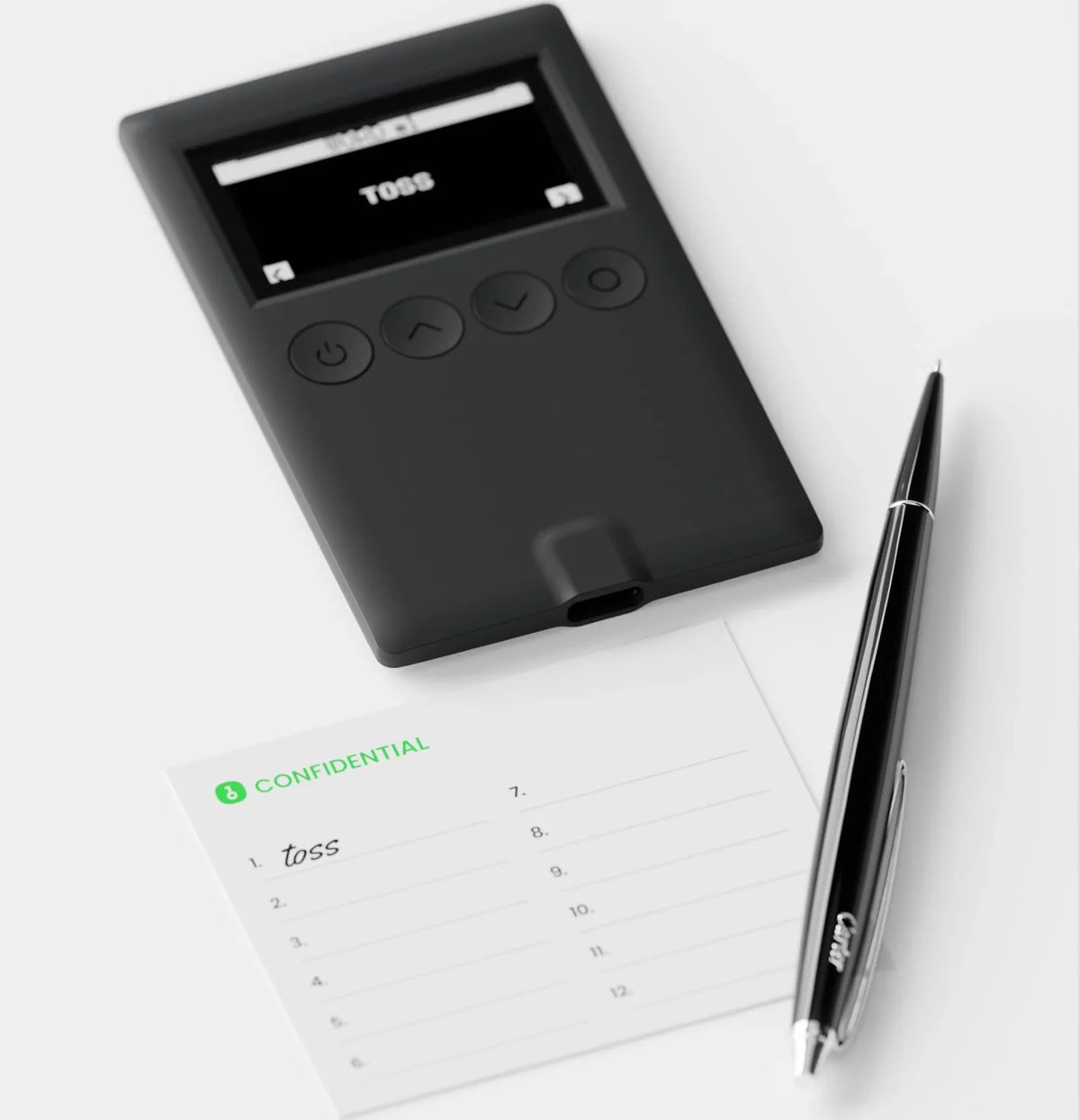
Before you press reset or delete the app, you must first make sure that your 12/24-word Recovery Phrase is still with you and that you can clearly read every word.
❌ If you do not have the Seed Phrase or have lost the paper it's written on: Performing a factory reset or entering the wrong PIN until the device resets will permanently cause you to lose access to the Bitcoin in that wallet. Neither Blockstream, Bitcast, nor anyone else in the world can help recover the PIN or get your money back.
Understanding PIN Security on the Jade Device
- PIN on Blockstream Jade (Hardware): Highly secure because the Jade uses a Virtual Secure Element model working with a Blind Oracle. According to the technical documentation How Jade protects recovery phrase with a blind oracle, the Jade device does not store the Seed Phrase directly in memory, but rather stores a key encrypted with AES-256 mathematics, which requires 3 secret keys to unlock:
- The PIN set by the user
- The unique secret key of the Jade board
- The secret key stored on the Blind Oracle server
Anti-Brute Force Mechanism: To prevent anyone from connecting your Jade device to a computer and continuously guessing the PIN, the system is configured so that if the PIN is entered incorrectly 3 times in a row, both the Jade device and the Blind Oracle server will immediately delete the secret keys (Auto-wipe), causing the device to be wiped clean and automatically return to an out-of-the-box state.
Overview of the Process
Check that your 12/24-word Recovery Phrase is ready to use.
↓
Factory Reset via Option/Boot Menu
↓
The Jade device is completely wiped
↓
Select Set up Jade → Restore Wallet
↓
Enter the 12/24 words or scan the SeedQR
↓
Connect the App and set a new 6-digit PIN
↓
Done. Safe and ready to use immediately.
Steps to Wipe the Jade Device
You can choose one of the following methods
- Option A: Perform a Factory Reset yourself via the options
- Turn on our Jade device and make it ready for use. Select the Options menu
- Scroll the options bar to the Device section
- Scroll down to the Factory Reset command and press confirm to start the process

- To prevent accidentally wiping your data, the Jade screen will display a random Confirmation Number. Please enter the number exactly as it appears on the screen.

- Once you enter the correct confirmation number, the system will immediately erase all data, encryption keys, and settings stored in the Jade's memory. The device will reboot to the Set up Jade screen as if it were brand new, allowing you to begin the Restore Wallet process in the next step.
Option B: Perform a factory reset yourself via the Boot Menu (without having to enter the wrong PIN 3 times), following the official Perform a factory reset - Blockstream Help Center guide. Simply follow these steps:
- When powering on the Jade, press the Select button once briefly (as if confirming) when the Blockstream Jade logo appears on the screen. Do not hold the button down.
- The device will enter the Boot Menu. Scroll to the Factory Reset menu.
- Press the Select button. The screen will display a security confirmation number. Enter the number as instructed on the screen to confirm. The device will immediately erase all data in its memory.

After completing the reset, you can restore your wallet just as you would when setting up the device for the first time.
If anyone is having trouble resetting their Jade or has questions about any step of the recovery process, please leave a comment below.
And for anyone looking for genuine Blockstream Jade devices shipped directly from the factory, or who would like to browse products with a full one-year Thai official warranty, visit the Bitcast store. If you encounter any usage issues, feel free to contact our team via our Facebook page or LINE OA: @bitcast anytime.
Frequently Asked Questions (FAQ)
The most common reason is that your original wallet had a Passphrase (or 13th / 25th word) set up. According to the BIP-39 standard, even a minor error in capitalization or spacing of the Passphrase will cause the system to immediately calculate and create a new, empty wallet without warning. Solution: If you previously used a Passphrase, enter the original Passphrase exactly as it was. If you did not set a Passphrase, check that all 12/24 words are in the correct order.
Solution: Remove the USB cable, hold down the power button for 10 seconds to turn off the device, then plug in the charger for a moment and turn it on again. If the device still does not enter the Setup screen, use the Boot Menu method by pressing the Select button once when powering on, then select the Factory Reset command to clear the system again.
In the world of self-custody, no one can help you. Neither the Blockstream development team nor the Bitcast team can. This is because Bitcoin operates on mathematics with no backdoors. Without the decryption key, the assets will remain on the blockchain forever, but no one will ever be able to transfer them out again. This is why Bitcoin users are always advised to keep their Recovery Phrase securely stored on a fire- and water-resistant metal backup.
แชร์:
TAPSIGNER Recovery Guide
คู่มือการตั้งค่า Multisig ใน Sparrow Wallet แบบจับมือทำ (ตัวอย่าง 2-of-3 ด้วย Trezor, OneKey และ Jade)