


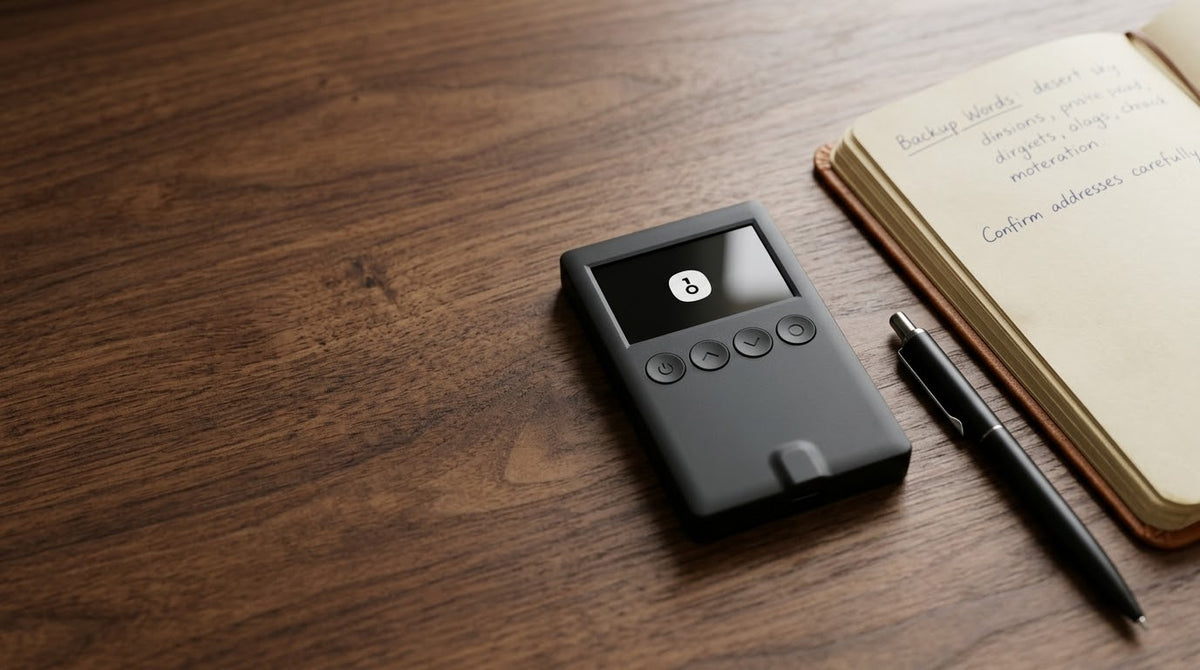
Have you ever wanted to clear your OneKey device to start fresh, forgotten your PIN, or wished to switch to a different Recovery Phrase for your wallet, but weren't sure how to do it, if your data would be lost, or if your funds would be safe?
In this article, I will guide you through a step-by-step process to reset your OneKey Hardware Wallet, from preparation, to the specific steps on each device model, to unbinding and re-pairing with the OneKey App, ensuring you can use it with confidence. (
Important Precautions
⚠️ Security Warning
1. Always double-check your Recovery Phrase (Seed Phrase). Resetting the device will immediately erase all private keys and data stored in the Secure Element, restoring it to factory settings. If you do not have your Recovery Phrase (12 or 24 words) backed up, you will lose access to your assets in the original wallet permanently.
2. Assets are on the blockchain, not on the device itself. As long as you have your Recovery Phrase correctly and securely written down, your assets will not disappear and can always be restored.
3. Do not take photos or save your Recovery Phrase on digital devices. Store it 100% offline, such as on a metal backup plate or secure paper.
Process Overview
Check backup Recovery Phrase
↓
Perform Reset on OneKey device (Settings or Incorrect PIN Entry)
↓
Unbind Old Hardware Wallet in OneKey App
↓
Connect / Rebind New Hardware Wallet in OneKey App
.
OneKey Device Reset Procedure
Resetting on a OneKey device is divided into 2 main cases, depending on PIN access.
Case 1: PIN Remembered (Proactive Reset)
If you remember your PIN and can unlock the screen, follow these steps:
Steps
- Enter PIN to unlock your OneKey device
- Go to Settings menu
- Select Security // (For Pro model: Go to Settings > Wallet > Reset Device)
- Select Reset Device and confirm on the device

- The system will display a warning screen indicating that resetting will erase all data and settings in the Secure Element Chip and cannot be recovered without the Recovery Phrase.
- Confirm with your PIN.

- Confirm on the device to start the data wiping process. The system will wipe the Secure Element Chip and restart the device, ready for use.

Case 2: Forgotten PIN
If you've forgotten your PIN and can't access the Settings menu, use the automatic security system.
- Enter the incorrect PIN 5-10 times consecutively (depending on the model and firmware version).

- Once the incorrect PIN attempts limit is reached, the anti-tampering system will immediately perform a Factory Reset, erasing data in the security chip.
- The device will return to its out-of-the-box state, ready for you to create a new wallet or restore with your existing Recovery Phrase.

Comparison Table: Reset Methods
| Comparison Item | PIN Remembered (Settings Reset) | PIN Forgotten (Auto-Wipe Reset) |
|---|---|---|
| Convenience | Quick, done directly through system menu | Requires entering incorrect PIN multiple times until limit is reached |
| Device Data Result | Erases Private Key and all factory settings | Erases Private Key and all factory settings |
| Asset Security | 100% secure if you have your Recovery Phrase | 100% secure if you have your Recovery Phrase |
| App Connection | Must Unbind and Rebind in the app | Must Unbind and Rebind in the app |



แชร์:
How to Calculate the BIP39 Final Word on Blockstream Jade (100% Offline)
คู่มือวิธี Recovery กระเป๋า TAPSIGNER