


- Precautions before you start
- Quick step-by-step summary
- How to enter a seed phrase and calculate the final word on Blockstream Jade
- Step 1: Choose how to enter words on Blockstream Jade
- Step 2: Select the word count and enter the first set of words
- Step 3: Choose “Calculate” at the final word
- Step 4: Pick the final word from Jade’s filtered list
- Step 5: Record the complete seed phrase and start using it
- Comparison table: Ways to manage the final word of a seed phrase
- Frequently asked questions (FAQ)
- Conclusion
After a wave of security concerns, many self-custodied Bitcoin users have grown anxious and started exploring how to create their own seed phrases.
But there’s one sticking point almost everyone hits when attempting a DIY seed phrase: “You can’t freely choose the final word of a seed phrase.”
Whether it’s 12 or 24 words, the last word per the BIP39 standard—known as the Final Word—encodes a mathematical checksum of all the preceding words. If you choose the final word incorrectly, the wallet will report that the seed phrase is invalid and will refuse to open.
If you already have the first 11 or 23 words—whether generated by coin tosses, dice rolls, or any other method—and you want to determine the correct final word according to the checksum without risking typing anything into a computer program or online site, Blockstream Jade has you covered. Jade includes a feature called “Calculate,” which computes and filters the valid final word directly on the device—100% offline.
In this guide, I’ll walk you through this feature step by step.
Precautions before you start
🚨 Critical security reminder
- Work in a private space: Make sure no one can see your screen. Avoid CCTV or any camera pointing at the device while you type.
- Never input words into online devices: Do not type your seed words on a computer or smartphone, and never take screenshots.
- Prepare secure backups: After you calculate the final word, record all 12 or 24 words on paper or stamp/punch them into a Metal Backup for long-term durability.
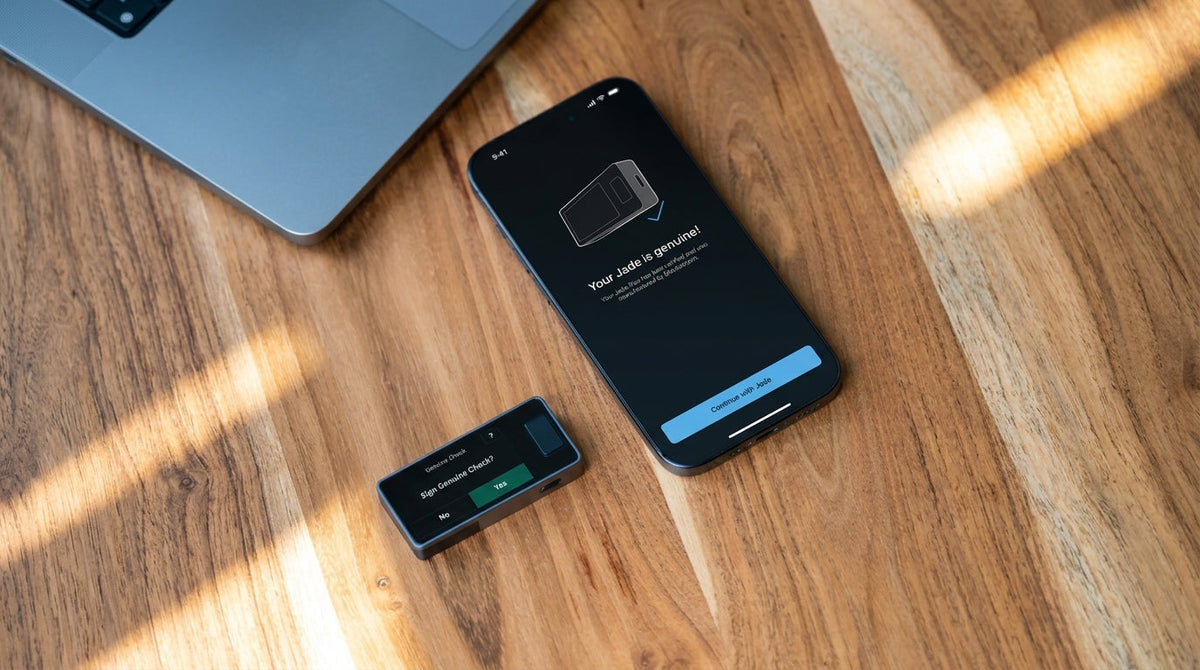
- Verify a genuine device: Use a genuine Blockstream Jade that has passed the Genuine Check and purchase only from officially authorized resellers.
Quick step-by-step summary
Prepare the first 11 words (for a 12-word seed) or the first 23 words (for a 24-word seed)
↓
Power on Blockstream Jade and enter the setup menu
• Permanent mode: Setup Jade → Advanced Setup → Restore Wallet
• Temporary mode: Options → Temporary Signer
↓
Select the number of words: 12 Words or 24 Words
↓
Enter the first 11 or 23 words on Jade, one by one
↓
When you reach the last word, choose “Calculate”
↓
Jade filters valid letters and words per the checksum → Select one or let Jade randomize the final word
↓
Verify everything, record the full seed to your Metal Backup, and start using it
How to enter a seed phrase and calculate the final word on Blockstream Jade
Step 1: Choose how to enter words on Blockstream Jade
Power on Blockstream Jade. You can access this function in two ways, depending on your intended use.
- Permanent wallet setup (Permanent Setup): Ideal if you want to restore or set up your main wallet on Jade for ongoing use. Go to: Setup Jade → Advanced Setup → Restore Wallet (for first-time setup or after a device reset).
See the first-time Blockstream Jade setup instructions here: Setup guide

- Temporary use (Stateless / Temporary Signer): Best if you want to load a key, sign a transaction once, and have the device forget everything when it powers off (air-gapped stateless). Go to: Options → Temporary Signer
Learn more about using SeedQR with Temporary Signer here: What is SeedQR and How to set up SeedQR

Step 2: Select the word count and enter the first set of words
- Select your Recovery Phrase length: 12 Words or 24 Words
- Enter words one by one
- For a 12-word wallet: Enter the first 11 words
- For a 24-word wallet: Enter the first 23 words
- After typing the first 2–4 letters of each word, Jade will suggest matches from the BIP39 dictionary for quicker selection.

Step 3: Choose “Calculate” at the final word
Once the 11th or 23rd word is entered, Jade will present two options for the last word:
- Existing: Choose this if you already know the 12th or 24th word and want to input it directly.
- Calculate: Choose this to let Jade perform the math and find candidate words that match the correct checksum.
Select Calculate.

Step 4: Pick the final word from Jade’s filtered list
On the Calculate screen, Jade intelligently restricts the keyboard so you can only type letters that lead to checksum-valid words.
Notes and helpful features
- The keyboard starts at a random letter: When you enter the Calculate screen, the cursor doesn’t always start on ‘A’. It begins at a random letter.
- The word list starts at a random word: After you enter 1–2 letters, Jade shows all valid candidate words and highlights a starting word at random.
Step 5: Record the complete seed phrase and start using it
- After you select the final word, Jade compiles and creates the wallet from the complete seed phrase.
- Write down the final word together with the first 11 or 23 words and store them securely (do not lose the last word—without it, the wallet cannot be recovered).
- Set a device PIN (if you’re in permanent setup mode) and start transacting with confidence.
Comparison table: Ways to manage the final word of a seed phrase
| Comparison criteria | Calculate on Jade | Existing on Jade | Compute via desktop app / website |
|---|---|---|---|
| Operating environment | 100% offline on the hardware wallet | 100% offline on the hardware wallet | On a computer OS / browser |
| Key security | High | High | Risky if the computer is infected or logs data |
| Ease of use | Very high (device filters and can randomize) | Moderate (you already need the last word) | Moderate to hard (requires DIY offline setup) |
| Human error risk | Very low (keyboard locked to valid words only) | Low (device warns if checksum mismatches) | Risk of typos or keylogger capture |
Frequently asked questions (FAQ)
Q1: Why can’t I just pick a random final word?
Under BIP39, each word represents 11 bits. A 12-word set carries 132 bits of data (Entropy 128 bits + Checksum 4 bits), and a 24-word set carries 264 bits (Entropy 256 bits + Checksum 8 bits). The checksum is derived from hashing the entire entropy with SHA‑256. This means the final word is partially constrained by math. If you choose a word that doesn’t match the checksum, the wallet will reject it.
Learn more here: How to create your own Bitcoin wallet
Q2: What’s the benefit of Jade’s keyboard and list starting at random letters/words?
It increases randomness (entropy) and prevents users from unintentionally favoring early-in-the-alphabet words (e.g., those starting with A), which would reduce diversity. Randomized starting positions make the final word selection more secure.
Q3: What’s the difference between Restore Wallet and Temporary Signer?
- Restore Wallet: Stores your wallet in Jade’s encrypted memory and ties it to a PIN so you can reopen it anytime.
- Temporary Signer: A stateless mode that loads keys into RAM temporarily to sign for that session only. When the device powers off or the cable is unplugged, the key material disappears with no trace.
Q4: Once I have a complete seed, can I restore it on other hardware wallets?
Absolutely. The seed phrase follows the BIP39 standard 100%, so you can restore it seamlessly on other hardware wallets such as Trezor, OneKey, Coldcard, BitBox02, or Ledger.
Conclusion
The Calculate feature on Blockstream Jade makes DIY seed-phrase creation far more convenient while catching errors at recording time. Because Jade lets you compute the final word entirely offline, you retain true control over your wallet keys without relying on third‑party servers or apps.
Understanding how the checksum works also helps explain why Bitcoin wallets are so secure.
Lastly, if you’re looking for a world‑class, 100% open‑source hardware wallet like Blockstream Jade—and genuine, durable Metal Backup solutions with Thai warranty support—you can order directly from Bitcast, the official reseller in Thailand, and get the user guide right away.



แชร์:
Easy-to-understand guide to activating Passphrases on Blockstream Jade
How to Factory Reset (Reset Device) - OneKey Guide