


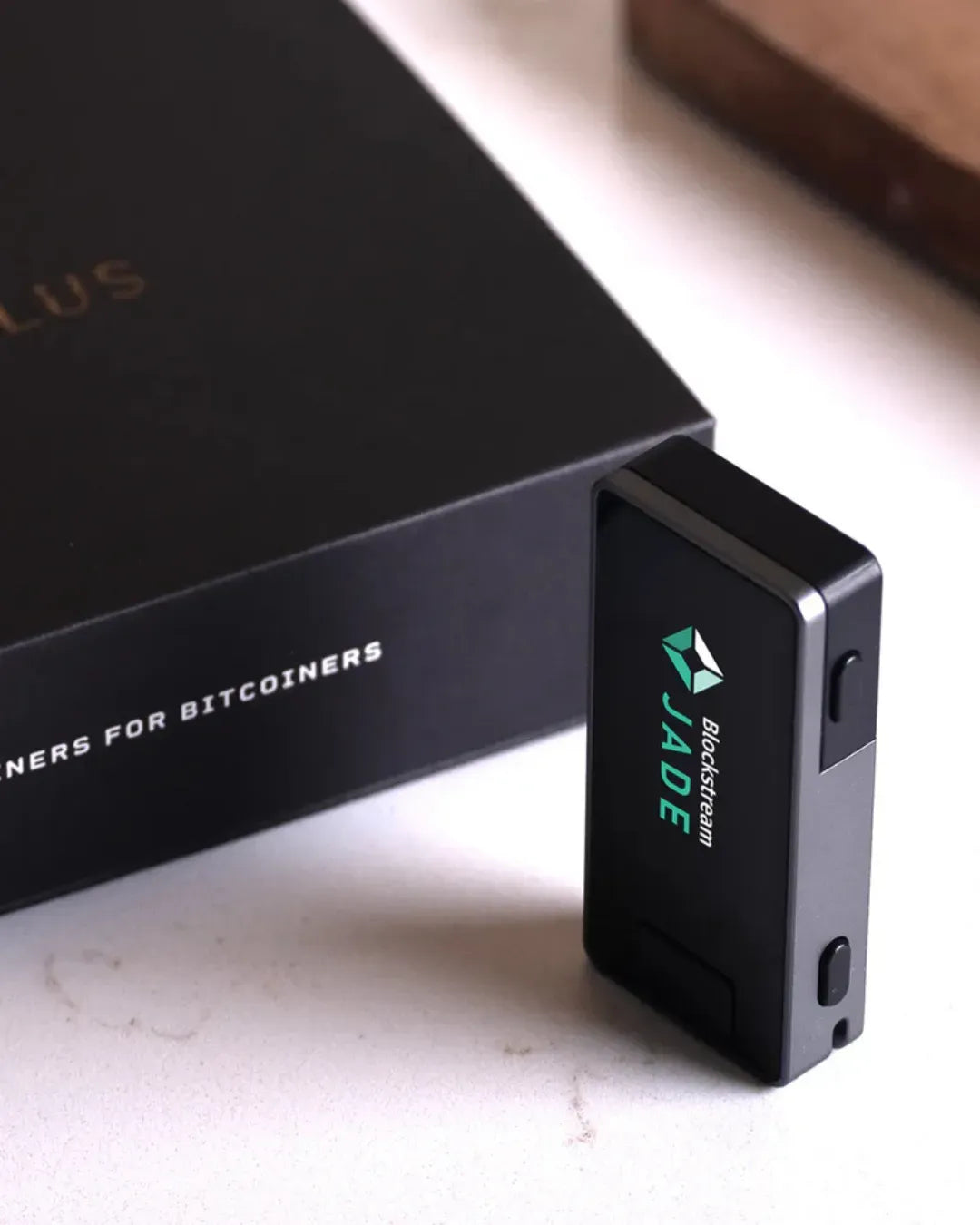
- Important Precautions Before Setup (Prudence Warning)
- Overview Flowchart
- Step-by-Step Guide to Setting Up BIP39 Passphrase on Blockstream Jade
- Step 1: Access the Settings Menu on Your Jade Device
- Step 2: Select Passphrase Prompt Frequency
- Step 3: Choose the Input Method
- Step 4: Unlock and Access Your Hidden Wallet
- Step 5: Passphrase Wallet is Ready for Use
- If the Passphrase is entered correctly, the system will lead us to the Hidden Wallet, ready for secure asset transfers and receipts. Verify correctness with the Wallet Fingerprint.
- 📊 Comparison Breakdown of Usage Modes
For friends who use a Hardware Wallet like Blockstream Jade and want to enhance security beyond keeping a normal 12 or 24-word Seed Phrase, enabling BIP39 Passphrase (or what many call the 13th/25th word or "Hidden Wallet") is a crucial feature that will create a new wallet completely separate from the main wallet.
The advantage of using a Passphrase is that even if someone sees your Seed Phrase, they will not be able to access the assets in the hidden wallet without this secret Passphrase.
🚨 Important Precautions Before Setup
Security warning
- A Passphrase is not a regular password: In the BIP39 system, there is no "incorrect Passphrase" if you type it wrong, even by a single character, case, or space. The system will immediately create a new, empty wallet and will not show your original balance.
- No Reset/Forgot Option: If you forget your Passphrase, you cannot reset it, and the assets in your hidden wallet will be lost forever.
- Separate backups are required: Always write down your Passphrase and store it in a different location from your main Seed Phrase. Do not keep them together.
Overview Flowchart
[Turn on Blockstream Jade (main menu)]
↓
[Go to Options menu -> BIP39 Passphrase]
↓
[Select Frequency: Always Ask / Next Login Only]
↓
[Select Method: Manual / WordList]
↓
[Connect Wallet / Unlock PIN -> Enter Passphrase]
↓
[Check Wallet Fingerprint (8 digits) -> Enter Hidden Wallet]
Step-by-Step Guide to Setting Up BIP39 Passphrase on Blockstream Jade
Step 1: Access the Settings Menu on Your Jade Device
- Turn on your Blockstream Jade device (before logging into the main wallet).
- On the main screen, scroll to the Options menu.
- Select "BIP39 Passphrase" to enter the configuration page.


Step 2: Select Passphrase Prompt Frequency
Once inside, select the Frequency menu to define when Jade should ask for the Passphrase. There are 3 options:
- Disabled: Turns off the Passphrase system (accesses the main wallet normally using only the Seed Phrase).
- Next Login Only: Enables the Passphrase only for the next login. The advantage is that it helps conceal the fact that this device uses a Passphrase, but you will need to re-enable this menu each time you want to access the hidden wallet.
- Always Ask: Jade will display a Passphrase prompt every time you log in. This helps prevent confusion and reduces the chance of forgetting to enter it.
We recommend setting it to "Always Ask." This permanently enables the Passphrase system, and the device will ask for the Passphrase every time it's used, which is the best way to prevent confusion.

Step 3: Choose the Input Method
Next, select the Method menu to define how the Passphrase will be entered on Jade.
- Manual: A keyboard appears for you to select characters one by one (supports lowercase, uppercase, numbers, and special symbols). Suitable for Passphrases with a variety of characters.
- WordList: The system generates a Passphrase by referencing words from the BIP39 Wordlist, allowing for faster typing and predictive text. Suitable for those who want to create random multi-word Passphrases, e.g., satoshi abandon guard (separated by spaces).
Step 4: Unlock and Access Your Hidden Wallet
- Once Frequency and Method are set, connect Jade to a Companion app, such as Blockstream Green.
- Enter your PIN to unlock Jade as usual.
- The Jade device (or app) will display a prompt to enter the Passphrase.
- Enter the secret Passphrase you set and double-check its accuracy before confirming.
- Once "Always Ask" is selected, for subsequent connections, the Jade device (or Blockstream Green app) will prompt you to enter the Passphrase.
- You can now enter the secret Passphrase you set.

Step 5: Passphrase Wallet is Ready for Use
If the Passphrase is entered correctly, the system will lead us to the Hidden Wallet, ready for secure asset transfers and receipts. Verify correctness with the Wallet Fingerprint.

Once you access the hidden wallet, look at the bottom right corner of the Jade screen for the Wallet Fingerprint (an 8-digit code, e.g., 8D688EA0).
Admin's Tip: This Wallet Fingerprint is a unique code for the wallet generated by combining that specific Seed Phrase + Passphrase. We recommend always noting down this 8-digit Fingerprint alongside your Passphrase. For subsequent logins, if the Fingerprint doesn't match what you recorded, it means you typed the Passphrase incorrectly (a typo), and you'll know immediately to re-enter it.
Comparison Breakdown of Usage Modes
| Frequency Mode | Functionality | Suitable For | Caution |
|---|---|---|---|
| Disabled | No Passphrase asked; enters main wallet immediately | General beginners | No second layer of protection if Seed Phrase is compromised |
| Next Login Only | Asks for Passphrase only once for the next login | Users who want to conceal the fact that they use the device with a Passphrase | Must re-enable this option every time they want to use it |
| Always Ask (Recommended) | Asks for Passphrase every time the device is logged in/powered on | Regular users of hidden wallets who prioritize certainty | Must enter Passphrase every time it's used |
| Method Type | Highlight |
|---|---|
| Manual | Highly flexible, allows various characters |
| WordList | Fast typing, with BIP39 word auto-complete |



แชร์:
Easy to-Understand Guide to Activating Passphrase on OneKey
How to Calculate the BIP39 Final Word on Blockstream Jade (100% Offline)