"Eliminate your worries about theft... in both the real and cyber worlds."
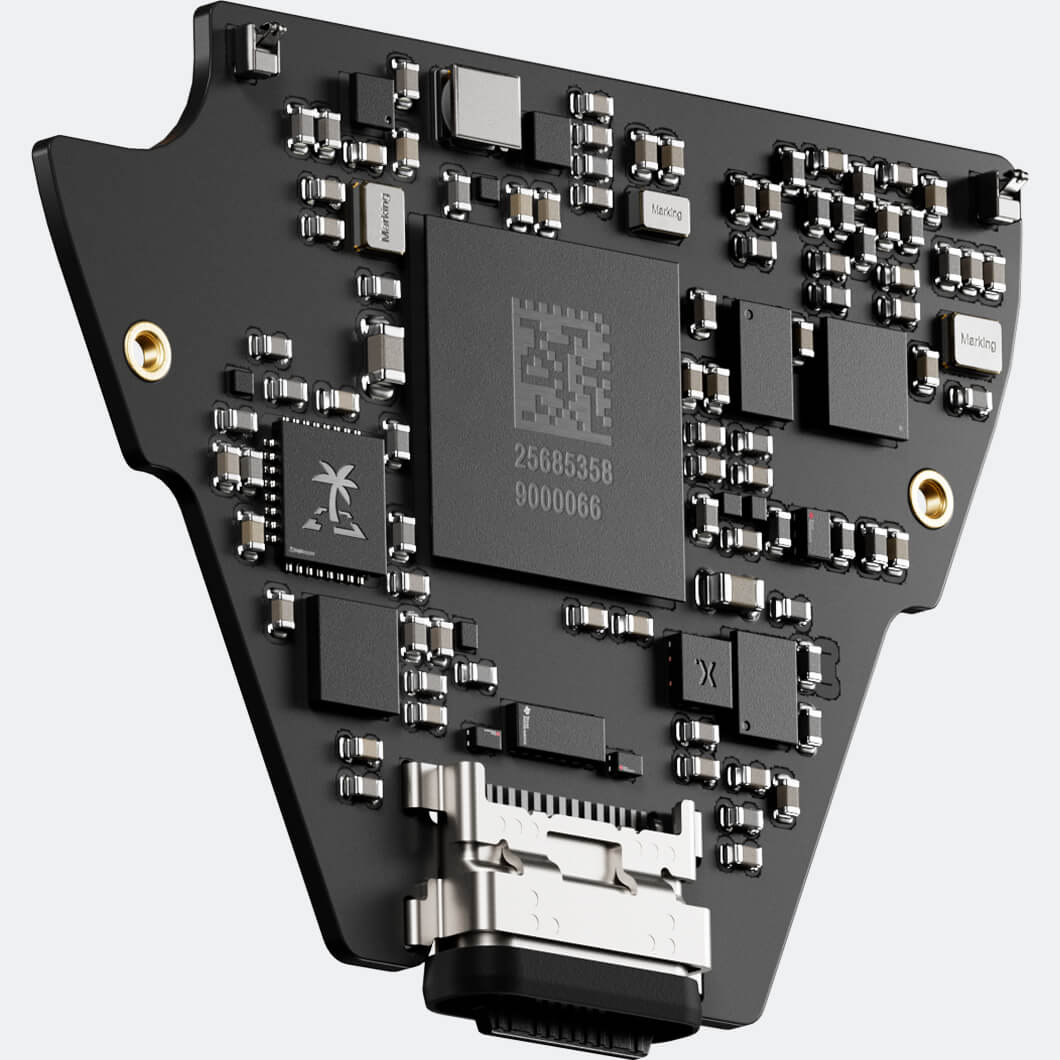
Secure Element (EAL6+)
A smart chip that prevents physical intrusion. Even if your device falls into the wrong hands, your data remains confidential.
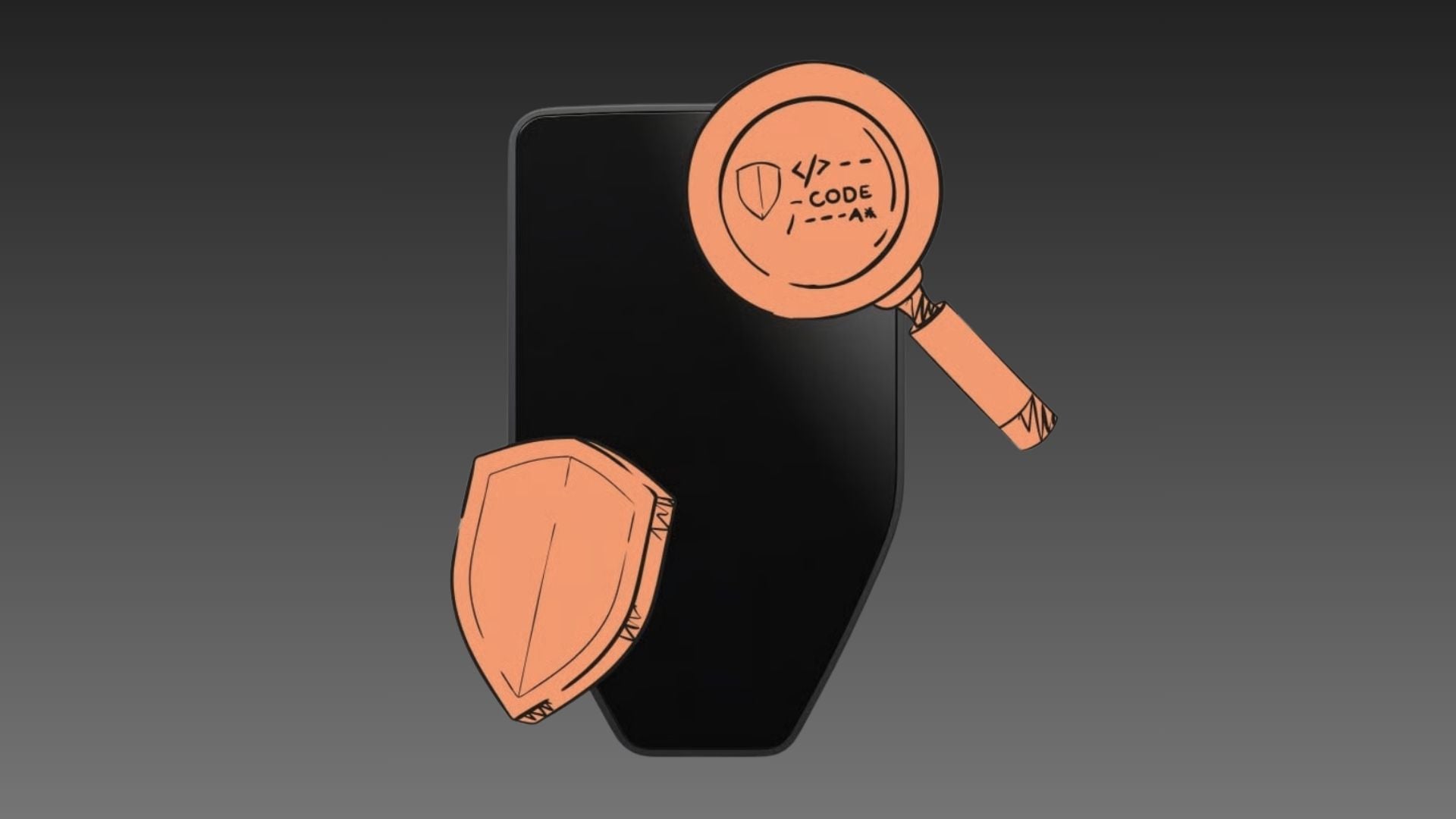
ปรัชญาโอเพนซอร์ส
Because transparency is key, we've made our Source Code available for review by experts worldwide to prove that there are no backdoors to access your coins.
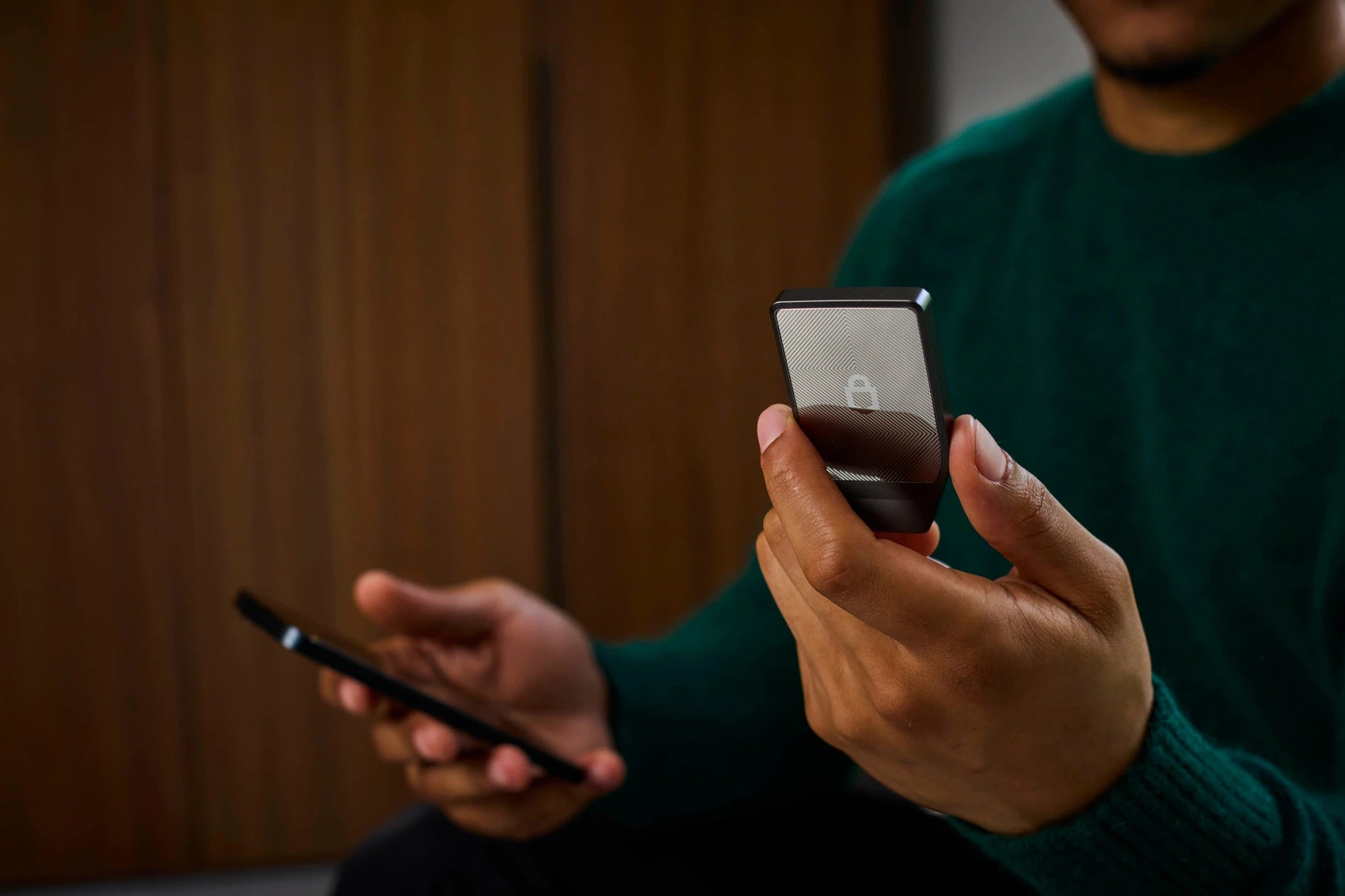
Device Authentication
The system immediately verifies the authenticity of the device from the factory as soon as it is plugged in or connected to Trezor Suite. You can be 100% confident that it is not a fake device.
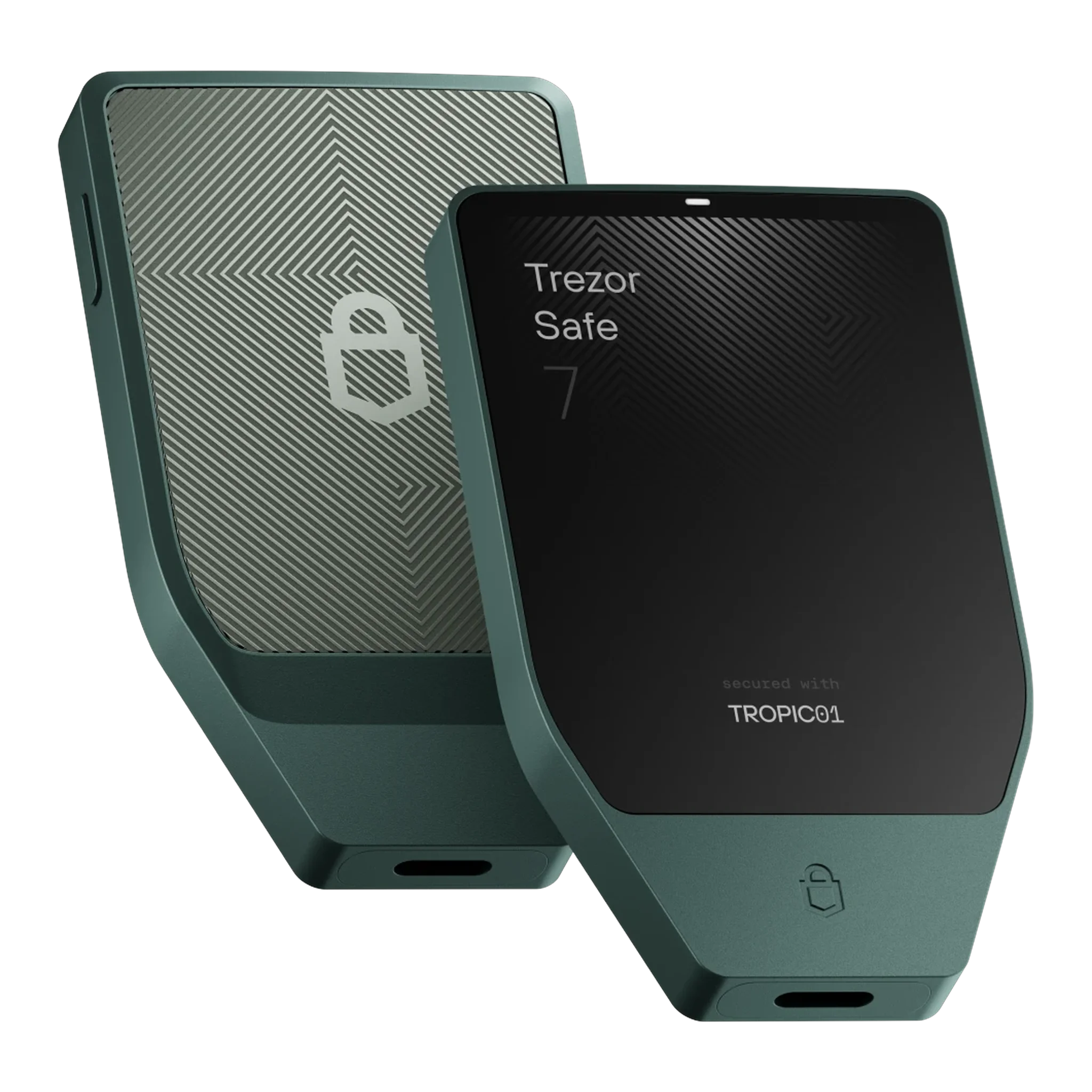
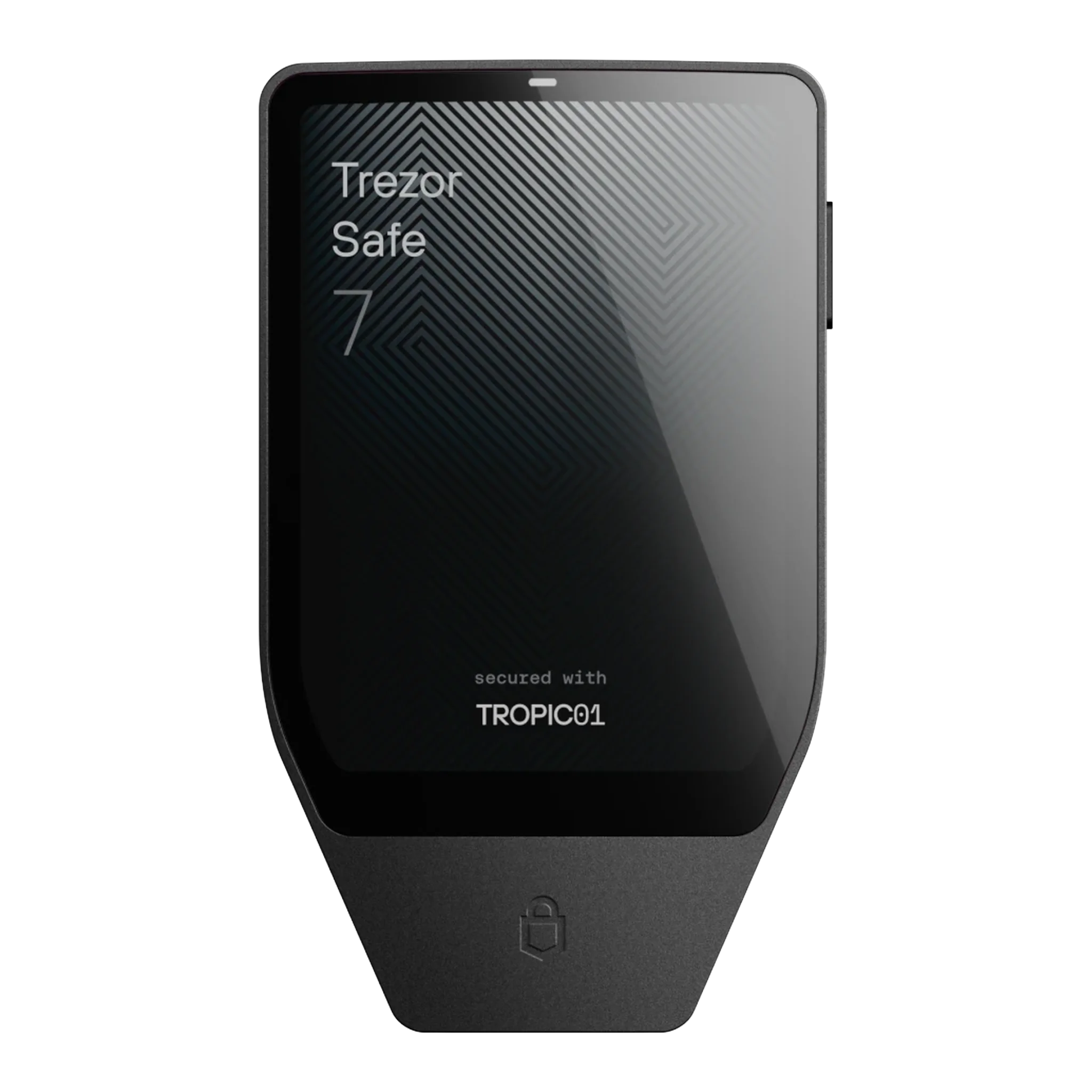
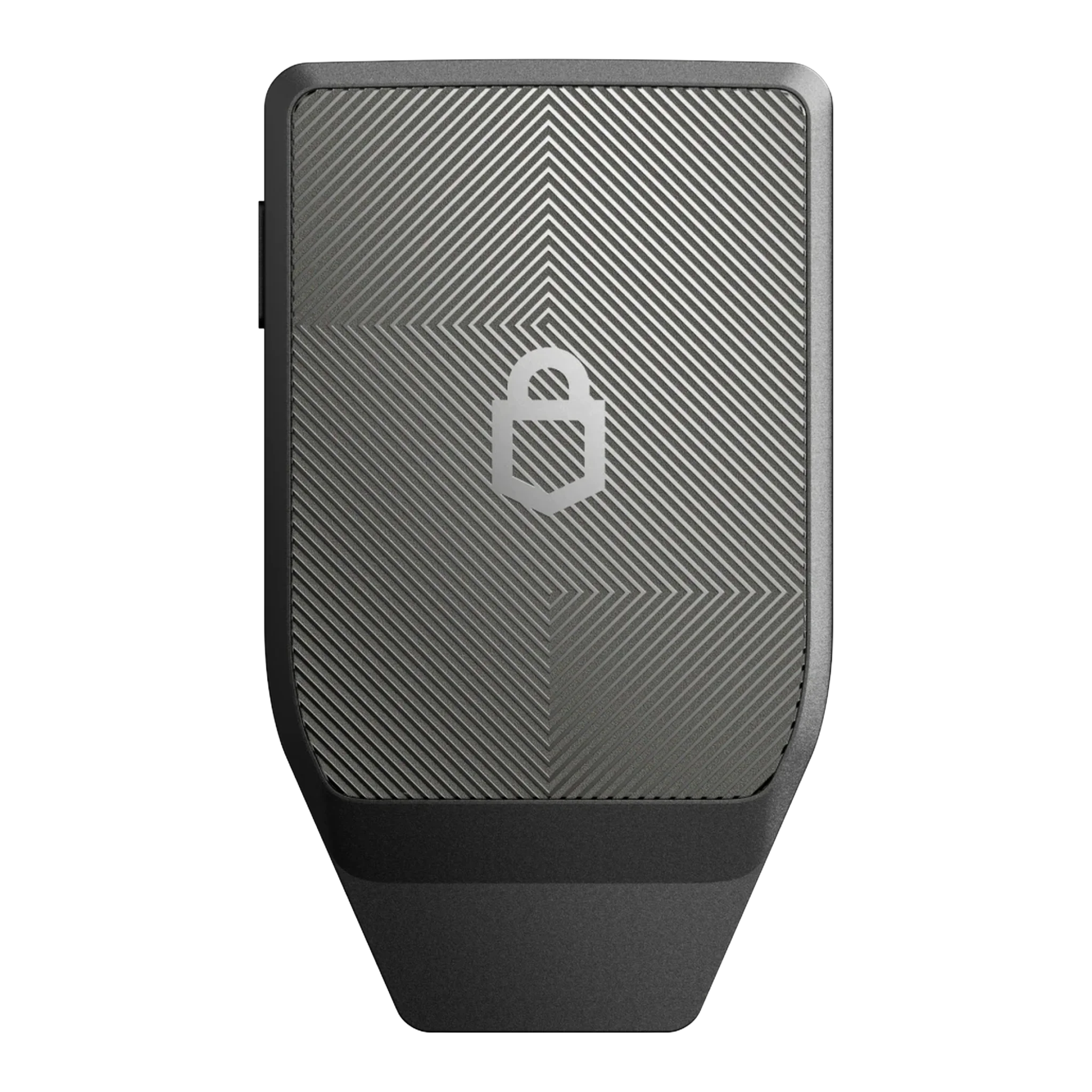
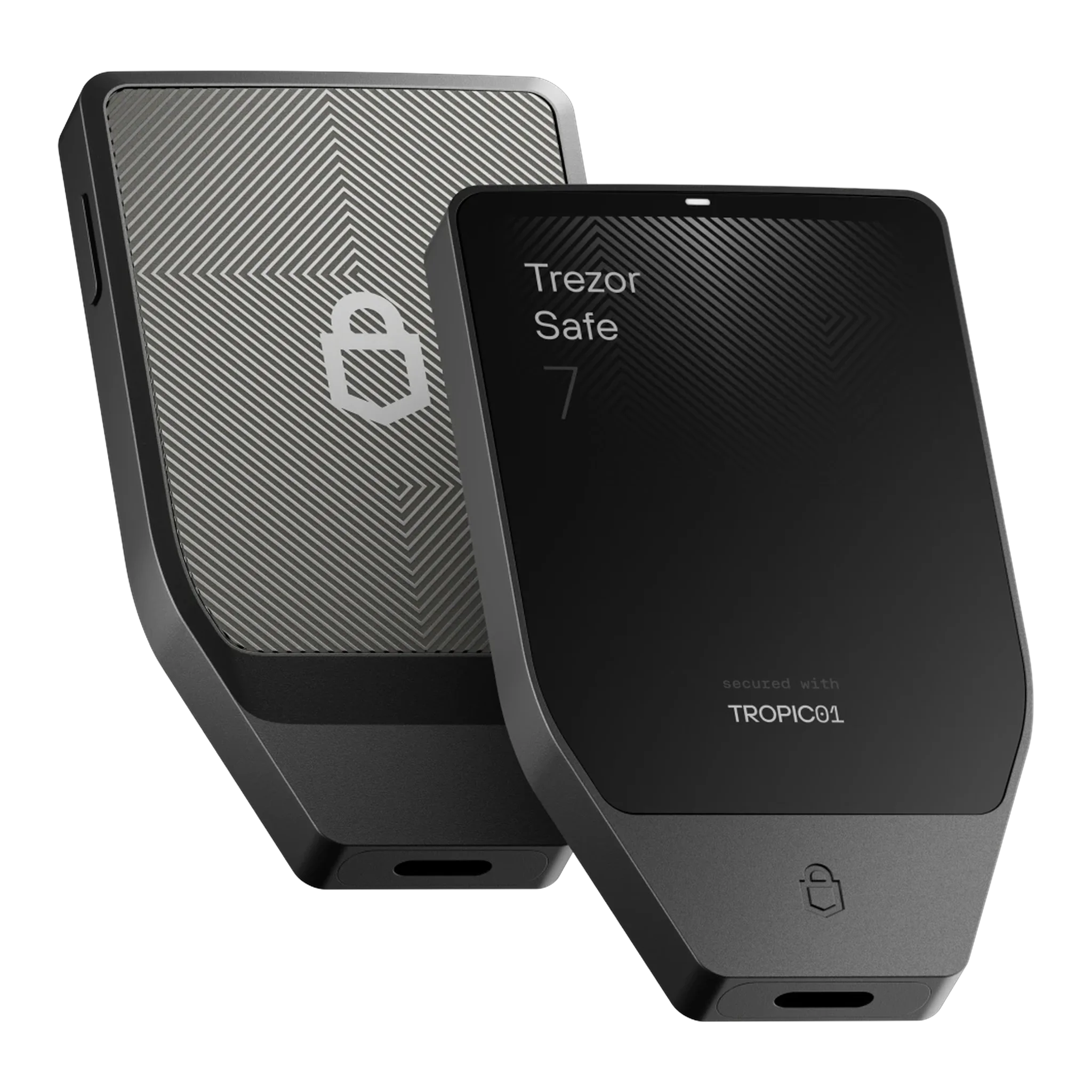
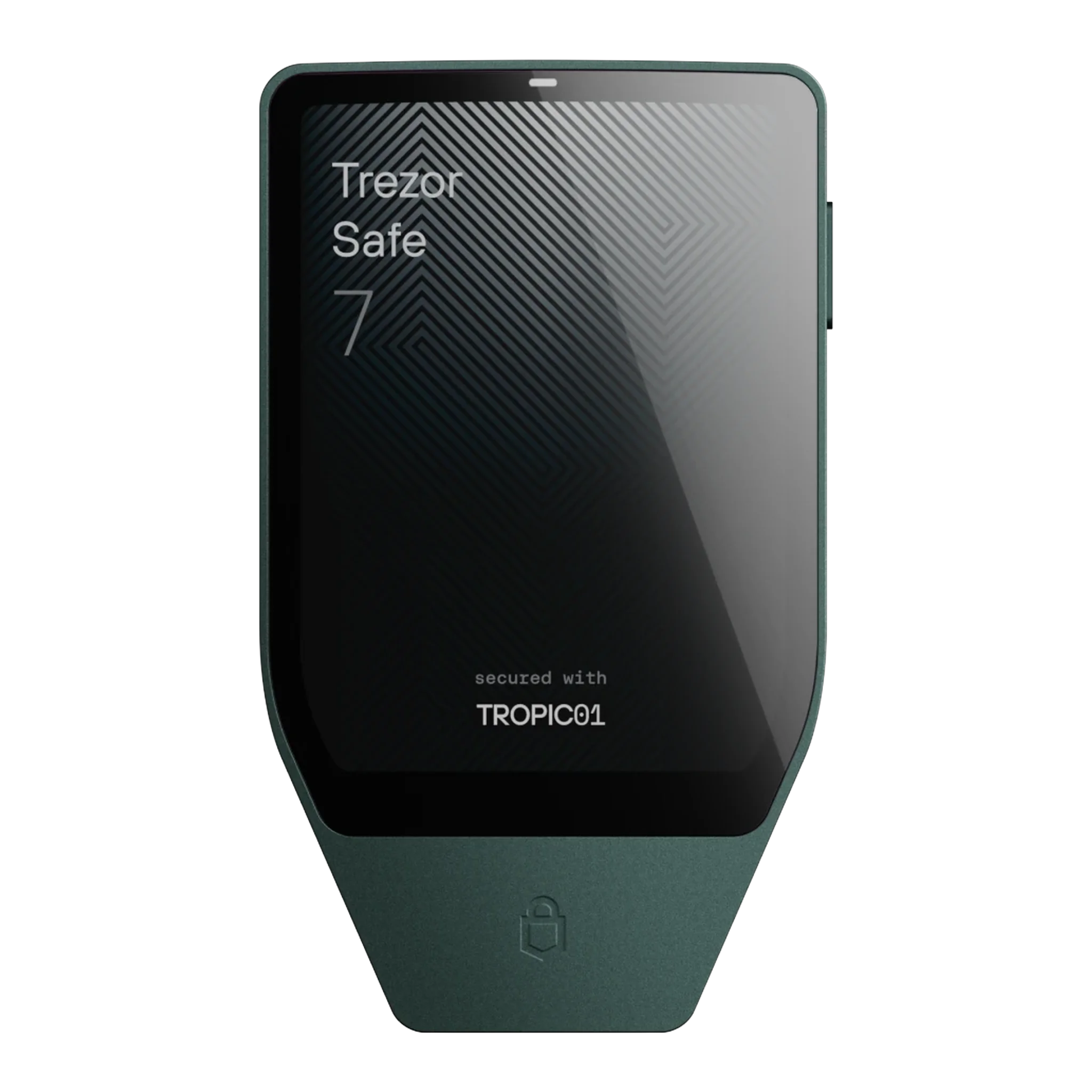
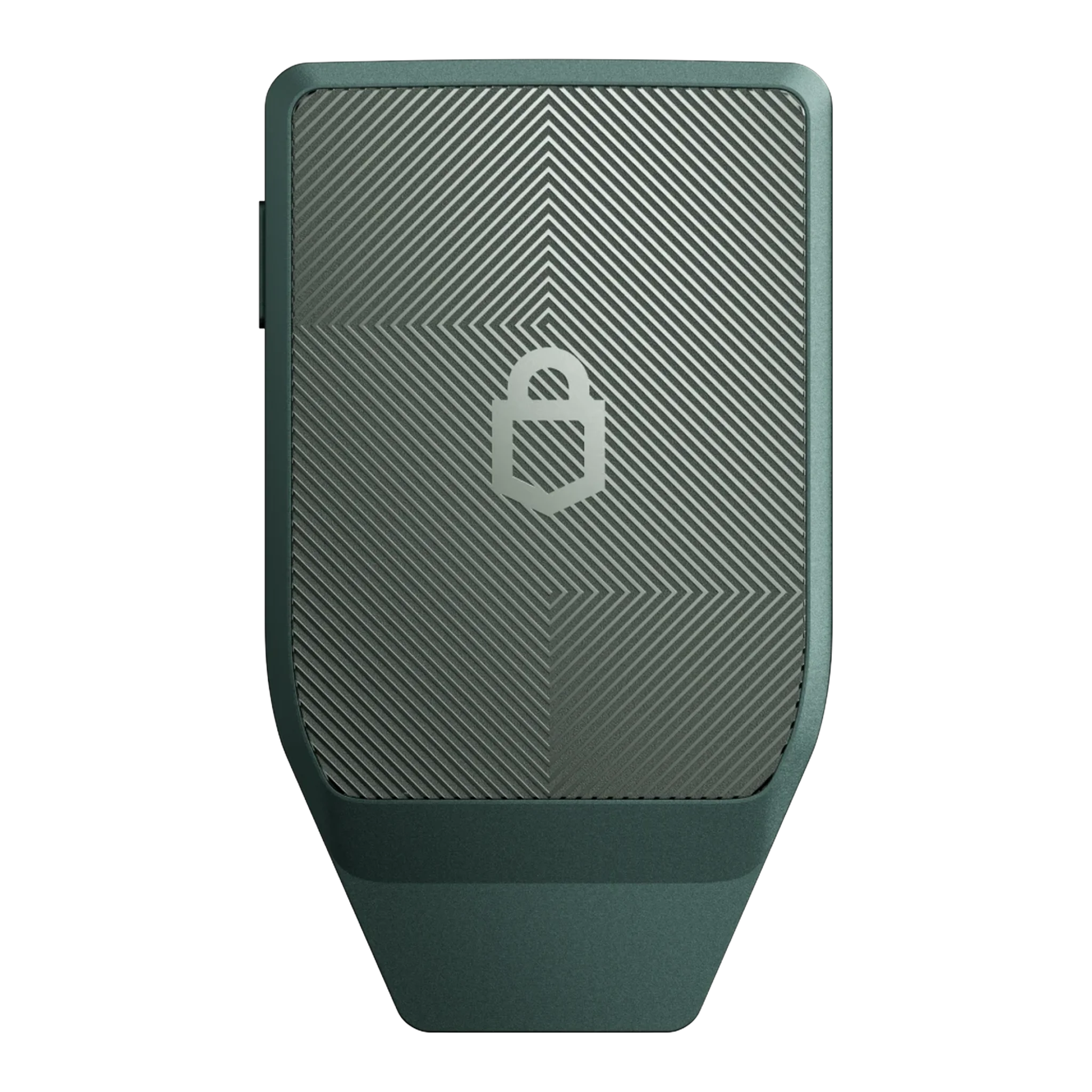
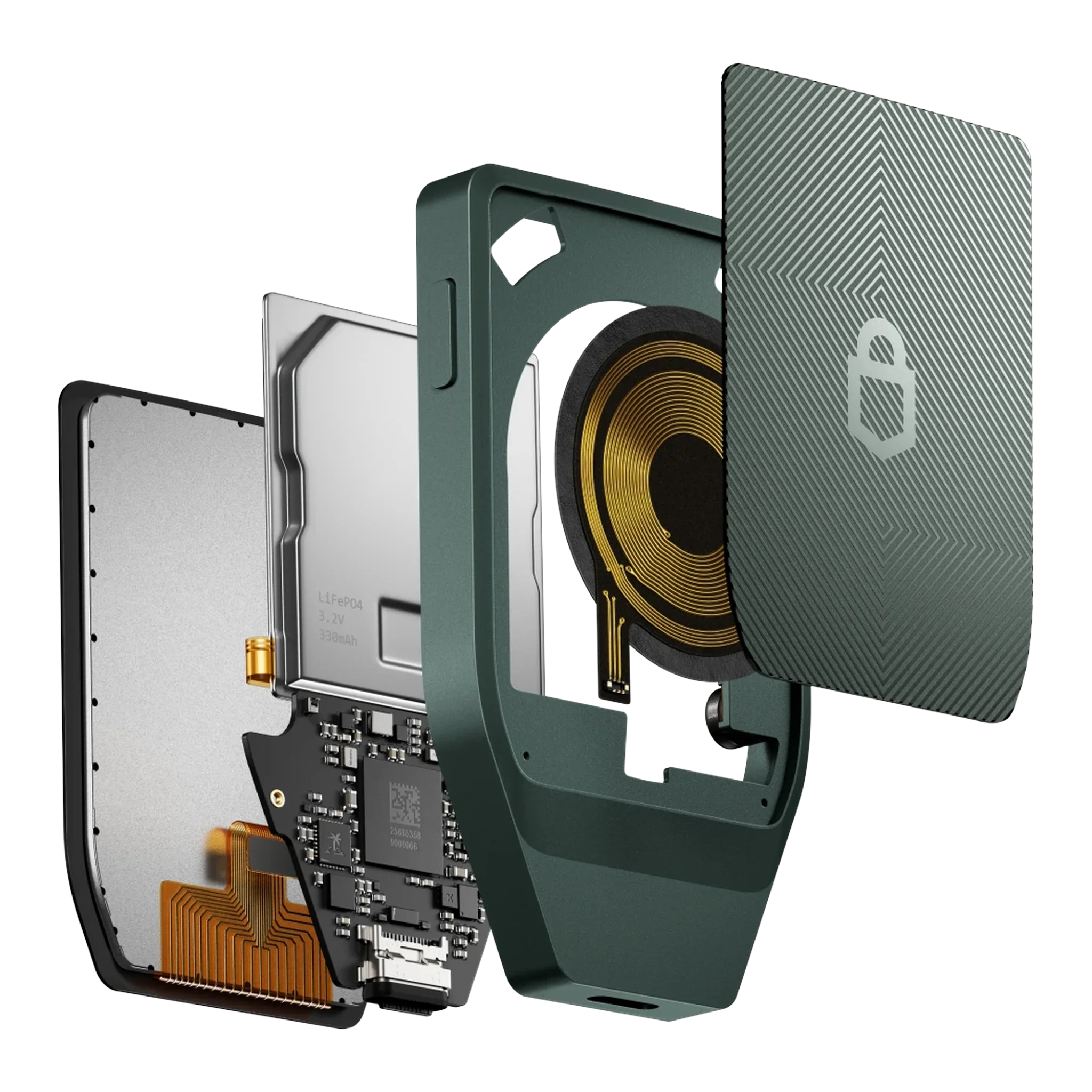
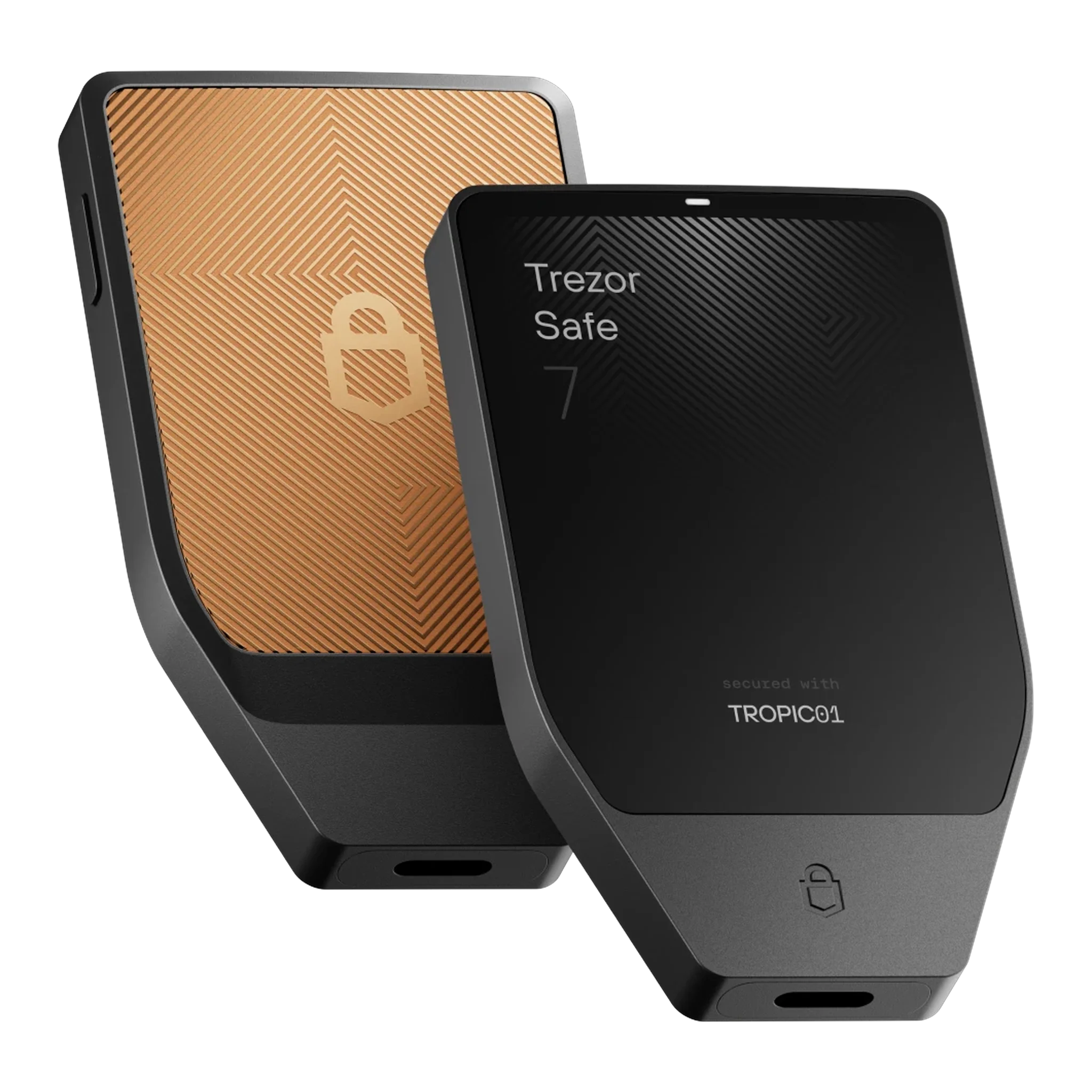
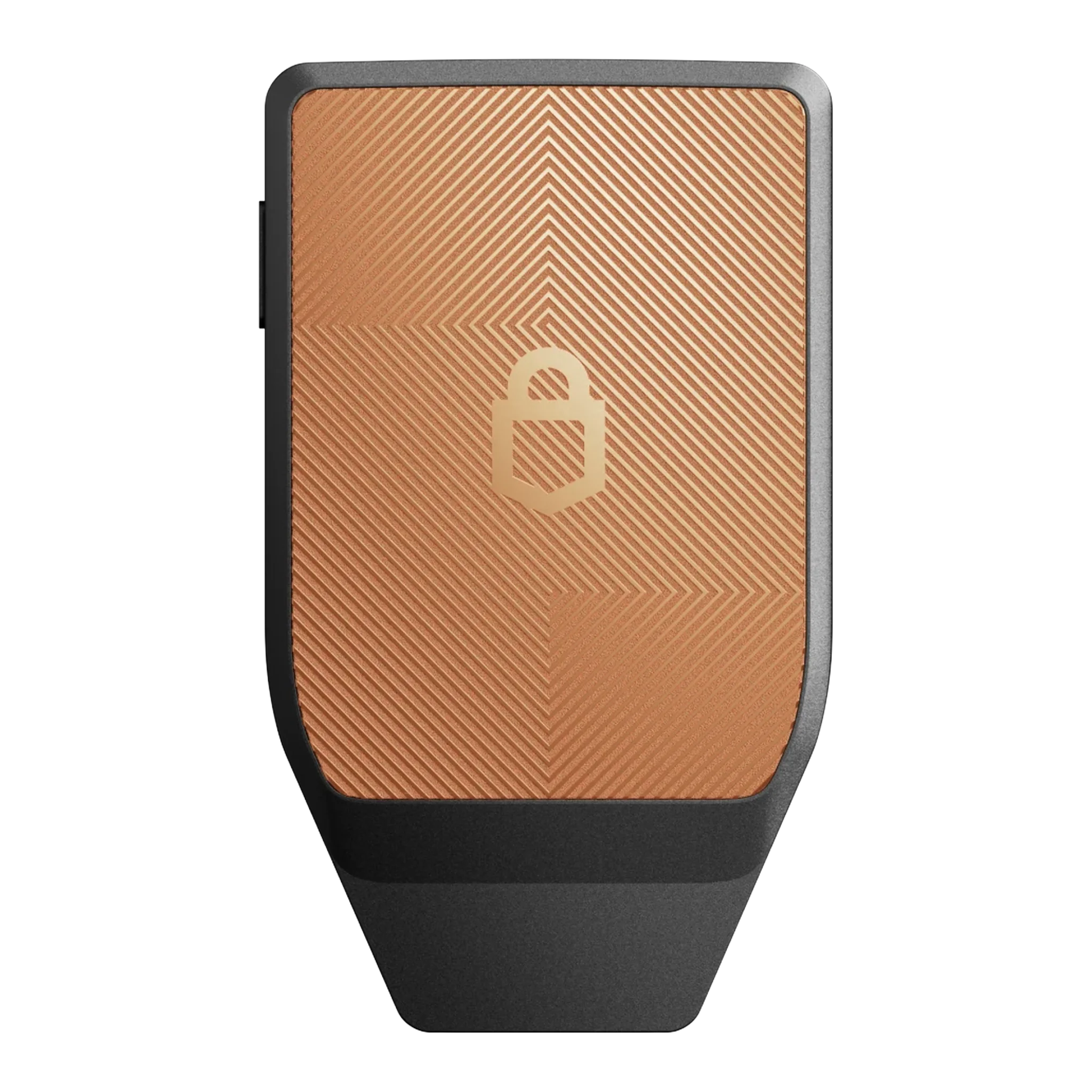
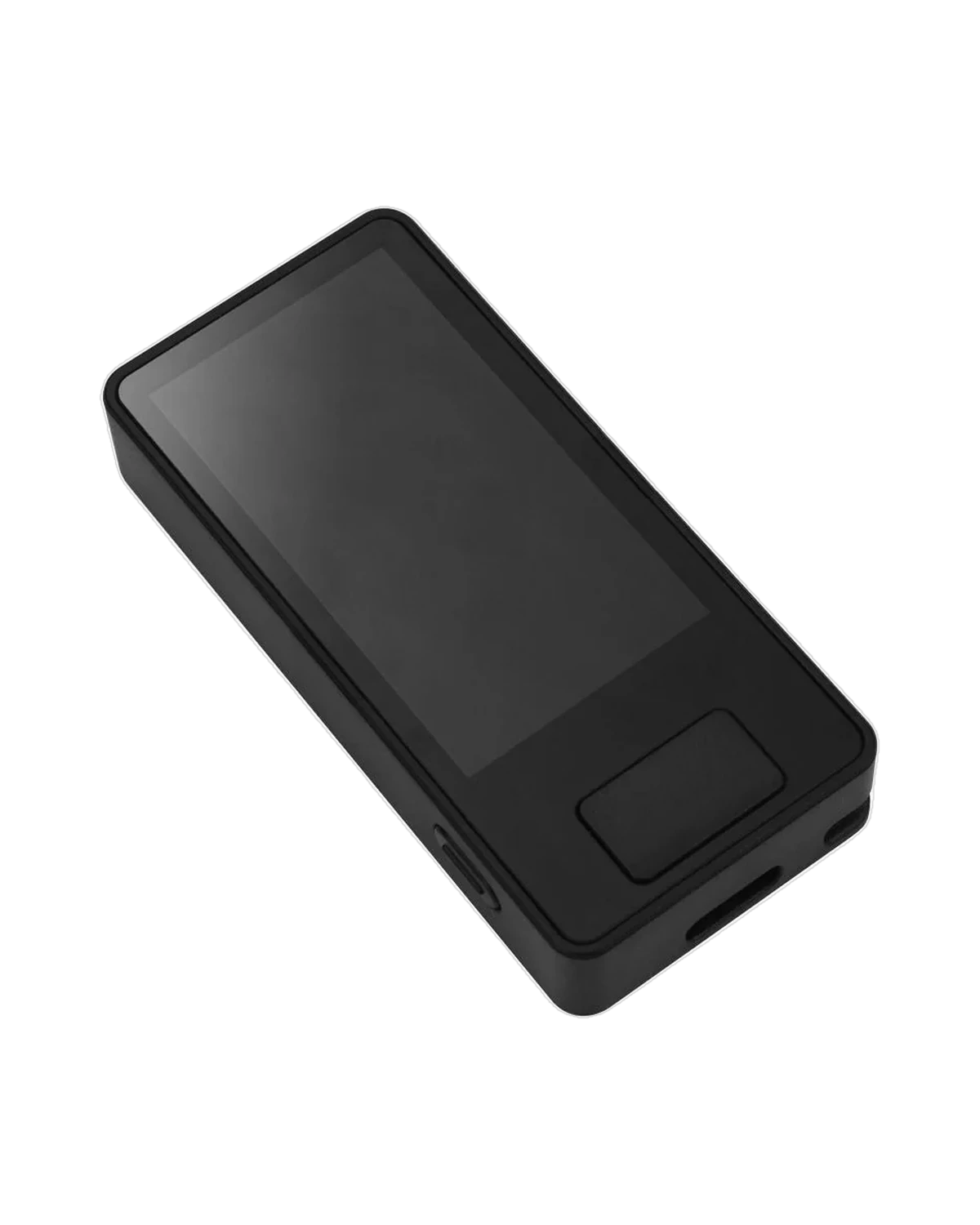
Trezor Safe 7 — Genuine Flagship Wallet, Quantum-Ready Security
The Safe 7 is Trezor's answer to a question every serious holder eventually asks: what happens to my crypto once quantum computers get good enough to break today's encryption? It's the first Trezor built with post-quantum cryptography in its firmware and boot process, backed by two independent secure element chips from different vendors rather than one.
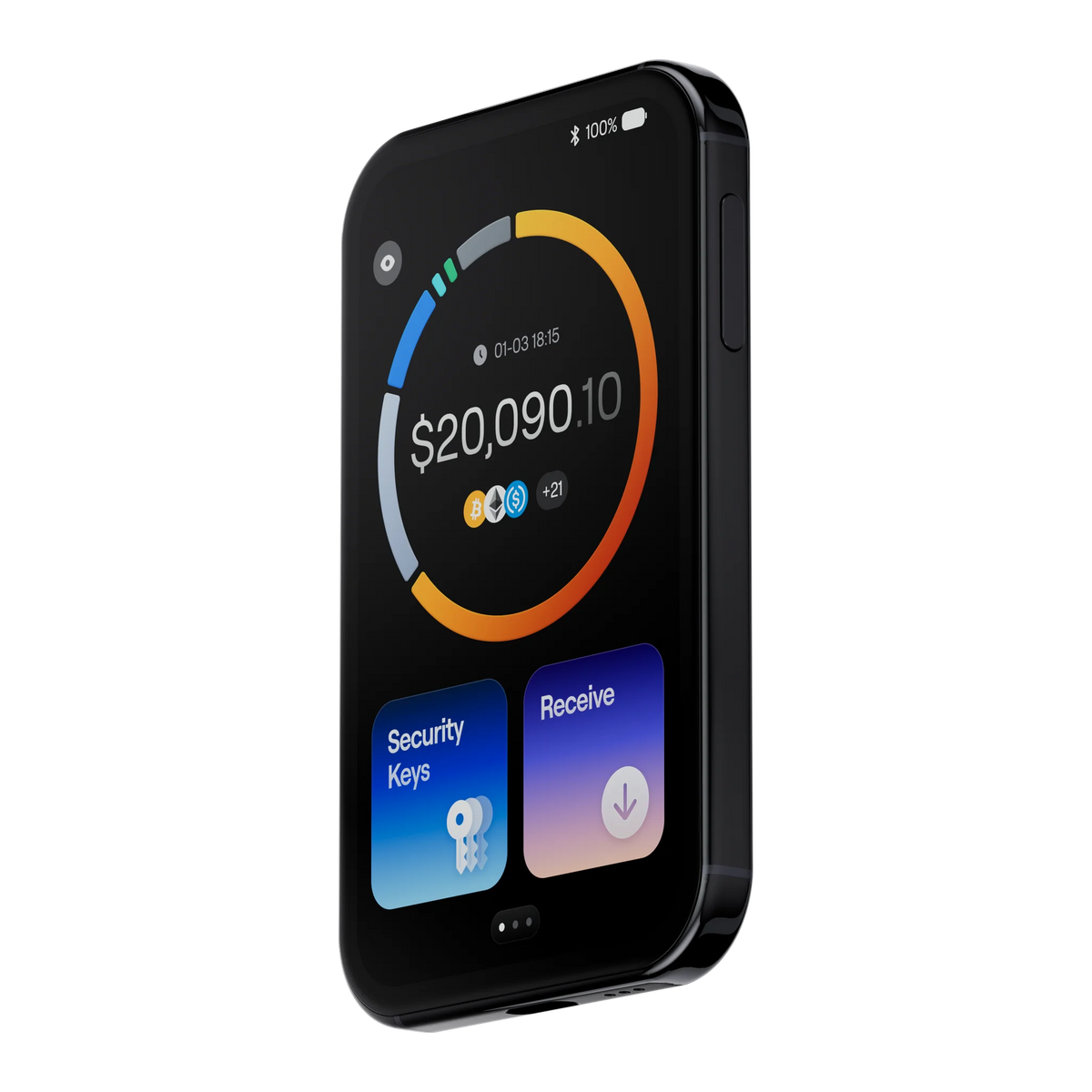
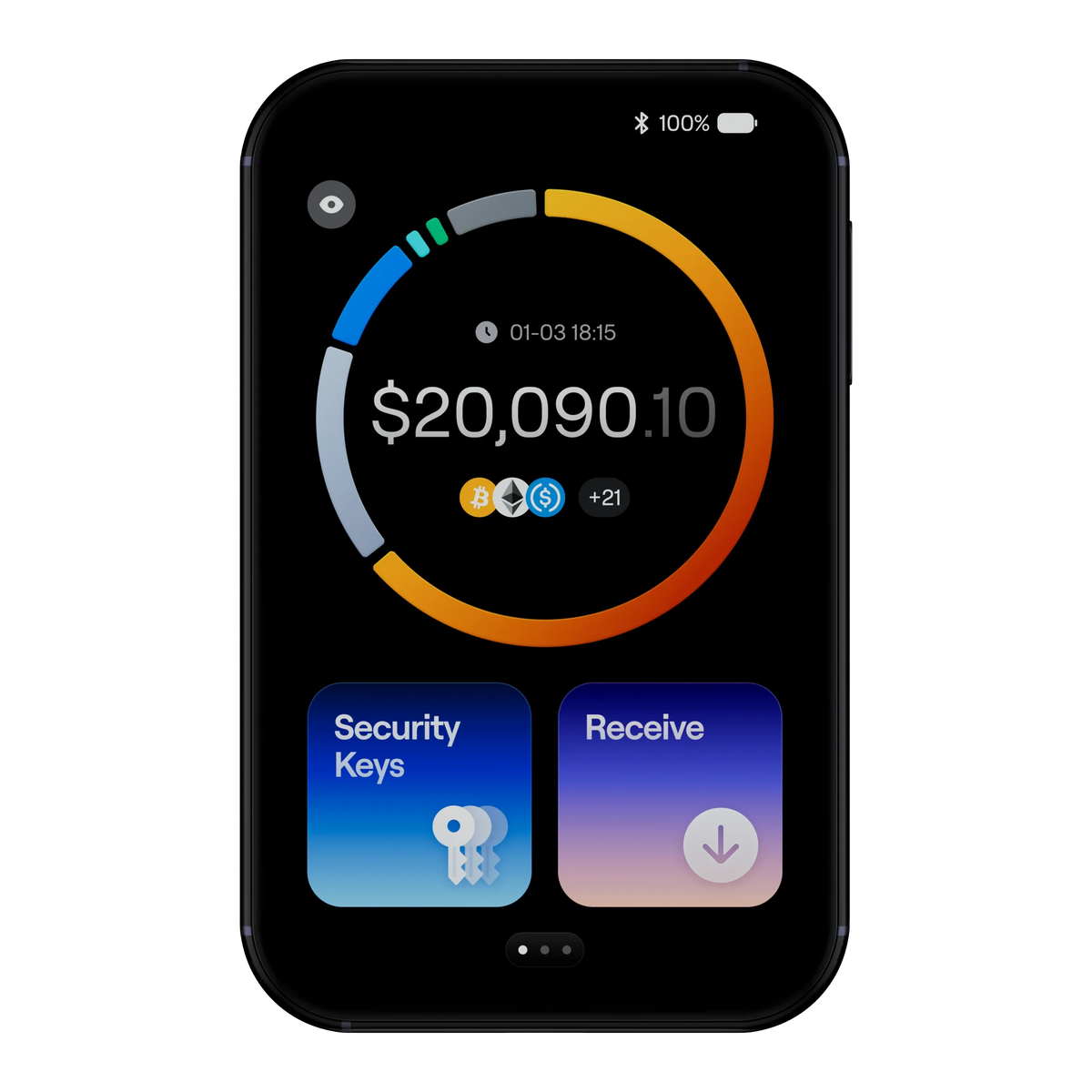
That security doesn't come at the cost of convenience — a 2.5-inch touchscreen, Bluetooth pairing, IP54-rated protection against dust and water, and Qi2 wireless charging make it the closest a hardware wallet gets to smartphone-level ease of use, without ever moving your keys off the device.
Every Safe 7 sold by Bitcast ships sealed, verified against Trezor's official authenticity markers, and comes with our full 1-year local warranty. This is the model to choose if you're protecting meaningful long-term holdings and want the newest security architecture Trezor has released — not just the newest screen. The price shown already includes VAT — what you see is what you pay, no surprise fees at checkout.
Comparing against Safe 3 or Safe 5? See the full breakdown →Tech specs
| Spec | Detail |
|---|---|
| Secure element | Dual SE — TROPIC01 (primary) + EAL6+ Optiga (secondary) |
| Processor | STM32U5G ARM Cortex M33, 160MHz |
| Display | 2.5" color touchscreen, 520×380, 700 nits, Gorilla Glass 3, haptic feedback |
| Connectivity | USB-C, Bluetooth 5.0+, Qi2 wireless charging |
| Battery | LiFePO₄ 3.2V / 330mAh |
| Quantum security | Post-quantum cryptography (SLH-DSA-128) for firmware, auth & boot |
| Dust/water resistance | IP54-rated protection against dust and water |
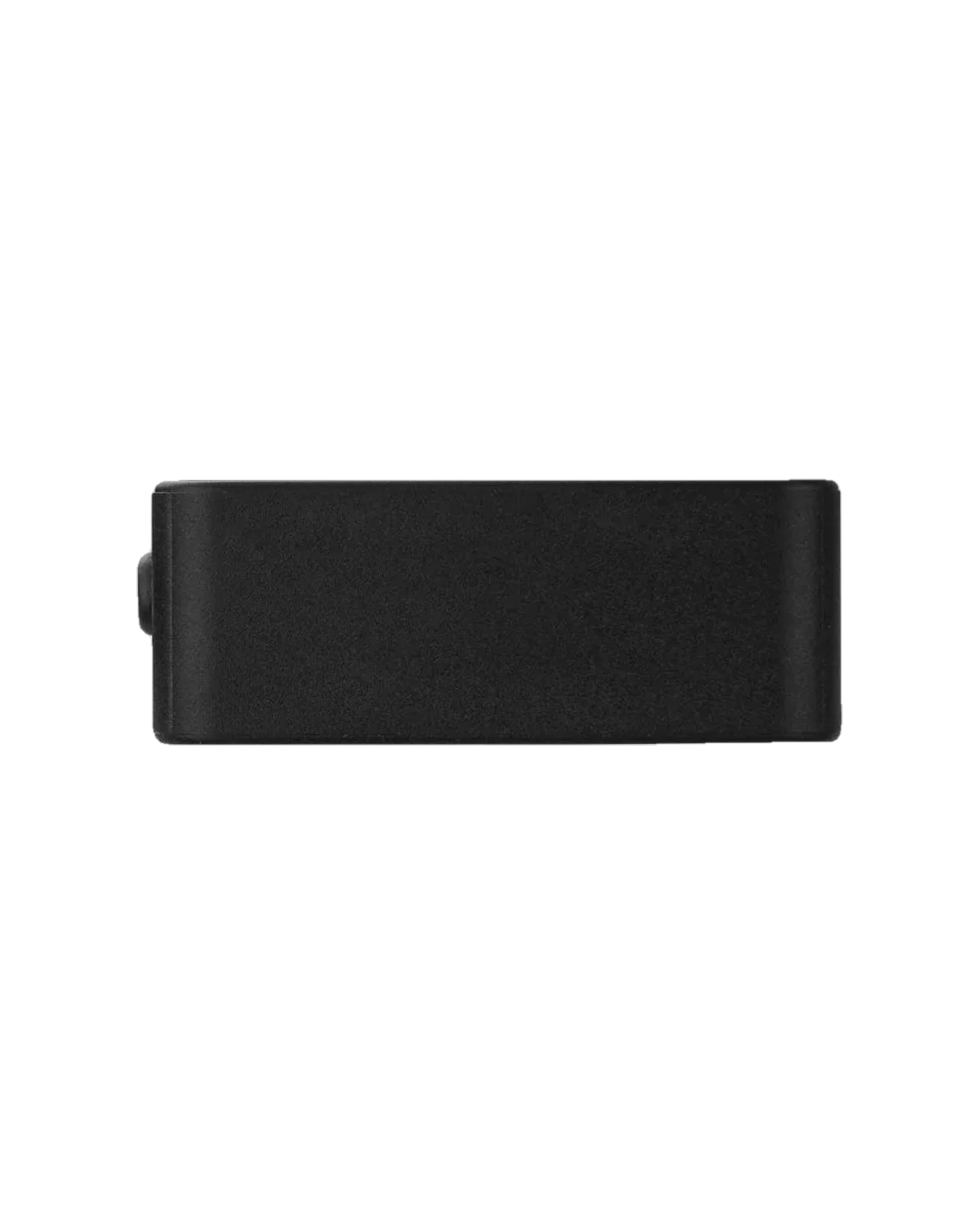
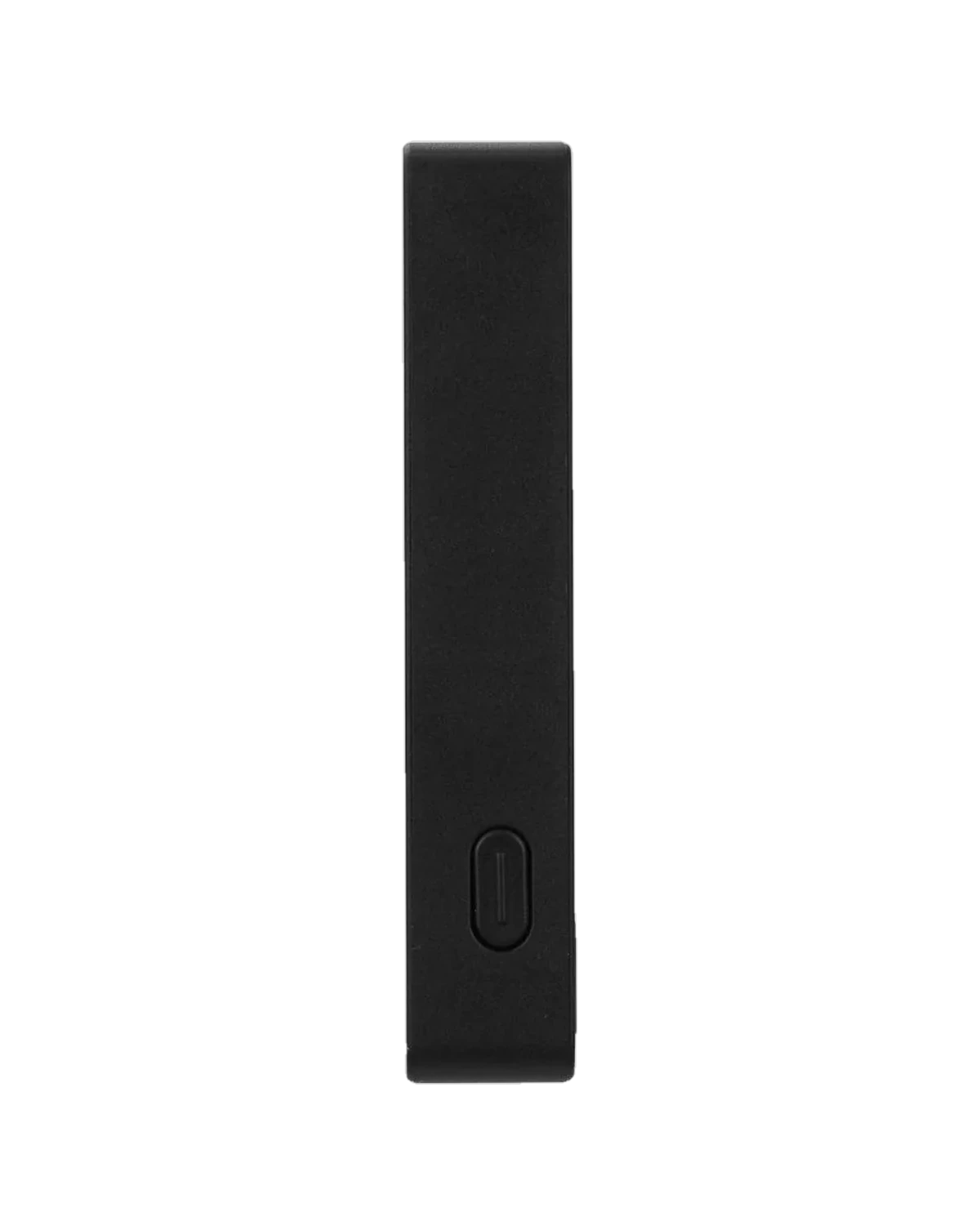
| Dimensions / weight | 75.4 × 44.5 × 8.3 mm / 45 g |
| Warranty | 1 year (Thailand, via Bitcast) |
Q&A
Q: Is this a genuine Trezor Safe 7, not a grey-market unit?
A: Yes — every Safe 7 Bitcast sells arrives in Trezor's factory tamper-evident packaging, verified against Trezor's official authenticity markers, and comes with our 1-year local warranty.
Q: Do I actually need "quantum-ready" security right now?
A: Not urgently — today's encryption is still secure. But firmware and device authentication are the hardest things to upgrade later, so the Safe 7 builds in post-quantum protection now rather than requiring a future device swap. Read our full breakdown of the Safe 7's security architecture →
Q: Is Bluetooth a security risk?
A: No private keys ever transmit over Bluetooth — it's used only for the companion app connection, encrypted with an open-source protocol you can audit yourself.
Q: How is the Safe 7 different from the Safe 5?
A: A bigger 2.5" touchscreen, a second independent secure chip, Bluetooth, wireless charging, and post-quantum cryptography. The Safe 5 is security-equivalent for most users; the Safe 7 is for maximum long-term protection. Compare Safe 3, Safe 5, and Safe 7 →
Q: Is VAT included in the price, and what's the warranty?
A: Yes — the price includes both import duty and VAT, with a full 1-year warranty from Bitcast.
Q: Is there a setup guide for the Safe 7?
A: Yes — a full step-by-step Thai-language guide, plus a separate walkthrough for using the Safe 7 with the mobile app. Trezor Safe 7 setup guide → · Safe 7 mobile version manual →
Q: Where can I learn the more advanced features?
A: We keep Thai-language guides on what buyers ask about next: Trezor Suite feature overview (2026) →, how to verify your seed phrase →, how to enable a passphrase →, and using a watch-only wallet →. Browse everything in our full Trezor guide library →
จอสีระบบสัมผัสขนาดใหญ่
Forget small black and white screens. With a large color display, you can verify every character of the destination address, protecting yourself from Address Poisoning scams.
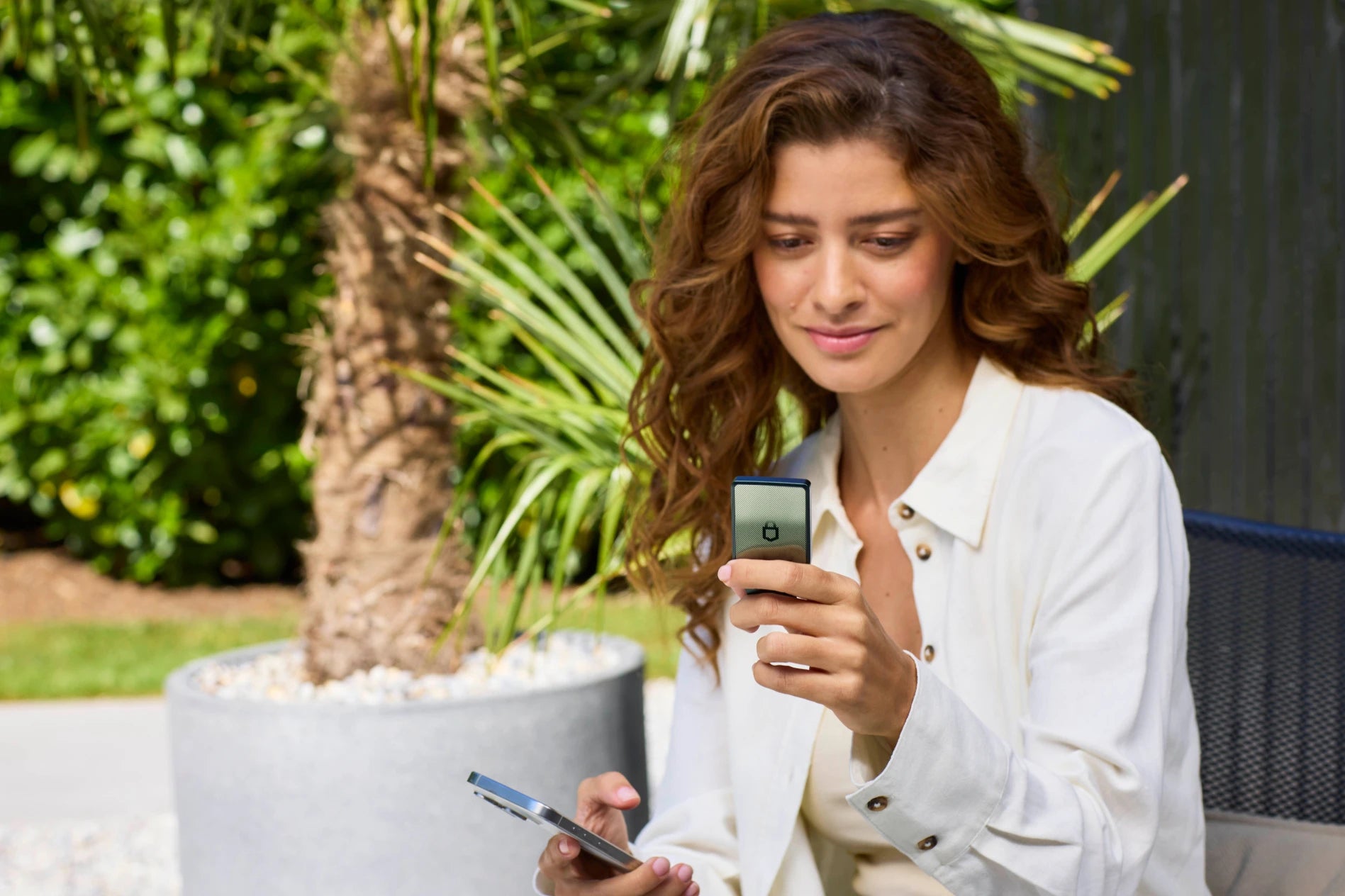
Smooth Navigation
A smartphone-like fluid interface makes setting up a PIN or recovering a wallet hassle-free.
New Trezor Safe 7
Freedom to hold over 9,000+ coins
รองรับหลายเครือข่าย
Manage Bitcoin, Ethereum, Solana, and other tokens all in one place through Trezor Suite.
Privacy First
It supports CoinJoin to conceal identity and an anonymous balance check mode (Tor Integration).
Backup Made Easy
Supports Shamir Backup standard, distributing the risk of storing Seed Phrase for an additional layer of security.
Compare Trezor Safe 7 Black and Green.
Comparison table
Obsidian Green
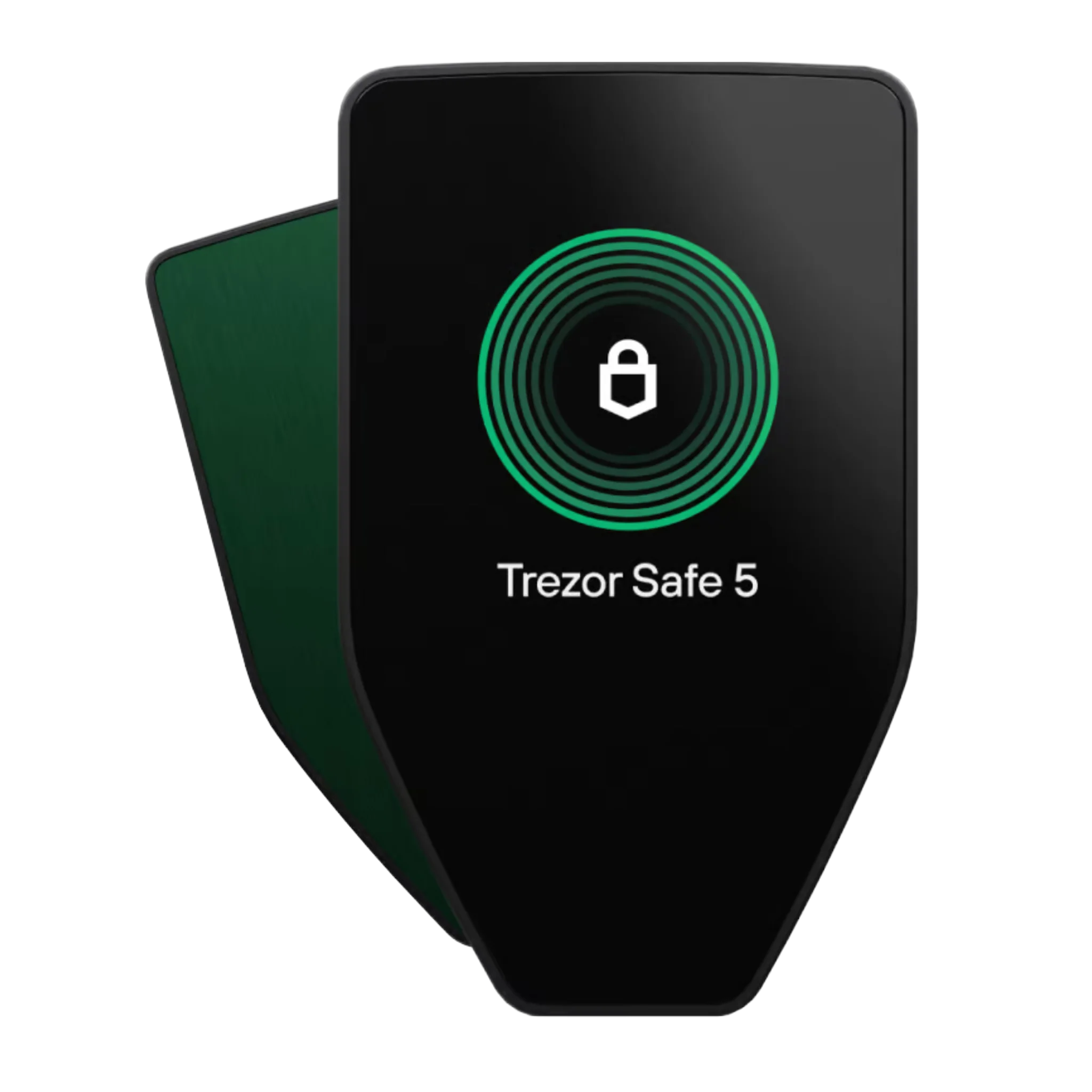
Green Beryl
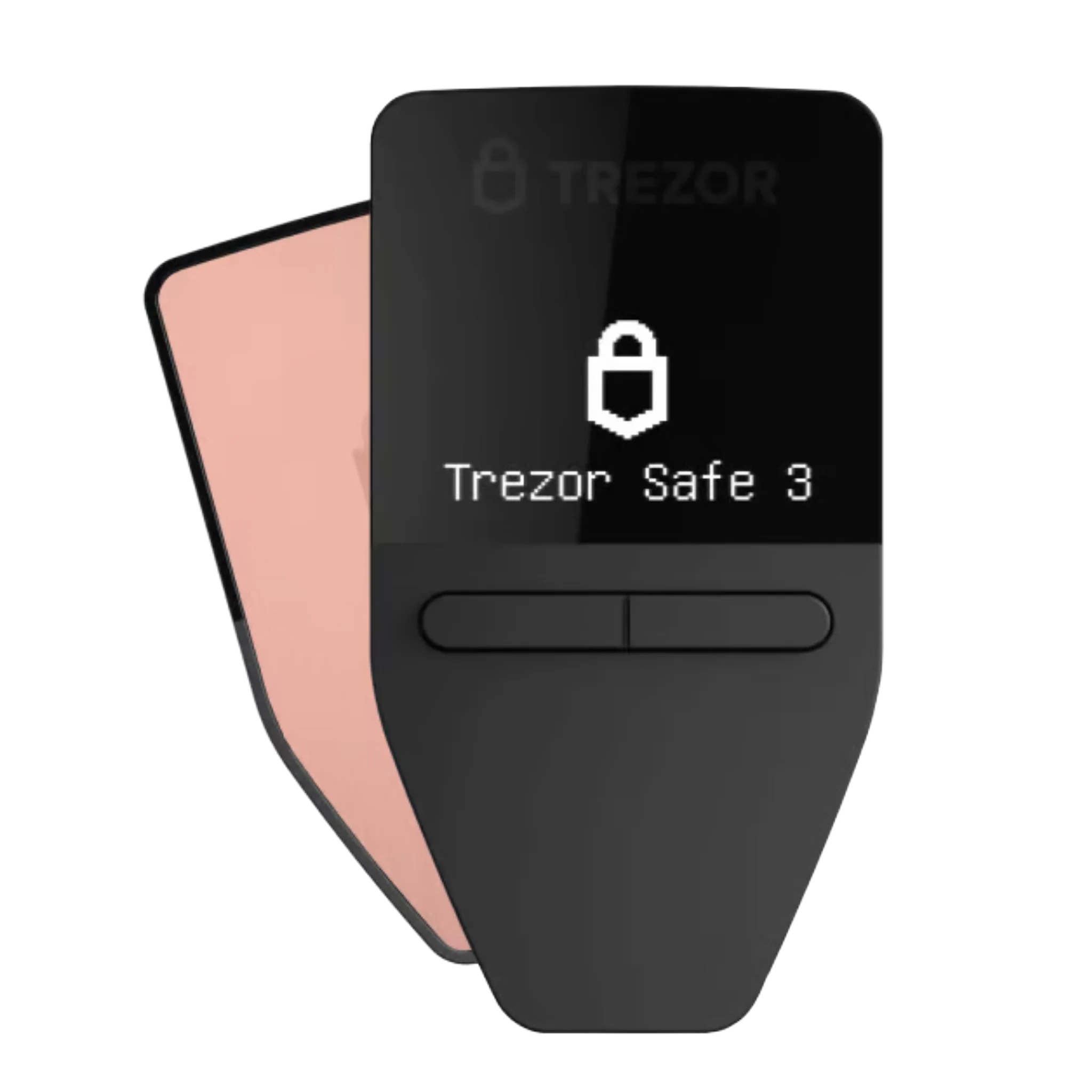
Galactic Rose
Obsidian Green
Green Beryl
Galactic Rose
2.5"High-res color display 520 x 380 pixels
1.54" Color display 240 x 240 pixels
0.96" Monochromatic display 128 x 64 pixels
Largest touchscreen-Efficient, intuitive navigation on a large display.
Touchscreen Trusted touch navigation
Two-button pad. Simple & effective navigation
Next-gen TROPIC01 secure chip. New standard for advanced, verifiable crypto security. And certified EAL6+ Secure ElementExtra layer of physical protection for your crypto
Certified EAL6+ Secure ElementExtra layer of physical protection for your crypto
Certified EAL6+ Secure ElementExtra layer of physical protection for your crypto
Quantum-ready securitySpecifically designed to receive quantum-secure updates.
-
-
Wireless connectivity. Securely pairs with mobile and desktop via Bluetooth, no cables needed. USB-C → USB-C cable included
USB-C to USB-C cable included
USB-C to USB-C cable included
Haptic feedback Tactile feedback for confident actions
Haptic feedback Tactile feedback for confident actions
-
IP67-rated protection. Fully dustproof and highly resistant to water immersion
-
-
Gorilla® Glass 3 displayScratch-resistant all-glass surface
Gorilla® Glass 3 displayScratch-resistant all-glass surface
-
Dual Secure Element architecture. Built with two advanced security chips for ultimate safety
Single Secure Element architecture.
Single Secure Element architecture.
LiFePO₄ battery 3.2V, 330mAh with built-in overheating protection
-
-
Wireless charging Qi2-compatible for effortless power-up
-
-
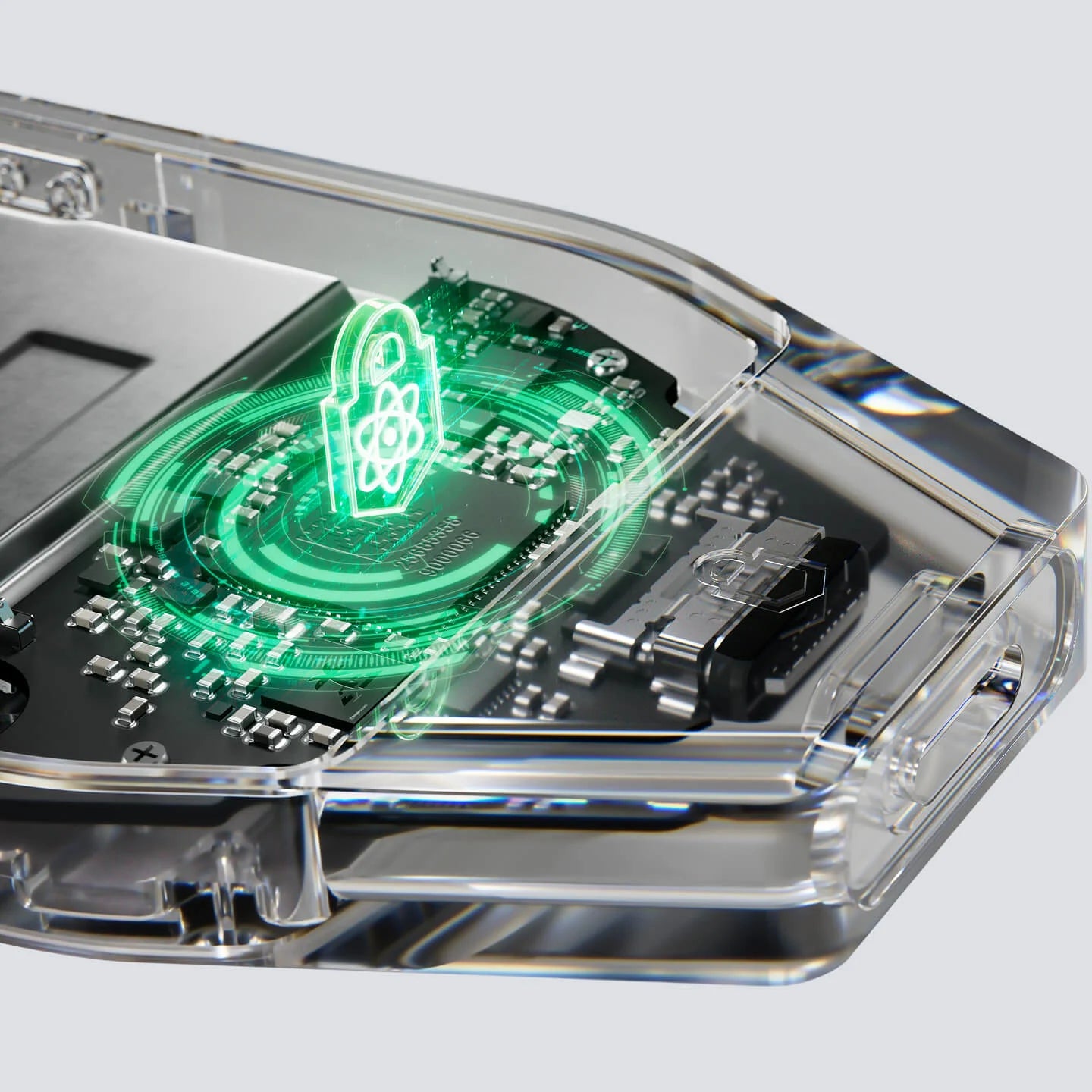
Quantum-ready architecture
The Trezor Safe 7 is the only hardware wallet that is post-quantum cryptography ready, enhancing the security of firmware updates, device authentication, and the boot process. This protects your wallet from future quantum computer threats.
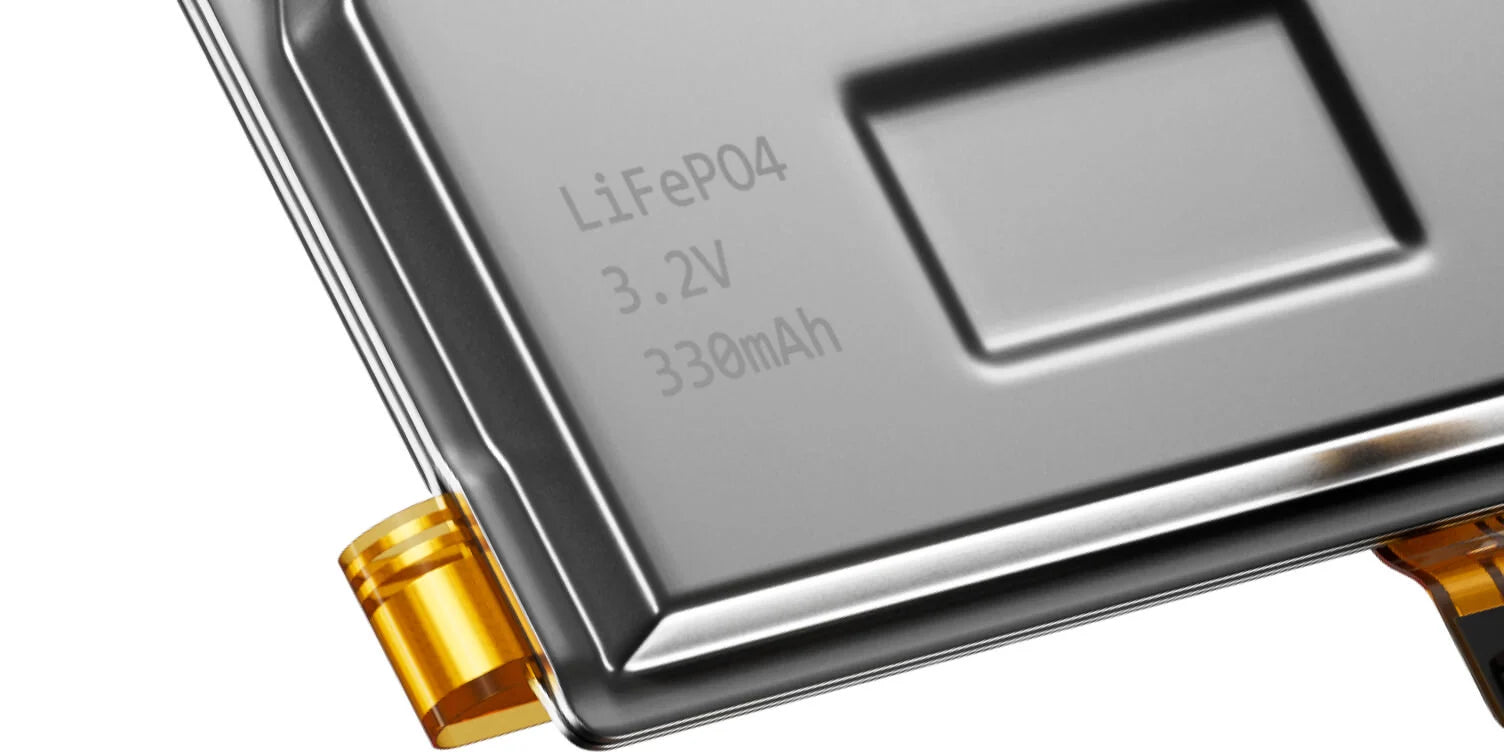
Engineered for lasting power
The LiFePO₄ battery in the Trezor Safe 7 boasts a longer lifespan than standard lithium batteries, offering up to 4 times more charging cycles and retaining power for many years, even when stored unused.
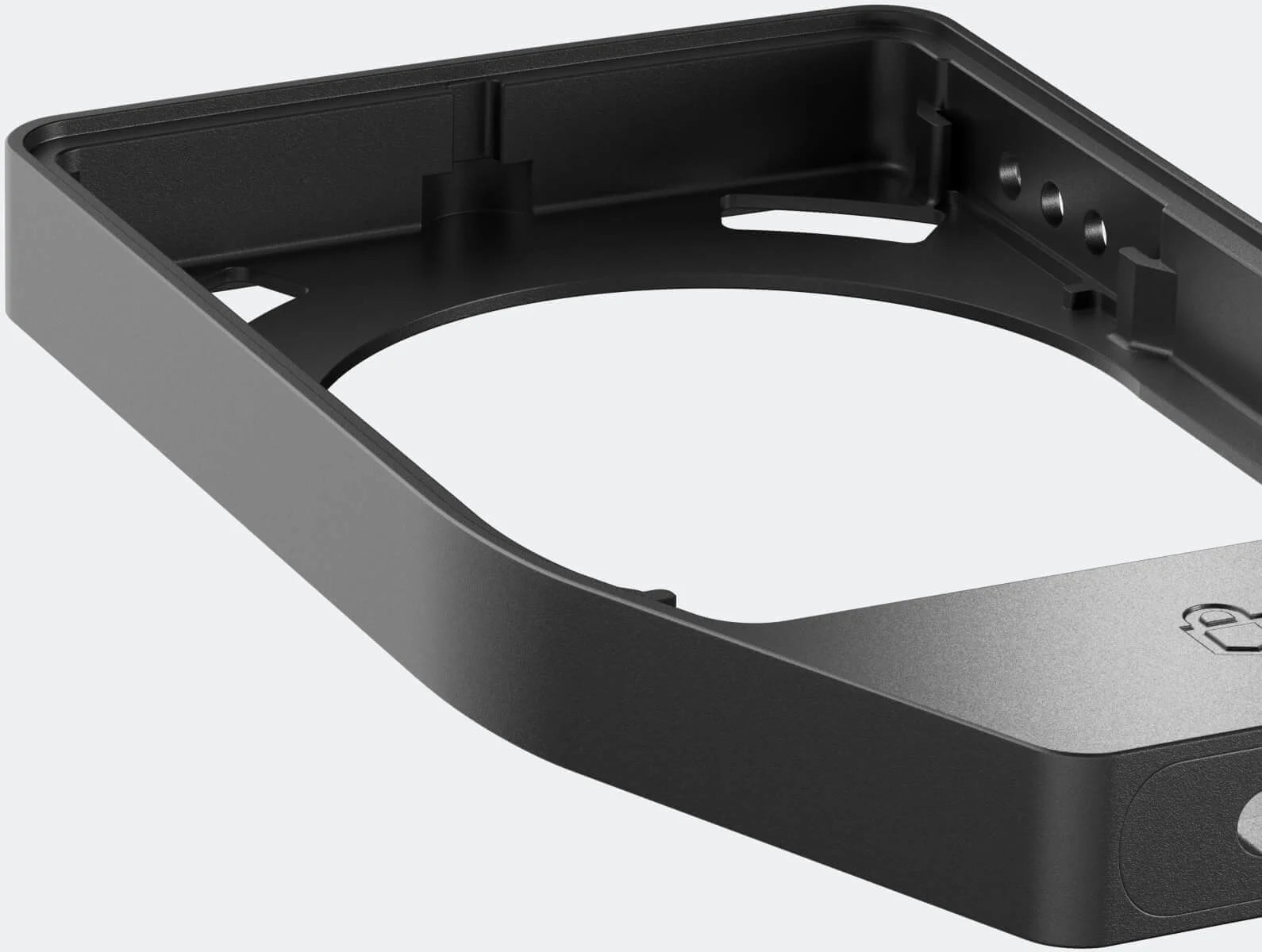
สร้างสรรค์ทนทาน โดดเด่นน่าประทับใจ
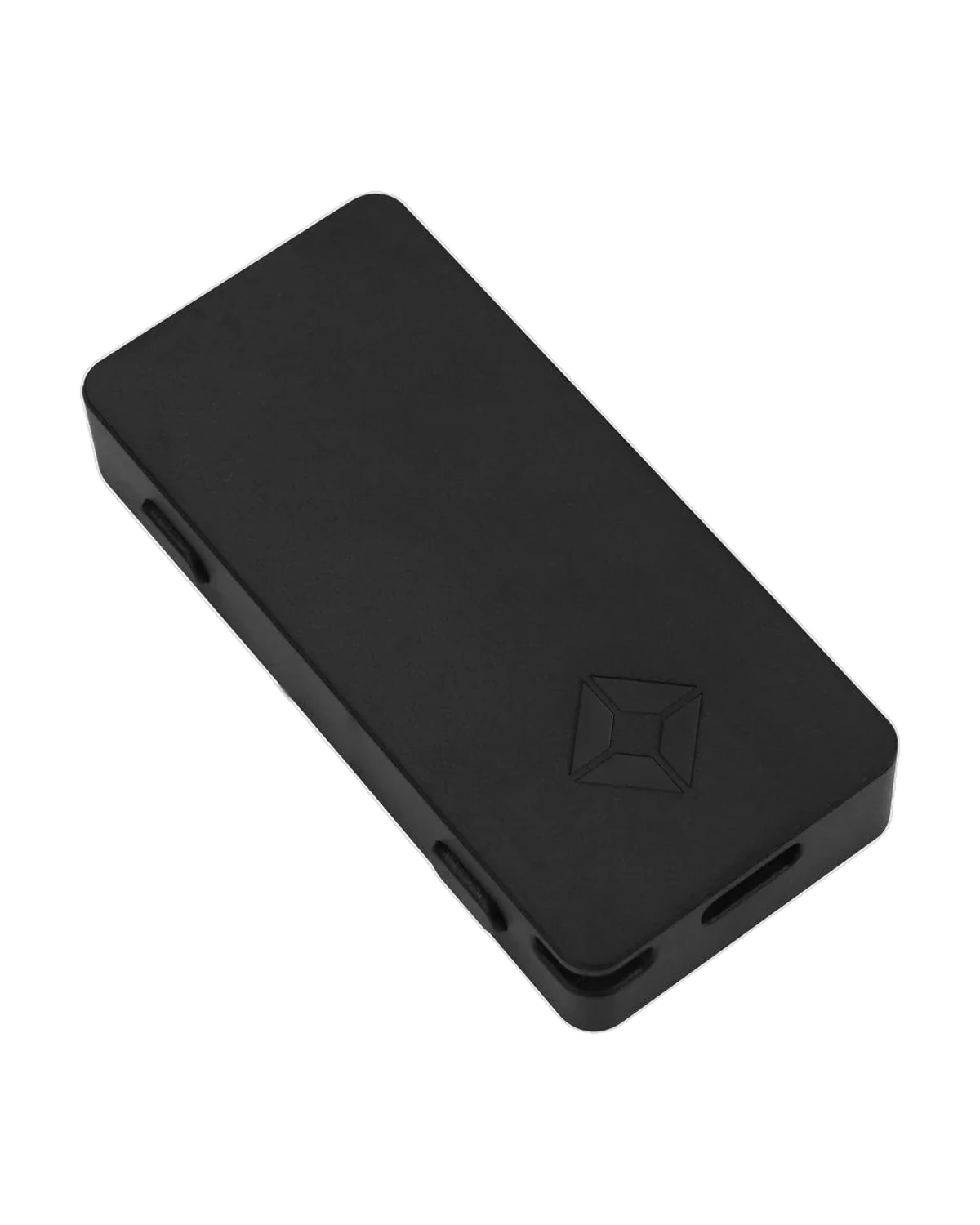
The Trezor Safe 7 features a seamless unibody anodized aluminum construction, reinforced with a tempered glass back, and boasts an IP67 rating for dust and water resistance — a unique design built for timeless durability.
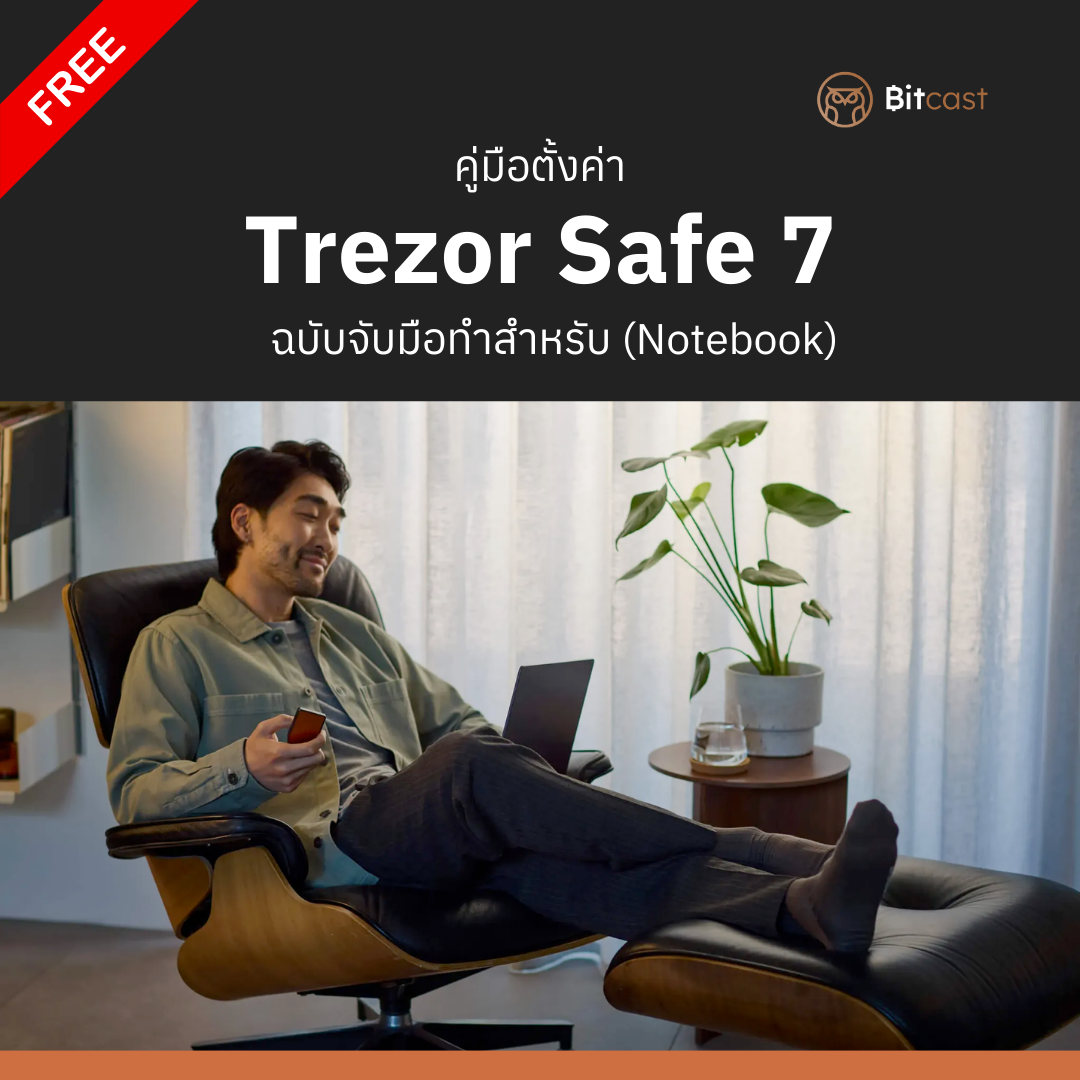
Trezor Safe 7 Setup Guide in Thai (Notebook)
Complete Thai Setup Guide for Trezor Safe 7 for Notebooks
- Step-by-step Thai guide with images
- 6 easy steps from unboxing to ready-to-use
- Suitable for beginners and all levels of users
📋 Trezor Safe 7 Usage Steps:
- Download Trezor Suite
- Connect and install Firmware via Bluetooth and automatically update Firmware
- Create a New Wallet
- Securely Back Up Recovery Seed
- Set Personal PIN
- Select the coins you want to use, and you're ready to send and receive digital assets.
👥 Trezor Safe 7 is suitable for:
- New to experienced crypto investors
- Those seeking maximum security
- Long-term investors (HODLers)
- Those with high-value crypto portfolios
- Mobile users who require high portability
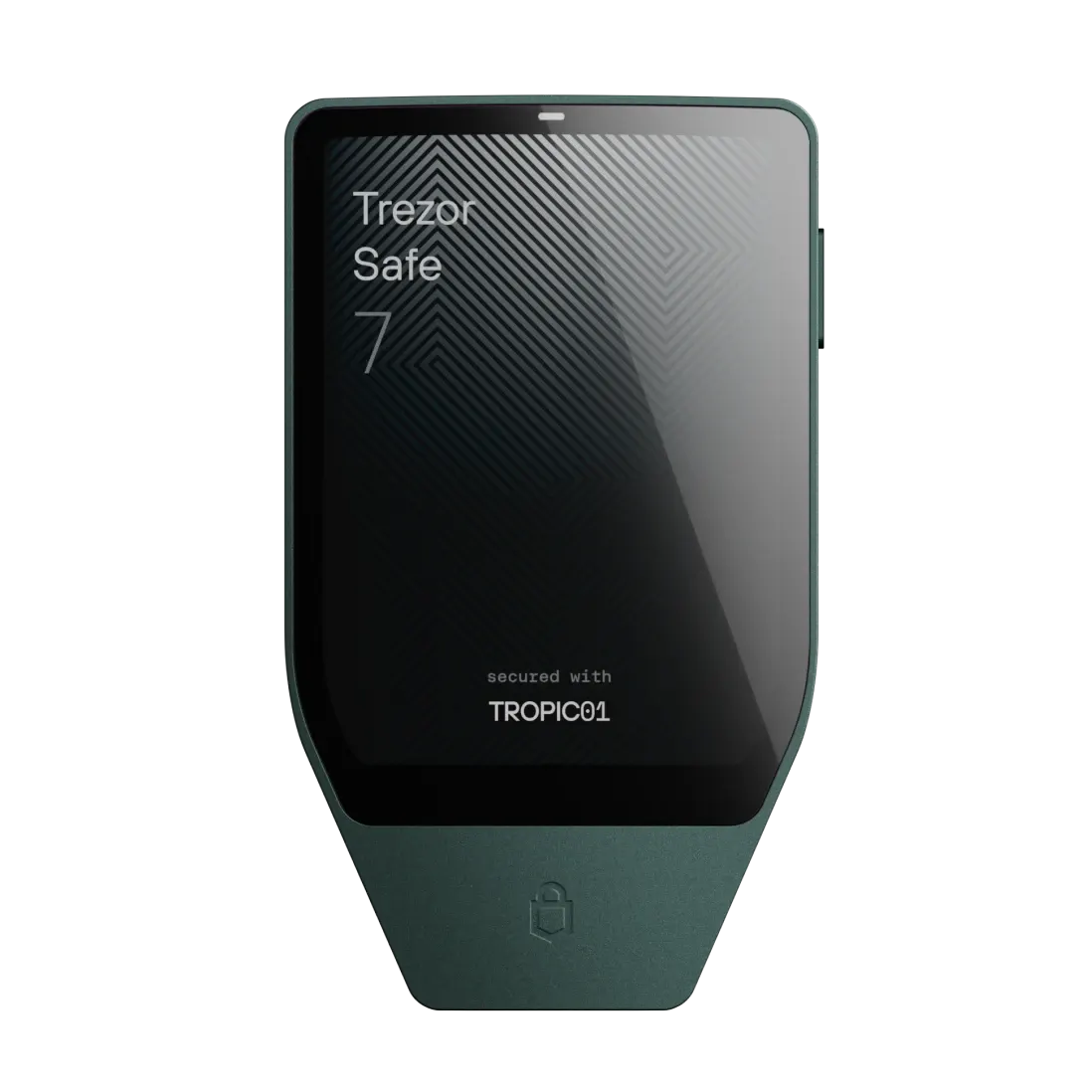
Quantum-ready security
New Trezor Safe 7
ออกแบบมาโดยเฉพาะเพื่อรับการอัปเดตแบบควอนตัมที่ปลอดภัย
Next-gen TROPIC01 secure chip
New Trezor Safe 7
New standard for advanced, verifiable crypto security

Wireless connectivity
New Trezor Safe 7
Securely pairs with mobile and desktop, no cables needed
Frequently Asked Questions
What makes Trezor Safe 7 different from other hardware wallets?
The Trezor Safe 7 is designed with an emphasis on transparency (open-source), ease of use with a color touch screen, and long-term security. It utilizes dual Secure Elements and supports future-proof technologies like Quantum-ready. Additionally, it gives users complete control over their assets and privacy, without relying on secret components or Non-Disclosure Agreements (NDAs), and features an advanced backup system like Multi-share Backup.
What does "Quantum-ready" hardware wallet mean?
Refers to a device designed to protect critical functions, such as firmware updates and device identity verification, from quantum computer attacks with immense processing power. Trezor Safe 7 uses post-quantum cryptography (SLH-DSA-128) to authenticate the Bootloader and firmware every time it's powered on, ensuring that only genuine software is installed. And as quantum computers become more powerful in the future, you won't need to replace your device because its architecture is designed to be adaptable.
How can a hardware wallet be safe from quantum attacks if the blockchain doesn't support it yet?
Absolute crypto security requires both blockchain and wallet upgrades. While blockchain upgrades are a monumental undertaking that require time and global coordination, hardware wallets can immediately incorporate post-quantum cryptography (PQC) to protect critical internal functions. When blockchains eventually transition to quantum-safe systems, the Trezor Safe 7 will be able to update to seamlessly integrate and maintain long-term security.
How long does the battery in Trezor Safe 7 last?
The Trezor Safe 7 uses a LiFePO₄ (Lithium Iron Phosphate) battery, which is known for its long lifespan, high thermal stability, and high safety.
- Battery Highlights: It supports up to 4 times more charge cycles than standard lithium batteries and can be fully discharged without affecting its quality.
- Long-term Value: Even if the battery degrades over time in the future, you can still power and use the device via a USB-C cable as normal, ensuring you always have access to your crypto without any issues.
Is the wireless connection secure, and can Bluetooth be turned off?
Security System: Both Bluetooth and USB-C are protected by the Trezor Host Protocol (THP), which encrypts all commands and transactions to prevent eavesdropping or data modification.
Privacy: The wallet is invisible to unknown devices and will only connect to trusted devices or applications.
Usage Options: You can turn off Bluetooth at any time in the settings menu and use only the USB-C cable if preferred.
Featured collections

Trezor Safe 7 — Genuine Flagship Wallet, Quantum-Ready Security