


Lessons & Tutorials
Main Topic
Read Free
Popular Brands


Lessons & Tutorials
Main Topic
Read Free
Popular Brands

I haven't used a hardware wallet before.
Understand the fundamentals of why you should self-custody your coins and how to get started without making mistakes.

Still can't decide on a model.
Compare specifications, prices, and highlights of each model before making a purchase decision.
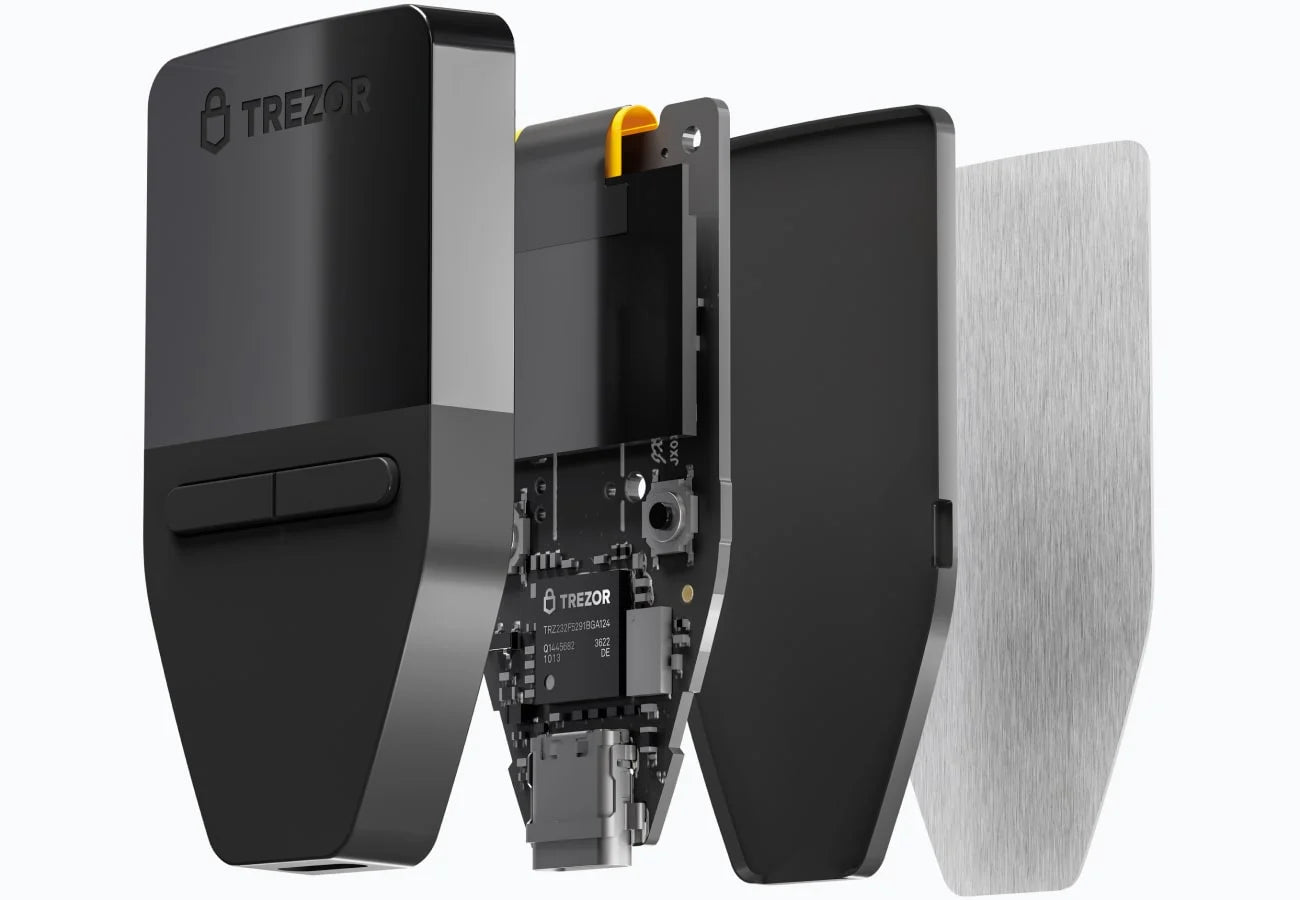
I have the machine already, but I'm having problems with it.
Forgot your PIN, reset your device, or updated the firmware? We have a guide for that.

Get started here
I've never used a hardware wallet before. I understand the basic reasons for self-custody of coins, but how do I get started without making mistakes?
Hardware Wallet Review
Actual user reviews from the Bitcast team, not specs copied from the box.
Article
Security Articles and Case Studies of Coin Theft That Thai Coin Holders Should Know

Find the right one for us.
Answer a few questions about your budget, coin usage, and frequency of use, then see recommended models.
Compare all hardware wallet models.
Compare specifications, prices, and key features of all models we import.

Guide: Set up
Set up a new device, set a PIN, and securely record your Seed phrase.
Guide: Transfer Coins to Storage
Moving coins from an exchange to a hardware wallet, with a guide on how to test before transferring a large amount.
Guide: Transferring Coins for Sale
Transfer coins from wallet back to the exchange for sale, without revealing unnecessary information.

Move coins from an Exchange to your own wallet within 4 hours, 2:00 PM - 6:00 PM. Buy with a Hardware Wallet and get a 1,000 THB discount.
If you already have coins on an Exchange and want to start Self-Custody but are afraid of making mistakes, losing coins, or aren't ready for a full-day course — this Mini Workshop is designed for you.
Starbucks (meeting room) Samyan Mitrtown Open in Google Maps
After class, you won't need to entrust your coins to anyone else.
Book your seat now — limited to 5 participants per session to ensure close guidance for everyone.

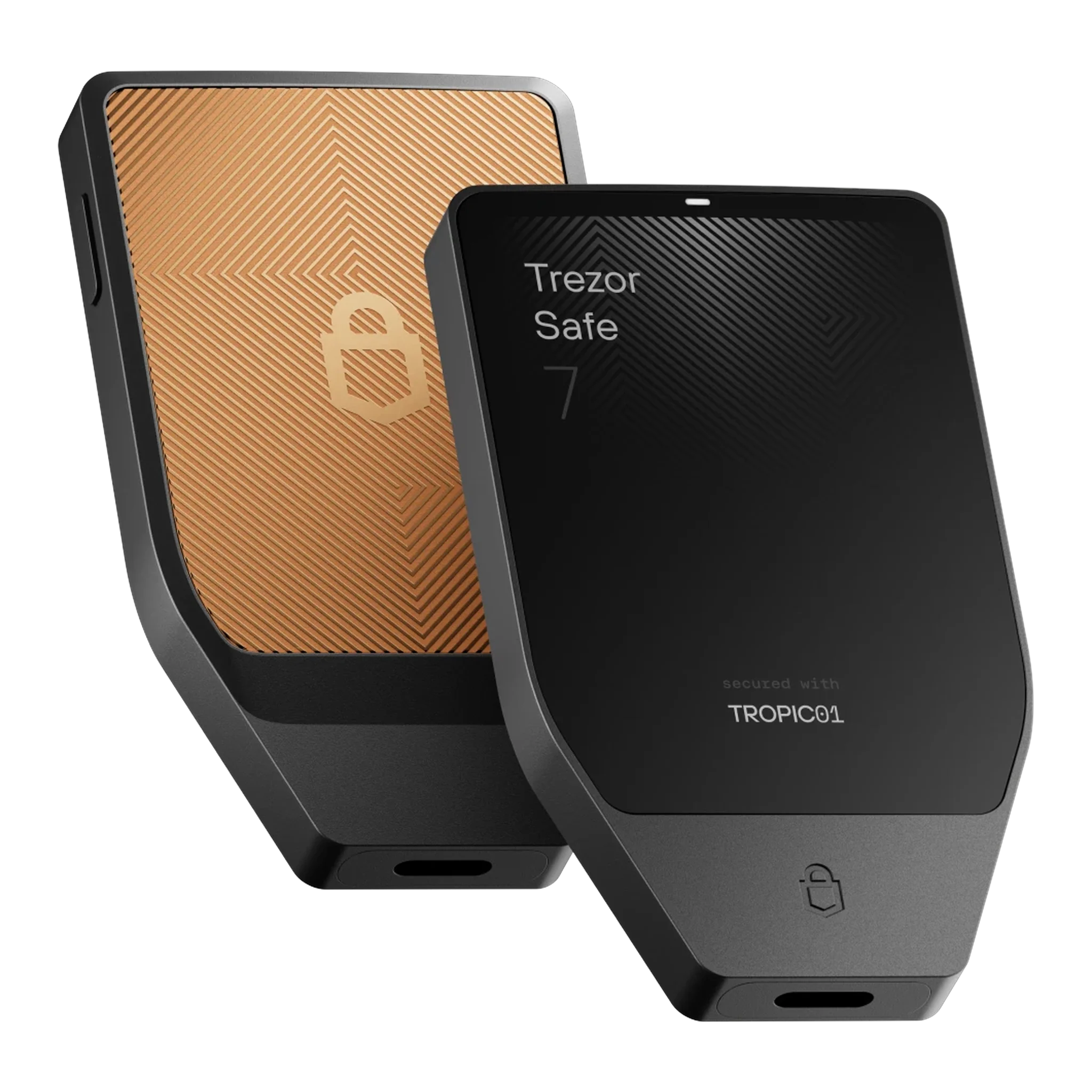
Trezor User Manual e-book
Full Trezor Manual in Thai, covering all models we import


Blockstream Jade User Manual e-book
Blockstream Jade Guide for Bitcast-only and Use with Green Wallet

Use coins to create entropy
Use coins to create entropy by flipping them, converting the results to binary, and finding words from the BIP39 list.
Using a die to generate entropy
Create a Seed Phrase with Dice: A Self-Verifiable Method for Every Step
ให้ Jade คิดคำสุดท้ายให้
เลือกคำเอง แต่ไม่ต้องคำนวนคำสุดท้ายให้ Blockstream Jade คิดคำสุดท้ายให้

Change Firmware: Trezor BTC Only
Switch to Bitcoin-only firmware to reduce attack surface, with precautions before starting
Change firmware: OneKey BTC Only
Switch to Bitcoin-only firmware to reduce attack surface, with precautions before starting
Reset device: All Trezor models
Safely reset your device to factory settings to start fresh on all models.
Forgot Trezor Safe 3 PIN
What should I do if I forget my PIN for Trezor Safe 3, and will my coins be safe if I still have my seed phrase?
Forgot Trezor Safe 5 PIN
What should I do if I forget my PIN for Trezor Safe 5, and will my coins be safe if I still have my Seed Phrase?
Forgot Trezor Safe PIN 7
What should I do if I forget my PIN for Trezor Safe 7, and will my coins be safe if I still have my Seed Phrase?
เปิด Passphrase ใน Trezor
วิธีการเปิดใช้ Passphrase ใน Trezor แบบทีละขั้นทำตามได้เลย
เปิด Passphrase ใน OneKey
วิธีการเปิดใช้ Passphrase ใน OneKey แบบทีละขั้นทำตามได้เลย
เปิด Passphrase ใน Jade
วิธีการเปิดใช้ Passphrase ใน Jade แบบทีละขั้นทำตามได้เลย
A hardware wallet is a device that stores your private keys offline and signs transactions internally, so the keys never touch a computer or the internet. This is unlike leaving coins on an exchange, where the keys are in the service provider's hands, not yours.
If you're just starting out and want the lowest possible cost while still being fully secure, the Trezor Safe 3 is our most recommended starting point. If you prefer a touchscreen for easier use, consider the Safe 5. Use our comparison page for a detailed comparison chart.
If you're just starting out and want the lowest cost option that is still secure and works with mobile, we recommend the OneKey Classic series. The Classic 1S is our most frequently recommended model if you want a battery. If you don't want a battery, we recommend the Classic 1S Pure. Both models can have their firmware changed to Bitcoin Only.
If you're just starting out and want the lowest cost option that is still secure and only stores Bitcoin, the Trezor Safe 3 Bitcoin Only and OneKey Classic Pure Bitcoin Only are good choices. We also recommend the Blockstream Jade Core, which is designed for new Bitcoiners.
No, it's not necessary. All models are automatically generated using a verified randomizer. Manually generating them with dice or coins is an option for those who wish to verify every step themselves.
No, you won't lose them. As long as you have your complete and correct seed phrase, you can recover your coins. The PIN only protects access to the device itself. You can find instructions on how to recover your coins in the "Forgot PIN" guide.
It's firmware that removes code for other coins, leaving only Bitcoin, which reduces the attack surface. It's suitable for people who only hold Bitcoin. If you hold multiple coins, there's no need to switch.